
WP All Import Pro
/Year
Streamline Data Migration with WP All Import Pro
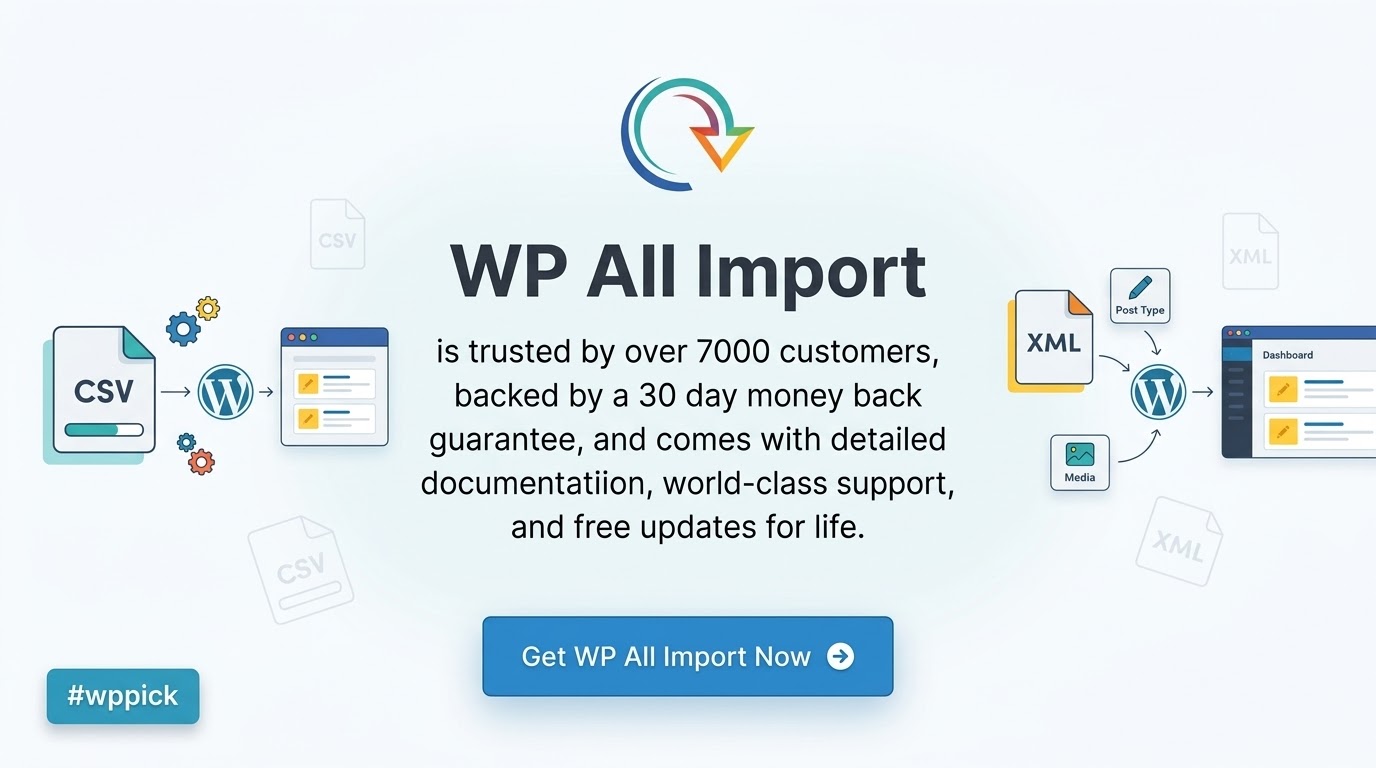
WP All Import Pro provides a visual interface designed to handle complex XML and CSV imports into WordPress environments. Moving large datasets from external software, legacy platforms, or supplier feeds can often require manual database queries or custom PHP scripts. This plugin replaces those manual procedures with a drag-and-drop interface, allowing site administrators to map data fields precisely to WordPress posts, pages, custom post types, and taxonomies without needing to write custom code.
Core Functionality and Operation
The primary function of WP All Import Pro is to read external data files and translate their contents into standard WordPress database entries. It supports files of virtually any size by splitting the import process into manageable chunks, preventing server timeouts on shared hosting environments. The tool features an integrated template builder where administrators can drag data nodes from their XML or CSV file and drop them into the corresponding WordPress fields. This mapping extends beyond standard post elements to include complex data structures like advanced custom fields, media library attachments, WooCommerce product attributes, and user meta. Additionally, the plugin handles structural variations in data feeds, enabling users to import nested XML structures or uniquely formatted CSV sheets without pre-processing the files in external spreadsheet applications.
Target Audience
This data migration tool serves web developers, agency teams, and site administrators managing dynamic, data-heavy WordPress installations. E-commerce store owners utilize it to sync product inventories and pricing updates from external supplier systems. Content publishers use the plugin to migrate historical article archives from proprietary content management systems into standard WordPress posts. Directory site operators rely on the platform to continuously update business listings, real estate properties, or automotive inventories from third-party APIs that output XML or CSV data formats.
Key Capabilities
- Visual Drag and Drop Interface: Map complex data nodes directly to WordPress fields using an intuitive visual template builder.
- Media Handling: Download images from external URLs during the import process and automatically attach them to the correct posts or custom post types.
- Advanced Custom Fields Integration: Populate specialized data fields, including repeaters and flexible content layouts, directly from the source file.
- Cron Job Scheduling: Automate recurring imports to keep local WordPress data synchronized with external vendor feeds or inventory management systems.
- Granular Update Control: Specify exactly which fields should update and which should remain untouched when running subsequent imports on existing data.
- Custom PHP Processing: Apply custom PHP functions to specific data nodes during the import execution to format text, perform calculations, or manipulate values on the fly.
- Large File Processing: Process multi-gigabyte data files efficiently by automatically chunking the data to respect server memory limits.
Practical WordPress Use Cases
Incorporating WP All Import Pro into a workflow solves several common data management scenarios. When migrating a large e-commerce store from platforms like Shopify or Magento, site managers export their catalog to a CSV and use the plugin to rebuild the product architecture inside WooCommerce, retaining category hierarchies and variation data. Real estate websites use the scheduling feature to automatically pull property listings from an MLS provider via XML feed every night, ensuring the site reflects active market availability without manual data entry. Affiliate marketers import massive product feeds from networks, using the template builder to format descriptions and map affiliate links directly into custom button fields.
Setup and Compatibility Context
Installation follows standard WordPress plugin procedures. Upon activation, the plugin creates a dedicated administrative menu for managing new and existing imports. It is designed to work efficiently across varying server environments, though optimal performance on large imports requires adequate PHP memory limits and maximum execution time settings. The plugin maintains broad compatibility with major page builders and custom field frameworks, ensuring that data imported into the backend renders correctly on the frontend. Administrators should ensure their hosting environment supports cron jobs to utilize the automated scheduling features effectively.
Advantages of Sourcing from WPPick
Acquiring WP All Import Pro through WPPick ensures access to a verified, functional software package suitable for demanding migration tasks. WPPick provides clear visibility into plugin capabilities and technical requirements, helping users make informed decisions before initiating complex data operations. The platform maintains a focus on providing transparent software histories and reliable access to necessary tools for site development and maintenance.
Latest Version Context
Keeping data migration tools updated is necessary for maintaining compatibility with the latest WordPress core releases and PHP versions. Regarding the most recent update, detailed release notes are not available from the provided sources. Administrators should test any new version in a staging environment prior to running critical production imports to ensure continuous compatibility with specific server configurations and third-party data feeds.
Frequently Asked Questions
- Can this plugin import data into custom post types? Yes, the interface allows you to select any registered custom post type on your WordPress installation as the target destination for your imported data.
- Does it handle image downloads from external links? The plugin can read URLs from your CSV or XML file, download the images to the WordPress media library, and attach them as featured images or gallery items during the import.
- How does the plugin manage server limits with huge files? It breaks large files into smaller pieces and processes them sequentially, which helps prevent PHP memory exhaustion and script timeouts on standard hosting plans.
- Is it possible to update existing posts without overwriting everything? Yes, the update settings allow administrators to specify exact fields to update while preserving manual changes made to other fields on existing posts.
- Can I schedule imports to run automatically? By utilizing server cron jobs, you can configure the plugin to fetch a specified file URL and run the import process automatically at defined intervals.
- Do I need to format my XML or CSV files in a specific way? The drag-and-drop interface is designed to interpret varied file structures, significantly reducing the need to restructure or manually edit source files before importing.
I. Download Limits & Account Benefits
- Free Downloads: Each email address receives 3 downloads per day for free products
- Upgrade Benefits: Purchase any paid product to increase your daily download limit by 3 for each paid product
- No Account Required: You can download immediately by receiving the download link via email
- Account Recommended: Create an account for easier access to your order history and direct update downloads
II. Understanding GPL vs Official Versions
Important: The products available on WPPick are GPL-licensed versions, which differ from official developer versions. Before purchasing, please read our comprehensive guide: Understanding GPL & Official Differences at WPPick
Key Points:
- GPL versions may not include premium support from original developers
- Updates may be delayed compared to official releases
- Some premium features might have limitations
- Always consider your specific needs and support requirements
III. Support & Assistance
We’re here to help through multiple channels:
- Email Support: Direct email assistance for all inquiries
- Live Chat: Real-time support during business hours
- Comprehensive Documentation: Detailed guides and tutorials
IV. Order Tracking
Access your complete purchase history and download links anytime: Order History
V. Account Access
New to WPPick? Login or Create Account to manage your downloads and orders efficiently.
VI. Refund Protection
We stand behind our products with a clear refund policy. Review our terms: Refund Policy
VII. Privacy & Security
Your data security is our priority. Learn how we protect your information: Privacy Policy
VII. Terms of Service
Understanding our service terms ensures a smooth experience: Terms of Use
Quick Tips for Best Experience
- Verify Compatibility: Check plugin/theme compatibility with your WordPress version
- Backup First: Always backup your site before installing new plugins or themes
- Test Environment: Consider testing on a staging site first
- Stay Updated: Regularly check for updates in your account dashboard
- Read Documentation: Review any included documentation for optimal setup
Need Help?
If you have questions about downloads, licensing, or need technical assistance, don’t hesitate to contact our support team. We’re committed to ensuring you have the best possible experience with WPPick products.
Ready to get started? Your download adventure begins with just one click!
- minimum WordPress version: 5.0
- minimum PHP version: 7.4
- SFTP imports failed in some cases on PHP 8 due to a directory-listing error
- drag-and-drop field mapping no longer worked on some dynamically added rows
- a blank custom field value could not be imported
- hardening of custom field entry
- hardening of inline PHP execution restriction
- full preview collapsed sibling records that shared a quoted unique key
- "Do not create new terms" was not honored for top-level taxonomy parents
- empty custom field rows could abort an import with a template parser error
- broken Connectors page in Firefox
- minimum WordPress version: 5.0
- minimum PHP version: 7.4
- AWIN datafeeds with path-based gzip compression hints (e.g. /compression/gzip/) failed to import
- XLS and XLSX feeds served from URLs without file extensions were not importable
- Stale feed type stored in the database could cause feeds to re-import with the wrong format on subsequent runs
- Import and template page buttons displayed incorrect styling in WordPress 7.0 RC
- Feed type detection now uses magic bytes for reliable handling of feeds that lack file extensions or correct HTTP headers
- Eliminated redundant HEAD request for unknown-type URLs, preventing failures on rate-limited feeds
- security fix: CVE-2026-2830
- fatal error when activating Pro while Free version is active
- fatal error when downloading import bundle with URL feed
- drag and drop now respects cursor position in text areas
- private taxonomies option no longer resets when editing template
- Excel formulas now show calculated value instead of formula text
- PHP 8.1+ deprecation notice for auto_detect_line_endings
- Minimum WordPress version: 5.0
- Minimum PHP version: 7.4
- IE deprecation notice in WP 6.9
- Resolve error when migrating galleries in certain cases
- Minimum WordPress version: 5.0
- Minimum PHP version: 7.4
- Import previews
- Restore gallery migration support
- Preserve legitimate double quotes from Excel files
- Update PhpSpreadsheet and phpseclib
- Minimum WordPress version: 5.0
- Minimum PHP version: 7.4
- Upgrade svg-sanitize library
- minimum WordPress version: 5.0
- minimum PHP version: 7.4
- security improvement: fixes CVE-2025-10001
- improvement: upgrade PhpSpreadsheet version
WP All Import Pro is generally amazing, but I’m struggling with a very specific scenario. How can I import product variations where the SKU is not unique for each variation, but the combination of SKU + attribute (e.g., color) is? The current setup seems to assume unique SKUs for each row, which is causing issues with my product updates. Any advanced guidance or a hook I can use?
Ok but seriously, this plugin is a lifesaver for data migration. Worth every penny tbh. 🙌
Works fine, imports everything perfectly. Pretty good ngl.
I’m having a serious issue after updating to the latest version. My imports are failing with a ‘500 Internal Server Error’ specifically when trying to import images from external URLs. It worked perfectly fine before. I’ve tried disabling other plugins, but no luck. Is there a known conflict with WP Super Cache or a setting I’m missing?
WP All Import Pro is an absolute lifesaver for complex data migrations. I’ve used it countless times, and it always delivers. Finding it on WPPick was a game-changer – their selection is top-notch, and the download process was incredibly smooth. It’s such a reliable source, honestly a better and more convenient alternative to sifting through official repos. Huge thanks to WPPick for their excellent service!
Been using this plugin for a while now for our site, and it’s been pretty solid. Does exactly what it says, no issues. 👍
Hi team! I’m still on version 4.9.5 and it’s running smoothly for my WooCommerce imports. I saw 4.11.6 is the latest. Should I be concerned about any PHP 8.1 compatibility issues if I update? Thanks for the awesome plugin! (Posted 5 months ago)
The plugin is excellent for basic imports, but I’m encountering memory limits when importing a CSV with over 50,000 rows. Even after increasing PHP memory_limit, it times out or throws an error. Is there an optimal batch size setting or a way to make it more memory-efficient for very large datasets? It just hangs at around 30% completion.
For anyone running an e-commerce site, WP All Import Pro is indispensable for product management. It handles everything flawlessly. I sourced it from WPPick, and their curation really stands out – they have a great eye for essential plugins. The download was a breeze, and I now consider WPPick a perfectly reliable and convenient alternative to the official marketplace. Their service is genuinely appreciated!
As a small business owner, WP All Import Pro has streamlined so many of my processes. It’s robust yet surprisingly easy to use. I got it through WPPick, and I have to say, their curated selection is fantastic – I trust that what I’m getting is high quality. The download was instant, and it’s become my go-to for premium plugins, a truly reliable alternative. WPPick’s service makes managing my WordPress site so much simpler!