
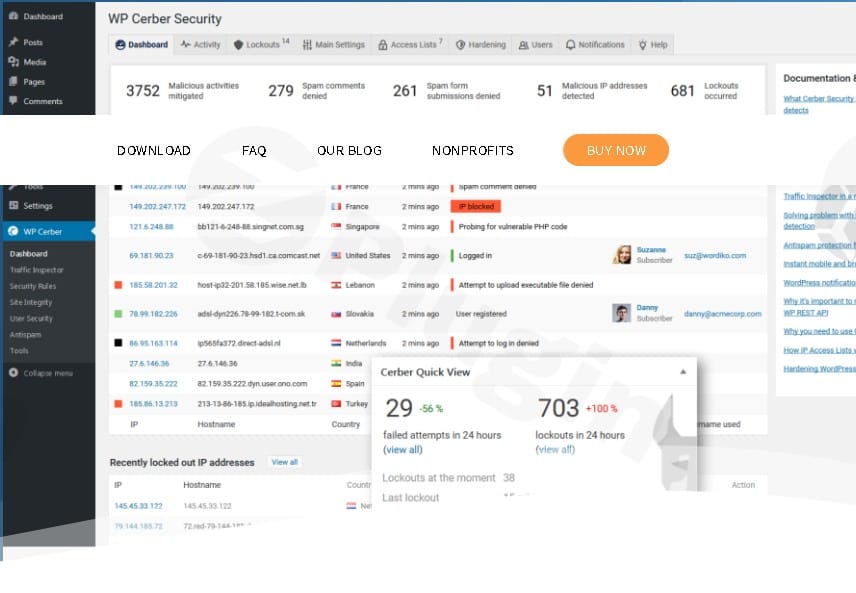
Wp Cerber Security Pro – WordPress Antispam & Malware Scan
/Year
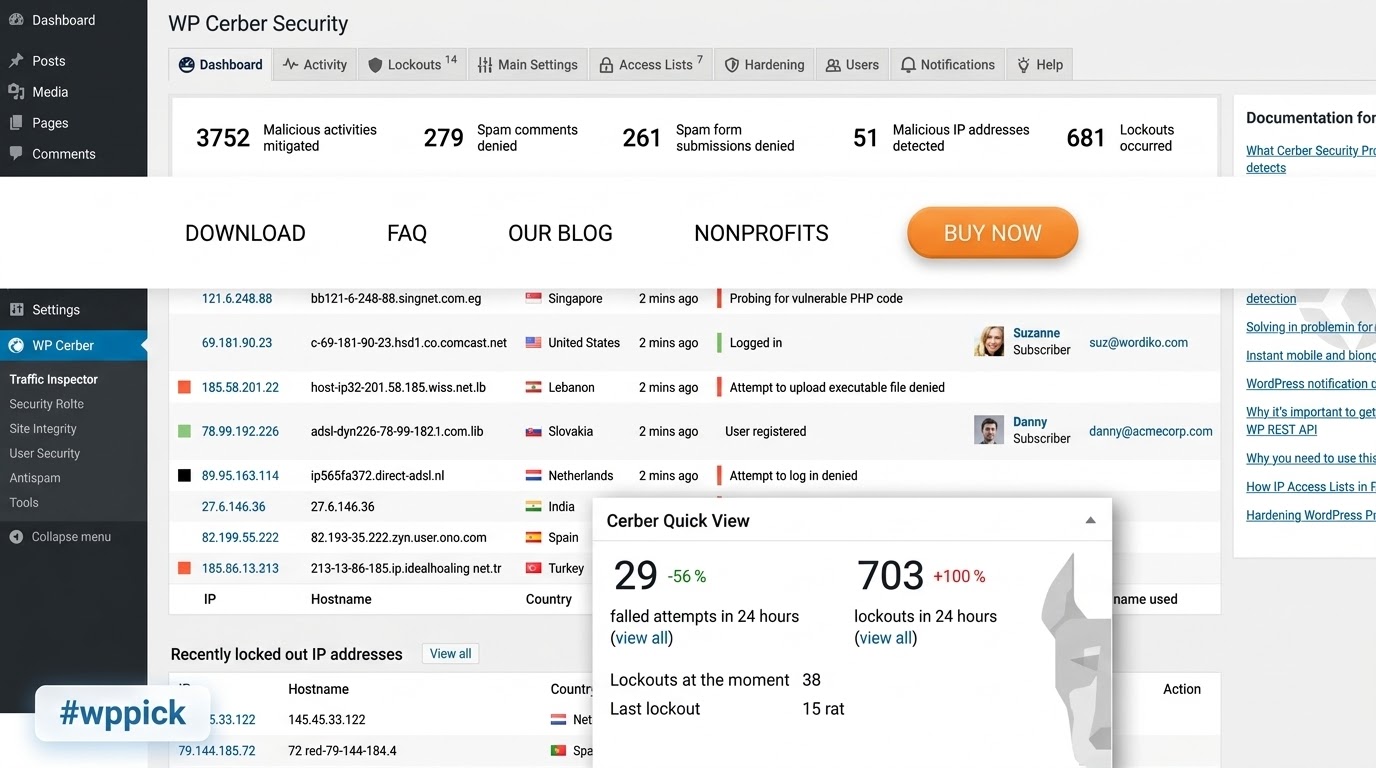
Latest Version 9.9 Changes
WP Cerber Security version 9.9 is focused on system resilience, introducing a self-healing mechanism for configuration settings, expanding Traffic Inspector coverage for obfuscated JavaScript, improving compatibility with legacy database drivers, and resolving critical startup fatal errors.
- Introduced a new automatic backup and recovery system (self-healing mechanism) for plugin settings that restores a last-known-valid configuration if stored settings become corrupted.
- Hardened detection of obfuscated JavaScript in Traffic Inspector, adding support for uNNNN and u{…} Unicode escape formats alongside existing hex escapes.
- Added full compatibility with legacy hosting environments where PHP lacks the modern mysqlnd database driver, including a new advisory notice in the System Readiness widget.
- Fixed a fatal TypeError in array_merge() caused by corrupted, non-unserializable settings data in the database during plugin load time on PHP 8.
- Fixed a detection regression in the JavaScript inspector caused by a string-trimming quirk in the hex-escape heuristic.
I. Download Limits & Account Benefits
- Free Downloads: Each email address receives 3 downloads per day for free products
- Upgrade Benefits: Purchase any paid product to increase your daily download limit by 3 for each paid product
- No Account Required: You can download immediately by receiving the download link via email
- Account Recommended: Create an account for easier access to your order history and direct update downloads
II. Understanding GPL vs Official Versions
Important: The products available on WPPick are GPL-licensed versions, which differ from official developer versions. Before purchasing, please read our comprehensive guide: Understanding GPL & Official Differences at WPPick
Key Points:
- GPL versions may not include premium support from original developers
- Updates may be delayed compared to official releases
- Some premium features might have limitations
- Always consider your specific needs and support requirements
III. Support & Assistance
We’re here to help through multiple channels:
- Email Support: Direct email assistance for all inquiries
- Live Chat: Real-time support during business hours
- Comprehensive Documentation: Detailed guides and tutorials
IV. Order Tracking
Access your complete purchase history and download links anytime: Order History
V. Account Access
New to WPPick? Login or Create Account to manage your downloads and orders efficiently.
VI. Refund Protection
We stand behind our products with a clear refund policy. Review our terms: Refund Policy
VII. Privacy & Security
Your data security is our priority. Learn how we protect your information: Privacy Policy
VII. Terms of Service
Understanding our service terms ensures a smooth experience: Terms of Use
Quick Tips for Best Experience
- Verify Compatibility: Check plugin/theme compatibility with your WordPress version
- Backup First: Always backup your site before installing new plugins or themes
- Test Environment: Consider testing on a staging site first
- Stay Updated: Regularly check for updates in your account dashboard
- Read Documentation: Review any included documentation for optimal setup
Need Help?
If you have questions about downloads, licensing, or need technical assistance, don’t hesitate to contact our support team. We’re committed to ensuring you have the best possible experience with WPPick products.
Ready to get started? Your download adventure begins with just one click!
- WP Cerber now automatically maintains a backup copy of the last known valid plugin settings. The backup is refreshed after successful settings updates, settings imports, plugin upgrades, and during daily maintenance.
- If the stored plugin settings become corrupted, WP Cerber now restores them automatically from the settings backup and shows a dismissible admin notice explaining what happened, what action was taken, and what the administrator should review.
- The "System Readiness" widget now shows an advisory notice on servers where PHP is built without the modern `mysqlnd` database driver. The notice confirms that WP Cerber keeps working and recommends enabling `mysqlnd` for full compatibility and better performance.
- Traffic Inspector now detects additional high-confidence JavaScript obfuscation patterns, including fully escaped strings that use `uNNNN` and `u{...}` escape sequences and dangerous execution, DOM, network, and system code decoded from explicit `fromCharCode()` calls, while preserving its low false-positive detection model.
- WP Cerber now runs correctly on legacy hosting environments where PHP is built without the modern `mysqlnd` database driver. On such servers, database query results are retrieved through a slower compatible method instead of triggering a fatal error.
- A corrupted WP Cerber configuration value stored in the database could cause a fatal `TypeError` in `array_merge()` at plugin load time on PHP 8, taking the whole website down. WP Cerber now detects the unreadable stored value, falls back to the default settings, and reports the failure as a critical issue until the administrator re-saves the settings.
- A regression in the detection of obfuscated JavaScript by Traffic Inspector. JavaScript strings built entirely of `xNN` hex escape sequences were not decoded, so obfuscated code such as `eval`, `script`, and `XMLHttpRequest` could go undetected when request fields were inspected.
- The Activity log and Traffic log CSV exports now report the date range they cover, adding the oldest and newest record timestamps to the export header.
- Decoding of stored Traffic Inspector request field data is now more robust, consistently treating nullable legacy values, empty values, invalid JSON, and unsupported serialized payloads as an empty array.
- Activity log and Traffic log CSV exports now stream matching rows in a single unbuffered pass, keeping memory usage flat and avoiding deep-offset scanning, which makes exporting large logs faster and more reliable.
- Activity log and Traffic log exports now send the `X-Accel-Buffering: no` response header so an Nginx proxy in front of PHP-FPM forwards each chunk immediately instead of buffering the whole export, improving time-to-first-byte on large exports.
- Corrected memory limit handling during Activity log and Traffic log exports, where a numeric limit such as `512` could be applied as bytes instead of megabytes, preventing WP Cerber from raising the available memory and causing exports to stop earlier than expected.
- In the Traffic Inspector Log "Advanced Search", combining the "Any software error" option with other filters could return requests with recorded PHP errors that did not match the other criteria; results now match all selected filters.
- Dashboard links in Activity alert notification emails could carry mismatched query parameters, for example the IP filter receiving an IP-range boundary value, which opened an unrelated filtered view; the links now use the correct values.
- Activity alerts that match on a search string now resolve the user of the logged event instead of falling back to the current administrator, so user-based alert matching behaves correctly.
- Prevented an undefined array key notice in `CRB_Activity::is_modified_since()` when the `data_modified` status value was missing, and corrected an operator-precedence error so a missing modification timestamp is correctly treated as modified.
- Sanitized user-controlled profile display names (first name, last name, and display name) before they are concatenated into `Name <email>` mail recipient strings, closing an email header injection vector that could add an extra recipient to the two-factor authentication PIN email and to Activity alert notification emails.
- Plugin ownership-change messages on the scanner page are now rendered through WP Cerber's UI layer with contextual output escaping instead of raw HTML, removing a potential stored admin XSS vector from externally supplied plugin ownership metadata provided by the WordPress.org plugin repository.
- Activity log and Traffic log CSV exports now send the `Cache-Control: no-store` response header to prevent a sensitive security-log export from being cached by the browser or an intermediate proxy.
- Implemented a "System Readiness" dashboard widget that surfaces configuration and environment issues impacting security and stability, with quick links to relevant settings and documentation.
- Enforced stricter Content-Security-Policy (CSP) measures in the plugin admin area by adding additional security directives.
- Enhanced the detection of obfuscated malicious JavaScript to better identify hidden security threats.
- More efficient analysis of suspicious requests by the firewall, resulting in better performance and fewer false positives.
- Updated HTTP header validation methods used for whitelisting requests in the anti-spam engine and traffic firewall settings. These settings now support entries with an empty value after the colon.
- Refactored database operations to use stricter identifier validation, improving SQL safety and compliance with MySQL standards.
- Implemented batch processing and timestamp formatting for spam comment cleanup to improve performance and prevent resource issues.
- Added exception logging and enhanced error handling to the continuous code quality assurance process.
- File handling operations are now more fault-tolerant with the implementation of explicit permission checks and thread-safe file locks.
- To prevent accidental movement dashboard widgets can now be reorganized using drag-and-drop via their headings only.
- Refactored code to address deprecated features and ensure compatibility with PHP 8.5.
- A minor bug where escaped HTML tags were not properly handled when rendering the settings pages user interface.
- A minor bug that caused the server error log message: preg_replace(): Passing free to parameter #3 ($subject) of type array|string is deprecated in /wp-cerber/cerber-common.php:4267.
- A minor bug that caused the server error log message: preg_match(): Passing free to parameter #2 ($subject) of type string is deprecated.
- A minor bug that caused the server error log message: Undefined array key "REQUEST_METHOD".
- A minor bug that caused the server error log message: preg_replace(): Passing free to parameter #3 ($subject) of type array|string is deprecated.
- A minor bug that caused the server error log message: Undefined array key "HTTP_HOST".
- Added detection of AI bots and LLM scrapers (OpenAI, Claude, Meta, Apple, etc.) to easily identify AI-driven traffic in logs and alerts.
- Browser detection now provides better accuracy in the logs, triage, and email notifications.
- Enhanced precision in identifying mobile OS and their versions, including better support for iOS and Android.
- Better detection of service agents (PayPal, Stripe) and automation tools (curl, Python, Wget) for more efficient analysis of background requests.
- Localization and translation logic has been rebuilt for better translation quality in non-English languages.
- Optimized server security by rewriting .htaccess rules to mitigate CVE-2018-6389.
- Important: The behavior of the 'authenticate' hook has been reverted to restore the behavior from versions before WP Cerber 9.6.6. Custom login workflows may be affected.
- Added RDAP protocol support for retrieving IP address data. This is a modern and efficient replacement for WHOIS.
- Added a setting to configure an optional message shown when a user’s email address is not allowed for registration.
- New setting for handling login attempts with prohibited usernames: administrators can choose to silently deny access or also block the IP address.
- Hardened .htaccess rules to prevent file execution in the WordPress uploads folder, even in edge-case scenarios.
- Updated the plugin upgrade process to correctly handle copying and deleting obsolete settings.
- Optimized log table rendering by replacing esc_url() with the faster crb_escape_url().
- Enhanced diagnostic messaging in the "Upload a reference ZIP archive" dialog on the scanner page.
- Hardened code of crb_escape_url() — bulletproof just got tougher.
- Warning: Undefined array key 'title' in cerber-load.php on line 9157.
- Undefined property: stdClass::$plugin in cerber-common.php on line 5853.
- The notification threshold setting was being reset to its default value after upgrading the plugin.
- The integrity scanner could stop scanning if the WP Cerber data folder became write-protected.
- The setting "Non-existing users are strictly prohibited" has been moved from "Main Settings" to the "Global User Policies" tab.
- The "Disable login language switcher" checkbox has been moved from "Main Settings" to the "Global User Policies" tab.