

Wp Multi Store Locator Pro
/Year
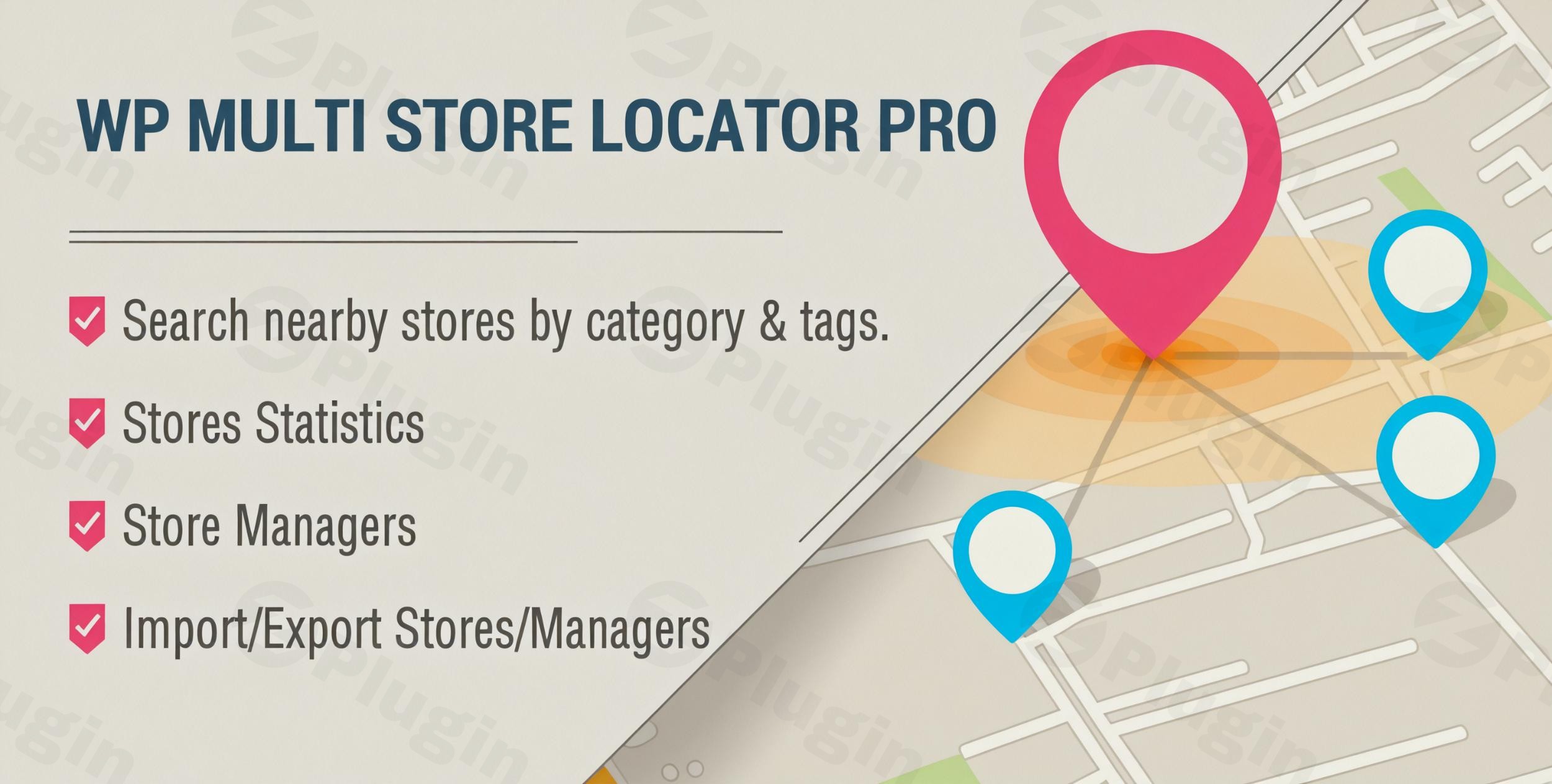
In today’s “near me” search economy, physical businesses must bridge the gap between their website and their front door. WP Multi Store Locator Pro is a powerful WordPress store locator plugin designed to help businesses with multiple locations, showrooms, or service centers guide customers directly to their physical sites. Whether you manage ten stores or ten thousand, this plugin provides the technical infrastructure to turn online traffic into foot traffic.
WP Multi Store Locator Pro goes beyond simple map pins. It offers a comprehensive suite of tools including proximity searching, geolocation, and advanced data management, making it an essential multi location WordPress plugin for retail chains, franchises, and international brands.
Key Features of WP Multi Store Locator Pro
This plugin is packed with features designed for both user experience and administrative efficiency. Here is a breakdown of the core benefits:
1. Advanced Proximity Search & Geolocation
The primary goal of a store finder WordPress plugin is to help users “find nearby stores.” WP Multi Store Locator Pro uses high-accuracy geolocation to detect a user’s current position automatically. Alternatively, customers can search by zip code, city, or state to find the closest branch within a specific radius.
2. Custom Map Styling & Markers
To ensure the map fits your brand’s aesthetic, the plugin supports:
- Custom Markers: Upload your own icons or use retina-ready markers. You can even assign different markers based on store categories.
- Snazzy Maps Integration: Choose from thousands of custom Google Maps styles to match your website’s color palette.
- Marker Clustering: For businesses with hundreds of locations in a small area, clustering prevents map clutter by grouping markers into a single icon that expands upon clicking.
3. Integrated Directions & Navigation
Don’t just show where you are—show them how to get there. The plugin provides on-map driving directions, giving users turn-by-turn navigation without ever leaving your website. This reduces bounce rates and improves the overall customer journey.
4. Effortless Data Management (Import/Export)
Managing hundreds of locations manually is inefficient. WP Multi Store Locator Pro allows you to import and export store locations via Excel (CSV) files. This feature also extends to categories, making it easy to migrate data or update store details in bulk.
5. Developer-Friendly Architecture
Built by “Elite Author” wpexpertsio, the plugin utilizes WordPress Custom Post Types and offers various hooks and filters. This makes it a top choice for agencies who need to build custom functionalities on top of a stable mapping framework.
How to Add a Store Locator to My WordPress Site (Setup Guide)
Setting up WP Multi Store Locator Pro is straightforward, even for non-developers. Follow these steps to get your map live:
- Install the Plugin: Purchase and download the plugin from CodeCanyon, then upload the
.zipfile via Plugins > Add New in your WordPress dashboard. - Configure Google Maps API: This plugin requires a Google Maps API Key. Navigate to the plugin settings and enter your key. Ensure you have enabled the Maps JavaScript API, Places API, and Directions API in your Google Cloud Console.
- Create Store Categories: If you have different types of locations (e.g., “Full Service” vs. “Pickup Only”), go to Store Locator > Categories to organize them.
- Add Your Locations: You can add stores individually via the “Add New Store” menu or use the Bulk Import feature to upload a CSV file containing your addresses, phone numbers, and hours.
- Display the Locator:
- Gutenberg: Use the dedicated WP Multi Store Locator Pro block.
* Shortcode: Use the provided shortcode to drop the map onto any page or post.
Practical Usage & Best Practices
To get the most ROI from your multi location WordPress plugin, consider these real-world workflows:
- For Retailers: Use the “Store Statistics” feature to see which locations are being searched for the most. This data can inform where you should focus your local marketing spend or even where to open your next branch.
- For Service Providers: If you offer different services at different spots, use the Advanced Filtering feature. This allows users to filter the map by specific “Tags” or “Categories” (e.g., “Open 24/7” or “Wheelchair Accessible”).
* For Global Brands: Ensure your site remains accessible by using the plugin’s WPML compatibility. You can translate address details and UI elements into multiple languages, ensuring a seamless experience for international customers.
FAQ & Troubleshooting
Does WP Multi Store Locator Pro support multilingual sites?
Yes. WP Multi Store Locator Pro is fully compatible with WPML, allowing you to translate store descriptions, address fields, and categories into different languages. This makes it an ideal solution for international businesses.
Can I import store locations to WordPress easily?
Absolutely. The plugin includes a robust Excel/CSV Import and Export tool. You can upload all your store data, including coordinates and categories, in bulk to save time during initial setup or site migrations.
What is the best WordPress store locator plugin for performance?
While there are many options, WP Multi Store Locator Pro is highly regarded for its balance of features and speed. By utilizing marker clustering and optimized code, it ensures that even maps with thousands of markers load efficiently without slowing down your site.
Is the plugin compatible with Gutenberg?
Yes, it fully supports the Gutenberg editor. You can easily add and configure your store locator using a dedicated block, giving you a real-time preview of how the map will look on your page.
Final Verdict
WP Multi Store Locator Pro is a professional-grade tool that solves the complex problem of local discovery. It is the ideal WordPress store locator plugin for any business that values local SEO and user experience. By offering features like proximity search, CSV bulk importing, and custom map styling, it provides a high return on investment for site owners. If you need a reliable, developer-supported, and feature-rich way to display multiple locations on your website, this plugin is a top-tier choice.Ready to enhance your local presence? Visit wppick.com for more WordPress plugin reviews and tutorials.
I. Download Limits & Account Benefits
- Free Downloads: Each email address receives 3 downloads per day for free products
- Upgrade Benefits: Purchase any paid product to increase your daily download limit by 3 for each paid product
- No Account Required: You can download immediately by receiving the download link via email
- Account Recommended: Create an account for easier access to your order history and direct update downloads
II. Understanding GPL vs Official Versions
Important: The products available on WPPick are GPL-licensed versions, which differ from official developer versions. Before purchasing, please read our comprehensive guide: Understanding GPL & Official Differences at WPPick
Key Points:
- GPL versions may not include premium support from original developers
- Updates may be delayed compared to official releases
- Some premium features might have limitations
- Always consider your specific needs and support requirements
III. Support & Assistance
We’re here to help through multiple channels:
- Email Support: Direct email assistance for all inquiries
- Live Chat: Real-time support during business hours
- Comprehensive Documentation: Detailed guides and tutorials
IV. Order Tracking
Access your complete purchase history and download links anytime: Order History
V. Account Access
New to WPPick? Login or Create Account to manage your downloads and orders efficiently.
VI. Refund Protection
We stand behind our products with a clear refund policy. Review our terms: Refund Policy
VII. Privacy & Security
Your data security is our priority. Learn how we protect your information: Privacy Policy
VII. Terms of Service
Understanding our service terms ensures a smooth experience: Terms of Use
Quick Tips for Best Experience
- Verify Compatibility: Check plugin/theme compatibility with your WordPress version
- Backup First: Always backup your site before installing new plugins or themes
- Test Environment: Consider testing on a staging site first
- Stay Updated: Regularly check for updates in your account dashboard
- Read Documentation: Review any included documentation for optimal setup
Need Help?
If you have questions about downloads, licensing, or need technical assistance, don’t hesitate to contact our support team. We’re committed to ensuring you have the best possible experience with WPPick products.
Ready to get started? Your download adventure begins with just one click!
- Documentation page link for Import/Export section.
- ADA compliance issues; improved accessibility features.
- Store list not showing on mobile views.
- Map not displaying in fullscreen mode.
- PHP warnings for undefined array keys in `manage-stores.php` and `updater.php`.
- Intermittent URL redirection issues for Pro licenses.
- Pages not saving for Pro licenses on multiple sites.
- Errors with CSV import and improved template support.
- Enhanced error handling for CSV imports.
- Improved UI for Import/Export section.
- New accessibility features for ADA compliance.
- Optimized code to improve performance and fix known bugs.
- Enhanced mobile responsiveness for store list display.
- General UI improvements for better user experience.