

WP-Optimize Pro – Make Your Site Fast and Efficient
/Year
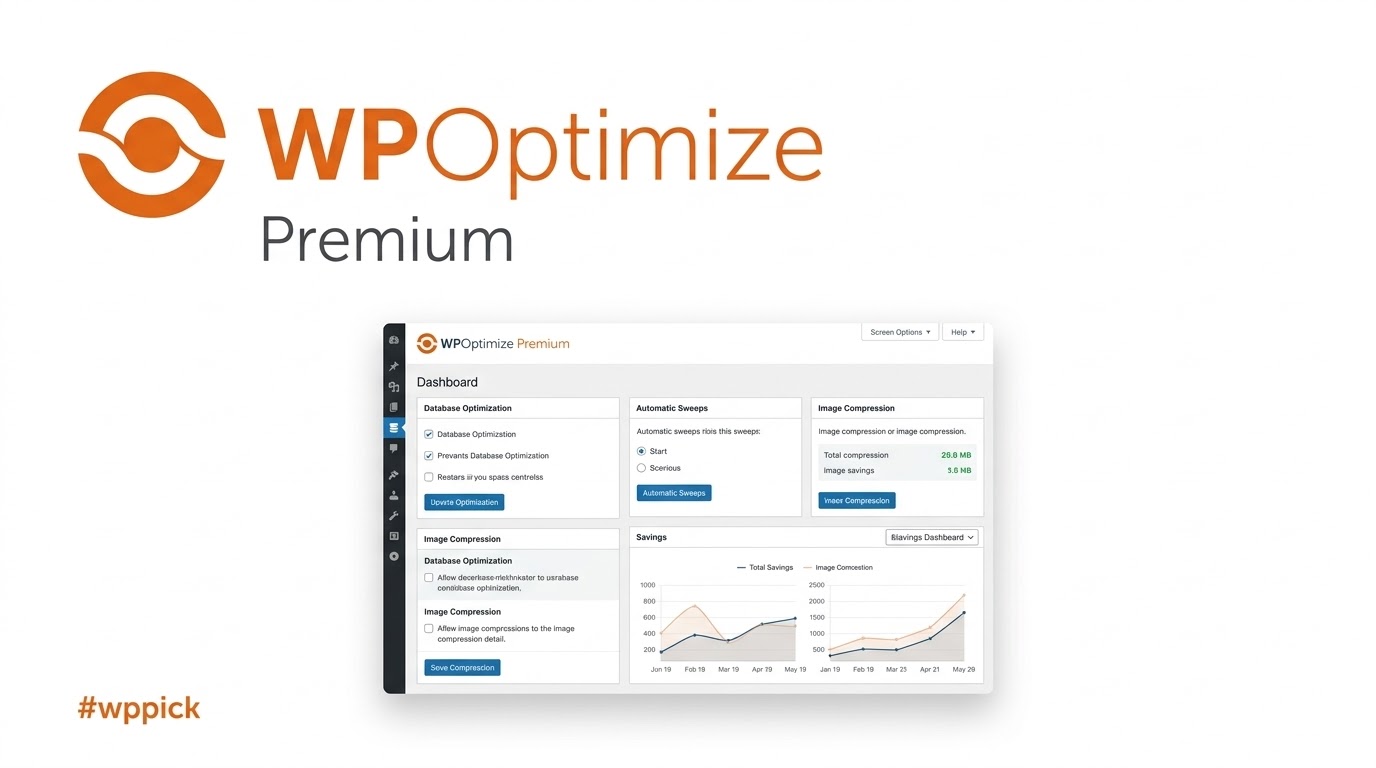
Maximize WordPress Speed and Efficiency with WP-Optimize Pro
Website performance is a foundational pillar of successful user experiences, search engine visibility, and digital conversion rates. WP-Optimize Pro offers an all-in-one optimization framework built specifically to tackle the primary technical bottlenecks that slow down WordPress websites. By uniting database maintenance, advanced page caching, and image compression into a single managed interface, this plugin eliminates the need for multiple single-purpose performance utilities, minimizing code conflicts and streamlining site administration.
Latest Version 4.6.0 Changes
WordPress 4.6, codenamed ‘Pepper’, introduces core user experience enhancements including shiny streamlined updates for plugins and themes, native system dashboard fonts, an inline broken link checker, and browser-cached content recovery. For developers, it brings performance improvements to multisite setups, new query classes like WP_Term_Query, enhanced metadata registration APIs, and support for resource hints.
- WordPress version 4.6 (named ‘Pepper’) is an official major core release.
- Streamlined Updates allow updating, deleting, and installing plugins/themes without leaving the current page.
- Native system fonts are utilized in the WordPress dashboard to improve loading times and device integration.
- An inline link checker highlights broken or improperly constructed URLs in red as they are typed.
- Content recovery saves content directly to the browser cache as the user types to prevent accidental data loss.
- Multisite updates improve site network admin performance with cached and comprehensive site queries, introduction of WPSiteQuery and WPNetworkQuery, and deprecation of wpgetsites().
What WP-Optimize Pro Does
WP-Optimize Pro acts as an automated cleanup crew and performance booster for modern sites. At its core, the plugin targets database fragmentation by systematically purging redundant data that accumulates during daily operations. Beyond database maintenance, it implements a high-performance page caching engine that serves static files to site visitors instantly. To complement these backend enhancements, the tool features comprehensive media processing utilities that shrink large images without sacrificing visual quality, ensuring that every asset served is fully optimized for speed.
Who This Performance Solution Is For
This comprehensive optimization toolkit is engineered for WordPress site owners, digital agencies, and e-commerce administrators who require consistent, automated site speed improvements. Content-heavy blogs managing thousands of posts and post revisions benefit heavily from the structural database optimizations. E-commerce platforms running WooCommerce find immediate value in the specialized query tweaks that keep cart operations fast. Agencies managing multiple client portfolios can rely on the automated optimization schedules to maintain site performance without manual daily interventions.
Key Capabilities and Structural Features
The plugin is divided into three primary modules designed to manage specific performance vectors. The database optimization engine allows detailed control over table structures, enabling the safe removal of trashed comments, expired transients, old post revisions, and orphaned metadata. The caching module supports advanced rules such as mobile-specific caching, user-role-based exclusions, and URL preloading. Finally, the image processing tool provides automated WebP conversion and lossless compression settings, enabling seamless modern format adoption across your entire media library.
Practical WordPress Use Cases
- Cleaning up bloated database tables left behind by uninstalled plugins to restore administrative query speeds.
- Automating weekly database checkups and asset cleanups during low-traffic hours to maintain a lightweight environment.
- Converting large photography galleries into highly efficient WebP formats automatically upon upload.
- Configuring specific page-caching rules for membership portals to prevent private dashboard data from being cached incorrectly.
- Preloading high-priority visual elements to satisfy key user experience criteria during initial page rendering.
Setup, Environment, and Compatibility Notes
Deploying WP-Optimize Pro involves a simple administrative activation process followed by configuration via the onboarding wizard. The plugin operates efficiently alongside standard server setups running Apache or Nginx. It features deep compatibility with modern core software layouts up to WordPress 7.0 and integrates smoothly with complex environments such as multisite networks. Users operating on managed hosting setups like Kinsta can deploy specific safe cleanup routines designed to respect custom host-level caching rules.
Reasons to Choose WP-Optimize Pro on WPPick
Acquiring this optimization solution via WPPick provides an efficient path toward achieving high performance metrics without long-term overhead. The plugin delivers an intuitive control panel that replaces separate caching, image compression, and database cleanup extensions, significantly lowering your overall plugin count. Every package distributed through WPPick is verified for deployment readiness, providing clean, secure assets ready for production sites that demand maximum stability and predictable performance profiles.
Latest Version Context and Enhancements
The latest major iteration, version 4.6.0, introduces targeted optimization mechanisms designed to adapt to current platform evolution. A significant premium enhancement includes the capability to pre-render the page’s Largest Contentful Paint element, which directly lowers perceived loading delays for initial visitors. Code refactoring has transitioned critical validation workflows into stable utility classes, improving internal security compliance and modernizing user interface components to seamlessly match the updated styling layouts of WordPress 7.0.
Frequently Asked Questions
Is it safe to run database optimization on a live production site?
Yes, the optimization actions are designed using precise database queries. However, because database restructuring writes directly to your tables, it is always a recommended developmental practice to maintain a fresh external backup before performing extensive cleanups.
How does the Largest Contentful Paint preloading feature improve my site?
The preloading feature identifies the most critical visual element at the top of a webpage and commands the visitor’s browser to download that asset first. This process accelerates the visual rendering timeline, meaning users see content much faster.
Can I use WP-Optimize Pro alongside other caching systems?
While the database and image optimization tools work alongside external cache solutions, you should avoid running two page-caching systems concurrently. If your host provides page caching, you can simply deactivate the built-in caching module in WP-Optimize Pro.
Does the plugin automatically optimize new media uploads?
Yes, once configured within the media dashboard, the compression engine hooks into the default WordPress upload workflow. It automatically compresses and converts newly added images into optimized formats without requiring manual input.
What happens to my settings if I deactivate the plugin in a multisite network?
Version 4.6.0 contains updated deactivation routines that automatically unschedule related cron jobs across network sites upon deactivation, preventing orphaned background tasks from continuing to run on your server environment.
I. Download Limits & Account Benefits
- Free Downloads: Each email address receives 3 downloads per day for free products
- Upgrade Benefits: Purchase any paid product to increase your daily download limit by 3 for each paid product
- No Account Required: You can download immediately by receiving the download link via email
- Account Recommended: Create an account for easier access to your order history and direct update downloads
II. Understanding GPL vs Official Versions
Important: The products available on WPPick are GPL-licensed versions, which differ from official developer versions. Before purchasing, please read our comprehensive guide: Understanding GPL & Official Differences at WPPick
Key Points:
- GPL versions may not include premium support from original developers
- Updates may be delayed compared to official releases
- Some premium features might have limitations
- Always consider your specific needs and support requirements
III. Support & Assistance
We’re here to help through multiple channels:
- Email Support: Direct email assistance for all inquiries
- Live Chat: Real-time support during business hours
- Comprehensive Documentation: Detailed guides and tutorials
IV. Order Tracking
Access your complete purchase history and download links anytime: Order History
V. Account Access
New to WPPick? Login or Create Account to manage your downloads and orders efficiently.
VI. Refund Protection
We stand behind our products with a clear refund policy. Review our terms: Refund Policy
VII. Privacy & Security
Your data security is our priority. Learn how we protect your information: Privacy Policy
VII. Terms of Service
Understanding our service terms ensures a smooth experience: Terms of Use
Quick Tips for Best Experience
- Verify Compatibility: Check plugin/theme compatibility with your WordPress version
- Backup First: Always backup your site before installing new plugins or themes
- Test Environment: Consider testing on a staging site first
- Stay Updated: Regularly check for updates in your account dashboard
- Read Documentation: Review any included documentation for optimal setup
Need Help?
If you have questions about downloads, licensing, or need technical assistance, don’t hesitate to contact our support team. We’re committed to ensuring you have the best possible experience with WPPick products.
Ready to get started? Your download adventure begins with just one click!
- FEATURE: Premium - Automatically preloads the page’s Largest Contentful Paint (LCP) element to improve initial load speed and perceived performance
- REFACTOR: Code from can_purge_cache() method moved to WP_Optimize_Utils::current_user_can_purge_cache()
- REFACTOR: Fix WordPress Security check errors and warnings on admin page
- REFACTOR: Make `is_edit_mode` a static method and avoid duplication
- REFACTOR: Optimized WP_Optimize_Database_Information::get_table_plugin() method
- TWEAK: Added method to check current user has the capability
- TWEAK: Added methods to retrieve and save essential WP-Optimize toggleable settings for UpdraftCentral
- TWEAK: Disable and hide the "Speed up WooCommerce 'Get total spent' query" Power Tweak when it's no longer relevant
- TWEAK: Handle race conditions in font downloading and optimize cache stats storage
- TWEAK: Improved image grid action button visibility to accommodate WordPress 7.0 button styling changes
- TWEAK: Matched response styles when purging via the admin bar
- TWEAK: Premium - Handle empty orders in WooCommerce Total Spent Power Tweak feature
- TWEAK: Premium - Improved hash logic for the Unused CSS Removal feature
- TWEAK: Prevent unwanted cache growth caused by crawlers or preload bots
- TWEAK: UI changes to match WordPress 7.0
- TWEAK: Unschedule all WP-Optimize cron jobs on deactivation in multisite
- FIX: Cache - Fixed an issue related to cache setting saving
- FIX: Fixed a UI issue in WooCommerce variation products when Automatically preload content after it is purged is enabled
- FIX: Fixed browser caching issue where admin pages were cached
- FIX: Mobile UI issue
- FIX: Notice Dismissal issue
- FIX: Usage of htmlspecialchars()
- TWEAK: WP_Optimize_Power_Tweaks class method deactivate bug fixed related to the array_diff function
- Fixed compatibility issue with WP Remote
- Notice: Function _load_textdomain_just_in_time was called incorrectly
- Resolved weekly cron not running on WordPress < 5.4 by switching to the wpo_weekly schedule
- Database table error when upgrading from free to premium version
- Improved WebP conversion flow by separating capability checks from configuration changes
- Improved auto-optimization handling by correcting static method usage
- Introduced `WP_Optimize_Server_Compatibility` class to centralize all server environment checks
- Removed separate `get_schedule_types()` method in premium version
- Enforced capability checks and allowed-command validation for Smush actions triggered via Heartbeat API. Thanks to WordFence for the responsible disclosure
- Display the `Enable the caching menu in the admin bar` option only when Cache or Minify is enabled
- Improved detection of LearnDash plugin tables
- Improved onboarding wizard RTL support and eliminated dependency on the PHP Reflection class
- Improved robustness of `uploads/wpo` directory removal during plugin uninstallation
- Minify - Don't remove the version query argument when the source is not processed by Minify
- Premium - Unused Images - Enhanced detection of edited WordPress images
- Prevent deprecation notices in PHP 8.5
- Add a notice when `.htaccess` file is not available or renamed in Apache servers
- Cache – Added ability to cache only selected URLs
- Minify - Host Google Fonts locally
- Option to enhance page performance by applying Capo.js rules
- Cache - fixed sitemap caching issue
- Reset WebP conversion failure no longer appears in the popup
- Resolved issues with detecting WebP conversion availability
- Smush – Fixed missing tooltip in the 'Compress' pop-up in Media Library
- Stop initialization of page optimizer for non-HTML requests
- Remove marcusschwarz/lessc lib from autoload
- Improved compatibility with WordPress versions earlier than 6.1
- Enhanced 404 detector compatibility with plain permalinks
- Improved timestamp handling to prevent fatal errors on WordPress 4.9
- Added support for bypassing WPO features via a URL query parameter defined by the WPO_DISABLE_MODE_URL_PARAM constant
- Allow some database records cleanup for Kinsta users
- Clear cache of archived pages when a related post is updated
- Disabled CSS/JS merging by default.
- WP_Optimize_Options::auto_option_settings() is not called in Premium version
- Improved Minify settings UI so JavaScript options correctly show/hide when JS minification is enabled/disabled
- Onboarding wizard RTL issue
- Prevented plugin table JSON data in the uploads directory from being updated on every WP-Optimize admin page load
- Added Onboarding Wizard
- Ensured old cache purging cron job is scheduled successfully
- Fixed a potential fatal error in the WPO_Page_Optimizer class
- Fixed the ability to disable caching menu in admin bar
- Updated file permissions for wpo-plugins-tables-list.json
WP-Optimize Pro has been a game-changer for my site speed! I was hesitant about finding premium plugins outside the official repo, but WPPick’s selection and curation are truly top-notch. The download process was incredibly easy and straightforward. It’s such a reliable source, and I really appreciate the excellent service WPPick provides. Highly recommend!
Been using WP-Optimize Pro for a few weeks, and wow, my page load times are insane now. So worth it! 😊
Works great tbh… so easy to set up and use. My site feels way more efficient now. 👍
ngl, this plugin made my site super fast! fr, saw a huge difference after installing. 💯
Does what it says. Pretty good ngl. Site’s def faster.
Absolutely love WP-Optimize Pro – my site has never run faster! Finding quality plugins can be tough, but WPPick made it simple. Their platform is a fantastic alternative to the official repo, offering a great array of tools. The easy download experience combined with WPPick’s reliability gives me complete peace of mind. A huge thanks to the WPPick team for their outstanding service!