
Wp Post Modules For Newspaper And Magazine Layouts (elementor Addon)
/Year
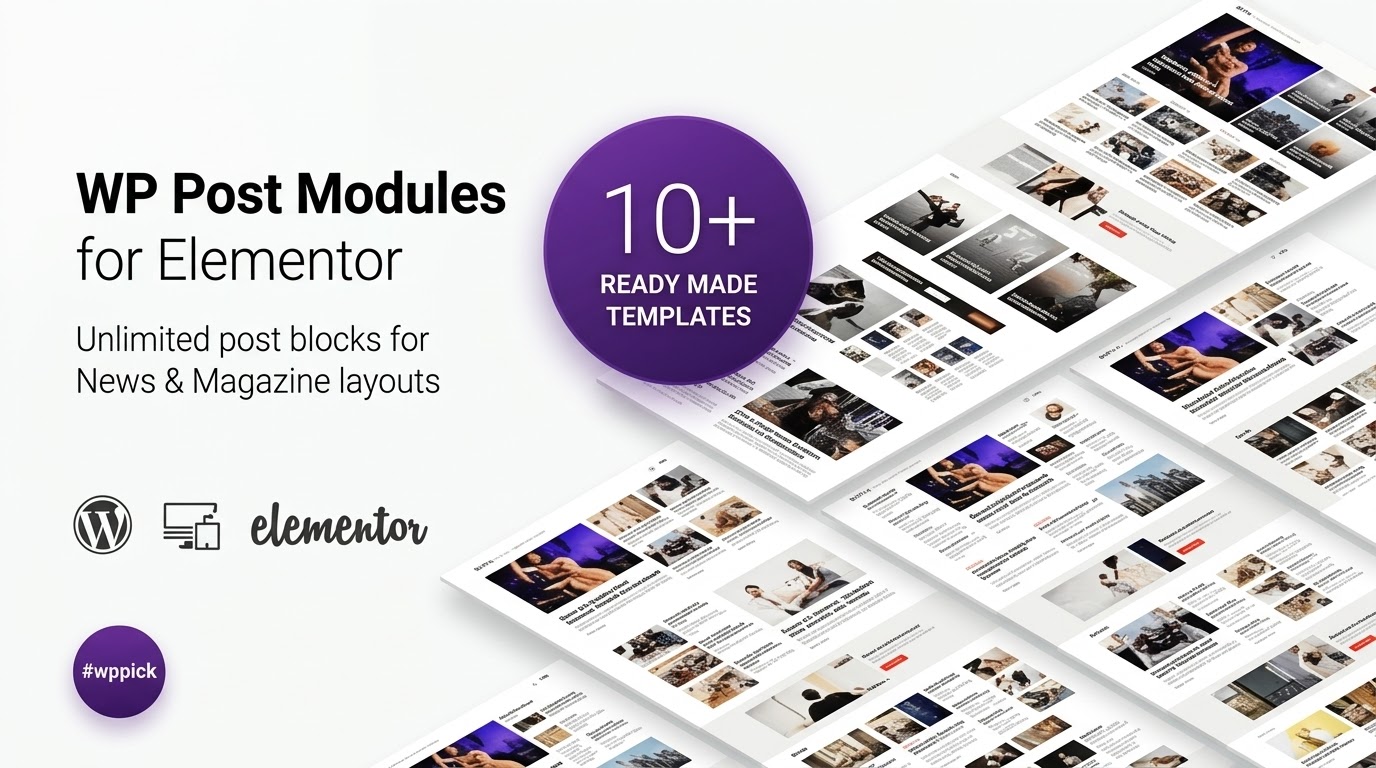
In the dynamic world of online publishing, presenting your content in an engaging and professional manner is paramount. For WordPress users leveraging the power of Elementor, crafting sophisticated layouts for news portals, online magazines, or visually rich blogs can sometimes feel like a complex task. This is precisely where WP Post Modules Elementor Addon steps in. It’s a powerful WordPress plugin designed to seamlessly integrate with Elementor, allowing you to build captivating Elementor magazine layouts plugin and WordPress newspaper theme Elementor addon sections with remarkable ease. Say goodbye to generic post grids and hello to truly professional, content-focused designs, all without writing a single line of code.
Key Features for Dynamic Content Presentation
The WP Post Modules Elementor Addon is packed with features engineered to give you unparalleled control over how your content is displayed. Each feature is designed with both aesthetics and functionality in mind, ensuring your website not only looks good but also performs brilliantly.
- Multiple Dynamic Display Styles: Go beyond basic grids. WP Post Modules offers a versatile range of display styles including:
- Grid: Customizable with sub-styles, unlimited columns, and custom gutters for pixel-perfect spacing.
- List: Offers custom split ratios for thumbnail and content, circular images, and multi-column lists for diverse presentations.
- Tile: Features multiple columns, custom gutters, and engaging overlay content with hover effects to draw user attention.
- Ticker: Perfect for “breaking news” or highlights, with customizable title length, animation duration, and label text/colors.
- Bullet List: For a clean, minimalist approach to displaying post titles.
- Intuitive Drag-and-Drop Interface: As an Elementor addon, it fully embraces the intuitive drag-and-drop builder. This means you can design, customize, and arrange your post modules in real-time without needing any coding expertise.
- 10 Pre-built Homepage Layouts: Jumpstart your design process with 10 professionally designed homepage layouts, provided as Elementor JSON template files. These templates offer a solid foundation for your newspaper or magazine site.
- 100% Responsive Design & Retina Ready: Your content will look flawless on any device, from desktops to smartphones. The plugin ensures all layouts are fully responsive and optimized for retina displays, providing crisp visuals. This also addresses the “WP Post Modules Elementor addon responsive design options” long-tail query.
- Advanced Typography Options: Take full control of your site’s readability and branding with access to the complete Google Fonts library. Customize font size, line height, weight, letter spacing, and colors for titles, excerpts, categories, and post meta elements.
- Custom WP Query Builder: This powerful feature allows you to display precisely the content you want. Filter posts by categories, tags, custom post types, taxonomies, specific post IDs, author IDs, and even use offset and post exclusion to prevent duplicate content. This directly answers “How to filter posts by custom post type in WP Post Modules?”.
- jQuery Owl Slider Support: For Grid, List, and Tile styles, leverage the jQuery Owl Slider for dynamic carousels. Control the number of slides, animation loops, autoplay, speed, and navigation (previous/next arrows, dots).
- Smart Image Handling: Enjoy on-the-fly image resizing using BFI Thumb, ensuring optimal image sizes for performance. Some styles also include image zoom and rotate effects on hover for added visual flair.
- Flexible Text Content Options: Auto-trim post excerpts to a desired length, toggle “read more” links with custom text, and easily show or hide post meta items like category, author, date, excerpt, and comments.
- Built-in Social Sharing & Schema Microdata: Encourage content sharing with integrated social sharing buttons (Twitter, Facebook, WhatsApp, LinkedIn, Pinterest, and more) per post module. Plus, the plugin generates valid Schema microdata on your content, boosting your site’s SEO in search engines.
- AJAX Next/Previous Navigation & Load More: Enhance user experience with smooth AJAX-powered navigation for next/previous posts and a “Load More” feature for Grid, List, and Tile displays, keeping visitors engaged without full page reloads.
- RTL Ready: For websites supporting languages with right-to-left orientation, WP Post Modules is fully compatible.
- Custom Post Labels: Add custom labels like “Breaking,” “Featured,” or “Live News” to your post titles, instantly highlighting important content.
Installation & Setup: Get Your Magazine Layouts Running
Installing and setting up the WP Post Modules Elementor Addon is a straightforward process, designed for users of all technical levels.
- Purchase and Download: First, purchase WP Post Modules from a trusted marketplace like ZeroPlugin.com. You will receive a
.zipfile containing the plugin. - Upload the Plugin:
- Log in to your WordPress dashboard.
- Navigate to Plugins > Add New.
- Click on the Upload Plugin button at the top of the page.
- Click Choose File, select the
wp-post-modules.zipfile you downloaded, and click Install Now.
- Activate the Plugin: Once installed, click the Activate Plugin button.
- Elementor Integration: Since WP Post Modules is an Elementor addon, it requires Elementor Page Builder to be installed and active on your WordPress site. If you don’t have Elementor yet, install it from Plugins > Add New and search for “Elementor.”
- Start Designing: Now that the plugin is active, you can open any page or post with Elementor. You’ll find the WP Post Modules widgets available in the Elementor editor, ready for you to drag and drop onto your canvas and start creating your custom Elementor post grid module and magazine layouts.
Practical Usage & Best Practices
WP Post Modules Elementor Addon is a versatile tool for various content-heavy websites. Here are some practical ways to leverage its capabilities:
1. Building a Dynamic News Portal Homepage
If you’re running a news website, your homepage is crucial for delivering timely information. Use the Ticker style for breaking news, a prominent Grid for top stories, and List modules for recent articles across different categories. Leverage the Custom WP Query Builder to pull posts from specific news desks (e.g., “World News,” “Local Events”), ensuring a well-organized and constantly updated homepage that can serve as a prime WordPress newspaper theme Elementor addon.
2. Crafting Engaging Magazine Sections
For online magazines, aesthetics and readability are key. Utilize the Tile display style with hover effects for visually rich feature sections. Combine different grid and list layouts on category pages to showcase articles with a varied, professional look. The Advanced Typography Options allow you to fine-tune headlines and excerpts to match your magazine’s branding, making it an ideal Elementor magazine layouts plugin.
3. Enhancing a Content-Heavy Blog
Even if you run a personal blog, WP Post Modules can elevate your content presentation. Replace standard blog post listings with dynamic Elementor blog layout addon modules. Use the Bullet List for “popular posts” in your sidebar, or a stylish Grid for “related articles” at the end of each post, encouraging visitors to explore more of your content.
4. Showcasing Creative Portfolios
While primarily designed for news and magazines, the highly customizable grid and tile layouts can also serve creative professionals. Artists, photographers, or designers can use WP Post Modules to create visually striking portfolio sections, displaying project overviews with custom post types and dynamic image effects.
FAQ & Troubleshooting
Q1: What are the main display styles of WP Post Modules for Elementor?
A1: WP Post Modules offers several main display styles to present your content dynamically, including Grid, List, Tile, Ticker, and Bullet List. Each style provides unique customization options to suit different content presentation needs, ideal for creating diverse Elementor custom post display sections.
Q2: Is WP Post Modules Elementor addon compatible with WordPress 6.x and Elementor’s latest versions?
A2: Yes, WP Post Modules is designed for broad compatibility. It has been tested and is compatible with recent WordPress versions, including WordPress 6.8.x and up to PHP 8.2.0. As an Elementor addon, it requires Elementor Page Builder to function and has been tested with Elementor up to version 3.29.2, ensuring smooth operation with current environments.
Q3: How do I filter posts by custom post type in WP Post Modules?
A3: To filter posts by custom post type, drag a WP Post Modules widget onto your Elementor canvas. In the widget settings, locate the Custom WP Query Builder. Within this section, you’ll find options to select specific post types, categories, tags, author IDs, and even exclude certain posts, allowing for precise control over your content display.
Q4: Does WP Post Modules impact website performance?
A4: WP Post Modules is described as performance-optimized, lightweight, and fast-loading. It generates W3C valid HTML markup and uses efficient image handling techniques like on-the-fly resizing (BFI Thumb) to minimize impact on site speed, contributing to a better user experience and SEO.
Q5: What kind of support can I expect for WP Post Modules?
A5: The plugin offers professional and dedicated support with fast response times. It’s also translation-ready with POT and PO/MO files included, and benefits from regular updates to ensure compatibility and security, backed by a GPL license.
Conclusion: Your Ultimate Tool for Magazine and Newspaper Layouts
The WP Post Modules Elementor Addon is an indispensable tool for anyone serious about creating professional, engaging, and highly functional online magazine, newspaper, or blog layouts with Elementor. Its rich feature set, intuitive drag-and-drop interface, and commitment to responsive design and performance make it a standout solution. Whether you’re a seasoned publisher, a budding blogger, or an agency building sites for clients, this plugin empowers you to transcend the limitations of standard post displays and truly bring your content to life. By leveraging its advanced customization and dynamic presentation options, you can elevate your website’s aesthetics and user experience, ultimately driving greater engagement and authority. For unparalleled control over your Elementor magazine layouts, WP Post Modules Elementor Addon is a wise investment for any WordPress professional.
I. Download Limits & Account Benefits
- Free Downloads: Each email address receives 3 downloads per day for free products
- Upgrade Benefits: Purchase any paid product to increase your daily download limit by 3 for each paid product
- No Account Required: You can download immediately by receiving the download link via email
- Account Recommended: Create an account for easier access to your order history and direct update downloads
II. Understanding GPL vs Official Versions
Important: The products available on WPPick are GPL-licensed versions, which differ from official developer versions. Before purchasing, please read our comprehensive guide: Understanding GPL & Official Differences at WPPick
Key Points:
- GPL versions may not include premium support from original developers
- Updates may be delayed compared to official releases
- Some premium features might have limitations
- Always consider your specific needs and support requirements
III. Support & Assistance
We’re here to help through multiple channels:
- Email Support: Direct email assistance for all inquiries
- Live Chat: Real-time support during business hours
- Comprehensive Documentation: Detailed guides and tutorials
IV. Order Tracking
Access your complete purchase history and download links anytime: Order History
V. Account Access
New to WPPick? Login or Create Account to manage your downloads and orders efficiently.
VI. Refund Protection
We stand behind our products with a clear refund policy. Review our terms: Refund Policy
VII. Privacy & Security
Your data security is our priority. Learn how we protect your information: Privacy Policy
VII. Terms of Service
Understanding our service terms ensures a smooth experience: Terms of Use
Quick Tips for Best Experience
- Verify Compatibility: Check plugin/theme compatibility with your WordPress version
- Backup First: Always backup your site before installing new plugins or themes
- Test Environment: Consider testing on a staging site first
- Stay Updated: Regularly check for updates in your account dashboard
- Read Documentation: Review any included documentation for optimal setup
Need Help?
If you have questions about downloads, licensing, or need technical assistance, don’t hesitate to contact our support team. We’re committed to ensuring you have the best possible experience with WPPick products.
Ready to get started? Your download adventure begins with just one click!
- Updated Fontawesome free icons to v6.7.2
- Elementor tested upto 3.29.2
- Ensured compatibility upto WordPress 6.8.1 and php 8.2.0