

WP Schema Pro – Best Add Schema With Out Writing Code
/Year
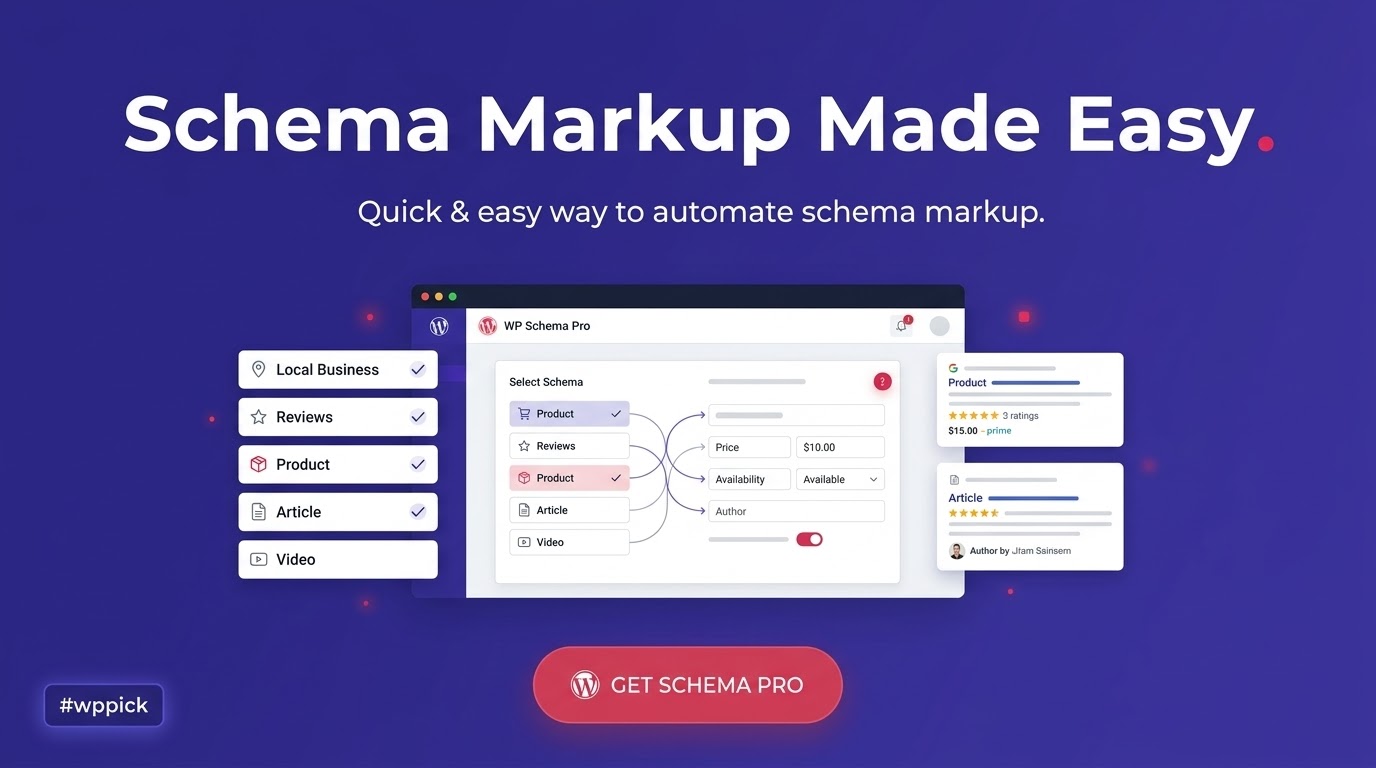
Automate Structured Data and Boost Organic Search Visibility
WP Schema Pro is a dedicated structured data plugin for WordPress designed to automate the deployment of schema markup across entire websites. By eliminating the need for manual code injection, this tool helps site owners implement clean, valid JSON-LD code that complies with modern search engine guidelines. Implementing accurate schema structures allows content to appear as rich snippets in organic search engine results pages, which helps drive user engagement and increases click-through rates.
What WP Schema Pro Does
The plugin serves as an automation engine for semantic optimization. Instead of configuring structured data on a per-post or per-page basis, users can build dynamic configurations that pull data natively from WordPress parameters, custom fields, or taxonomies. Once configured, the plugin accurately outputs the structured data site-wide. It operates cleanly in the background, keeping presentation markup distinct from data structures to prevent slow theme execution and reduce template clutter.
Who Should Use the Plugin
This solution is engineered for individuals and organizations focused on visibility across technical SEO, Search Engine Optimization, Answer Engine Optimization (AEO), and Generative Engine Optimization (GEO) environments. Content publishers, regional business owners, digital marketing agencies, and e-commerce store managers can utilize it to ensure their core information is structured for modern search crawlers. It is particularly useful for web development agencies managing multiple client sites where manual schema maintenance is not scalable.
Key Structural Capabilities
- Automated JSON-LD generation based on target site data configurations.
- Support for extensive schema types including Article, Product, Local Business, Event, Recipe, Job Posting, and Review.
- Dynamic custom field mapping supporting Advanced Custom Fields (ACF), Pods, and Toolset.
- Comprehensive validation architecture designed to match strict search engine rules.
- Granular control rules to apply or exclude specific markup structures on defined post categories, taxonomies, or individual assets.
Practical WordPress Use Cases
- E-commerce Dynamic Optimization: Map product pricing, availability, and aggregate user reviews directly from product archives to secure rich product snippets in global shopping results.
- Local Business Discovery: Inject precise geographic coordinates, operational hours, corporate addresses, and service details to improve position within localized search parameters.
- Editorial and Resource Ranking: Apply Article or FAQ schema rules automatically across a blog database to generate expandable answers directly inside search engine indices.
- Review and Service Listings: Display star ratings and testimonial metrics for software, books, or services directly in standard index results to build immediate consumer trust.
Setup Context and Environment Compatibility
WP Schema Pro functions independently of core themes and page builders. It integrates cleanly alongside popular visual suites such as Elementor, Beaver Builder, Block Editor (Gutenberg), and Bricks Builder. Setup involves choosing a schema archetype, mapping fields to corresponding existing content variables, and setting display conditions. It runs natively alongside major general SEO suites without causing data conflicts, provided duplicate schema features are deactivated within the secondary plugins.
Why Choose This Solution on WPPick
Acquiring WP Schema Pro via WPPick gives webmasters access to an optimized workflow framework. The package provides a clean, deployment-ready asset thoroughly evaluated for security, performance, and stability. This lets development teams manage structural SEO implementations affordably across dynamic portfolios while minimizing manual oversight or costly software overhead.</p
Latest Version Operational Context
While official developer changelog web pages do not detail a public release entry for version 2.11.4, the technical environment updates focus on operational stability and database handling. Detailed release notes for this specific revision are not available from the provided sources; however, maintaining an updated structure ensures continued alignment with platform standards, clean field validation, and core data rendering stability across updating server environments.
Frequently Asked Questions
Will this plugin slow down my WordPress website?
No. WP Schema Pro is built using the light JSON-LD format, which loads script structures asynchronously. It does not inject heavy frontend styling, design layouts, or database-heavy queries, keeping your core rendering metrics fast.
Can I map custom fields created via ACF or custom post types?
Yes. The system includes an interface that reads custom fields, custom taxonomies, and custom post types. You can easily map custom data blocks into schema parameters without writing custom PHP code snippet hooks.
Do I need to delete my existing SEO plugin to use this tool?
No. It functions alongside general tools like Yoast SEO or Rank Math. You simply turn off the specific schema generation features within those plugins to prevent search engines from reading duplicate structural information on the same page.
How do I verify if the generated schema data is correct?
You can run your publication links through official testing suites such as the Google Rich Results Test or the Schema Markup Validator. The clean JSON-LD generated by the plugin will display its exact data nodes for clear verification.
Does this tool handle site-wide breadcrumb tracking data?
Yes. The tool features built-in breadcrumb schema capabilities, which help search engine bots clearly interpret the navigational hierarchy and internal organization of your entire domain map.
I. Download Limits & Account Benefits
- Free Downloads: Each email address receives 3 downloads per day for free products
- Upgrade Benefits: Purchase any paid product to increase your daily download limit by 3 for each paid product
- No Account Required: You can download immediately by receiving the download link via email
- Account Recommended: Create an account for easier access to your order history and direct update downloads
II. Understanding GPL vs Official Versions
Important: The products available on WPPick are GPL-licensed versions, which differ from official developer versions. Before purchasing, please read our comprehensive guide: Understanding GPL & Official Differences at WPPick
Key Points:
- GPL versions may not include premium support from original developers
- Updates may be delayed compared to official releases
- Some premium features might have limitations
- Always consider your specific needs and support requirements
III. Support & Assistance
We’re here to help through multiple channels:
- Email Support: Direct email assistance for all inquiries
- Live Chat: Real-time support during business hours
- Comprehensive Documentation: Detailed guides and tutorials
IV. Order Tracking
Access your complete purchase history and download links anytime: Order History
V. Account Access
New to WPPick? Login or Create Account to manage your downloads and orders efficiently.
VI. Refund Protection
We stand behind our products with a clear refund policy. Review our terms: Refund Policy
VII. Privacy & Security
Your data security is our priority. Learn how we protect your information: Privacy Policy
VII. Terms of Service
Understanding our service terms ensures a smooth experience: Terms of Use
Quick Tips for Best Experience
- Verify Compatibility: Check plugin/theme compatibility with your WordPress version
- Backup First: Always backup your site before installing new plugins or themes
- Test Environment: Consider testing on a staging site first
- Stay Updated: Regularly check for updates in your account dashboard
- Read Documentation: Review any included documentation for optimal setup
Need Help?
If you have questions about downloads, licensing, or need technical assistance, don’t hesitate to contact our support team. We’re committed to ensuring you have the best possible experience with WPPick products.
Ready to get started? Your download adventure begins with just one click!
- Page-level Custom Schema Markup added from the editor meta box now takes priority over the Global Schema instead of being overridden by it.
- Rating field in the schema meta box now displays the entered value on the correct 5-star scale, so a rating of 5 shows all five stars filled.
- Updated internal libraries to improve stability and compatibility.
- Introduced WebPage schema type with support for WebPage, CollectionPage, AboutPage, and ContactPage variants.
- Global schema settings now properly apply to pages with previous page-level edits; Regenerate Schema resets overrides to enforce global values site-wide.
- Prevented empty Clip entries in VideoObject schema, improved field handling, and added stronger validation and security to the schema meta box save process.
- Added Security fixes.
- Prevented empty aggregateRating and video objects in Recipe schema.
- Prevented empty hasVariant properties in product schema.
- Enhanced rating validation to support 1-5 and 1-10 rating scales.
- Added support for the new "Game" and "music" item type in Review Schema.
- Validation to prevent the creation of phantom URLs
- Added support for review and aggregateRating fields in Product Schema snippets when the review item is "Product".
- Enhanced code quality and security in Schema Pro.
- Resolved jQuery dependency issues to improve plugin compatibility.