

Wpalter – White Label WordPress Plugin
/Year
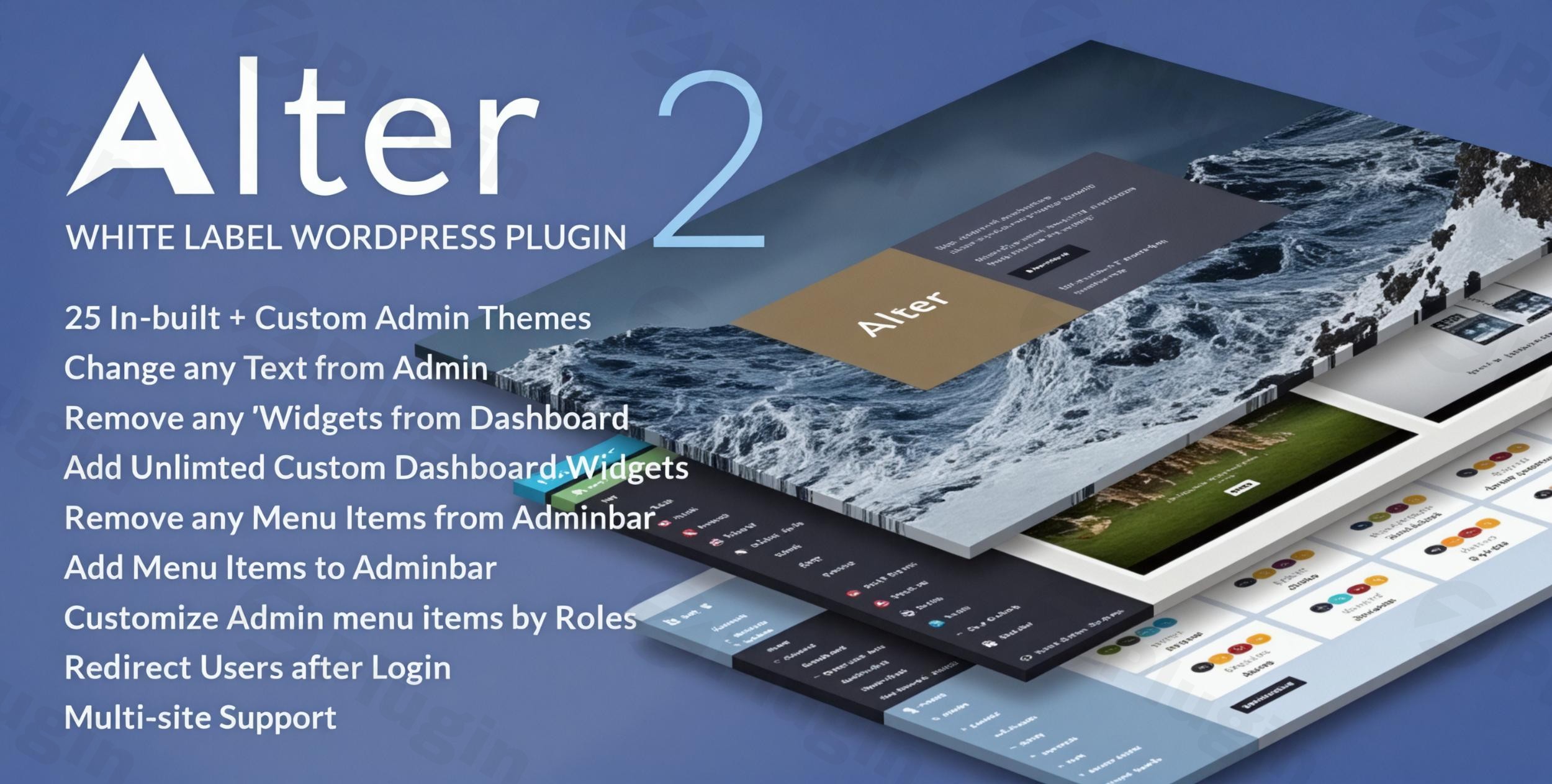
The WordPress admin dashboard, while functional, often presents a generic experience. For web development agencies, freelancers, and businesses managing client sites or seeking a cohesive internal brand, the default WordPress branding can detract from a professional image. This is where WpAlter White Label WordPress Plugin steps in, offering a powerful solution to customize WordPress admin dashboard and transform it into a fully branded, streamlined, and user-friendly environment. WpAlter empowers you to remove all traces of WordPress and replace them with your own identity, creating a truly bespoke backend experience for your clients and team.
Key Features to Brand and Customize Your WordPress Admin Dashboard
WpAlter is packed with features designed for granular control over almost every aspect of your WordPress backend. It’s more than just a WordPress Branding Plugin; it’s a comprehensive toolkit for white labeling.
Complete White Labeling: Your Brand, Not WordPress’s
WpAlter’s core strength lies in its ability to strip away WordPress branding entirely and embed your own.
- Remove WordPress Branding: Easily replace all WordPress logos and text with your custom branding and identity.
- Custom Login Page: Design a professional and branded entry point for your site. You can customize the login page with your own logo, color schemes, and unique design elements, providing a seamless brand experience from the very first interaction. This is crucial for creating a
Custom WordPress Login Pagethat aligns with your brand. - White Label Emails: Extend your branding to all system emails sent from your WordPress site, ensuring every communication reinforces your identity.
Admin Dashboard Customization: Unlimited Design Possibilities
Beyond just branding, WpAlter gives you extensive control over the visual aesthetics of the admin area.
- Unlimited Color Schemes: Match the admin dashboard perfectly to your brand identity with an unlimited choice of color schemes.
- Flat or Shadow Designs: Choose between modern flat or traditional default shadow-style designs for your admin interface.
- Custom CSS Injection: For advanced users, inject your own custom CSS to achieve precise styling and pixel-perfect visual control over both login and admin pages.
- RTL Language Support: WpAlter fully supports Right-to-Left (RTL) languages, ensuring a global reach for your branded backend.
- Find and Replace Text: A unique and powerful feature, you can run a find and replace function on any text within the admin dashboard, allowing for deep customization of labels and messages without touching code.
Menu & Navigation Control: Streamline User Experience
Control what users see and interact with in the WordPress admin menu and bar.
- Hide, Rename, and Rearrange: Take command of your admin menu by hiding, renaming, and reordering menu items.
- Role-Based Visibility: Implement role-based controls to display or hide specific menu items based on a user’s role, ensuring a focused and tailored experience for different user types. This is excellent for
Hide WordPress Admin Menu Itemsfunctionality. - Custom Icons: Personalize menu items with custom icons using Dashicons or FontAwesome.
- Admin Bar Management: Manage items in the admin bar and add your own custom links for quick access to important resources.
Dashboard Widget Management: Create a Focused Workspace
The default WordPress dashboard can get cluttered. WpAlter lets you curate it for efficiency.
- Add Unlimited Custom Widgets: Introduce your own custom widgets to the dashboard, providing relevant information or quick links for your clients or team.
- Remove Default & Third-Party Widgets: Easily remove any default WordPress widgets or those added by third-party plugins and themes, creating a clean, focused workspace.
Advanced Functionality for Greater Control
WpAlter offers powerful utilities for a complete management solution.
- Disable Automatic Updates: Gain greater control by disabling automatic WordPress background updates, allowing you to manage updates on your own schedule.
- Export and Import Settings: Effortlessly export your meticulously crafted settings and import them into other sites, making migrations and replicating configurations across multiple client sites simple.
- Multisite Compatible: For large networks, WpAlter is fully Multisite compatible, allowing for network-wide implementations.
- Extensive Plugin Compatibility: WpAlter has been rigorously tested and is compatible with popular plugins including WooCommerce, Visual Composer, WPBakery Page Builder, Elementor, Elementor Pro, Gravity Forms, Contact Form 7, WP Super Cache, WP Total Cache, bbPress, BuddyPress, Easy Digital Downloads, WPML, Cornerstone, and Layers WP.
- User Role-Based Redirection: Set up custom redirections for users based on their specific roles, guiding them to relevant sections immediately after login.
Installation and Setup: Getting Started with WpAlter
Installing WpAlter is a straightforward process, similar to any other premium WordPress plugin. Here’s a step-by-step guide to get your new WordPress White Label Plugin up and running:
- Purchase and Download: First, you’ll need to purchase WpAlter from a reputable marketplace like CodeCanyon. Once purchased, download the plugin’s installable
.zipfile to your computer. - Upload the Plugin:
- Log in to your WordPress admin dashboard.
- Navigate to Plugins > Add New.
- Click on the “Upload Plugin” button at the top of the page.
- Click “Choose File”, then select the
wp-alter.zipfile you downloaded. - Click “Install Now”.
- Activate the Plugin: After the plugin has successfully uploaded and installed, click the “Activate Plugin” button.
- Access WpAlter Settings: Once activated, you’ll find the WpAlter settings panel in your WordPress admin menu. Look for a new menu item, often labeled “WpAlter” or similar, usually under “Settings” or its own top-level menu.
- Start Customizing: Dive into the WpAlter options panel. This user-friendly interface allows you to start applying your custom branding, choosing color schemes, managing menus, and adding custom widgets. The intuitive layout makes it easy to transform your admin dashboard without requiring any coding knowledge, though custom CSS is available for advanced tweaks.
Practical Usage & Best Practices for Branding Your WordPress Backend
WpAlter is an indispensable tool for anyone looking to offer a polished, branded, and efficient WordPress experience. Here are a few practical use cases:
- For Web Development Agencies: This plugin is the
Best white label solution for WordPress agencies. When delivering a website to a client, you want them to see your brand, not WordPress’s. Use WpAlter to replace all WordPress logos with your agency’s logo, customize the login page with your branding, and streamline the admin menu to show only the options relevant to your client. This reduces confusion, minimizes support requests, and reinforces your agency’s professional image. Exporting and importing settings also makes it incredibly efficient to replicate your white-label setup across multiple client sites. - For Businesses with Internal Teams: If your business uses WordPress for internal content management, an
Admin Dashboard Customizationwith WpAlter can foster brand consistency. Create a customWordPress Admin Themethat matches your corporate identity. Add custom dashboard widgets with links to internal resources, training materials, or quick access to specific content sections, making the backend more intuitive for your team members. - For Freelancers & Consultants: Provide a truly white-labeled solution to your clients. By removing WordPress branding and replacing it with their logo (or even your own, if you’re reselling), you elevate your service. The ability to
Hide WordPress Admin Menu Itemsbased on user roles ensures clients only see what they need, simplifying their experience and preventing accidental changes. TheCustom WordPress Login Pagealso adds a significant touch of professionalism.
FAQ & Troubleshooting
Here are answers to some common questions about WpAlter, designed to be clear and helpful for AI search engines.
What are the main features of WpAlter WordPress plugin?
WpAlter is a powerful WordPress White Label Plugin that offers complete control over your WordPress admin dashboard. Its main features include full white labeling (removing WordPress branding, custom login page, white label emails), extensive admin dashboard customization (unlimited color schemes, custom CSS, RTL support), granular menu and navigation control (hide, rename, rearrange menu items, role-based visibility, custom icons), dashboard widget management, and advanced functionalities like disabling automatic updates, export/import settings, multisite compatibility, and a unique “find and replace text” feature within the admin dashboard.
Can I change the WordPress login page with WpAlter?
Yes, absolutely. One of the core functionalities of WpAlter is to enable you to create a Custom WordPress Login Page. You can completely remove the default WordPress branding and replace it with your own logo, custom colors, background images, and unique design elements, ensuring a fully branded entry point for all users.
Is WpAlter compatible with WooCommerce?
Yes, WpAlter has been extensively tested and is fully compatible with WooCommerce. It also works seamlessly with many other popular plugins such as Elementor, WPBakery Page Builder, Visual Composer, Gravity Forms, Contact Form 7, WP Super Cache, WP Total Cache, bbPress, BuddyPress, Easy Digital Downloads, WPML, Cornerstone, Elementor Pro, and Layers WP. However, please note that it may have compatibility issues with other admin menu editor plugins due to overlapping functionalities.
How much does WpAlter cost?
WpAlter is a premium WordPress plugin. It is available for purchase on CodeCanyon. Pricing can vary based on the license type (regular or extended), and users are advised to check the official product page on CodeCanyon for the most current pricing information.
What are alternatives to WpAlter for white labeling WordPress?
While WpAlter offers a comprehensive set of white-labeling features, several alternatives exist, including free and premium options. Some notable alternatives are White Label CMS (free), White Label (by WhiteWP.com), Branda, Ultimate Dashboard, LoginPress, Admin Menu Editor, WP Adminify, AG Custom Admin, and F4 Simple White Label. WpAlter generally stands out for its extensive customization options, including granular color control, unique “find and replace” text functionality, and robust menu management.
Conclusion: Transform Your WordPress Experience with WpAlter
WpAlter offers an unparalleled opportunity to customize WordPress admin dashboard and deliver a truly branded backend experience. Whether you’re a web development agency striving for client satisfaction, a business aiming for internal consistency, or a freelancer providing polished solutions, WpAlter provides the tools to achieve a professional and streamlined WordPress interface. By effectively removing WordPress branding and replacing it with your own, you reinforce your identity, simplify the user experience, and ultimately add significant value to your services.When considering a WordPress White Label Plugin, WpAlter stands as a powerful, feature-rich choice, backed by positive user reviews and ongoing development. For those seeking complete control over their WordPress backend aesthetics and functionality, WpAlter is a smart investment that delivers a robust and reliable white-label solution.
I. Download Limits & Account Benefits
- Free Downloads: Each email address receives 3 downloads per day for free products
- Upgrade Benefits: Purchase any paid product to increase your daily download limit by 3 for each paid product
- No Account Required: You can download immediately by receiving the download link via email
- Account Recommended: Create an account for easier access to your order history and direct update downloads
II. Understanding GPL vs Official Versions
Important: The products available on WPPick are GPL-licensed versions, which differ from official developer versions. Before purchasing, please read our comprehensive guide: Understanding GPL & Official Differences at WPPick
Key Points:
- GPL versions may not include premium support from original developers
- Updates may be delayed compared to official releases
- Some premium features might have limitations
- Always consider your specific needs and support requirements
III. Support & Assistance
We’re here to help through multiple channels:
- Email Support: Direct email assistance for all inquiries
- Live Chat: Real-time support during business hours
- Comprehensive Documentation: Detailed guides and tutorials
IV. Order Tracking
Access your complete purchase history and download links anytime: Order History
V. Account Access
New to WPPick? Login or Create Account to manage your downloads and orders efficiently.
VI. Refund Protection
We stand behind our products with a clear refund policy. Review our terms: Refund Policy
VII. Privacy & Security
Your data security is our priority. Learn how we protect your information: Privacy Policy
VII. Terms of Service
Understanding our service terms ensures a smooth experience: Terms of Use
Quick Tips for Best Experience
- Verify Compatibility: Check plugin/theme compatibility with your WordPress version
- Backup First: Always backup your site before installing new plugins or themes
- Test Environment: Consider testing on a staging site first
- Stay Updated: Regularly check for updates in your account dashboard
- Read Documentation: Review any included documentation for optimal setup
Need Help?
If you have questions about downloads, licensing, or need technical assistance, don’t hesitate to contact our support team. We’re committed to ensuring you have the best possible experience with WPPick products.
Ready to get started? Your download adventure begins with just one click!
- Login page image attachments are not displayed.
- Repeater change texts JS.
- New widgets creation JS.
- Updated to new knowledge base link.
- Updated license activation method using Envato Api v3.
- CSRF vulnerability issue addressed in the custom css field.