

Wpams – Apartment Management System For WordPress
/Year
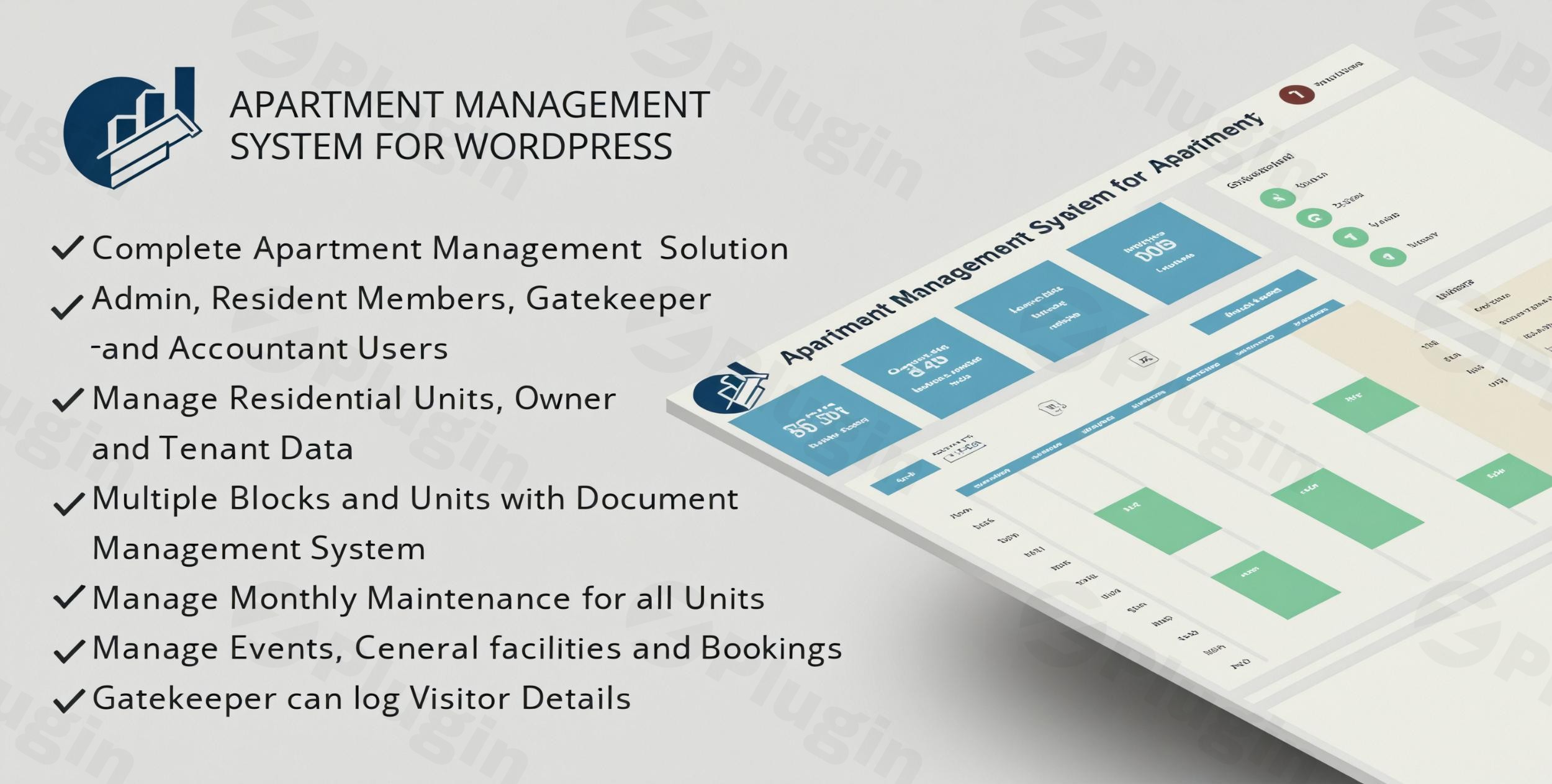
Managing a modern residential complex requires more than just spreadsheets and paper receipts. From tracking maintenance dues to managing visitor logs and facility bookings, the administrative burden can be overwhelming. WPAMS (Apartment Management System for WordPress) is a comprehensive solution designed to transform your WordPress site into a fully functional community management hub.As a dedicated apartment management system WordPress plugin, WPAMS addresses the core pain points of property managers, committee members, and residents. Instead of juggling multiple disconnected tools, WPAMS provides a centralized dashboard to handle finances, security, and communication, ensuring your housing society runs like a well-oiled machine.
Key Features of WPAMS: Beyond Basic Property Management
While many plugins focus solely on real estate listings, WPAMS is built for the operational management of established communities. Here is a breakdown of its most impactful features:
1. Robust Unit and Member Management
At its core, WPAMS acts as a detailed tenant management system WordPress tool. It allows administrators to:
- Manage both residential and commercial units.
- Track ownership history and current tenant details.
- Store essential documents (leases, ID proofs) directly within the unit profile.
- Organize family member data for every household.
2. Automated Maintenance Charge Calculation
One of the biggest headaches for any society is billing. WPAMS simplifies maintenance charge calculation in WordPress by:
- Automating invoice generation based on fixed or variable rates.
- Supporting multiple payment gateways for instant online payments.
- Allowing residents to download PDF receipts and history logs.
3. Integrated Visitor and Parking Management
Security is a top priority for gated communities. WPAMS includes a dedicated visitor management system WordPress module that:
- Registers visitors and tracks check-in/check-out times.
- Assigns specific parking slots to residents and visitors to prevent disputes.
- Provides a “Gatekeeper” role specifically for security staff.
4. Facility Booking and Complaint Handling
Improve resident satisfaction by providing digital self-service options:
- Facility Booking: Residents can book the community hall, gym, or pool by the hour or day.
- Complaint Redressal: A formal ticket system allows residents to raise issues (e.g., plumbing, electricity) and track the resolution progress in real-time.
5. Mobile Companion App
WPAMS offers a mobile app (iOS and Android) that syncs perfectly with the WordPress backend. This allows committee members to approve requests and residents to pay bills or view notices on the go.
Technical Specifications & Compatibility
Before installing, it is important to understand the technical environment WPAMS requires for optimal performance:
- Hosting Requirements: WPAMS is optimized for Cpanel/WHM enabled hosting. The developers specifically recommend against using Nginx or Plesk, as support may be limited for those configurations.
- User Roles: The plugin supports six distinct roles: Admin, Resident Member, Gatekeeper, Accountant, Committee Member, and Staff.
* Integration: It integrates smoothly with major WordPress themes and is designed to work alongside standard page builders.
Installation & Setup: How to Get Started
Setting up a housing society management WordPress plugin might sound daunting, but WPAMS follows a logical workflow.
- Install the Plugin: Upload the WPAMS zip file through
Plugins > Add New > Uploadin your WordPress dashboard. - Configure Global Settings: Go to the WPAMS settings page to set your currency, society name, and logo.
- Define User Roles: Assign your committee members and accountants to their respective roles to give them access to the dashboard.
- Add Units & Members: You can manually add units or use the import feature to bring in your resident list from a CSV file.
5. Set Up Payments: Connect your preferred payment gateway (such as PayPal, Stripe, or local gateways) to start collecting maintenance fees.
Practical Usage & Best Practices
To get the most ROI out of WPAMS, consider these real-world workflows:
For the Self-Managed Society (The Treasurer’s Workflow)
If you are a committee member managing finances, use the Income and Expense module to log every plumbing repair or landscaping bill. At the end of the month, generate a PDF report to present at the society meeting. This transparency builds immense trust among residents.
For the Gated Community (The Security Workflow)
Equip your security guard with a tablet or mobile device logged into the “Gatekeeper” role. They can log every visitor entry in seconds. If a visitor parks in the wrong spot, the system’s parking management module can quickly identify the owner of that slot.
For Large Apartment Complexes (The Marketing & Communication Workflow)
Use the Notices and Messaging feature instead of cluttered WhatsApp groups. Official announcements regarding water maintenance or holiday events can be sent via automated email alerts, ensuring every resident is informed through official channels.
FAQ & Troubleshooting
What is WPAMS?
WPAMS is a specialized WordPress plugin designed for managing the day-to-day operations of apartment complexes and housing societies. It covers everything from resident databases and visitor logs to automated billing and facility bookings.
Can WordPress handle housing society accounts?
Yes, with the WPAMS plugin, WordPress becomes a powerful accounting tool for communities. It supports maintenance charge calculation, expense tracking, invoice generation, and integrated online payments, allowing societies to manage their entire budget within the CMS.
Is there a mobile app for residents?
Yes, WPAMS features a mobile companion app for both Android and iOS. This allows residents to receive notifications, pay dues, and book facilities directly from their smartphones.
What should I do if the system feels slow?
Ensure you are using Cpanel/WHM hosting as recommended. For large societies with thousands of members, we recommend using a managed WordPress hosting environment with at least 2GB of RAM to handle the database queries efficiently.
Does WPAMS support multi-currency payments?
Yes, the plugin allows you to set your local currency and integrate with various international and local payment gateways to suit your specific region.
Final Verdict
WPAMS is arguably the most best WordPress plugin for apartment complex management currently available for those who need a localized, self-hosted solution. While it requires a specific hosting environment (Cpanel/WHM) for the best experience, the sheer depth of features—from visitor tracking to financial reporting—far outweighs the setup requirements.If you are looking to professionalize your housing society’s operations and provide residents with a modern, digital experience, WPAMS WordPress is the definitive choice.For more WordPress plugin reviews and tutorials, visit wppick.com.
I. Download Limits & Account Benefits
- Free Downloads: Each email address receives 3 downloads per day for free products
- Upgrade Benefits: Purchase any paid product to increase your daily download limit by 3 for each paid product
- No Account Required: You can download immediately by receiving the download link via email
- Account Recommended: Create an account for easier access to your order history and direct update downloads
II. Understanding GPL vs Official Versions
Important: The products available on WPPick are GPL-licensed versions, which differ from official developer versions. Before purchasing, please read our comprehensive guide: Understanding GPL & Official Differences at WPPick
Key Points:
- GPL versions may not include premium support from original developers
- Updates may be delayed compared to official releases
- Some premium features might have limitations
- Always consider your specific needs and support requirements
III. Support & Assistance
We’re here to help through multiple channels:
- Email Support: Direct email assistance for all inquiries
- Live Chat: Real-time support during business hours
- Comprehensive Documentation: Detailed guides and tutorials
IV. Order Tracking
Access your complete purchase history and download links anytime: Order History
V. Account Access
New to WPPick? Login or Create Account to manage your downloads and orders efficiently.
VI. Refund Protection
We stand behind our products with a clear refund policy. Review our terms: Refund Policy
VII. Privacy & Security
Your data security is our priority. Learn how we protect your information: Privacy Policy
VII. Terms of Service
Understanding our service terms ensures a smooth experience: Terms of Use
Quick Tips for Best Experience
- Verify Compatibility: Check plugin/theme compatibility with your WordPress version
- Backup First: Always backup your site before installing new plugins or themes
- Test Environment: Consider testing on a staging site first
- Stay Updated: Regularly check for updates in your account dashboard
- Read Documentation: Review any included documentation for optimal setup
Need Help?
If you have questions about downloads, licensing, or need technical assistance, don’t hesitate to contact our support team. We’re committed to ensuring you have the best possible experience with WPPick products.
Ready to get started? Your download adventure begins with just one click!
- Compatibility: WordPress Version 6.8.1
- Updated License Reset Flow
- Minor Bug Fixes – Fixed various small bugs to improve stability and performance