

wpDataTables – Tables and Charts Manager for WordPress
/Year
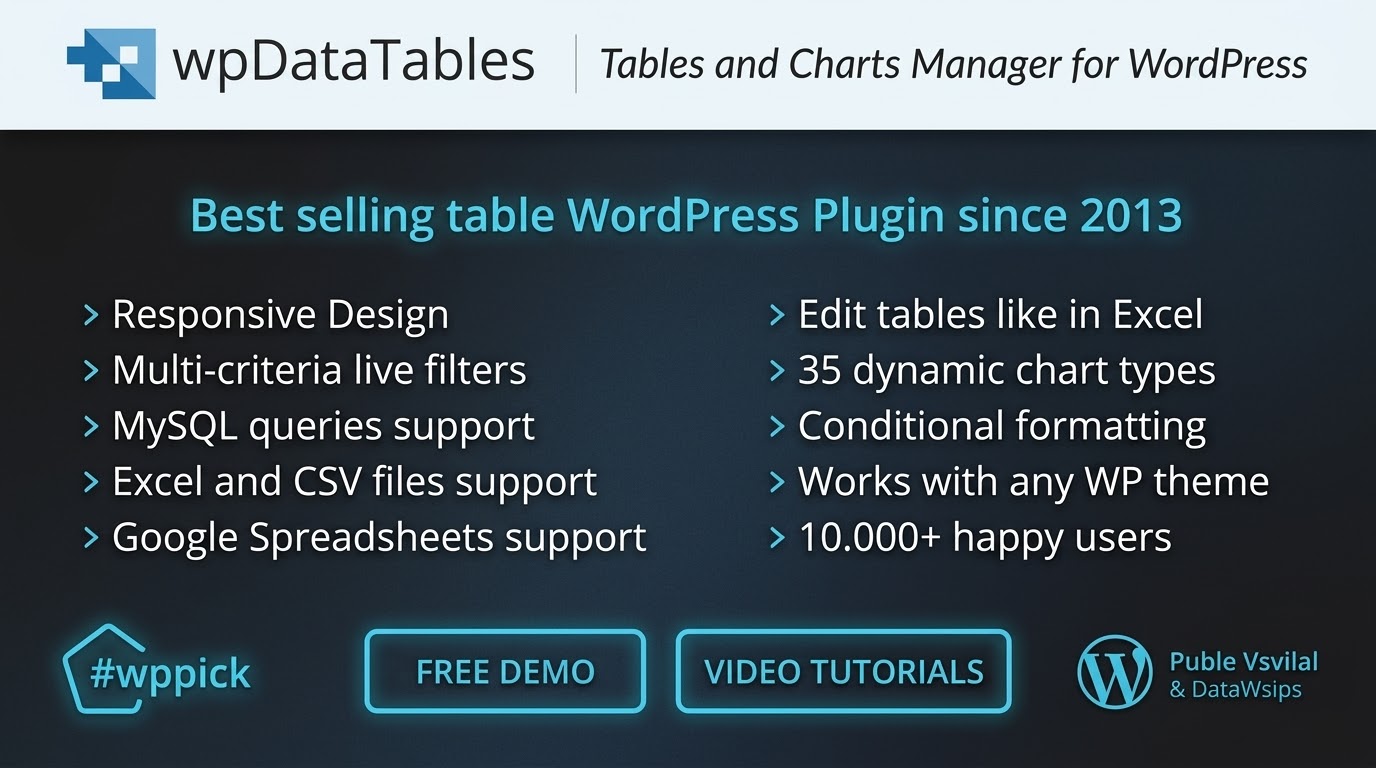
Advanced Data Visualization for WordPress Sites
Managing large datasets in WordPress often presents display and performance challenges. The wpDataTables plugin solves this by transforming complex data into fully responsive, interactive, and searchable tables and charts. Whether handling business reports, catalog pricing, scientific inventories, or dynamic charts, this tool renders data cleanly across modern mobile devices and desktop browsers without slowing down your site.
What wpDataTables Does
This data manager structures information from external or internal files into native WordPress tables. It processes massive quantities of information using server-side processing, meaning your database remains optimized even when displaying millions of rows. Users can filter data instantly, search specific entries, sort columns chronologically or alphabetically, and export the structured view directly into standard office formats.
Who This Data Plugin Is For
This solution serves website owners, data analysts, financial managers, and developers who need to present complex statistics cleanly. It is utilized by e-commerce platforms to manage large product specification lists, by corporate sites for financial disclosure reporting, and by sports portals to track statistics. Non-technical users can manage data via an interface resembling a standard spreadsheet application, while developers can utilize advanced database queries.
Key Capabilities and Architecture
- Direct connections to MySQL, MS SQL, and PostgreSQL databases for real-time live data synchronizations.
- Native importing functions for Microsoft Excel files, standard CSV files, and real-time synchronized Google Sheets.
- Built-in chart engines including Google Charts, Highcharts, and Chart.js to build dynamic, interactive graphs from table rows.
- Server-side processing configuration to handle massive files smoothly without causing server timeout issues.
- Front-end editing capabilities that allow permitted site visitors or managers to update row values directly from the live page.
Practical WordPress Use Cases
- Creating dynamic product catalogs or price matrix sheets that pull data automatically from an uploaded inventory spreadsheet.
- Displaying sports league standings, complete with searchable team records, player tables, and interactive performance charts.
- Building financial statistics dashboards for corporate transparency reports using structured SQL queries that refresh automatically.
- Publishing scientific or real-estate directories containing extensive filter categories so users can pinpoint entries instantly.
Setup, Integrations, and Compatibility
The system integrates smoothly into the WordPress ecosystem, featuring dedicated blocks and elements for the Block Editor (Gutenberg), Elementor, and WPBakery Page Builder. Setup involves choosing your input origin, configuring column data types (such as dates, currencies, images, or links), and embedding the generated shortcode. It is fully compatible with major caching solutions, provided data-heavy pages are evaluated for optimal query limits during setup.
Why Choose wpDataTables on WPPick
Acquiring this tables manager through WPPick ensures access to a clean, security-scanned file designed for immediate deployment. It allows you to test premium data visualization pipelines and responsive rendering frameworks within your staging environment. This marketplace model provides an efficient path to building highly interactive business dashboards without the entry price commitments of individual single-site developer commercial licenses.
Latest Version Context
Detailed official release notes for the latest update are not available from the provided external sources. However, the plugin maintains robust core frameworks for managing database queries, configuring column layouts, and ensuring front-end responsivity across standard theme architectures.
Frequently Asked Questions
Can I edit table content directly from the frontend of my WordPress site?
Yes, the plugin includes frontend editing capabilities. When enabled, authorized users can add, remove, or modify row data directly from the live web page, and these updates save back to the original source or database.
Does it support very large datasets containing thousands of rows?
Yes, it uses server-side processing for SQL-based and large tables. This ensures that the dataset is loaded in small chunks via AJAX as the user scrolls or pages, keeping memory consumption low and loading times fast.
Can I create visual charts that update automatically with my table data?
Yes, it includes integrated support for Google Charts, Highcharts, and Chart.js. When you update the data within your table, any connected charts refresh automatically to display the newly modified numbers.
Is it possible to import data from an external Google Sheet?
Yes, you can link a public Google Sheet to the plugin. The software reads the spreadsheet data in real-time, ensuring that any changes made inside your Google Drive account reflect on your WordPress site automatically.
Are the generated data displays fully readable on mobile phones?
Yes, the tables feature a built-in responsive design mode. On smaller screens, less critical columns collapse cleanly under an expandable interface, preventing layout breakage and maintaining readability on mobile layouts.
I. Download Limits & Account Benefits
- Free Downloads: Each email address receives 3 downloads per day for free products
- Upgrade Benefits: Purchase any paid product to increase your daily download limit by 3 for each paid product
- No Account Required: You can download immediately by receiving the download link via email
- Account Recommended: Create an account for easier access to your order history and direct update downloads
II. Understanding GPL vs Official Versions
Important: The products available on WPPick are GPL-licensed versions, which differ from official developer versions. Before purchasing, please read our comprehensive guide: Understanding GPL & Official Differences at WPPick
Key Points:
- GPL versions may not include premium support from original developers
- Updates may be delayed compared to official releases
- Some premium features might have limitations
- Always consider your specific needs and support requirements
III. Support & Assistance
We’re here to help through multiple channels:
- Email Support: Direct email assistance for all inquiries
- Live Chat: Real-time support during business hours
- Comprehensive Documentation: Detailed guides and tutorials
IV. Order Tracking
Access your complete purchase history and download links anytime: Order History
V. Account Access
New to WPPick? Login or Create Account to manage your downloads and orders efficiently.
VI. Refund Protection
We stand behind our products with a clear refund policy. Review our terms: Refund Policy
VII. Privacy & Security
Your data security is our priority. Learn how we protect your information: Privacy Policy
VII. Terms of Service
Understanding our service terms ensures a smooth experience: Terms of Use
Quick Tips for Best Experience
- Verify Compatibility: Check plugin/theme compatibility with your WordPress version
- Backup First: Always backup your site before installing new plugins or themes
- Test Environment: Consider testing on a staging site first
- Stay Updated: Regularly check for updates in your account dashboard
- Read Documentation: Review any included documentation for optimal setup
Need Help?
If you have questions about downloads, licensing, or need technical assistance, don’t hesitate to contact our support team. We’re committed to ensuring you have the best possible experience with WPPick products.
Ready to get started? Your download adventure begins with just one click!
- Added wpDataTables capabilities for viewing tables and charts.
- Added a new page for managing user permissions with wpDataTables capabilities for viewing tables and charts.
- Fixed vulnerability issue with Local File Inclusion (LFI).
- Other small bug fixes
- Information about all changes in the wpDataTables - Tables and Charts WordPress Plugin , versions, new features, bug fixes and more. What's new / Changelog - wpDataTables - Tables and Charts Plugin
- Initial release of version 7.3.2
- See changelog for detailed information about all changes, versions, new features, bug fixes and more
- Added Index Column.
- Add color option for Loader customization.
- Added loader to “Add to Cart” button in WooCommerce Tables.
- Upgraded Bootstrap Select to a higher version (security-checked).
- Fixed issue with replacing the entire table – STRING columns.
- Fixed issue with plugin deactivating due to invalid default value in SQL query.
- Other small bug fixes.