

Wplms Learning Management System For WordPress, WordPress Lms
/Year
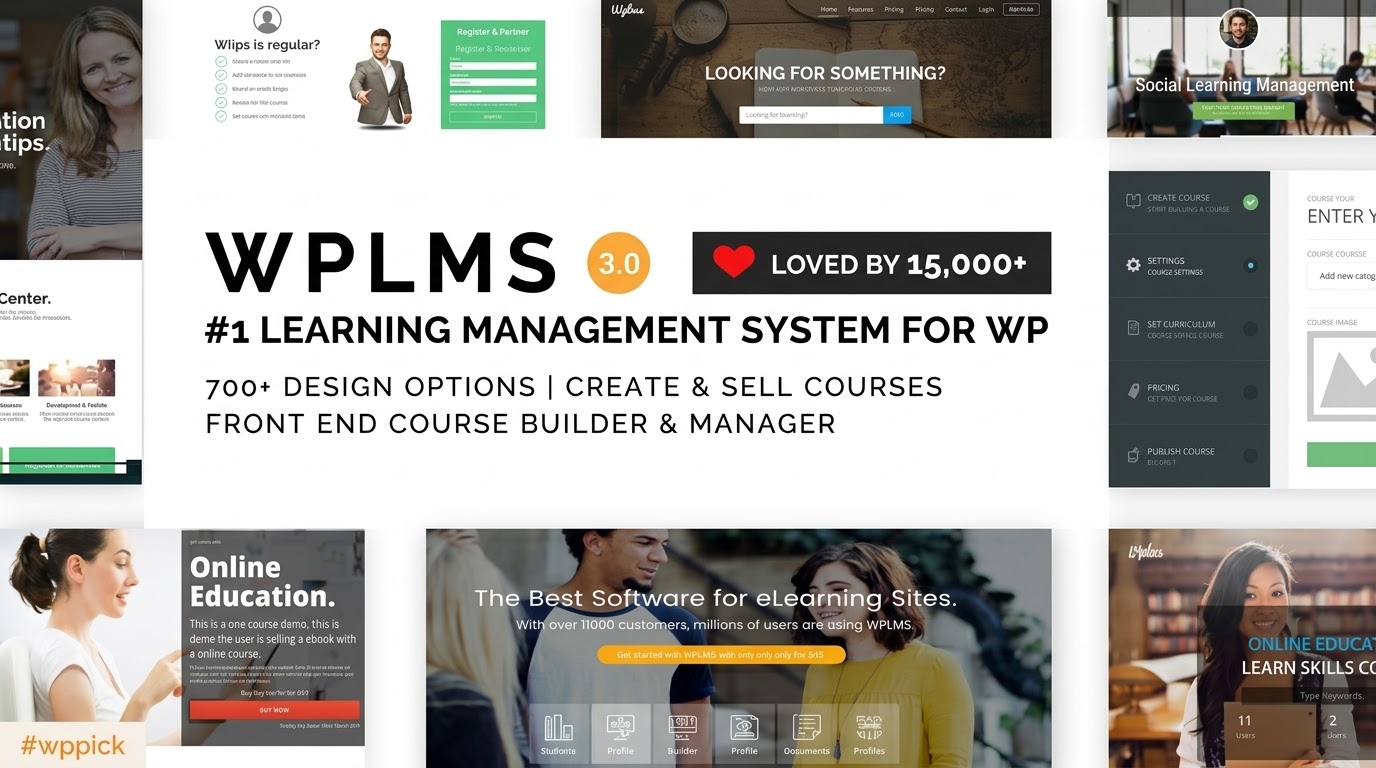
If you are looking to build a professional online academy, the WPLMS Learning Management System WordPress theme stands out as one of the most powerful and comprehensive solutions available. Unlike standard themes that simply “look” like an education site, WPLMS is a complete, feature-rich WordPress LMS theme designed to transform your site into a high-performance learning platform.Built with a modern, headless architecture using ReactJS and Progressive Web App (PWA) technology, WPLMS offers a sophisticated design philosophy that prioritizes social learning and an app-like user experience. Whether you are an individual instructor, a corporate trainer, or a large university, this theme provides the infrastructure needed to manage courses, students, and certifications at scale.
Key Features: Design, Layout, and Performance
WPLMS isn’t just a skin; it is a robust engine. Its design focuses on creating an immersive educational environment that feels more like a dedicated mobile app than a traditional website.
1. Modern Design & Layout Options
The theme leverages a Progressive Web App (PWA) architecture, which means your site can be installed on mobile devices and even work offline.
- Social Learning Focus: Deep integration with BuddyPress and bbPress creates a community-driven layout where students can use live chat, participate in forums, and view activity feeds.
- Flexible Layouts: While WPLMS offers its own drag-and-drop builder, it is fully compatible with Elementor and Divi, allowing you to create custom course pages, unique headers, and bespoke landing pages with pixel-perfect precision.
- Dashboards: Dedicated, interactive dashboards for both instructors and students ensure that managing progress and viewing course materials is intuitive.
2. Deep Customization Capabilities
Personalizing your e-learning site to match your brand is straightforward thanks to its extensive customization options:
- Global Styles: Control typography (Google Fonts integration) and color schemes through the WordPress Customizer.
- WPLMS Customizer Plugin: A unique feature that allows developers and advanced users to add custom CSS/JS and code snippets safely, ensuring customizations aren’t lost during theme updates.
- Widget Areas: With over 12 sidebar areas and 30+ custom widgets, you can organize educational content, course categories, and social feeds exactly where you want them.
3. Performance & SEO Optimization
In the world of e-learning, speed is critical for student retention. WPLMS is engineered for high performance:
- Speed Scores: The theme frequently achieves 90+ on Google PageSpeed Insights and 95+ on GTMetrix, thanks to its ReactJS foundation and built-in caching.
- SEO Readiness: WPLMS features clean markup and structured data (Schema) support, making it easier for search engines to index your courses and rank your platform for keywords like “best online courses.”
- Mobile-First Approach: Because it is a PWA, the mobile experience is exceptionally fluid, catering to the “learning on the go” demographic.
Installation and Demo Import: Step-by-Step
Getting started with a complex WordPress LMS theme can feel daunting, but WPLMS simplifies the process through its setup wizard.
- Theme Installation: Upload the WPLMS zip file via Appearance > Themes > Add New and activate it.
- Plugin Activation: The theme will prompt you to install required companion plugins (including the WPLMS core, BuddyPress, and WooCommerce). Ensure all are activated.
- One-Click Demo Import: Navigate to the WPLMS Setup Wizard. You can choose from various prebuilt demos (Corporate, University, MOOC, etc.).
- Server Requirements: Because the demo import is data-heavy, ensure your server has a PHP Memory Limit of 128MB (or more) and a Max Execution Time of 200s to avoid timeouts.
- Final Polish: Once the import is complete, your menus, widgets, and sample courses will be ready for you to swap with your own content.
Customization Guide: Branding Your Academy
To make the platform truly yours, follow these steps to align WPLMS with your brand identity:
- Header & Logo: Navigate to the Customizer to upload your logo and choose between multiple header styles (transparent, centered, or sidebar-based).
- Setting Up the Homepage: Use the integrated drag-and-drop builder or Elementor to arrange “Course Grid” widgets and call-to-action sections.
- Course Management: Go to the “LMS” menu in your dashboard to set up Custom Post Types for Units, Quizzes, and Assignments.
- Monetization: WPLMS is fully compatible with WooCommerce. To sell courses online with WordPress, simply link a course to a WooCommerce product. This allows you to use payment gateways like PayPal, Stripe, or local providers.
FAQ & Troubleshooting
Is WPLMS compatible with Elementor or Divi?
Yes, WPLMS is compatible with Elementor, Divi, and WPBakery. While it has its own internal layout tools, these page builders provide additional flexibility for creating custom landing pages and unique course layouts.
Does WPLMS support WooCommerce for online stores?
Absolutely. WPLMS uses WooCommerce as its primary engine for selling courses. This allows you to handle subscriptions, one-time payments, and even physical products (like textbooks) alongside your digital courses.
How can I update the theme without losing my customizations?
You should always use a child theme for structural changes. For custom code, WPLMS provides a dedicated WPLMS Customizer Plugin. This ensures that when you update the core theme files, your unique brand settings and code snippets remains intact.
What should I do if the demo import fails?
Most demo import issues are related to server limits. Check that your PHP version is 7.4 or higher and increase your max_execution_time and memory_limit in your php.ini file or contact your hosting provider.
Is WPLMS good for large institutions?
Yes, WPLMS is highly scalable and is currently used by platforms with up to 1 million members. Its headless architecture is specifically designed to handle high volumes of concurrent users and data-heavy educational environments.
Verdict: Is WPLMS Right For You?
The WPLMS Learning Management System WordPress theme is a powerhouse for anyone serious about e-learning. Its standout feature is the Progressive Web App (PWA) functionality, which gives your students a premium, app-like experience that most other LMS themes cannot match.Ideal for:
- Educational Institutions needing a scalable, social learning platform.
- Corporate Trainers looking for detailed tracking and certification.
- Course Creators who want an all-in-one solution to sell and manage content.While it has a steeper learning curve than simpler themes, the depth of features and the “social-first” design make it arguably the best WordPress LMS for building a truly professional online school. If you are ready to invest the time into setup, WPLMS will provide a world-class foundation for your educational business.For more WordPress theme reviews and SEO strategies, visit wppick.com.
I. Download Limits & Account Benefits
- Free Downloads: Each email address receives 3 downloads per day for free products
- Upgrade Benefits: Purchase any paid product to increase your daily download limit by 3 for each paid product
- No Account Required: You can download immediately by receiving the download link via email
- Account Recommended: Create an account for easier access to your order history and direct update downloads
II. Understanding GPL vs Official Versions
Important: The products available on WPPick are GPL-licensed versions, which differ from official developer versions. Before purchasing, please read our comprehensive guide: Understanding GPL & Official Differences at WPPick
Key Points:
- GPL versions may not include premium support from original developers
- Updates may be delayed compared to official releases
- Some premium features might have limitations
- Always consider your specific needs and support requirements
III. Support & Assistance
We’re here to help through multiple channels:
- Email Support: Direct email assistance for all inquiries
- Live Chat: Real-time support during business hours
- Comprehensive Documentation: Detailed guides and tutorials
IV. Order Tracking
Access your complete purchase history and download links anytime: Order History
V. Account Access
New to WPPick? Login or Create Account to manage your downloads and orders efficiently.
VI. Refund Protection
We stand behind our products with a clear refund policy. Review our terms: Refund Policy
VII. Privacy & Security
Your data security is our priority. Learn how we protect your information: Privacy Policy
VII. Terms of Service
Understanding our service terms ensures a smooth experience: Terms of Use
Quick Tips for Best Experience
- Verify Compatibility: Check plugin/theme compatibility with your WordPress version
- Backup First: Always backup your site before installing new plugins or themes
- Test Environment: Consider testing on a staging site first
- Stay Updated: Regularly check for updates in your account dashboard
- Read Documentation: Review any included documentation for optimal setup
Need Help?
If you have questions about downloads, licensing, or need technical assistance, don’t hesitate to contact our support team. We’re committed to ensuring you have the best possible experience with WPPick products.
Ready to get started? Your download adventure begins with just one click!
- Elementor fixes
- wc template update
- sanitization checks
- styling updates
- correct demo links
- previous step added in installer
- cart template updated
- Merge branch 'develop' of https://github.com/MrVibe/wplms into test
- new source location for installation
- fix plugins
- Revert "redundant files removed"
- updated pot file
- pot file updated
- redundant files removed
- remove Helpdesk from required
- ersion3 support removed from header
- enfore 4.0 check in header
- fixes to login causing issues with new buddypress
- sanitization checks
- styling updates
- correct demo links
- previous step added in installer
- cart template updated
- Merge branch 'develop' of https://github.com/MrVibe/wplms into test
- new source location for installation
- fix plugins
- Revert "redundant files removed"
- Tested with PHP 8.4.1
- Tested with latest WP & WooCommerce
- Removed recommended plugins CoAuthors and WPLMS CoAuthors as feature is inbuilt.
- Removed recommended plugins BBPress & Vibe Helpdesk, so that latest versions can be installed.