
Wpspowerbox
/Year
Introduction to WPSPowerbox: The Essential Extension for WPShapere
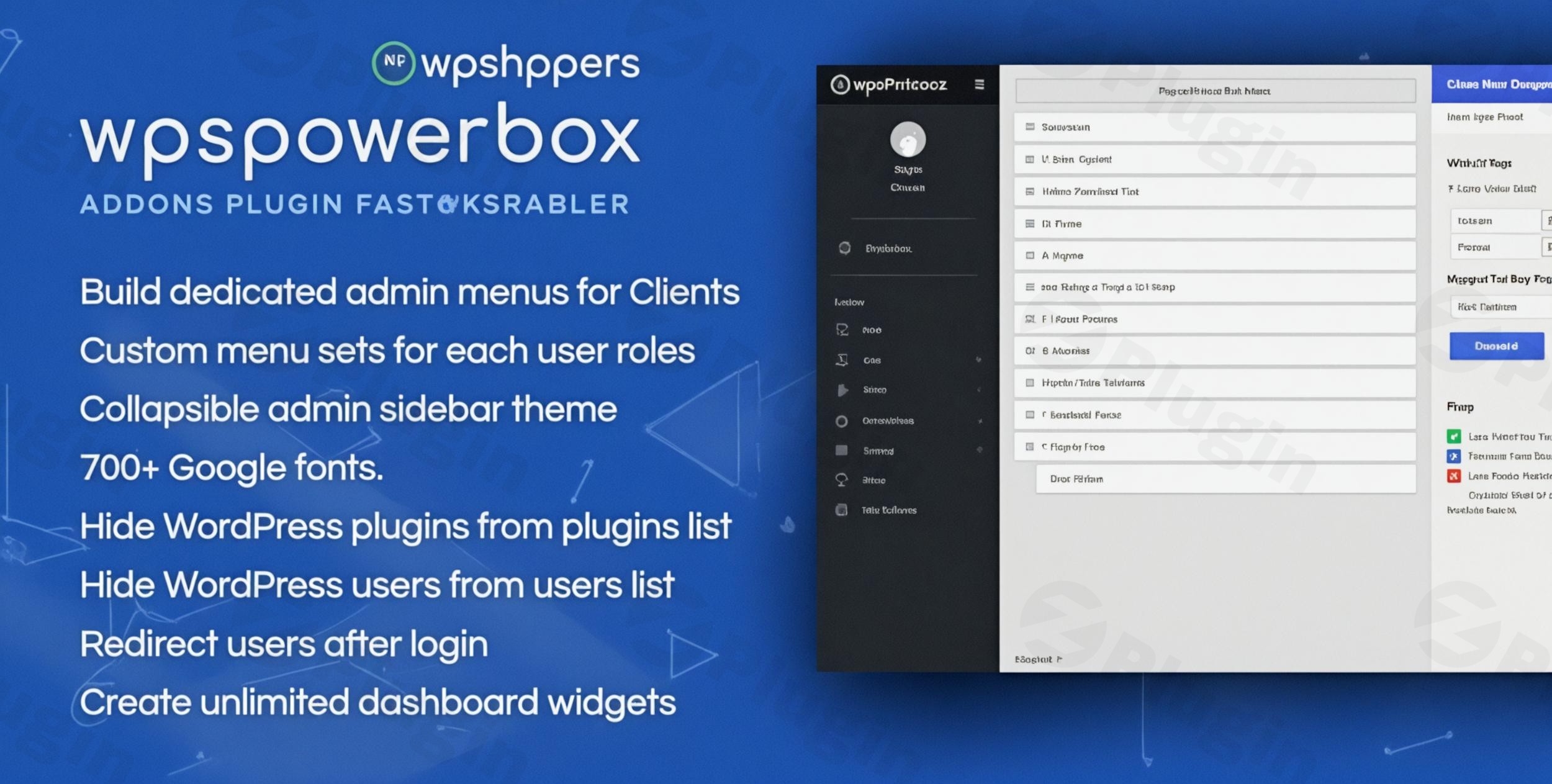
WPSPowerbox stands as the premier addon plugin, meticulously engineered to extend and enhance the capabilities of the acclaimed WPShapere WordPress Admin Theme. This powerful extension pack introduces a suite of advanced features and comprehensive customization options, transforming your standard WordPress dashboard into a highly professional, brand-aligned, and exceptionally efficient workspace. Designed for those who demand more from their administrative interface, WPSPowerbox is the key to unlocking unparalleled control and a refined user experience within WordPress.
Why Choose WPSPowerbox? Unlocking Advanced Administrative Potential
As a premium solution, WPSPowerbox seamlessly integrates with WPShapere to deliver a superior administrative experience that goes far beyond the native functionalities of WordPress. It is the definitive choice for professionals seeking to optimize their workflow, enhance productivity, and achieve consistent brand representation across their WordPress installations.
Key Features and Benefits: Mastering Your WordPress Admin
WPSPowerbox provides a robust collection of features, each crafted to offer significant benefits for both technical and non-technical users, ensuring a streamlined, customized, and high-performing admin environment.
Advanced Admin Customization
WPSPowerbox grants access to an extensive array of customization options, working in perfect synergy with WPShapere’s existing framework. This allows you to sculpt a truly unique admin environment, perfectly tailored to your specific operational needs and aesthetic preferences.
- Custom Dashboard Widgets: Empower your dashboard with bespoke widgets, providing quick access to critical information and frequently used functionalities, making your daily tasks more efficient.
- Admin Menu Management: Take full control of your admin menu. Customize menu items, labels, and icons, and strategically limit visibility for non-admin users to maintain focus and security.
- Login Page Customization: Brand your WordPress login page with custom designs, ensuring a consistent and professional brand identity from the very first interaction.
- Custom Admin Themes & Color Schemes: Beyond WPShapere, apply additional layers of thematic customization and fine-tune color schemes for a personalized and visually appealing admin interface.
- Admin Footer Customization: Personalize the admin footer to include copyright information, branding, or custom messages, reinforcing your professional image.
- Google Fonts Integration: Elevate typography within your admin theme by applying a wide selection of Google Fonts, enhancing readability and design consistency.
Enhanced User Experience & Workflow Efficiency
Improve navigation and workflow with intuitive additions that make content management, user administration, and site customization more efficient and user-friendly, catering to diverse skill sets.
- Admin Bar Control: Gain granular control over the elements displayed in the admin bar, or opt to completely hide it from the backend for a cleaner interface.
- Dashboard Widget Visibility Control: Manage which dashboard widgets are visible to different user roles, ensuring each user sees only what’s relevant to their tasks.
- User Role Management & Access Control: Sophisticated tools to manage user roles and permissions, combined with precise control over user access to various features and settings.
- User Redirection: Implement intelligent user redirection after login based on their user role, guiding users directly to their most relevant dashboard area.
- Metabox Control: Declutter your post and page editing screens by hiding unwanted metaboxes, streamlining the content creation process.
- Custom Admin Notices: Display targeted custom notices to users within the admin interface, ideal for announcements, instructions, or important alerts.
- Hide Users/Plugins: Maintain a focused admin view by hiding specific users or plugins from their respective lists, simplifying management.
Professional Dashboard Tools & White Label Branding
Access premium tools and features designed for WordPress developers, digital agencies, freelancers, and power users who require advanced administrative capabilities and robust branding options.
- White Label Branding: Rebrand the entire WordPress admin interface with your custom branding, removing all WordPress default branding for a truly bespoke client experience.
- Multisite Support: Fully compatible with WordPress Multisite installations, enabling consistent administration and branding across your network.
- Custom CSS Editor: For advanced customization, an integrated custom CSS editor allows for precise styling adjustments to the admin interface without altering core files.
- Export and Import Settings: Effortlessly export and import all plugin settings, facilitating easy configuration replication across multiple sites or for backup purposes.
- Multilingual Support: Designed with multilingual WordPress installations in mind, ensuring a localized experience for diverse user bases.
- Performance Optimization: Includes features aimed at optimizing the performance of the admin interface, ensuring a fast and responsive experience.
- Compatibility with Popular Plugins: Built with broad compatibility in mind, ensuring smooth operation alongside other widely used WordPress plugins.
Setup, Installation, and Compatibility Requirements
WPSPowerbox functions as an essential extension to the WPShapere WordPress Admin Theme. Therefore, WPShapere must be installed and activated prior to installing WPSPowerbox. This ensures seamless integration, stable performance, and the full range of enhanced functionality.When you acquire WPSPowerbox through trusted platforms, you receive a genuine GPL-licensed product with the assurance of regular updates. These updates are crucial for maintaining compatibility with the latest WordPress versions and WPShapere, as well as for introducing new features and security enhancements. All files undergo thorough security scanning via industry-standard services like VirusTotal, guaranteeing safety and reliability. As of the latest information, WPSPowerbox is designed to be compatible with the latest versions of WordPress and WPShapere, with continuous updates ensuring its robustness.
Ideal For: Who Benefits Most from WPSPowerbox?
WPSPowerbox is the ideal solution for:
- WordPress Developers: Gain unparalleled control over the admin interface for client projects, ensuring consistent branding and optimized workflows.
- Digital Agencies: Streamline client onboarding and management by providing a custom, branded admin experience that enhances professionalism.
- Freelancers: Deliver polished, white-labeled solutions to clients, fostering trust and reinforcing your brand identity.
- Business Owners: Empower your team with a more efficient and intuitive backend, reducing training time and improving productivity.
Elevate Your WordPress Administration Today
Transform your WordPress dashboard into a powerful, highly customized, and efficient workspace with WPSPowerbox. This essential addon pack provides the advanced features and professional tools necessary to streamline your workflow, reinforce your brand, and create a superior administrative experience for yourself, your team, and your clients. Invest in WPSPowerbox and unlock the full potential of your WordPress backend.
I. Download Limits & Account Benefits
- Free Downloads: Each email address receives 3 downloads per day for free products
- Upgrade Benefits: Purchase any paid product to increase your daily download limit by 3 for each paid product
- No Account Required: You can download immediately by receiving the download link via email
- Account Recommended: Create an account for easier access to your order history and direct update downloads
II. Understanding GPL vs Official Versions
Important: The products available on WPPick are GPL-licensed versions, which differ from official developer versions. Before purchasing, please read our comprehensive guide: Understanding GPL & Official Differences at WPPick
Key Points:
- GPL versions may not include premium support from original developers
- Updates may be delayed compared to official releases
- Some premium features might have limitations
- Always consider your specific needs and support requirements
III. Support & Assistance
We’re here to help through multiple channels:
- Email Support: Direct email assistance for all inquiries
- Live Chat: Real-time support during business hours
- Comprehensive Documentation: Detailed guides and tutorials
IV. Order Tracking
Access your complete purchase history and download links anytime: Order History
V. Account Access
New to WPPick? Login or Create Account to manage your downloads and orders efficiently.
VI. Refund Protection
We stand behind our products with a clear refund policy. Review our terms: Refund Policy
VII. Privacy & Security
Your data security is our priority. Learn how we protect your information: Privacy Policy
VII. Terms of Service
Understanding our service terms ensures a smooth experience: Terms of Use
Quick Tips for Best Experience
- Verify Compatibility: Check plugin/theme compatibility with your WordPress version
- Backup First: Always backup your site before installing new plugins or themes
- Test Environment: Consider testing on a staging site first
- Stay Updated: Regularly check for updates in your account dashboard
- Read Documentation: Review any included documentation for optimal setup
Need Help?
If you have questions about downloads, licensing, or need technical assistance, don’t hesitate to contact our support team. We’re committed to ensuring you have the best possible experience with WPPick products.
Ready to get started? Your download adventure begins with just one click!
- Enhanced Compatibility with WPShapere 8.0