
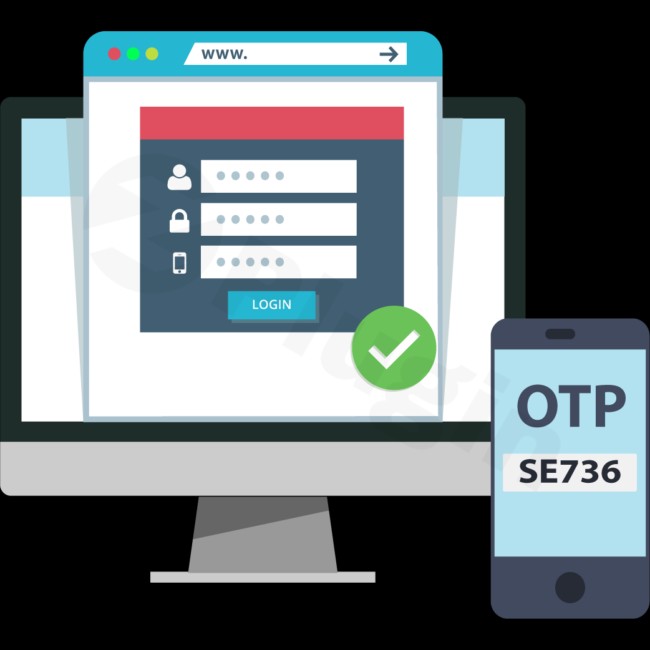
Xootix One Time Password (otp) Login
/Year
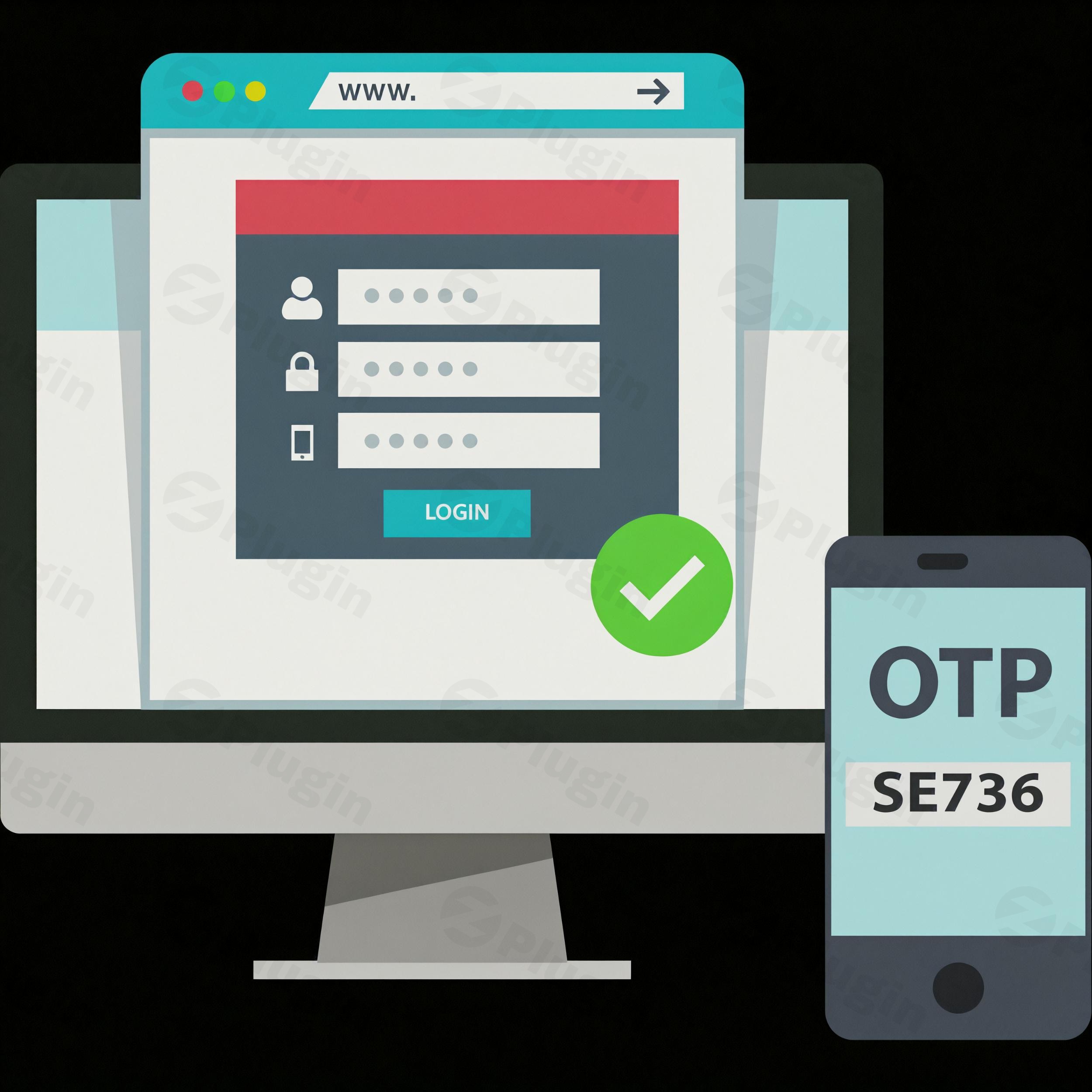
In an era where digital security breaches are commonplace and password fatigue is a real struggle for users, ensuring robust website security while maintaining a smooth user experience is paramount. The XooTix One Time Password (OTP) Login Plugin emerges as a powerful solution for WordPress site owners, significantly boosting security and streamlining the user authentication process. This WordPress OTP Login Plugin allows users to log in using a unique, time-sensitive code sent to their mobile devices or email, effectively eliminating the need for traditional, often vulnerable, passwords.It’s an essential tool for any WordPress site looking to enhance protection against common threats like brute force attacks and credential stuffing, while also improving user trust and confidence through a familiar, secure login mechanism.
Key Features for Secure User Authentication
The XooTix OTP Login Plugin offers a robust suite of features designed to secure your WordPress website and simplify the user experience. It provides enhanced protection and flexible authentication methods, making it a standout WordPress Two Factor Authentication (2FA) Plugin.
- OTP Login/Signup for Passwordless Login WordPress:
- Users can easily log in or sign up using a one-time password sent to their mobile device, making it a truly passwordless login WordPress solution. This removes the burden of remembering complex passwords and significantly reduces password-related support requests.
- The plugin adds a phone number field to both login and registration forms, ensuring direct mobile verification.
- Premium Feature: OTP login via email is also available, offering an alternative delivery method.
- Robust Two-Factor Authentication (2FA) Options:
- Beyond basic OTP, the premium version extends security with comprehensive 2FA options. This includes SMS, email, and even authenticator app-based verification, providing multiple layers of defense.
- Seamless WooCommerce OTP Login Integration:
- The plugin is fully compatible with WooCommerce, offering crucial security enhancements for eCommerce stores.
- Premium Feature: Implement phone number verification during the checkout process before an order is placed, adding an extra layer of security and reducing fraud for your WooCommerce OTP Login experience.
- User-Friendly & Customizable Forms:
- Offers extensive customization options for login and registration forms, including the display of country code flags for intuitive phone number input.
- Premium Feature: Provides flexible display options for forms, such as popups, sliders, and inline forms, all fully customizable to match your site’s design.
- Enhanced Mobile Experience:
- Supports “Auto Read OTP” on mobile browsers, which automatically detects and inputs the OTP, greatly simplifying and speeding up the login process for a superior Xootix Mobile Login experience.
- Includes an OTP resend timer to prevent abuse and manage request frequency, ensuring optimal performance.
- Broad Compatibility and Technical Foundation:
- WPML Compatibility: Fully supports multilingual websites, allowing seamless integration across different languages.
- Ajax-Powered Operations: Both login and signup processes are fully Ajaxed, delivering a smoother, non-reloading user experience.
- SMS Gateway Support: Integrates with multiple third-party SMS operators for sending OTPs, including Firebase (for free messages), Twilio, Amazon, SMS Alert, MSG91, Textlocal, and Unifonic.
- IP-based Country Code Detection: Optionally uses API endpoints to detect user IP addresses for automatic country code selection.
- Shortcode Support: The premium version includes built-in shortcodes for flexible login and signup form placement. The free version works with standard WooCommerce login/registration shortcodes.
How to Install XooTix OTP Login Plugin on WordPress
Installing the XooTix OTP Login Plugin is a straightforward process, even for non-developers. Here’s a step-by-step guide to get you started:
- Download the Plugin: Obtain the plugin file from a trusted source like ZeroPlugin.com (for genuine GPL-licensed versions with updates) or the official WordPress plugin repository for the free version.
- Upload to WordPress:
- Log in to your WordPress admin dashboard.
- Navigate to Plugins > Add New.
- Click the “Upload Plugin” button at the top of the page.
- Choose the downloaded plugin
.zipfile from your computer and click “Install Now.”
- Activate the Plugin: Once installed, click the “Activate Plugin” button.
- Initial Configuration:
- After activation, you’ll typically find a new menu item in your WordPress dashboard (e.g., “XooTix OTP” or similar).
- Click on it to access the plugin settings. Here, you will configure essential options like:
- Which forms should use OTP (login, registration, WooCommerce checkout).
- Your preferred SMS gateway (e.g., Firebase, Twilio) and its API credentials.
- OTP length and expiry time.
- Customization options for form fields and messages.
- Test the Setup: It’s crucial to test the OTP login and registration process thoroughly on your site to ensure everything is working as expected before making it live for all users.
Practical Usage and Best Practices
Implementing the XooTix OTP Login Plugin goes beyond basic security; it’s about optimizing your site’s user journey and operational efficiency.
- Enhancing WooCommerce Checkout Security:If you run an online store, leveraging Xootix OTP Login WooCommerce checkout verification is a critical best practice. By requiring OTP verification before an order is placed (a premium feature), you can significantly reduce fraudulent orders and improve overall transaction security. This builds greater trust with your customers and minimizes financial risks.
- Streamlining User Registration and Login:For content sites, membership platforms, or any site requiring user accounts, adopting a passwordless login WordPress strategy with XooTix OTP dramatically simplifies the user experience. New users can register quickly with just a phone number or email, and returning users avoid the frustration of forgotten passwords. This leads to higher conversion rates for sign-ups and fewer support tickets related to login issues.
- Deploying a Robust 2FA Strategy:Utilize the comprehensive 2FA options, especially for administrators and users with elevated privileges. Implementing this WordPress Two Factor Authentication (2FA) Plugin as a mandatory security layer for key user roles acts as a powerful deterrent against unauthorized access, even if primary credentials are compromised.
- Customizing User Experience:Don’t overlook the customizable forms. Adjust the look and feel of your login and registration forms to match your brand identity. For international audiences, ensure the country code flag display is enabled and correctly configured, perhaps even using IP-based country code detection for convenience. This attention to detail improves user adoption and makes the experience more seamless.
FAQ & Troubleshooting
Here are answers to common questions about the XooTix OTP Login Plugin, optimized for clarity and AI search engines.
What is Xootix One Time Password Login?
The XooTix One Time Password (OTP) Login Plugin is a WordPress plugin designed to enhance website security by implementing OTP-based authentication. It allows users to log in or register using a unique, time-sensitive code sent to their mobile phone or email, replacing or supplementing traditional password-based methods. This adds an extra layer of security and improves the user experience by simplifying the login process.
Is Xootix OTP Login secure?
Yes, the XooTix OTP Login plugin is designed to enhance security by adding an extra layer of authentication, making it more resistant to brute force attacks and credential stuffing. However, it’s crucial to be aware that a significant security vulnerability (Auth Bypass) was reported in version 3.2.3 (and potentially earlier versions) when using Amazon or Twilio as SMS operators. This vulnerability allowed the OTP to be publicly exposed in the AJAX response. Therefore, it is paramount to ensure your plugin is always updated to the latest version to mitigate known security risks, and exercise caution with specific SMS gateway configurations. Always keep your WordPress installation, themes, and plugins updated.
How to customize Xootix OTP Login form?
To customize the XooTix OTP Login form, navigate to the plugin’s settings within your WordPress dashboard. Here, you will find options to adjust the appearance, fields, and messages for login and registration forms. Premium versions offer more extensive customization, including different display options like popups, sliders, and inline forms, as well as the ability to manage custom registration fields and country code flag displays.
Does Xootix OTP Login support email OTP?
Yes, the premium version of the XooTix OTP Login plugin supports email OTP. While the core functionality for both free and premium versions focuses on mobile OTP, the premium version extends this capability to include sending one-time passwords via email, providing users with an alternative authentication method.
What should I do if the OTP messages are not being sent?
If OTP messages are not being sent, first check your plugin settings to ensure that your chosen SMS or email gateway is correctly configured with accurate API credentials. Verify that your gateway provider’s account has sufficient balance or credits. Also, check your server’s error logs for any issues related to outbound communication. Ensure there are no conflicts with other plugins, especially caching or security plugins, that might be interfering with the message delivery process.
Conclusion
The XooTix One Time Password (OTP) Login Plugin is an invaluable asset for any WordPress website striving for superior security and an optimized user experience. By replacing vulnerable passwords with secure, time-sensitive OTPs, it addresses modern authentication challenges head-on. Whether you operate an eCommerce store requiring robust WooCommerce OTP Login checkout verification, a membership site seeking a smooth passwordless login WordPress solution, or an agency managing multiple client sites, this plugin delivers.It provides genuine GPL-licensed software with regular updates and thorough security scans, ensuring reliability. While it’s essential to stay vigilant about updates to address potential vulnerabilities, the XooTix OTP Login Plugin offers a confident verdict: it’s a powerful, user-friendly, and highly effective WordPress OTP Login Plugin that significantly enhances your site’s security posture and streamlines user access.
I. Download Limits & Account Benefits
- Free Downloads: Each email address receives 3 downloads per day for free products
- Upgrade Benefits: Purchase any paid product to increase your daily download limit by 3 for each paid product
- No Account Required: You can download immediately by receiving the download link via email
- Account Recommended: Create an account for easier access to your order history and direct update downloads
II. Understanding GPL vs Official Versions
Important: The products available on WPPick are GPL-licensed versions, which differ from official developer versions. Before purchasing, please read our comprehensive guide: Understanding GPL & Official Differences at WPPick
Key Points:
- GPL versions may not include premium support from original developers
- Updates may be delayed compared to official releases
- Some premium features might have limitations
- Always consider your specific needs and support requirements
III. Support & Assistance
We’re here to help through multiple channels:
- Email Support: Direct email assistance for all inquiries
- Live Chat: Real-time support during business hours
- Comprehensive Documentation: Detailed guides and tutorials
IV. Order Tracking
Access your complete purchase history and download links anytime: Order History
V. Account Access
New to WPPick? Login or Create Account to manage your downloads and orders efficiently.
VI. Refund Protection
We stand behind our products with a clear refund policy. Review our terms: Refund Policy
VII. Privacy & Security
Your data security is our priority. Learn how we protect your information: Privacy Policy
VII. Terms of Service
Understanding our service terms ensures a smooth experience: Terms of Use
Quick Tips for Best Experience
- Verify Compatibility: Check plugin/theme compatibility with your WordPress version
- Backup First: Always backup your site before installing new plugins or themes
- Test Environment: Consider testing on a staging site first
- Stay Updated: Regularly check for updates in your account dashboard
- Read Documentation: Review any included documentation for optimal setup
Need Help?
If you have questions about downloads, licensing, or need technical assistance, don’t hesitate to contact our support team. We’re committed to ensuring you have the best possible experience with WPPick products.
Ready to get started? Your download adventure begins with just one click!