

Xt Floating Cart For Woocommerce Pro
/Year
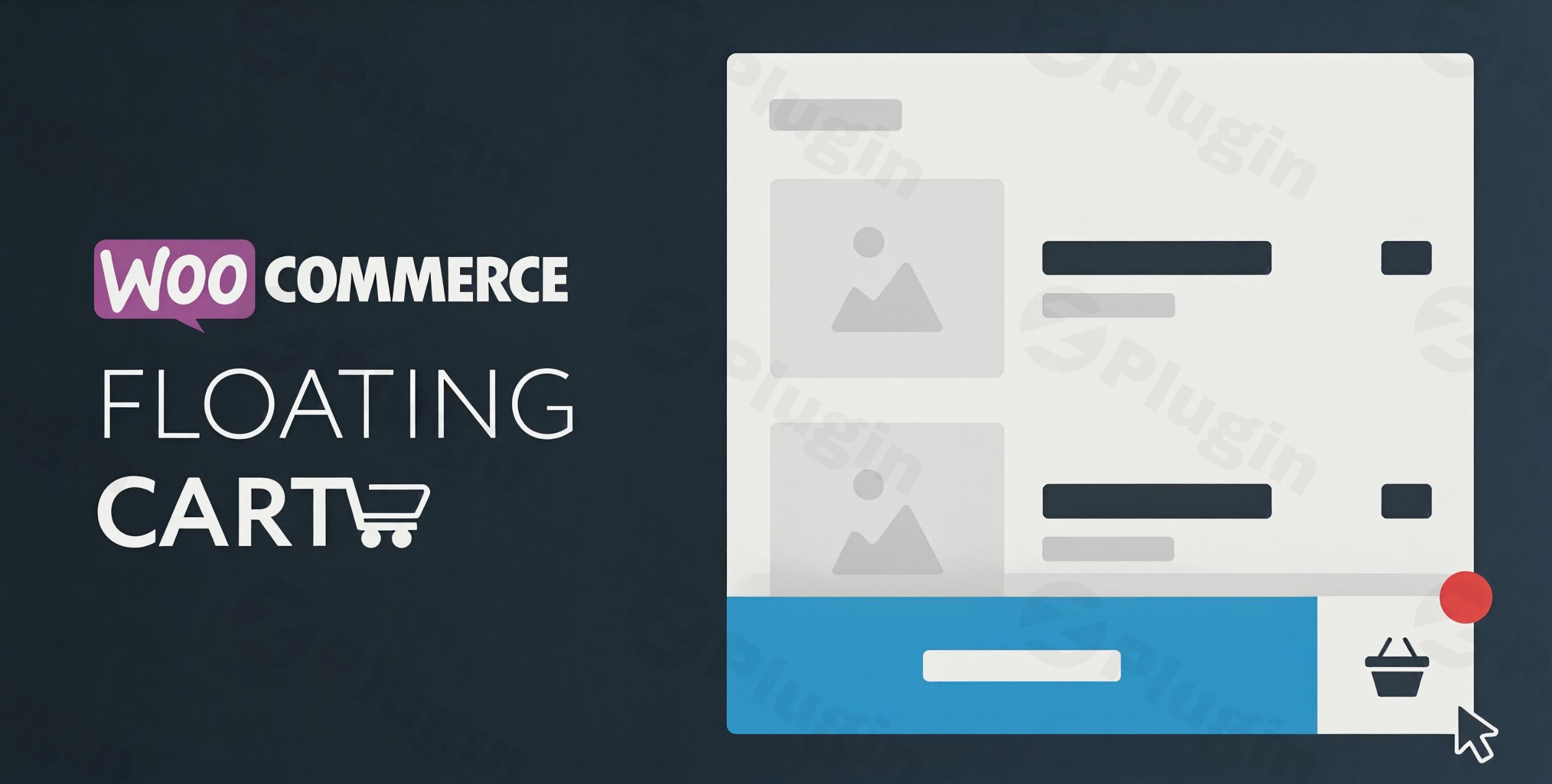
In the competitive landscape of online retail, user experience is paramount. The XT Floating Cart For WooCommerce Pro is a premium WordPress plugin designed to transform your WooCommerce store’s shopping cart functionality, making it more intuitive, dynamic, and conversion-focused. This sophisticated solution integrates seamlessly into your e-commerce platform, providing customers with an interactive shopping cart that enhances engagement and reduces cart abandonment without interrupting their shopping journey.With its robust features and unparalleled customization options, XT Floating Cart For WooCommerce Pro is an essential tool for any serious online merchant looking to upgrade their customer’s checkout experience and drive sales.
Key Features: Boosting Engagement and Conversions
The XT Floating Cart For WooCommerce Pro is engineered to address common pain points in the online shopping process, offering a suite of features that prioritize user convenience and merchant profitability.
Interactive Floating Cart & Instant Cart Panel
The plugin introduces a dynamic, interactive floating cart that remains accessible as customers browse your store. When an item is added, an instant cart panel slides in smoothly, providing immediate visual feedback and allowing customers to manage their orders—adding, removing, or updating products—without ever leaving their current page. This seamless interaction is crucial for maintaining shopping momentum.
AJAX-Based Updates for Real-time Interaction
Leveraging AJAX technology, the XT Floating Cart For WooCommerce Pro ensures that all cart updates—adding products, modifying quantities, or removing items—occur instantly without requiring a page reload. This real-time functionality creates a fluid and responsive shopping experience, minimizing friction and encouraging progression through the sales funnel.
Advanced Customization Features: Complete Design Control
Tailor every visual aspect of your floating cart to perfectly align with your brand identity directly through the WordPress Customizer. With a live preview, you can:
- Adjust Colors, Backgrounds, Fonts, and Styles: Match your store’s aesthetic with precise control over every design element.
- Flexible Display Options: Choose from multiple cart positions (e.g., left, right), customize width and height dimensions, and select optimal counter placement. Configure device visibility settings to ensure a flawless experience across desktop, tablet, and mobile.
- Custom Icons & Branding: Utilize SVG, image, or font icons, and integrate Google Fonts for complete branding consistency and a professional look.
Enhanced User Experience: Engaging Animations & Triggers
Engage your customers with subtle yet impactful visual cues:
- Loading Spinner Animations: Choose from 11 different loading spinner animations to indicate background processes smoothly.
- “Fly to Cart” Visual Effects: Delight users with optional “Fly to Cart” animations that visually confirm when a product is added.
- Intuitive Mouse-Over Triggers: Configure the cart to appear on mouse-over, with customizable delay settings, offering a natural and non-intrusive interaction pattern.
Streamlined Checkout Process
The plugin empowers customers with options designed for speed and convenience:
- Quick Checkout: Allow customers to proceed directly to checkout from the floating cart, significantly reducing steps in the conversion path.
- Express Checkout Form: Offer an express checkout form for an even faster purchasing experience.
Comprehensive Product Management within the Cart
Customers can manage product details effortlessly within the floating cart:
- Product Variations Support: Modify product variations (e.g., size, color) directly inside the cart panel.
- Product Attributes Display: Clearly display product attributes, ensuring customers have all necessary information at a glance.
Strategic Upselling and Cross-Selling Opportunities
Leverage the floating cart to strategically boost average order value:
- Cross-Sells & Upsells: Suggest related products or complementary items directly within the floating cart.
- Optional Cart Notices: Display timely messages like coupon offers, free shipping thresholds, or other promotional content to encourage additional purchases.
- Free Shipping Bar: Visually inform customers of how much more they need to spend to qualify for free shipping.
Detailed Cart Summary and Savings
Provide complete transparency for your customers:
- Mini Cart & Cart Summary: Display a concise overview of cart contents, including subtotal, tax, and total.
- Coupons and Total Savings Display: Clearly show applied coupons and the total amount saved, reinforcing the value of their purchase.
Exclusion of Pages
Maintain complete control over the user experience by specifying pages where the floating cart should not be displayed, perfect for specific landing pages or non-e-commerce content.
Technical Excellence & Robust Compatibility
XT Floating Cart For WooCommerce Pro is built with a focus on performance, reliability, and broad compatibility, making it a robust solution for any WooCommerce store.
- Seamless WooCommerce Integration: The plugin offers full support for product variations, attributes, and AJAX functionality, ensuring smooth operation across all product types and instant updates without page refreshes.
- Global Compatibility: Designed with RTL (Right-to-Left) language support and comprehensive WooCommerce compatibility, this solution works perfectly in diverse markets and integrates flawlessly with most WooCommerce themes.
- Mobile-Friendly & Responsive: The floating cart is fully responsive and optimized for mobile devices, providing an excellent shopping experience on any screen size.
- Lightweight & Fast: Engineered for efficiency, the plugin provides smooth animations with minimal impact on your store’s loading speed and overall performance.
- Page Builder Integration: It integrates smoothly with popular page builders like Elementor and WPBakery Page Builder, offering flexibility for your site’s design workflow.
Why Choose XT Floating Cart For WooCommerce Pro: A Premium Advantage
Opting for the XT Floating Cart For WooCommerce Pro from a trusted platform means investing in a high-quality, reliable solution that offers significant advantages:
- Genuine GPL-Licensed Software: You receive authentic software, ensuring compliance and flexibility.
- Regular Updates and Security Patches: Our commitment to regular updates ensures your plugin remains compatible with the latest versions of WordPress and WooCommerce, and receives critical security enhancements. This proactive approach safeguards your e-commerce store against vulnerabilities.
- Verified Code Security: All plugin code undergoes rigorous third-party security scanning. This meticulous verification process guarantees complete safety and peace of mind for serious online merchants.
- Expert Support and Professionalism: This premium solution reflects expertise in e-commerce functionality, providing detailed, accurate, and trustworthy features designed to deliver real results.By choosing XT Floating Cart For WooCommerce Pro, you’re not just getting a plugin; you’re acquiring a professional e-commerce tool verified for its quality, security, and ongoing performance. It helps reduce cart abandonment, improves user engagement, and cultivates a modern shopping experience that directly encourages conversions, making it an invaluable asset for stores committed to sophisticated, user-friendly functionality.
Setup and Installation: Getting Started
Installing and configuring the XT Floating Cart For WooCommerce Pro is a straightforward process designed for both technical and non-technical users.
- Download and Install: After acquiring the plugin, upload the
.zipfile via your WordPress dashboard (Plugins > Add New > Upload Plugin) and activate it. - Access WordPress Customizer: Navigate to
Appearance > Customizein your WordPress admin area. - Configure Floating Cart Settings: Within the Customizer, you will find dedicated sections for XT Floating Cart For WooCommerce Pro. Here, you can live-preview all customization options, including:
- Design & Styling: Adjust colors, fonts, backgrounds, and cart icon styles.
- Layout & Positioning: Set the cart’s position, width, height, and counter placement.
- Behavior: Configure animation effects, mouse-over triggers, and express checkout options.
- Content: Customize cart notices, cross-sells, and enable the free shipping bar.
- Compatibility: Define page exclusions and device visibility.
- Save & Publish: Once you’re satisfied with your configurations, click “Publish” to apply the changes to your live store.This intuitive integration with the WordPress Customizer ensures that you can set up and fine-tune your floating cart with ease, without needing extensive coding knowledge.
Conclusion
The XT Floating Cart For WooCommerce Pro is more than just a convenience; it’s a strategic investment in your e-commerce success. By delivering a seamless, interactive, and highly customizable shopping experience, this premium plugin directly addresses common barriers to conversion, fostering greater customer satisfaction and driving increased revenue. Its robust technical foundation, comprehensive feature set, and commitment to security make it an authoritative and trustworthy solution for any WooCommerce store looking to elevate its online presence and optimize its customer journey. Embrace the future of e-commerce with a floating cart solution that truly works for you and your customers.
I. Download Limits & Account Benefits
- Free Downloads: Each email address receives 3 downloads per day for free products
- Upgrade Benefits: Purchase any paid product to increase your daily download limit by 3 for each paid product
- No Account Required: You can download immediately by receiving the download link via email
- Account Recommended: Create an account for easier access to your order history and direct update downloads
II. Understanding GPL vs Official Versions
Important: The products available on WPPick are GPL-licensed versions, which differ from official developer versions. Before purchasing, please read our comprehensive guide: Understanding GPL & Official Differences at WPPick
Key Points:
- GPL versions may not include premium support from original developers
- Updates may be delayed compared to official releases
- Some premium features might have limitations
- Always consider your specific needs and support requirements
III. Support & Assistance
We’re here to help through multiple channels:
- Email Support: Direct email assistance for all inquiries
- Live Chat: Real-time support during business hours
- Comprehensive Documentation: Detailed guides and tutorials
IV. Order Tracking
Access your complete purchase history and download links anytime: Order History
V. Account Access
New to WPPick? Login or Create Account to manage your downloads and orders efficiently.
VI. Refund Protection
We stand behind our products with a clear refund policy. Review our terms: Refund Policy
VII. Privacy & Security
Your data security is our priority. Learn how we protect your information: Privacy Policy
VII. Terms of Service
Understanding our service terms ensures a smooth experience: Terms of Use
Quick Tips for Best Experience
- Verify Compatibility: Check plugin/theme compatibility with your WordPress version
- Backup First: Always backup your site before installing new plugins or themes
- Test Environment: Consider testing on a staging site first
- Stay Updated: Regularly check for updates in your account dashboard
- Read Documentation: Review any included documentation for optimal setup
Need Help?
If you have questions about downloads, licensing, or need technical assistance, don’t hesitate to contact our support team. We’re committed to ensuring you have the best possible experience with WPPick products.
Ready to get started? Your download adventure begins with just one click!
- Replaced pointerdown event for the checkout button with click event instead to avoid checkout page redirection when the embedded checkout form is enabled
- XT Framework update