

Xt Variation Swatches For Woocommerce
/Year
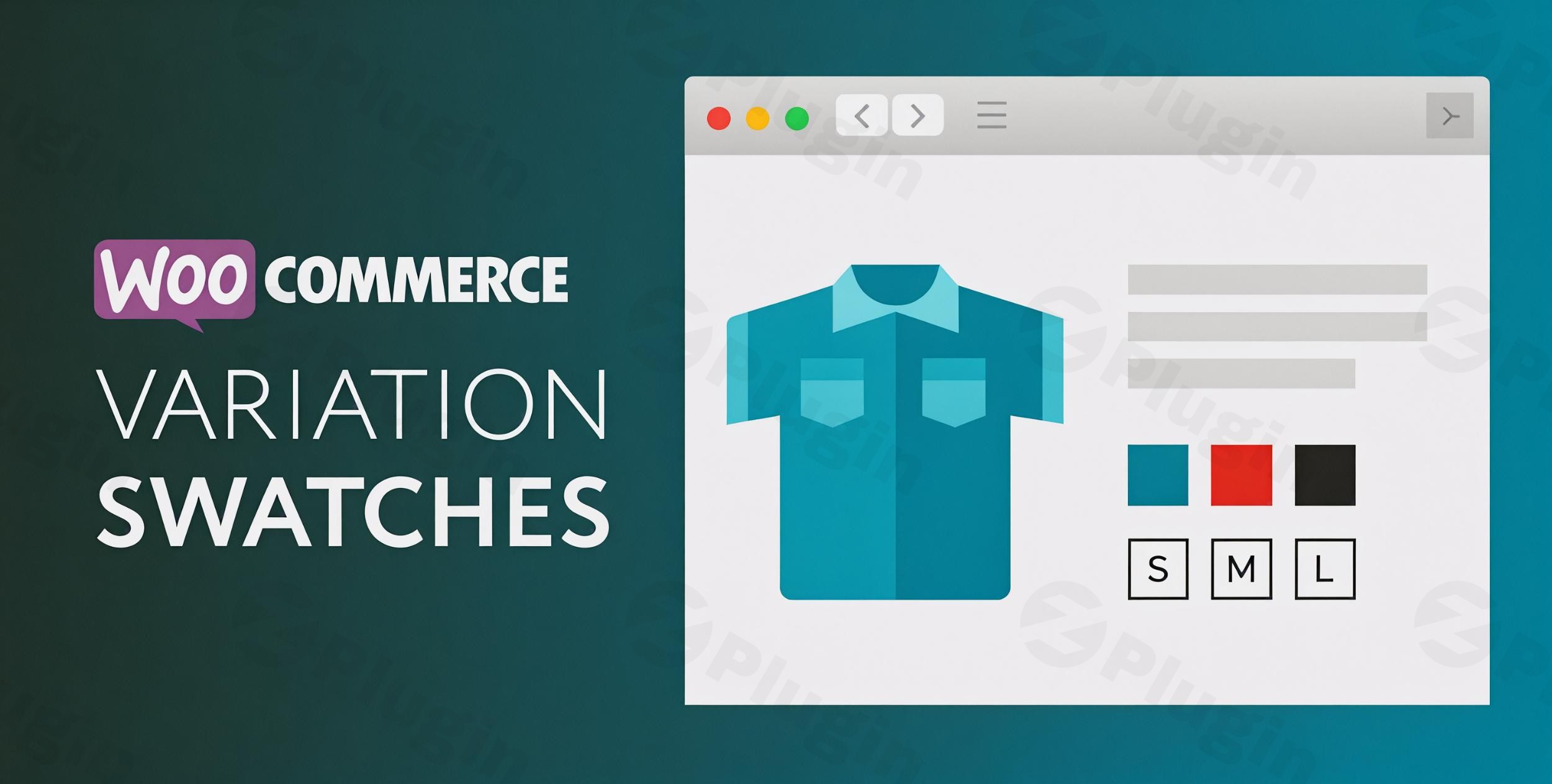
In the competitive world of e-commerce, user experience (UX) is the bridge between a “window shopper” and a loyal customer. By default, WooCommerce uses plain dropdown menus for product variations, which can be cumbersome and uninspiring for shoppers. XT Variation Swatches For WooCommerce is a powerful WordPress variation swatches plugin designed to replace those generic dropdowns with vibrant, clickable, and intuitive swatches.
By allowing customers to see colors, textures, and sizes at a glance, you streamline the path to purchase and significantly improve conversion rates. Whether you are a small boutique owner or managing a large-scale marketplace, this plugin provides the visual tools necessary to create a professional shopping environment.
Key Features & Benefits
The XT Variation Swatches plugin, developed by Xploded Themes, offers a robust feature set that goes beyond simple color circles. It is built to be lightweight, ensuring that your site’s performance remains optimized while adding high-end functionality.
1. Diverse Swatch Types
The plugin supports multiple ways to represent your products, ensuring you can convert WooCommerce dropdowns to swatches regardless of your industry:
- Color Swatches: Perfect for apparel or home decor, displaying actual hues for quick selection.
- Image Swatches: Ideal for showcasing patterns, fabric textures, or specific product visuals. The plugin can even automatically apply image swatches to attributes that have associated variation images.
- Label/Text Swatches: Best for sizes (S, M, L, XL) or material names, presenting them as clean, styled buttons.
- Radio Button Swatches: Provides a structured, list-style selection interface that is familiar to many users.
- Dual Color Swatches: A unique feature for products with two-tone options (e.g., a black and gold watch strap).
2. Enhanced Visibility on Catalog Pages
Unlike many basic tools, XT Variation Swatches For WooCommerce allows you to display swatches on your catalog and archive pages. This means customers can see available colors or sizes directly from the shop page without having to click into the single product page, reducing friction in the buying process.
3. Intelligent Out-of-Stock Handling
Don’t let customers get frustrated by selecting a variation only to find it’s unavailable. You can configure the plugin to:
- Blur out-of-stock items.
- Cross out unavailable variations.
- Hide them entirely.
4. Live Preview Customizer
The plugin integrates with the WordPress Live Customizer. This allows you to see your changes in real-time—adjusting swatch sizes, shapes (square, circle, or rounded), and spacing—before hitting “Publish.”
How to Install XT Variation Swatches For WooCommerce
Setting up the plugin is straightforward and requires no coding knowledge. Follow these steps to get started:
- Search & Install: From your WordPress dashboard, navigate to Plugins > Add New. Search for “XT Variation Swatches.” Click Install Now and then Activate.
- Access Settings: Go to the new XT Swatches menu item in your dashboard or navigate to Appearance > Customize > XT Variation Swatches to use the live previewer.
- Global Configuration: In the settings, you can choose to automatically convert all text dropdowns into label swatches.
- Assigning Attributes:
- Navigate to Products > Attributes.
- Edit your existing attributes (e.g., “Color”) and set the “Type” to Color, Image, or Label.
- Configure the specific values (e.g., Blue, Red) by assigning the actual color hex code or uploading an image.
- Save Changes: View your product pages to see the new visual interface in action.
Practical Usage & Best Practices
To get the most out of this WooCommerce variation swatches solution, consider these professional workflows:
For Fashion & Apparel Stores
Use Image Swatches for complex patterns. If a shirt comes in “Floral” and “Striped,” a small thumbnail image of the fabric is much more effective than a text label. Always use the “Circle” style for colors and “Square” or “Rounded” for sizes to create a visual hierarchy.
For High-Inventory Agencies
If you manage a site with thousands of variations, use the AJAX Variation Threshold settings within the plugin. This ensures that even products with a massive number of combinations load quickly without slowing down the user’s browser.
For Improving Mobile UX
Standard dropdowns can be difficult to tap on mobile devices. Use Label Swatches for sizes to provide large, “finger-friendly” touch targets. This simple change can significantly lower cart abandonment rates for mobile users.
FAQ & Troubleshooting
What are WooCommerce variation swatches?
WooCommerce variation swatches are a visual replacement for the standard product selection dropdown menus. Instead of clicking a list to see options, users see color circles, image thumbnails, or button labels, making the shopping experience faster and more aesthetic.
Does XT Variation Swatches work with my theme?
Yes, the plugin is designed to be compatible with most WooCommerce-ready themes, including popular options like Astra, OceanWP, and Elementor-based layouts. It also supports Quick View modals for most major themes.
Is the plugin compatible with Elementor or Gutenberg?
Yes. XT Variation Swatches For WooCommerce integrates seamlessly with both Gutenberg blocks and Elementor product widgets. If your theme uses standard WooCommerce hooks, the swatches will appear automatically.
How can I show swatches on the Shop (Archive) page?
Within the plugin settings (or via the Live Customizer), look for the “Display” or “Archive” section. Enable the option to “Show on Catalog/Archive.” This will allow users to see and sometimes even select variations directly from the main shop grid.
Why are my image swatches not showing up?
Ensure that you have assigned an “Attribute Type” of “Image” under Products > Attributes. Additionally, make sure each individual variation has a featured image assigned to it in the “Variations” tab of the Product Data meta box.
Final Verdict
XT Variation Swatches For WooCommerce is an essential upgrade for any serious online store. By transforming boring dropdowns into interactive WooCommerce color swatches and image buttons, you provide a professional feel that builds trust and simplifies the user journey.
If you want a lightweight, highly customizable, and performance-oriented way to showcase your product options, this plugin is one of the best investments you can make for your WooCommerce site.
For more WordPress tips and plugin reviews, visit wppick.com.
I. Download Limits & Account Benefits
- Free Downloads: Each email address receives 3 downloads per day for free products
- Upgrade Benefits: Purchase any paid product to increase your daily download limit by 3 for each paid product
- No Account Required: You can download immediately by receiving the download link via email
- Account Recommended: Create an account for easier access to your order history and direct update downloads
II. Understanding GPL vs Official Versions
Important: The products available on WPPick are GPL-licensed versions, which differ from official developer versions. Before purchasing, please read our comprehensive guide: Understanding GPL & Official Differences at WPPick
Key Points:
- GPL versions may not include premium support from original developers
- Updates may be delayed compared to official releases
- Some premium features might have limitations
- Always consider your specific needs and support requirements
III. Support & Assistance
We’re here to help through multiple channels:
- Email Support: Direct email assistance for all inquiries
- Live Chat: Real-time support during business hours
- Comprehensive Documentation: Detailed guides and tutorials
IV. Order Tracking
Access your complete purchase history and download links anytime: Order History
V. Account Access
New to WPPick? Login or Create Account to manage your downloads and orders efficiently.
VI. Refund Protection
We stand behind our products with a clear refund policy. Review our terms: Refund Policy
VII. Privacy & Security
Your data security is our priority. Learn how we protect your information: Privacy Policy
VII. Terms of Service
Understanding our service terms ensures a smooth experience: Terms of Use
Quick Tips for Best Experience
- Verify Compatibility: Check plugin/theme compatibility with your WordPress version
- Backup First: Always backup your site before installing new plugins or themes
- Test Environment: Consider testing on a staging site first
- Stay Updated: Regularly check for updates in your account dashboard
- Read Documentation: Review any included documentation for optimal setup
Need Help?
If you have questions about downloads, licensing, or need technical assistance, don’t hesitate to contact our support team. We’re committed to ensuring you have the best possible experience with WPPick products.
Ready to get started? Your download adventure begins with just one click!
- Maintenance release.