
YellowPencil – Best #1 Visual CSS Style Editor
/Year
### Visual WordPress Styling with YellowPencil
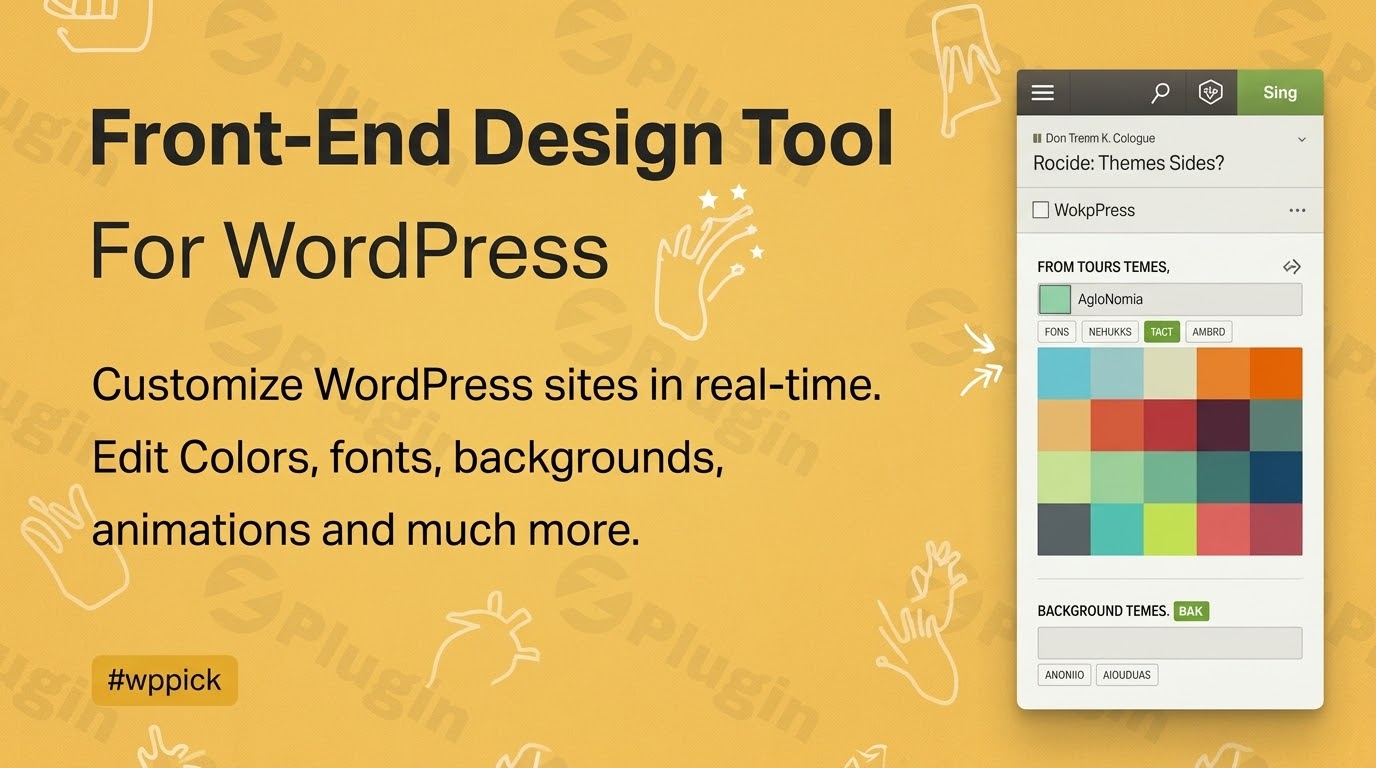
YellowPencil provides a real-time interface for editing the design of any WordPress website without writing code manually. It operates as a visual layer over existing themes and page builders, allowing users to point, click, and modify CSS styles inline. This approach bridges the gap between raw stylesheet development and layout structuring, offering precise control over individual design choices while generating clean, compliant CSS in the background.
Latest Version 7.6.7 Changes
YellowPencil version 7.6.7 was released as a minor update primarily intended to resolve a few minor bugs and maintain plugin stability following preceding security and core feature updates.
- The official vendor changelog page lists version 7.6.7 under ‘7.6’ or ‘July 2025’ entries, noting ‘Fixed a few minor bugs’.
- GPL redistributor logs explicitly map Version 7.6.7 to September 3, 2025 (or mid-2025 depending on source packaging), confirming it primarily addresses minor bug fixes subsequent to the 7.6.6 release.
### Core Functions and Capabilities
The plugin focuses on front-end style generation through an interactive workspace. Key properties available for direct manipulation include:
- Typography controls for tracking, line height, font family mapping, and Google Fonts integration.
- Layout and spacing adjustments covering margins, padding, size dimensions, and precise positioning parameters.
- Background configurations supporting gradients, solid colors, and pattern overlays.
- Visual element enhancements including box shadows, borders, border radii, and opacity adjustments.
- Animation settings to configure transitions and hover interactions visually.
### Targeted Users and Use Cases
YellowPencil addresses clear gaps for different types of WordPress operators:
- Web Designers: Speeds up the prototyping phase and minor client revisions directly on live staging or production websites.
- Site Owners: Facilitates minor styling tweaks, brand adjustments, and text changes without needing a full-stack developer or theme modifications.
- Agency Implementers: Overrides rigid parent theme styles or handles complex plugin output styling where theme customizers fail to provide options.
Practical application scenarios include redesigning WooCommerce checkouts, polishing forms, custom-tailoring typography across older legacy templates, or correcting unexpected margin conflicts generated by third-party plugins.
### Workspace Implementation and Setup Context
Upon activation, YellowPencil introduces a frontend editing console accessible from the WordPress admin bar. The interface loads alongside the active page layout, providing an inspector tool to isolate elements. The generated modifications do not rewrite your core theme stylesheets; instead, they are saved as dynamic, low-overhead style rules. This preserves theme update compatibility and ensures customizations remain intact during framework updates. The editor supports media query breakpoints, letting users test and deploy responsive adjustments specifically for mobile devices, tablets, and desktops.
### Key Evaluation Criteria and Limitations
When selecting a visual customization tool, stability and clean stylesheet generation are critical. YellowPencil addresses this by generating clean CSS selectors. However, users should understand its functional boundaries: it alters visual presentation rules, not HTML structure or core database content. For structurally complex overhauls, dedicated theme builders or template modifications remain necessary. Additionally, proper care must be taken with element targeting to avoid overly broad CSS selectors affecting unrelated pages.
### Latest Version Highlights and Context
The current release, version 7.6.7, functions primarily as a stability and maintenance optimization update. It targets minor bug fixes observed after the larger 7.6 feature rollouts. Keeping this plugin updated ensures optimal rendering behavior on modern web browsers, clean code integration with newer core WordPress engine blocks, and continuous responsive script reliability across changing display architectures.
### Frequently Asked Questions
Does YellowPencil permanently alter theme stylesheet files?
No, the plugin does not overwrite theme files. It stores generated styles separately and injects them efficiently. This means your visual design updates remain safe even when you update your active theme to a newer version.
Can this editor be used alongside popular page builders like Elementor or Divi?
Yes, it operates smoothly alongside major page builders. While those builders handle structural layout placement, this utility acts as an extra layer to fine-tune stubborn elements or styling outputs that lack native builder options.
How are responsive designs managed inside the workspace?
The visual customizer features a responsive control bar representing varying device widths. Selecting a specific device breakpoint filters all your ongoing adjustments exclusively into that media query rule, ensuring tailored layouts for mobile viewports.
What happens to the visual styles if the plugin is deactivated?
Because the styles are processed, organized, and loaded via the plugin architecture, deactivating it will temporarily pause the application of your custom CSS modifications. Re-enabling it restores your custom design configurations instantly.
I. Download Limits & Account Benefits
- Free Downloads: Each email address receives 3 downloads per day for free products
- Upgrade Benefits: Purchase any paid product to increase your daily download limit by 3 for each paid product
- No Account Required: You can download immediately by receiving the download link via email
- Account Recommended: Create an account for easier access to your order history and direct update downloads
II. Understanding GPL vs Official Versions
Important: The products available on WPPick are GPL-licensed versions, which differ from official developer versions. Before purchasing, please read our comprehensive guide: Understanding GPL & Official Differences at WPPick
Key Points:
- GPL versions may not include premium support from original developers
- Updates may be delayed compared to official releases
- Some premium features might have limitations
- Always consider your specific needs and support requirements
III. Support & Assistance
We’re here to help through multiple channels:
- Email Support: Direct email assistance for all inquiries
- Live Chat: Real-time support during business hours
- Comprehensive Documentation: Detailed guides and tutorials
IV. Order Tracking
Access your complete purchase history and download links anytime: Order History
V. Account Access
New to WPPick? Login or Create Account to manage your downloads and orders efficiently.
VI. Refund Protection
We stand behind our products with a clear refund policy. Review our terms: Refund Policy
VII. Privacy & Security
Your data security is our priority. Learn how we protect your information: Privacy Policy
VII. Terms of Service
Understanding our service terms ensures a smooth experience: Terms of Use
Quick Tips for Best Experience
- Verify Compatibility: Check plugin/theme compatibility with your WordPress version
- Backup First: Always backup your site before installing new plugins or themes
- Test Environment: Consider testing on a staging site first
- Stay Updated: Regularly check for updates in your account dashboard
- Read Documentation: Review any included documentation for optimal setup
Need Help?
If you have questions about downloads, licensing, or need technical assistance, don’t hesitate to contact our support team. We’re committed to ensuring you have the best possible experience with WPPick products.
Ready to get started? Your download adventure begins with just one click!
- Fixed a few minor bugs.