
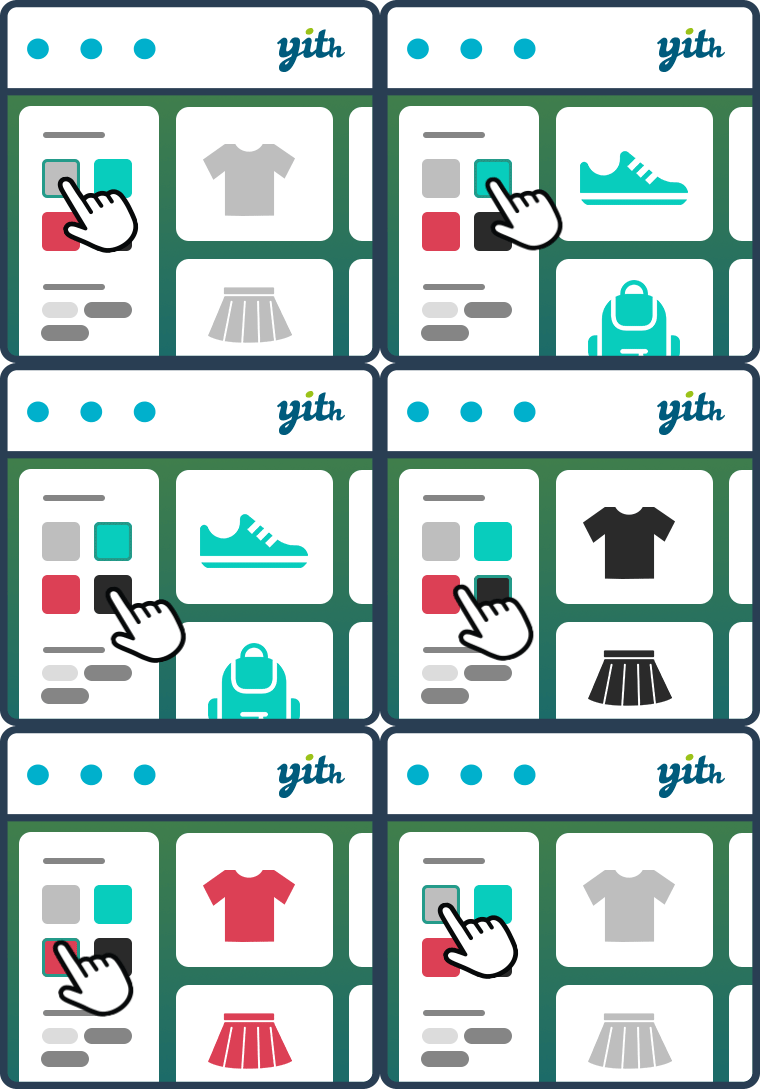
Yith Woocommerce Ajax Product Filter
/Year
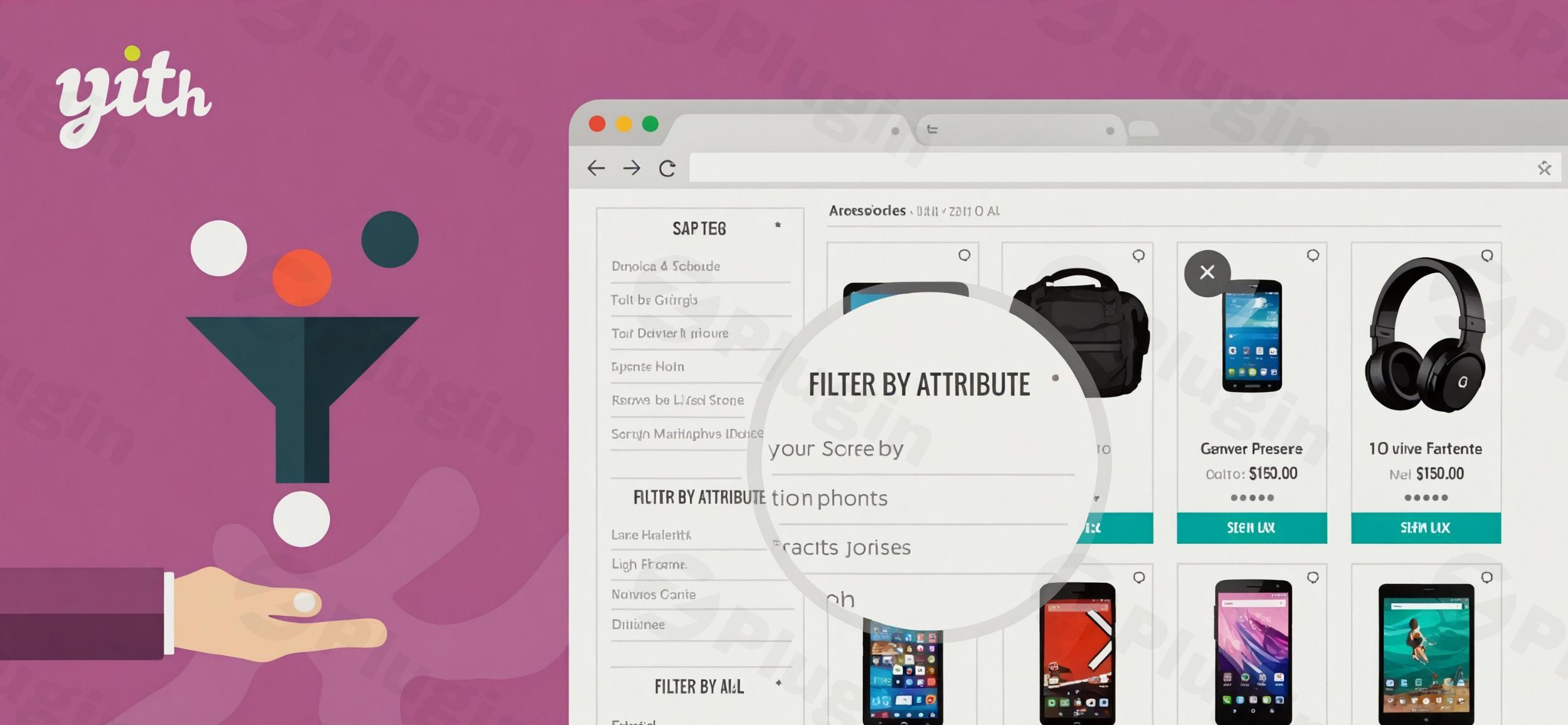
In the competitive world of eCommerce, user experience is the primary driver of conversions. If a customer cannot find what they are looking for within seconds, they will leave. The YITH WooCommerce Ajax Product Filter is a premium solution designed to eliminate this friction by providing a fast, dynamic, and highly intuitive way for users to sort through your inventory. By implementing a professional WooCommerce Ajax Product Filter, you allow customers to narrow down results instantly without the frustration of constant page reloads.
Key Features of YITH WooCommerce Ajax Product Filter
The YITH WooCommerce Ajax Product Filter is more than just a simple sidebar widget; it is a comprehensive toolkit for product discovery. Here are the standout features that provide real-world value to store owners:
- Real-Time AJAX Filtering: This is the core benefit. Products update instantly as users select criteria (categories, tags, or attributes), creating a seamless “app-like” experience on your website.
- Diverse Filter Criteria: You aren’t limited to categories. You can create filters based on:
- Product Attributes: Color, size, material, etc.
- Price Ranges: Using a dynamic slider or fixed ranges.
- Ratings: Allow users to find top-rated products quickly.
- Stock Status: Show only items currently available for purchase.
- Adaptive Filtering: To prevent “No products found” errors, the plugin automatically hides terms that aren’t available for the current selection. This “smart” logic keeps the user journey focused and productive.
- Mobile-Optimized Modal: Mobile users often struggle with long sidebars. YITH includes a dedicated modal window for filters on mobile devices, ensuring a clean and functional interface for smartphone shoppers.
- Visual Customization: You can move beyond text links by using color swatches, images, labels, and dropdowns. This is essential for fashion or home decor stores where visual cues are more effective than text.
- Page Builder Integration: It is fully compatible with Elementor and Gutenberg, allowing you to place filters anywhere on your custom layouts using dedicated blocks or widgets.
How to Install YITH WooCommerce Ajax Product Filter
Setting up a high-performance WooCommerce filter plugin is straightforward. Follow these steps to get started:
- Purchase and Download: Obtain the plugin zip file from the official YITH repository or your account dashboard.
- Upload to WordPress: Navigate to your WordPress Admin Dashboard, go to Plugins > Add New > Upload Plugin, and select the zip file.
- Activate: Click Activate once the upload is complete.
- Configure General Settings: Go to YITH > Ajax Product Filter. Here, you can choose whether to enable the AJAX functionality globally and decide on the “loader” icon that appears during filtering.
- Create Filter Presets:
- Navigate to the “Filter Presets” tab.
- Click “Add Preset” and name it (e.g., “Main Shop Sidebar”).
- Add specific filters (e.g., Category, Color, Price) to this preset and choose their display style (List, Dropdown, Swatch).
- Display the Filter: Go to Appearance > Widgets and drag the “YITH Ajax Product Filter Preset” widget into your Sidebar or Footer area. Alternatively, use the Elementor widget or Gutenberg block.
Practical Usage & Best Practices
To get the most out of the YITH Product Filter, consider these expert workflows:
1. Optimize for Niche-Specific Attributes
If you run a clothing store, don’t just use a “Size” dropdown. Use Labels for sizes (S, M, L, XL) and Color Swatches for fabric choices. This visual approach reduces the cognitive load on the customer and speeds up the “Add to Cart” process.
2. Strategic “On-Sale” Filtering
Create a specific filter for “On Sale” items during holiday seasons. This is an excellent way to increase the average order value (AOV) by helping bargain hunters find discounted products immediately.
3. Performance Tuning
While the Ajax Product Filter WooCommerce experience is fast, it can be resource-intensive for massive catalogs.
- Pro Tip: Use the plugin’s “Lazy Loading” feature for filter terms to keep your initial page load speeds high.
- Developer Note: If you use ElasticPress, be aware that YITH makes multiple
WP_Querycalls. Ensure you use the available optimization snippets to maintain peak performance.
4. SEO Strategy
Use the plugin’s built-in SEO options to decide if filtered URLs should be indexed. For most stores, it is best to keep these “noindex” to avoid duplicate content issues, unless you have a specific long-tail keyword strategy for filtered results.
FAQ & Troubleshooting
What is YITH WooCommerce Ajax Product Filter?
YITH WooCommerce Ajax Product Filter is a WordPress plugin that allows customers to filter products on a WooCommerce store using AJAX technology. This means the product list updates instantly as filters are applied, without requiring the browser to reload the entire page.
Is YITH WooCommerce Ajax Product Filter compatible with Elementor?
Yes, the plugin is fully compatible with Elementor. It provides dedicated widgets that allow you to drag and drop filter presets into your custom shop templates or archive pages designed with Elementor Pro.
Can this plugin improve my website sales?
By reducing the time it takes for a customer to find a specific product, you significantly lower the bounce rate and increase the conversion rate. A smoother navigation experience directly correlates with higher customer satisfaction and increased sales.
How can I fix performance issues on large stores?
If you have thousands of products, ensure you enable Term Pagination and Lazy Loading within the YITH settings. This prevents the browser from loading every single filter attribute at once, which keeps the site responsive.
Does it support multilingual sites via WPML?
Yes, the plugin is officially compatible with WPML. You can translate filter labels and attributes to provide a localized filtering experience for your international customers.
Final Verdict
The YITH WooCommerce Ajax Product Filter remains one of the most robust and user-friendly options for any serious eCommerce site. While there are many WooCommerce filter plugins on the market, YITH stands out due to its mobile-first design, deep integration with the YITH ecosystem, and a 97% customer satisfaction rating. If you want to provide a professional, high-speed shopping experience that mimics major retailers like Amazon or ASOS, this plugin is an essential investment for your WordPress store. To learn more about optimizing your eCommerce site, stay tuned to wppick.com.
I. Download Limits & Account Benefits
- Free Downloads: Each email address receives 3 downloads per day for free products
- Upgrade Benefits: Purchase any paid product to increase your daily download limit by 3 for each paid product
- No Account Required: You can download immediately by receiving the download link via email
- Account Recommended: Create an account for easier access to your order history and direct update downloads
II. Understanding GPL vs Official Versions
Important: The products available on WPPick are GPL-licensed versions, which differ from official developer versions. Before purchasing, please read our comprehensive guide: Understanding GPL & Official Differences at WPPick
Key Points:
- GPL versions may not include premium support from original developers
- Updates may be delayed compared to official releases
- Some premium features might have limitations
- Always consider your specific needs and support requirements
III. Support & Assistance
We’re here to help through multiple channels:
- Email Support: Direct email assistance for all inquiries
- Live Chat: Real-time support during business hours
- Comprehensive Documentation: Detailed guides and tutorials
IV. Order Tracking
Access your complete purchase history and download links anytime: Order History
V. Account Access
New to WPPick? Login or Create Account to manage your downloads and orders efficiently.
VI. Refund Protection
We stand behind our products with a clear refund policy. Review our terms: Refund Policy
VII. Privacy & Security
Your data security is our priority. Learn how we protect your information: Privacy Policy
VII. Terms of Service
Understanding our service terms ensures a smooth experience: Terms of Use
Quick Tips for Best Experience
- Verify Compatibility: Check plugin/theme compatibility with your WordPress version
- Backup First: Always backup your site before installing new plugins or themes
- Test Environment: Consider testing on a staging site first
- Stay Updated: Regularly check for updates in your account dashboard
- Read Documentation: Review any included documentation for optimal setup
Need Help?
If you have questions about downloads, licensing, or need technical assistance, don’t hesitate to contact our support team. We’re committed to ensuring you have the best possible experience with WPPick products.
Ready to get started? Your download adventure begins with just one click!
- support for WooCommerce 10.1
- YITH plugin framework
- support for WooCommerce 10.0
- YITH plugin framework
- added new filter yith_wcan_show_more_terms_text