

Yith Woocommerce Ajax Search
/Year
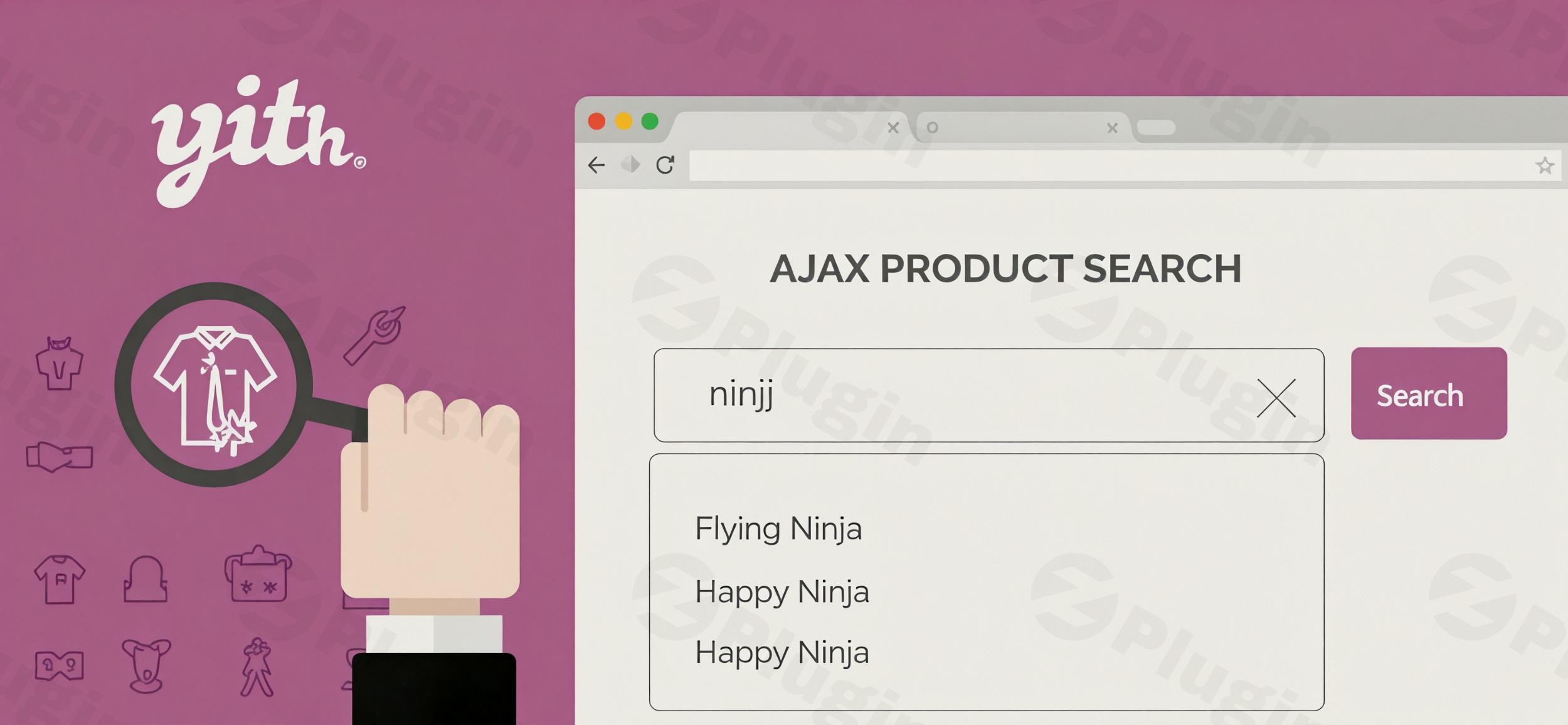
In the bustling world of online retail, customer patience is a precious commodity. Shoppers expect to find what they’re looking for immediately, and a slow, inefficient search bar can be the quickest route to a lost sale. This is where YITH WooCommerce Ajax Search comes in, transforming your online store’s standard search into a powerful, real-time product discovery engine. This WooCommerce live search plugin is designed to provide your customers with instant, highly relevant results as they type, significantly enhancing their shopping experience and boosting your store’s conversion rates.Traditional search methods often lead to frustrating delays and page reloads, driving potential customers away. YITH WooCommerce Ajax Search tackles this head-on by leveraging AJAX technology to display search suggestions on the fly, keeping users engaged and guiding them effortlessly to their desired products. If you’re looking to upgrade your store’s navigation and offer a professional user experience, this plugin is an indispensable tool.
Key Features of YITH WooCommerce Ajax Search
YITH Ajax Search features are designed to provide a seamless and powerful search experience. Here’s a detailed breakdown of its core capabilities and benefits:
Fast & Accurate Real-Time Search
The cornerstone of YITH WooCommerce Ajax Search is its lightning-fast, WooCommerce instant search results. As users begin typing in the search bar, the plugin instantly displays product suggestions, complete with images, names, and prices, all without requiring a page reload. This immediate feedback eliminates frustrating delays, drastically reducing bounce rates and ensuring customers stay focused on finding their perfect item. The plugin can search by multiple criteria, including product names, descriptions (main and short), SKUs, categories, tags, attributes, and even custom fields, making it a truly comprehensive WooCommerce product search by SKU solution.
Enhanced User Experience with Autocomplete & Suggestions
Beyond just speed, the plugin focuses on a superior user experience. Its Ajax product autocomplete WooCommerce functionality provides immediate visual feedback, allowing customers to quickly scan results. For further assistance, the premium version offers synonym support, gracefully handling minor typing errors, and even suggesting popular searches or a user’s latest search history. This proactive approach helps customers discover products even if they don’t know the exact name or make a slight typo.
Customizable Display Options
Matching your store’s aesthetic is crucial. YITH WooCommerce Ajax Search offers extensive customization options to tailor the search bar’s appearance to your brand. You can:
- Customize Layout: Choose to display search results in a list or grid layout.
- Information Control: Decide whether to show product price, SKU, stock status, categories, “Add to cart” button, and short descriptions directly in the results.
- Visual Enhancements: Display product image thumbnails and customize badges for discounted, featured, or out-of-stock products.
- Style Adjustments: Configure the maximum number of results to display, customize placeholder text, size, and colors to seamlessly integrate with your theme.
Flexible Placement and Mobile-Friendly Design
Integrating the search form into your site is straightforward. You can insert it using a Gutenberg block, a shortcode, or a widget, allowing for placement anywhere on your site – in headers, sidebars, or content areas. Crucially, the plugin is 100% mobile-friendly, with a dedicated design optimized for smartphones and tablets, ensuring a smooth and responsive search experience for all users, regardless of their device.
Advanced Search Logic (Premium)
The premium version takes search intelligence further:
- Synonym Support: Configure synonym sets to display relevant results even if customers use different terms. This is particularly useful for varied product naming or regional differences.
- Typing Error Tolerance: The plugin can intelligently handle minor typing mistakes, ensuring customers still find what they’re looking for.
- Boost Options: Prioritize and promote specific products, categories, or tags in search results, giving you control over product visibility.
- Hide Out-of-Stock Products: Automatically exclude unavailable products from search results, preventing customer frustration.
- Statistics Panel: Gain valuable insights into popular searches, most-clicked products, and searches with no results. This data helps you optimize your product offerings and content strategy.
Installation & Setup: How to Add Live Search to WooCommerce with YITH
Implementing YITH WooCommerce Ajax Search is a straightforward process designed for non-developers. Follow these steps to get your advanced search up and running:
- Download the Plugin:
- If you’re using the free version, download it directly from the WordPress plugin directory.
- If you have the premium version, download the plugin zip file from your YITH account or from ZeroPlugin.com (where all files are GPL licensed, frequently updated, and virus-free).
- Upload to WordPress:
- Log in to your WordPress dashboard.
- Navigate to Plugins > Add New.
- Click on “Upload Plugin” at the top of the page.
- Click “Choose File” and select the
yith-woocommerce-ajax-search.zipfile you downloaded. - Click “Install Now”.
- Activate the Plugin:
- Once installed, click “Activate Plugin”.
- You should now see “YITH Plugins” in your WordPress admin menu, with “Ajax Search” as a submenu item.
- Configure Settings:
- Go to YITH Plugins > Ajax Search in your WordPress dashboard.
- Here you’ll find various settings to customize the search functionality and appearance:
- Search Input: Adjust placeholder text, enable/disable search in categories, tags, or product descriptions.
- Results Page: Configure how many results to display, what information to show (price, image, ‘add to cart’ button), and styling options.
- Replace Default Search: For optimal performance and to fully leverage the plugin’s features, it is highly recommended to replace WooCommerce’s standard search widget with the YITH one. The plugin automatically indexes products for quick search, making this replacement essential for accurate and fast results.
- Explore premium settings for synonym support, boost options, and the statistics panel if you have the premium version.
- Placement:
- You can add the search bar to your site using:
- Gutenberg Block: In the block editor, search for the “YITH WooCommerce Ajax Search” block and add it to your page or post.
- Widget: Go to Appearance > Widgets, and drag the “YITH WooCommerce Ajax Search” widget to your desired widget area (e.g., sidebar, header, footer).
- Shortcode: Use the provided shortcode
[yith_woocommerce_ajax_search]in any post, page, or text widget to display the search form.
- You can add the search bar to your site using:
Practical Usage & Best Practices
YITH WooCommerce Ajax Search isn’t just a feature; it’s a strategic tool for driving sales and improving customer satisfaction. Here are a few practical use cases and best practices for leveraging its full potential:
- For eCommerce Store Owners – Boosting Conversions:
- Workflow: Instead of relying on a generic search, integrate the YITH Ajax Search bar prominently in your header. As customers search, they’ll see instant product images and prices, encouraging them to click directly rather than navigating through category pages.
- Best Practice: Utilize the “Add to Cart” button directly in search results (premium feature) to reduce friction and encourage impulse purchases. Combine this with the “Hide Out-of-Stock Products” feature to prevent customer frustration and ensure only available items are shown. This is the best WooCommerce search plugin with synonym support for maximizing immediate sales.
- For Agencies Building Client Sites – Professional UX:
- Workflow: When developing a new WooCommerce site for a client, replace the default search with YITH WooCommerce Ajax Search from the outset. Tailor the display to perfectly match the client’s branding and theme.
- Best Practice: Guide your clients to use the statistics panel (premium) to identify popular search terms and gaps in their product offerings or content. This data-driven approach allows for continuous optimization and proves the ROI of the plugin.
- For Content Creators & Bloggers (with a Store) – Enhanced Discovery:
- Workflow: If your site features both a blog and a store, enable the option to search in posts/pages (premium) in addition to products. This helps users find relevant articles alongside products.
- Best Practice: Use the WooCommerce instant search results feature to guide users not just to products, but also to supporting blog content or guides that can aid their purchasing decision. For example, if someone searches for “coffee grinder,” they might see both grinders and an article on “How to Choose the Best Coffee Grinder.”
- Optimizing for Specific Products – Strategic Product Boosting:
- Workflow: If you have high-margin products or specific seasonal items you want to promote, use the “Boost Options” (premium) to prioritize them in search results for relevant queries.
- Best Practice: Monitor your search statistics to identify products that are frequently searched for but rarely clicked. Use boost options to give these products more visibility, or adjust your product descriptions and images based on search queries to improve their appeal. This feature makes it an ideal tool for focused marketing campaigns within your search results.
FAQ & Troubleshooting
Here are answers to common questions about YITH WooCommerce Ajax Search to ensure a smooth experience.
What is the best Ajax search plugin for WooCommerce?
YITH WooCommerce Ajax Search is widely considered one of the top contenders for the best Ajax search plugin for WooCommerce. It offers a robust set of features, including real-time results, extensive customization options, and mobile responsiveness, which significantly enhance the default WooCommerce search experience. Its comprehensive premium features, such as synonym support and analytics, solidify its position as a leading solution for improving product discovery and conversion rates.
Does YITH WooCommerce Ajax Search support categories and tags?
Yes, YITH WooCommerce Ajax Search allows you to configure its search parameters to include categories and tags. In the plugin’s settings, you can specify that search results should consider product categories and tags, along with product names, descriptions, and SKUs. This ensures a broader and more accurate search capability, helping customers find products organized by specific taxonomies.
How to customize YITH WooCommerce Ajax Search results?
To customize YITH WooCommerce Ajax Search results, navigate to YITH Plugins > Ajax Search in your WordPress dashboard. Here, you’ll find various options to control the display of results, including:
- Layout Options: Choose between list or grid views.
- Information Display: Toggle visibility for product images, prices, SKUs, “Add to Cart” buttons, and short descriptions.
- Styling: Adjust colors, font sizes, and placeholder text to match your theme.
- Max Results: Set the maximum number of suggestions to appear.Additionally, premium features allow for advanced customization like displaying custom badges and configuring boost options for specific products.
Is YITH WooCommerce Ajax Search mobile friendly?
Yes, YITH WooCommerce Ajax Search is 100% mobile friendly. The plugin is designed with a dedicated responsive layout that ensures seamless performance and an optimal user experience on all devices, including smartphones and tablets. This responsiveness is crucial for modern eCommerce, as a significant portion of online shopping now occurs on mobile devices.
What should I do if I encounter YITH WooCommerce Ajax Search compatibility issues?
YITH WooCommerce Ajax Search compatibility issues can occasionally arise, particularly with custom themes or highly modified environments. If you experience problems:
- Check for Conflicts: Temporarily deactivate other plugins to see if the issue resolves. If it does, reactivate them one by one to identify the conflicting plugin.
- Theme Compatibility: While YITH strives for broad compatibility, issues can occur with themes not built to WordPress and WooCommerce standards. YITH guarantees compatibility with its own themes. If you suspect a theme conflict, try switching to a default WordPress theme (like Twenty Twenty-Four) to diagnose.
- PHP Version: Ensure your server runs PHP 8.1 or above, as required by the plugin.
- Clear Cache: Clear any caching plugins or server-side caches after making changes.
- Consult Documentation & Support: Refer to the official YITH documentation for troubleshooting guides, or contact YITH’s support team for premium users.
Conclusion
YITH WooCommerce Ajax Search is more than just a search bar upgrade; it’s an investment in a superior customer experience and increased sales for your online store. By providing WooCommerce instant search results and a highly customizable interface, it directly addresses common pain points in online shopping, guiding users quickly and efficiently to what they need.For store owners, marketers, and agencies alike, this plugin offers significant ROI by reducing bounce rates, improving navigation, and ultimately boosting conversion rates. Its robust features, mobile-friendly design, and continuous development by a reputable team like YITH make it a reliable and powerful choice. Upgrade your WooCommerce store today with YITH WooCommerce Ajax Search and transform your search functionality into a dynamic sales tool that keeps customers engaged and happy.
I. Download Limits & Account Benefits
- Free Downloads: Each email address receives 3 downloads per day for free products
- Upgrade Benefits: Purchase any paid product to increase your daily download limit by 3 for each paid product
- No Account Required: You can download immediately by receiving the download link via email
- Account Recommended: Create an account for easier access to your order history and direct update downloads
II. Understanding GPL vs Official Versions
Important: The products available on WPPick are GPL-licensed versions, which differ from official developer versions. Before purchasing, please read our comprehensive guide: Understanding GPL & Official Differences at WPPick
Key Points:
- GPL versions may not include premium support from original developers
- Updates may be delayed compared to official releases
- Some premium features might have limitations
- Always consider your specific needs and support requirements
III. Support & Assistance
We’re here to help through multiple channels:
- Email Support: Direct email assistance for all inquiries
- Live Chat: Real-time support during business hours
- Comprehensive Documentation: Detailed guides and tutorials
IV. Order Tracking
Access your complete purchase history and download links anytime: Order History
V. Account Access
New to WPPick? Login or Create Account to manage your downloads and orders efficiently.
VI. Refund Protection
We stand behind our products with a clear refund policy. Review our terms: Refund Policy
VII. Privacy & Security
Your data security is our priority. Learn how we protect your information: Privacy Policy
VII. Terms of Service
Understanding our service terms ensures a smooth experience: Terms of Use
Quick Tips for Best Experience
- Verify Compatibility: Check plugin/theme compatibility with your WordPress version
- Backup First: Always backup your site before installing new plugins or themes
- Test Environment: Consider testing on a staging site first
- Stay Updated: Regularly check for updates in your account dashboard
- Read Documentation: Review any included documentation for optimal setup
Need Help?
If you have questions about downloads, licensing, or need technical assistance, don’t hesitate to contact our support team. We’re committed to ensuring you have the best possible experience with WPPick products.
Ready to get started? Your download adventure begins with just one click!
- New: support for WooCommerce 9.9
- Update: YITH plugin framework