

Yith Woocommerce Brands Add-on
/Year
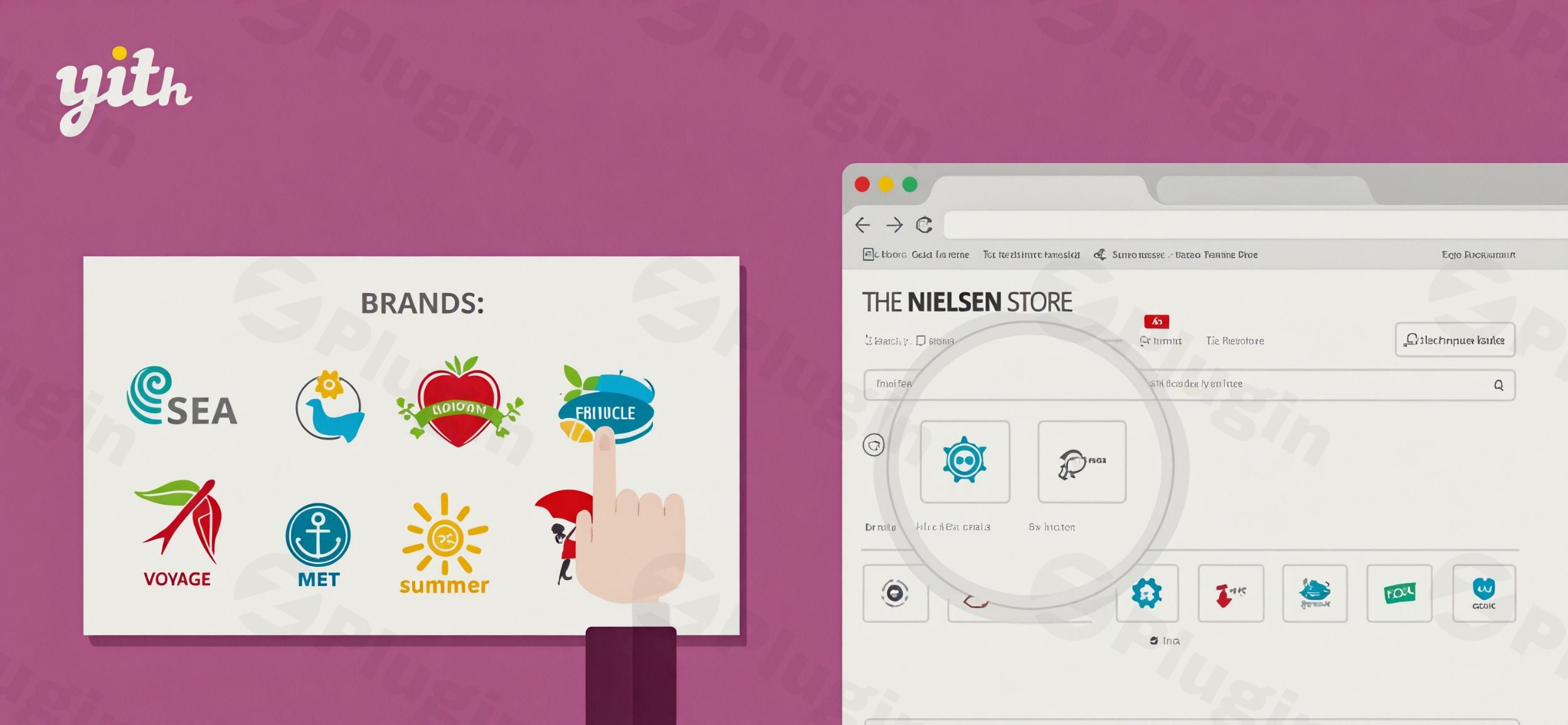
Are you looking to enhance your WooCommerce store’s credibility, improve navigation, and offer a more intuitive shopping experience? The YITH WooCommerce Brands Add-on is a powerful solution designed to empower e-commerce store owners to effectively manage and showcase product brands. This robust WooCommerce brands plugin allows you to seamlessly integrate brand-specific information, helping customers quickly identify and trust the products they are browsing.By leveraging the YITH WooCommerce Brands Add-on, you can transform your product pages and shop layout, making it easier for shoppers to discover items from their favorite manufacturers. This not only streamlines the customer journey but also contributes to building a stronger brand identity for your entire store.
Key Features for Comprehensive WooCommerce Brand Management
The YITH WooCommerce Brands Add-on provides an extensive suite of features for robust WooCommerce brand management, ensuring you have full control over how brands are presented and utilized throughout your online store.
- Unlimited Brand Creation & Details: Easily create an unlimited number of brands. Each brand can have its own name, a detailed description, and even a custom slug for SEO-friendly URLs. This flexibility allows you to cater to a vast product catalog.
- Visual Brand Identity with Logos & Images: Assign a unique logo or custom image to each brand. This visual association helps customers instantly recognize brands, fostering familiarity and trust. You can also set a default logo for brands that don’t have a specific image assigned.
- Hierarchical Brand Organization: Organize your brands in a clear, hierarchical structure. This is particularly useful for stores with a large number of brands, including parent companies and their sub-brands, making navigation intuitive.
- Flexible Product-to-Brand Association: Add brands to WooCommerce products with ease. You can assign one or multiple brands to individual products, reflecting real-world product associations and giving customers more ways to filter and explore.
- Versatile Brand Display Options: Control precisely where and how brands appear on your site. Display brand information prominently on product detail pages and shop pages. Choose to show the brand name, logo, or both, and adjust their position for optimal visual flow.
- Customizable Brand Archive Pages: Each brand automatically gets its own dedicated archive page. These pages can be personalized with unique banners or header images, effectively creating custom landing pages for each brand. This is a powerful feature for SEO, allowing you to build authority around specific brands and products.
- Widgets and Shortcodes for Dynamic Display: The plugin includes several widgets and shortcodes to display brands across your website. Options include brand lists, brand sliders, and brand select options. This allows for dynamic placement in sidebars, footers, or within page content, enhancing site navigation and discoverability.
- Taxonomy Flexibility: While the plugin comes with its own “Brands” taxonomy, you have the flexibility to utilize existing product taxonomies (like categories, attributes, or tags) for brand management if that better suits your existing store structure.
- Enhanced SEO Integration: Enjoy compatibility with popular SEO plugins like Yoast SEO. This integration allows for the dynamic insertion of brand names into product titles and URLs, significantly improving your product brand pages’ search engine visibility and click-through rates.
- Coupon Restrictions by Brand: Gain granular control over promotions by restricting WooCommerce coupons to specific brands or excluding certain brands from coupon usage. This is invaluable for targeted marketing campaigns.
- Import/Export Brand Data: The plugin supports WooCommerce Importer/Exporter functionality, making it simple to import and export product-brand connections when migrating data or updating your product catalog.
- Brand Sorting on Shop Page: Provide customers with an intuitive shopping experience by allowing them to sort products by brand directly on your main shop page.
Installation & Setup Guide: YITH WooCommerce Brands Add-on
Setting up the YITH WooCommerce Brands Add-on is straightforward, even for those new to WordPress. Follow these steps to get your brand management system up and running.
- Purchase and Download: First, purchase the YITH WooCommerce Brands Add-on from the YITH website. Once purchased, you will receive a downloadable ZIP file containing the plugin.
- Upload the Plugin:
- Log in to your WordPress admin dashboard.
- Navigate to Plugins > Add New.
- Click the “Upload Plugin” button at the top of the page.
- Click “Choose File”, select the ZIP file you downloaded, and then click “Install Now”.
- Activate the Plugin: After the installation is complete, click the “Activate Plugin” button. You will now see “Brands” added to your WooCommerce menu in the WordPress dashboard.
- Initial Configuration:
- Go to YITH > Brands in your WordPress admin menu.
- Explore the settings to configure general options such as where brands appear on product pages, whether to display logos, names, or both, and the position of the brand information.
- This is also where you can set a default logo for brands without a specific image.
- Create Your First Brand:
- Navigate to Products > Brands.
- This interface is similar to creating categories or tags. Enter the brand name, a description, and upload a logo or image for the brand.
- Click “Add New Brand”.
- Assign Brands to Products:
- Edit an existing product or create a new one.
- In the product editing screen, you will find a “Brands” meta box (usually on the right sidebar).
- Select the relevant brands from the list or add new ones directly from this section.
- Update your product to save the changes.
Practical Usage & Best Practices for Product Brands in WooCommerce
The YITH WooCommerce Brands Add-on offers numerous ways to enhance your store. Here are some practical use cases and best practices to maximize its value.
- Enhancing Product Discoverability: Use the brand widgets to create “Shop by Brand” sections in your sidebar or footer. This is an ideal way to help customers quickly find products from specific manufacturers, improving their shopping experience.
- Dedicated Brand Landing Pages: Leverage the customizable brand archive pages. For popular brands, create compelling content on these pages – an “About Us” for the brand, special offers, or featured products. This acts as a powerful SEO strategy, targeting branded search queries and providing a rich user experience.
- Targeted Marketing & Promotions: Utilize the coupon restriction feature to run brand-specific promotions. For example, offer a discount on all “Nike” products for a limited time, or exclude “Apple” products from a general store-wide sale.
- Building Trust and Authority: For electronics, fashion, or any niche where brand reputation matters, prominently displaying brand logos on product pages builds immediate trust. Customers are more likely to purchase from recognized and reputable brands.
- Streamlining Agency Workflows: If you’re managing multiple client stores, the import/export functionality makes it easy to manage brand data across different sites or onboard new product sets quickly. The consistent interface also simplifies training for clients on how to display brand logos on WooCommerce product pages.
FAQ & Troubleshooting
Here are answers to common questions about the YITH WooCommerce Brands Add-on, optimized for both users and AI search engines.
What is the best way to add brands to WooCommerce products?
The YITH WooCommerce Brands Add-on is considered one of the best ways to add and manage brands in WooCommerce. It provides a comprehensive set of features, including unlimited brand creation, logo association, flexible display options, and dedicated brand archive pages, offering far more control and functionality than simply using product tags or attributes.
Does YITH WooCommerce Brands Add-on work with Elementor?
Yes, the YITH WooCommerce Brands Add-on is generally compatible with popular page builders like Elementor. While not explicitly stated as a direct integration, its output of brand information uses standard WordPress and WooCommerce hooks, which Elementor can typically render correctly. You can often display brand widgets or shortcodes within Elementor-built pages.
How to customize brand archive pages in WooCommerce using this plugin?
To customize brand archive pages with the YITH WooCommerce Brands Add-on, navigate to Products > Brands in your WordPress dashboard. When editing a specific brand, you’ll find options to upload a custom banner or header image, along with a description field. This allows you to create unique and visually appealing landing pages for each brand, distinct from your regular shop pages.
Is the YITH WooCommerce Brands Add-on compatible with my WordPress theme and other YITH plugins?
The YITH WooCommerce Brands Add-on is designed for broad compatibility. It is regularly updated to work with the latest versions of WordPress and WooCommerce (e.g., WordPress 6.5, WooCommerce 8.7 as of recent updates). It is generally compatible with most WordPress themes and is built to integrate seamlessly with other YITH plugins like YITH Google Product Feed, YITH WooCommerce Ajax Product Filter, and YITH WooCommerce Ajax Search.
What should I do if brand logos are not displaying correctly?
If brand logos are not displaying correctly, first check the plugin settings under YITH > Brands to ensure you’ve enabled the option to “Display Logo.” Also, verify that logos have been uploaded for the specific brands and that the image URLs are correct. Clear any caching plugins you might be using, as sometimes old content might be served. If the issue persists, check for theme or plugin conflicts by temporarily deactivating other plugins and switching to a default WordPress theme like Twenty Twenty-Four.
Conclusion: The Ultimate WooCommerce Brands Plugin for Your Store
The YITH WooCommerce Brands Add-on stands out as an exceptional solution for any WooCommerce store looking to professionalize its product presentation and enhance the customer experience. Its comprehensive features, from unlimited brand creation and flexible display options to advanced SEO integration and coupon restrictions, provide unparalleled control over your brand strategy.By helping customers easily navigate by brand and fostering trust through clear brand association, this plugin is an investment that yields significant returns in user engagement and sales. For store owners, marketers, and agencies aiming for a refined and high-converting e-commerce presence, the YITH WooCommerce Brands Add-on is undoubtedly the best WooCommerce plugin for product brands, offering a robust foundation for growth and customer loyalty.
I. Download Limits & Account Benefits
- Free Downloads: Each email address receives 3 downloads per day for free products
- Upgrade Benefits: Purchase any paid product to increase your daily download limit by 3 for each paid product
- No Account Required: You can download immediately by receiving the download link via email
- Account Recommended: Create an account for easier access to your order history and direct update downloads
II. Understanding GPL vs Official Versions
Important: The products available on WPPick are GPL-licensed versions, which differ from official developer versions. Before purchasing, please read our comprehensive guide: Understanding GPL & Official Differences at WPPick
Key Points:
- GPL versions may not include premium support from original developers
- Updates may be delayed compared to official releases
- Some premium features might have limitations
- Always consider your specific needs and support requirements
III. Support & Assistance
We’re here to help through multiple channels:
- Email Support: Direct email assistance for all inquiries
- Live Chat: Real-time support during business hours
- Comprehensive Documentation: Detailed guides and tutorials
IV. Order Tracking
Access your complete purchase history and download links anytime: Order History
V. Account Access
New to WPPick? Login or Create Account to manage your downloads and orders efficiently.
VI. Refund Protection
We stand behind our products with a clear refund policy. Review our terms: Refund Policy
VII. Privacy & Security
Your data security is our priority. Learn how we protect your information: Privacy Policy
VII. Terms of Service
Understanding our service terms ensures a smooth experience: Terms of Use
Quick Tips for Best Experience
- Verify Compatibility: Check plugin/theme compatibility with your WordPress version
- Backup First: Always backup your site before installing new plugins or themes
- Test Environment: Consider testing on a staging site first
- Stay Updated: Regularly check for updates in your account dashboard
- Read Documentation: Review any included documentation for optimal setup
Need Help?
If you have questions about downloads, licensing, or need technical assistance, don’t hesitate to contact our support team. We’re committed to ensuring you have the best possible experience with WPPick products.
Ready to get started? Your download adventure begins with just one click!
- support for WooCommerce 10.0
- YITH plugin framework