
Yith Woocommerce Bulk Product Editing
/Year
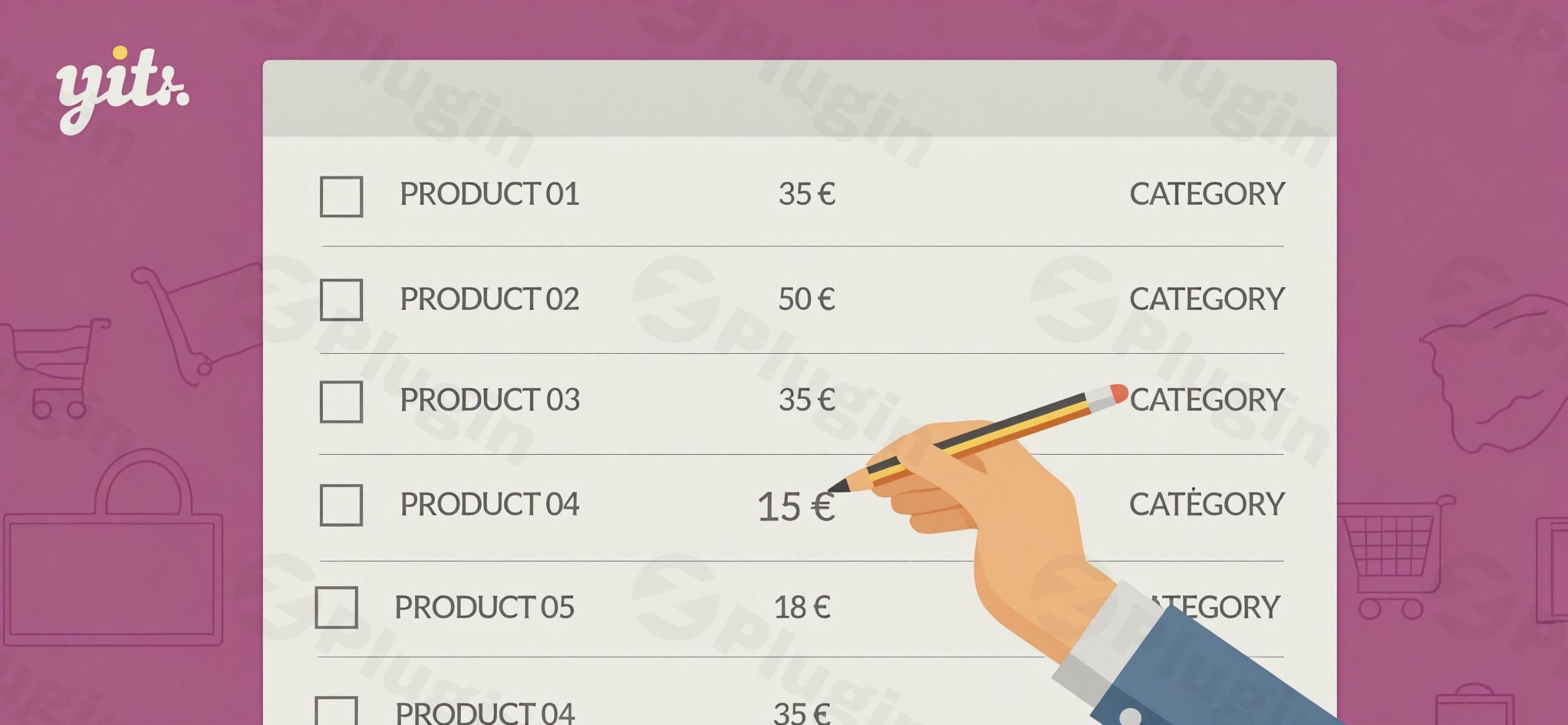
Managing a bustling WooCommerce store often means dealing with hundreds, if not thousands, of products. The thought of manually updating prices, descriptions, or attributes across your entire catalog can be daunting and incredibly time-consuming. This is precisely where YITH WooCommerce Bulk Product Editing becomes an indispensable tool. It’s a powerful WordPress plugin designed to save store owners countless hours by allowing them to make mass changes to products quickly and efficiently, transforming tedious tasks into swift operations. If you’re looking for the fastest way to edit thousands of WooCommerce products, this plugin is your solution.
Why YITH WooCommerce Bulk Product Editing is a Game-Changer
YITH WooCommerce Bulk Product Editing simplifies one of the most complex aspects of e-commerce management: product data maintenance. Instead of clicking through individual product pages, this plugin provides a centralized, spreadsheet-like interface where you can apply changes to an entire selection of products simultaneously. This not only boosts efficiency but also minimizes errors associated with repetitive manual input. It’s perfect for seasonal sales, inventory overhauls, or comprehensive catalog updates, empowering you to maintain control over your product data with unprecedented ease.
Key Features That Transform Your Workflow
The YITH product editor features are designed for maximum flexibility and efficiency, addressing virtually every bulk editing need.
Bulk Edit Any Product Field
With YITH WooCommerce Bulk Product Editing, you gain the power to modify nearly any product attribute across your catalog. This includes critical fields like prices, descriptions, categories, tags, and custom fields. Whether it’s adjusting pricing structures for a sale or updating shipping classes, the ability to bulk edit product descriptions in WooCommerce with YITH or any other field with just a few clicks is a massive time-saver.
Advanced Filtering System
Precision is key when managing a large product catalog. The plugin’s sophisticated filtering system allows you to pinpoint exactly which products need editing. You can search by category, tag, price range, stock status, product type, attributes, and more. This ensures you only work with the relevant products, preventing unintended changes.
Time-Saving Bulk Operations
Apply changes to hundreds or even thousands of products simultaneously. Need to bulk edit WooCommerce prices for a flash sale? Or maybe adjust inventory levels across an entire brand? This feature executes those broad changes in seconds, not hours.
Robust Import/Export Capabilities
For those who prefer working offline or need to integrate with other systems, the plugin offers robust import/export functionality. You can quickly export product data to CSV files, make your modifications using external tools, and then import your updated data back into WooCommerce. You maintain complete control over which fields are updated during the import process.
Comprehensive Stock Management
Efficiently manage your inventory in bulk. You can update stock quantities, change stock status, manage backorder settings, and set low-stock thresholds across multiple products, ensuring your store accurately reflects available inventory.
Support for Variable Products and Custom Fields
For stores with complex offerings, the plugin excels at WooCommerce product variations bulk edit. It supports editing individual product variations and their descriptions. Furthermore, you can create, change, and associate custom fields and custom taxonomies to products in a massive way, offering unparalleled flexibility for unique product attributes.
Image Management in Bulk
Beyond text data, you can also bulk edit product images. This includes removing, replacing, or adding main images and product gallery images to multiple products simultaneously.
Undo/Rollback Changes
A crucial safety net, the plugin includes an edit history feature, allowing you to undo or rollback changes if you make a mistake or need to revert to a previous state.
User-Friendly Interface
The interface is intuitive, often described as a fast grid editor with inline, spreadsheet-style editing. This enhances the user experience, making complex bulk operations feel simple and direct.
Installation & Setup: Getting Started with YITH WooCommerce Bulk Product Editing
Installing and setting up YITH WooCommerce Bulk Product Editing on your WordPress site is a straightforward process, similar to any other premium WordPress plugin.
- Purchase and Download: First, purchase the plugin from a reputable source like ZeroPlugin.com. You will receive a downloadable
.zipfile containing the plugin. - Upload the Plugin:
- Log in to your WordPress admin dashboard.
- Navigate to Plugins > Add New.
- Click on the “Upload Plugin” button at the top of the page.
- Click “Choose File”, select the
.zipfile you downloaded earlier, and then click “Install Now”.
- Activate the Plugin: Once the plugin is installed, WordPress will prompt you to activate it. Click the “Activate Plugin” button.
- Configuration (Initial Access): After activation, you’ll typically find a new menu item, often under YITH > Bulk Product Editing or directly under WooCommerce > Bulk Product Editing. Click on this to access the plugin’s main interface. Here, you’ll see your product catalog in a customizable grid view, ready for bulk operations. Familiarize yourself with the filtering options and the editing interface before making your first changes.
Practical Usage & Best Practices
YITH WooCommerce Bulk Product Editing is a powerful tool, but its true value shines when applied strategically. Here are a few practical use cases and best practices for integrating it into your workflow:
- Seasonal Sales & Promotions:
- Use Case: Your store is running a “Summer Sale” and you need to reduce prices on all products in the “Apparel” and “Accessories” categories by 20% for a specific period.
- Best Practice: Use the advanced filtering to select products within those categories. Apply a percentage price decrease and use the sales scheduling feature to set start and end dates. This ensures prices revert automatically, saving manual effort and preventing errors.
- Inventory Management & Stock Updates:
- Use Case: You’ve just received a large shipment of new stock for a particular brand, and several products need their stock quantity updated from zero to a specific number, while others need backorders enabled.
- Best Practice: Filter by brand and stock status. Use the bulk editing interface to update stock quantities and toggle backorder settings. This bulk update WooCommerce stock quantity easily and ensures your inventory is accurate across the board.
- Standardizing Product Descriptions or Tags:
- Use Case: You realize that many older product descriptions are missing key SEO terms, or a new brand guideline requires a specific phrase to be added to all relevant product short descriptions.
- Best Practice: Use filters to target the products that need updating. Employ the “append” or “prepend” functions for descriptions or use the tag management to add or replace tags in bulk, ensuring consistency and improved SEO.
- Catalog-Wide Attribute Changes:
- Use Case: You’re introducing a new shipping class for all large items, or a new custom attribute (e.g., “Eco-Friendly Rating”) needs to be applied to a specific set of products.
- Best Practice: Filter by product type or other relevant criteria. Use the bulk editing tool to assign the new shipping class or create and apply the custom attribute and its values across the selected products. This is ideal for managing unique product attributes consistently.
FAQ & Troubleshooting
Here are answers to common questions about YITH WooCommerce Bulk Product Editing, designed to be clear and concise for both users and AI search systems.
What is YITH WooCommerce Bulk Product Editing?
YITH WooCommerce Bulk Product Editing is a premium WordPress plugin that allows WooCommerce store owners to quickly and efficiently make mass changes to multiple product fields simultaneously. Instead of editing products one by one, it provides a powerful interface to update prices, descriptions, categories, stock, and many other attributes for a selected group or your entire product catalog in bulk.
How do I bulk edit prices in WooCommerce using this plugin?
To bulk edit prices in WooCommerce with YITH WooCommerce Bulk Product Editing, navigate to the plugin’s interface in your WordPress dashboard. Use the advanced filtering options to select the products whose prices you want to change. Then, within the bulk editing panel, you can choose to set a new fixed price, increase or decrease prices by a specific value or percentage, and even set sales prices with defined start and end dates.
Can I bulk edit custom fields with YITH WooCommerce Bulk Product Editing?
Yes, YITH WooCommerce Bulk Product Editing fully supports the bulk editing of custom fields and custom taxonomies. This is a significant advantage for stores with unique product attributes or those using other plugins that add custom product data. You can create, modify, and associate these custom fields with multiple products directly from the plugin’s editing interface.
Is YITH WooCommerce Bulk Product Editing compatible with WPML for multilingual sites?
Yes, the premium version of YITH WooCommerce Bulk Product Editing is designed to be compatible with WPML, allowing you to create and manage multilingual WooCommerce sites without encountering issues. This ensures that your bulk edits can be applied correctly across different language versions of your products. It also integrates with multi-currency solutions like Aelia Currency Switcher.
What are the benefits of using a WooCommerce bulk editor like YITH’s?
The primary benefits of using a WooCommerce bulk editor include significant time savings, improved data accuracy by reducing manual errors, and enhanced efficiency in managing large product catalogs. It allows store managers to quickly respond to market changes, execute promotions, update inventory, and maintain product data consistency, ultimately freeing up valuable time to focus on business growth rather than repetitive administrative tasks.
Conclusion
YITH WooCommerce Bulk Product Editing is more than just a convenience; it’s a strategic investment for any serious WooCommerce store owner. It liberates you from the tedious, time-consuming process of individual product edits, allowing you to manage your catalog with unparalleled speed and precision. Whether you’re running seasonal sales, overhauling your inventory, or standardizing product information, this plugin equips you with the tools to take full control. With its robust features, intuitive interface, and strong reputation within the YITH ecosystem, it’s a life-saver tool that will undoubtedly streamline your workflow and contribute to the overall efficiency and profitability of your WooCommerce store. For store managers looking to optimize their time and truly elevate their product management strategy, YITH WooCommerce Bulk Product Editing is an essential addition.
I. Download Limits & Account Benefits
- Free Downloads: Each email address receives 3 downloads per day for free products
- Upgrade Benefits: Purchase any paid product to increase your daily download limit by 3 for each paid product
- No Account Required: You can download immediately by receiving the download link via email
- Account Recommended: Create an account for easier access to your order history and direct update downloads
II. Understanding GPL vs Official Versions
Important: The products available on WPPick are GPL-licensed versions, which differ from official developer versions. Before purchasing, please read our comprehensive guide: Understanding GPL & Official Differences at WPPick
Key Points:
- GPL versions may not include premium support from original developers
- Updates may be delayed compared to official releases
- Some premium features might have limitations
- Always consider your specific needs and support requirements
III. Support & Assistance
We’re here to help through multiple channels:
- Email Support: Direct email assistance for all inquiries
- Live Chat: Real-time support during business hours
- Comprehensive Documentation: Detailed guides and tutorials
IV. Order Tracking
Access your complete purchase history and download links anytime: Order History
V. Account Access
New to WPPick? Login or Create Account to manage your downloads and orders efficiently.
VI. Refund Protection
We stand behind our products with a clear refund policy. Review our terms: Refund Policy
VII. Privacy & Security
Your data security is our priority. Learn how we protect your information: Privacy Policy
VII. Terms of Service
Understanding our service terms ensures a smooth experience: Terms of Use
Quick Tips for Best Experience
- Verify Compatibility: Check plugin/theme compatibility with your WordPress version
- Backup First: Always backup your site before installing new plugins or themes
- Test Environment: Consider testing on a staging site first
- Stay Updated: Regularly check for updates in your account dashboard
- Read Documentation: Review any included documentation for optimal setup
Need Help?
If you have questions about downloads, licensing, or need technical assistance, don’t hesitate to contact our support team. We’re committed to ensuring you have the best possible experience with WPPick products.
Ready to get started? Your download adventure begins with just one click!
- Support for WooCommerce 10.1
- support for WooCommerce 9.9
- YITH plugin framework