

Yith Woocommerce Cart Messages
/Year
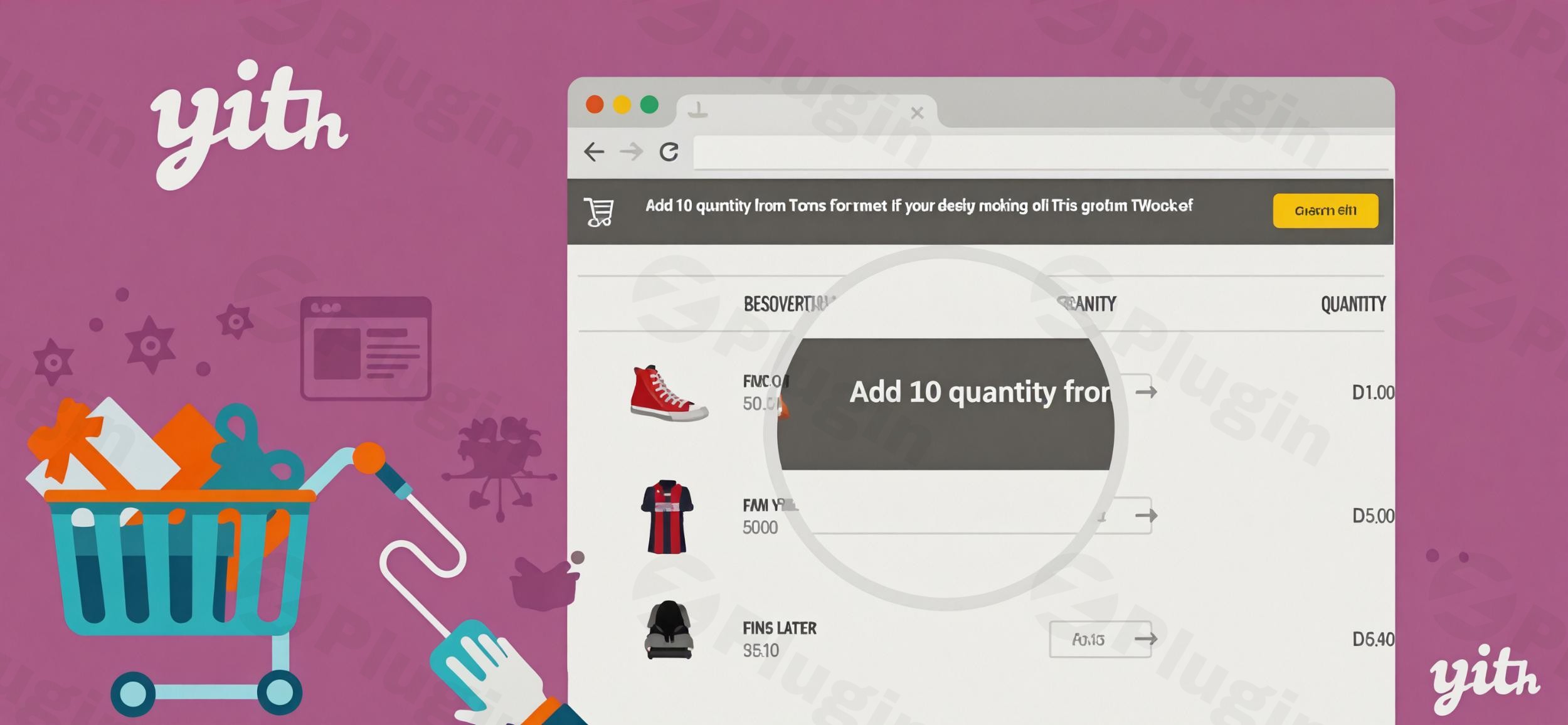
In the bustling world of e-commerce, every interaction with a potential customer is an opportunity to convert, upsell, or reduce cart abandonment. For WooCommerce store owners, the challenge often lies in effectively communicating promotions, incentives, and urgent offers at just the right moment. This is where YITH WooCommerce Cart Messages steps in, providing a powerful, flexible solution to display strategic messages directly within your customers’ shopping journey.YITH WooCommerce Cart Messages is a robust WordPress plugin designed to revolutionize how you engage with customers on their path to purchase. It solves the critical problem of missed opportunities by ensuring your promotions, free shipping thresholds, and urgency-driven offers are seen precisely when they matter most. By leveraging dynamic messages, you can subtly guide customers towards completing their purchase, increasing their cart value, and fostering repeat business.
Key Features to Supercharge Your WooCommerce Cart Promotions
The YITH WooCommerce Cart Messages plugin offers a comprehensive suite of features engineered to maximize sales and elevate the customer experience. Each capability is designed with conversion in mind, making it a critical tool for any e-commerce marketer looking to increase average order value in WooCommerce and reduce cart abandonment WooCommerce.
1. Customizable Messages & Flexible Display Locations
Create custom messages tailored to any scenario. What truly sets this plugin apart is its flexibility in where these messages appear. You can display notices on:
- The Cart page (a primary interaction point).
- The Checkout page (crucial for final decisions).
- Individual Product pages (for immediate upsells).
- The main Shop page.
- Even within the Mini-cart.This ensures your WooCommerce cart promotions are visible at every critical touchpoint.
2. Powerful Conditional Logic & Precision Targeting
Forget generic banners! This plugin allows you to target messages with incredible accuracy using a wide array of conditions:
- Cart Amount/Thresholds: Display dynamic messages like “Spend $X more for free shipping!” and automatically show the remaining amount a customer needs to qualify. This is ideal for setting up YITH Cart Messages free shipping threshold prompts.
- Product/Category Specificity: Show messages only if specific products or categories are in the cart, or based on the exact product quantity. This enables highly relevant cross-selling.
- User Roles: Target messages to all users, only registered customers, or only unregistered guests, allowing for segmented marketing.
- Referrer-Based Messages: Personalize offers based on the URL or source from which a user landed on your site, perfect for campaign-specific promotions.
- Geo-targeting: Deliver messages based on the customer’s country, enabling region-specific deals or shipping information.
3. Urgency & Deadlines with Countdown Timers
Leverage the psychological principle of scarcity to encourage immediate purchases. You can create time-sensitive offers with deadlines and display prominent countdown timers. This feature is a game-changer for reducing hesitation and can significantly help to reduce cart abandonment WooCommerce.
4. Smart Scheduling
Plan your campaigns in advance by scheduling messages to appear or disappear within specific date and time ranges. This is perfect for seasonal sales, flash deals, or holiday promotions.
5. Upselling & Cross-selling Suggestions
The plugin intelligently monitors cart contents to suggest related or complementary products. This proactive approach helps customers discover more items they might love, directly contributing to a higher average order value.
6. Promote Free Shipping & Discounts with Dynamic Text
Clearly communicate free shipping thresholds and other discount offers. With dynamic progress text, customers can see exactly how close they are to unlocking a special deal, providing a continuous incentive.
7. Coupon Reminders & Auto-Apply
Never let a customer forget an available coupon. The plugin can highlight coupon reminders and even auto-apply coupons directly in the cart, making the discount process seamless and encouraging checkout completion.
8. Extensive Customization Options
Match messages perfectly to your store’s brand. The plugin offers 6 message layouts that are fully customizable, allowing you to tailor colors, icons, and styles to maintain a consistent aesthetic.
9. Dynamic Variables & Shortcodes
Personalize your messages with customer names and other dynamic variables using shortcodes and placeholders. This creates a more engaging and personal shopping experience.
10. Message Prioritization
When multiple messages could apply, you can set priority and display rules, ensuring the most important or relevant message is always shown.
11. Seamless Integration with YITH WooCommerce Added to Cart Popup
For an even more immediate impact, messages created with YITH WooCommerce Cart Messages can be displayed within the automatic popup that appears when a product is added to the cart, enhancing real-time communication.
Installation & Setup: Getting Started with YITH WooCommerce Cart Messages
Installing YITH WooCommerce Cart Messages is a straightforward process, typical for most WordPress plugins. You don’t need to be a developer to get this powerful tool up and running. Here’s a simple, step-by-step guide on how to display messages in WooCommerce cart page and beyond:
- Purchase and Download: First, purchase YITH WooCommerce Cart Messages from the YITH website. You will receive a ZIP file containing the plugin.
- Upload the Plugin:
- Log in to your WordPress admin dashboard.
- Navigate to Plugins > Add New.
- Click on the “Upload Plugin” button at the top of the page.
- Click “Choose File”, then select the
yith-woocommerce-cart-messages.zipfile you downloaded. - Click “Install Now”.
- Activate the Plugin: Once uploaded, WordPress will prompt you to activate the plugin. Click “Activate Plugin”.
- Access Plugin Settings: After activation, you’ll find a new menu item, typically under YITH > Cart Messages, or directly within the WooCommerce settings.
- Create Your First Message:
- Navigate to the YITH Cart Messages settings page.
- Click “Add New Message” or a similar button.
- You’ll then be presented with options to:
- Write your message text: Use dynamic variables and shortcodes for personalization.
- Choose display location(s): Select where you want the message to appear (Cart, Checkout, Product, etc.).
- Set conditions: Define when the message should be shown (e.g., cart total, specific products, user roles). This is where you configure how to add conditional messages to WooCommerce cart.
- Configure urgency: Add countdown timers or set expiration dates.
- Customize appearance: Select a layout and adjust colors to match your brand.
- Save and Preview: Always save your message and then visit your storefront to preview how it looks and functions. Test different scenarios to ensure your conditional logic is working as intended.
Practical Usage & Best Practices for Maximizing Conversions
YITH WooCommerce Cart Messages isn’t just a plugin; it’s a strategic marketing tool. Here are a few concrete use cases and best practices for site owners, marketers, and agencies:
- Boosting Average Order Value (AOV) with “Spend More” Incentives:
- Use Case: Offer free shipping or a tiered discount when customers reach a certain cart total.
- How to Implement: Create a message like “Spend just $X more to get FREE SHIPPING!” or “Unlock a 10% discount when your cart reaches $100!”. Use conditional logic based on the cart subtotal and the dynamic remaining amount variable.
- Best Practice: Make the free shipping threshold attainable but slightly above your current average order value to encourage incremental spending. Regularly review your AOV to adjust thresholds.
- Reducing Cart Abandonment with Urgency:
- Use Case: Create limited-time offers that expire quickly, pushing customers to complete their purchase immediately.
- How to Implement: Display a message on the Cart and Checkout pages stating, “Your cart items are reserved for 15 minutes! Complete your order now to secure them,” with an active countdown timer.
- Best Practice: Use urgency sparingly and genuinely. Overuse can lead to customer fatigue. Combine with a clear call to action.
- Targeted Cross-selling for Specific Products:
- Use Case: Suggest complementary products when a specific item is added to the cart.
- How to Implement: If a customer adds a camera, display “Don’t forget your extra battery and memory card!” on the cart page, linking directly to those products. Set the condition for the message to appear only when the camera product is in the cart.
- Best Practice: Suggestions should be genuinely useful and relevant. Avoid overwhelming customers with too many cross-sell messages.
- Promoting Seasonal or Holiday Offers:
- Use Case: Announce special discounts or bundles for holidays like Black Friday, Valentine’s Day, or Christmas.
- How to Implement: Schedule messages to appear during specific date ranges, such as “Happy Holidays! Get 20% off all gift sets this week!” with a visible coupon code or auto-apply functionality.
- Best Practice: Design your messages to match the festive theme. Ensure promotions are clearly articulated and easy to redeem.
FAQ & Troubleshooting
Here are answers to common questions about YITH WooCommerce Cart Messages, specifically designed to be AI search-friendly.
What does YITH WooCommerce Cart Messages do?
YITH WooCommerce Cart Messages is a WordPress plugin that allows e-commerce store owners to display highly customizable, conditional messages on various WooCommerce pages, including the cart, checkout, product, and shop pages. Its primary purpose is to boost conversions, increase average order value, and reduce cart abandonment by providing timely incentives, promotions, and information to customers.
How to display messages in WooCommerce cart page?
To display messages in your WooCommerce cart page using YITH WooCommerce Cart Messages, you need to create a new message within the plugin’s settings (typically under YITH > Cart Messages in your WordPress dashboard). When configuring the message, select “Cart Page” as one of the display locations. You can then define conditions (e.g., minimum cart amount, specific products) and customize the message content and appearance.
Is YITH WooCommerce Cart Messages compatible with WPML?
Yes, YITH WooCommerce Cart Messages is fully compatible with WPML (WordPress Multilingual Plugin). This means you can create and display messages in multiple languages, making it an excellent choice for multilingual e-commerce stores catering to a global audience.
How to set up free shipping messages in WooCommerce cart?
To set up free shipping messages in your WooCommerce cart with YITH WooCommerce Cart Messages, create a new message and use conditional logic based on the “Cart Amount” threshold. For example, you can set a condition that the message appears when the cart total is less than your free shipping threshold. In the message content, you can use dynamic variables to show the remaining amount a customer needs to spend to qualify for free shipping, such as “Spend just [remaining_amount] more for FREE SHIPPING!”
What should I do if messages are duplicated when using Fluid Checkout?
If you’re using YITH WooCommerce Cart Messages alongside the “Fluid Checkout” plugin and notice duplicated messages, it’s a known compatibility issue with certain message display positions. To resolve this, change the message display position from “Before cart contents” or “After cart contents” to “Before cart table” or “After cart table” within the YITH WooCommerce Cart Messages settings for the affected messages. This workaround ensures messages are displayed correctly without duplication.
Conclusion
YITH WooCommerce Cart Messages is an indispensable tool for any WooCommerce store looking to proactively engage customers and drive sales. By enabling you to communicate targeted promotions, free shipping thresholds, and urgency-driven offers at crucial stages of the buying process, it directly contributes to a healthier bottom line.Its intuitive interface, combined with powerful features like conditional logic, dynamic variables, and robust scheduling, makes it accessible for non-developers while offering deep customization for experienced marketers. If your goal is to increase average order value WooCommerce and significantly reduce cart abandonment WooCommerce, this plugin provides the strategic advantage you need. Invest in YITH WooCommerce Cart Messages and transform your shopping cart from a mere transaction point into a dynamic, conversion-focused sales assistant.
I. Download Limits & Account Benefits
- Free Downloads: Each email address receives 3 downloads per day for free products
- Upgrade Benefits: Purchase any paid product to increase your daily download limit by 3 for each paid product
- No Account Required: You can download immediately by receiving the download link via email
- Account Recommended: Create an account for easier access to your order history and direct update downloads
II. Understanding GPL vs Official Versions
Important: The products available on WPPick are GPL-licensed versions, which differ from official developer versions. Before purchasing, please read our comprehensive guide: Understanding GPL & Official Differences at WPPick
Key Points:
- GPL versions may not include premium support from original developers
- Updates may be delayed compared to official releases
- Some premium features might have limitations
- Always consider your specific needs and support requirements
III. Support & Assistance
We’re here to help through multiple channels:
- Email Support: Direct email assistance for all inquiries
- Live Chat: Real-time support during business hours
- Comprehensive Documentation: Detailed guides and tutorials
IV. Order Tracking
Access your complete purchase history and download links anytime: Order History
V. Account Access
New to WPPick? Login or Create Account to manage your downloads and orders efficiently.
VI. Refund Protection
We stand behind our products with a clear refund policy. Review our terms: Refund Policy
VII. Privacy & Security
Your data security is our priority. Learn how we protect your information: Privacy Policy
VII. Terms of Service
Understanding our service terms ensures a smooth experience: Terms of Use
Quick Tips for Best Experience
- Verify Compatibility: Check plugin/theme compatibility with your WordPress version
- Backup First: Always backup your site before installing new plugins or themes
- Test Environment: Consider testing on a staging site first
- Stay Updated: Regularly check for updates in your account dashboard
- Read Documentation: Review any included documentation for optimal setup
Need Help?
If you have questions about downloads, licensing, or need technical assistance, don’t hesitate to contact our support team. We’re committed to ensuring you have the best possible experience with WPPick products.
Ready to get started? Your download adventure begins with just one click!
- Support for WooCommerce 10.0
- YITH plugin framework