

Yith Woocommerce Checkout Manager
/Year
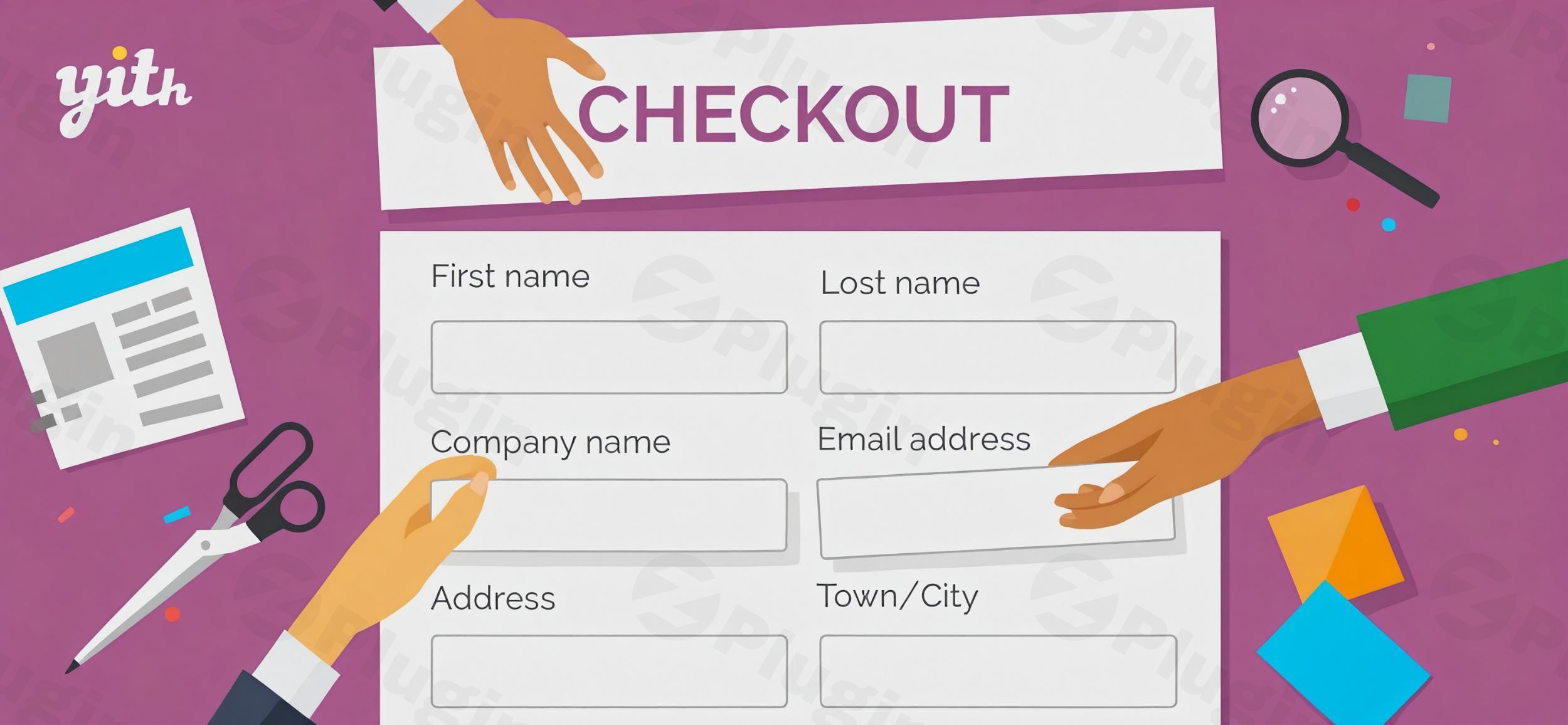
The default WooCommerce checkout page is functional, but it is often cluttered with unnecessary fields that can lead to cart abandonment. To maximize your sales, you need a streamlined process that captures only the data you need. YITH WooCommerce Checkout Manager is a premium WordPress plugin designed to solve this exact problem by giving you total control over your WooCommerce checkout fields.Whether you need to add a “Gift Message” textarea, hide the “Phone” field for digital products, or implement conditional checkout fields in WooCommerce, this plugin provides a code-free, drag-and-drop solution. By optimizing the user experience, you reduce friction and directly improve your store’s conversion rate.
Key Features: Beyond Simple Field Editing
The YITH WooCommerce Checkout Manager is more than just a “field remover.” It is a comprehensive toolkit for tailoring the final stage of your customer’s journey.
1. Unlimited Custom Field Types
You aren’t limited to simple text boxes. This plugin allows you to add a variety of field types to capture precise information:
- Selection Tools: Radio buttons, checkboxes, and select dropdowns.
- Data Entry: Text areas, date pickers, and number fields.
- Advanced: Multi-select options and specific field validation.
2. Powerful Conditional Logic
One of the plugin’s standout features is the ability to show or hide fields based on the contents of the cart or previous user selections. For example, you can display a “VAT Number” field only if the user selects “Business” as their account type, or show a “Delivery Instructions” field only for physical products.
3. Drag-and-Drop Interface
Forget about editing functions.php or using complex hooks. The plugin features an intuitive visual editor that allows you to rearrange billing, shipping, and additional fields with a simple drag-and-drop movement.
4. Real-Time JavaScript Validation
To prevent checkout errors, the plugin implements real-time validation. If a user misses a mandatory field or enters data in the wrong format, they receive immediate feedback before trying to submit the order, reducing frustration and “failed order” notifications.
5. Seamless Layout Customization
You can choose between a single-column or two-column layout. This flexibility is crucial for mobile responsiveness and ensuring your checkout page looks professional on all devices.
Technical Specifications & Compatibility
| Requirement | Minimum Version / Detail |
|---|---|
| WordPress Version | 6.7 (Compatible up to 6.9) |
| WooCommerce Version | 10.3 (Compatible up to 10.5) |
| PHP Version | 7.0 or higher |
| Multilingual Support | WPML, Loco Translate, Polylang |
| Theme Compatibility | Avada, Divi, Flatsome, Storefront, Elementor |
How to Install and Set Up YITH WooCommerce Checkout Manager
Follow these steps to get your customized checkout live in minutes.
- Download the Plugin: Purchase and download the .zip file from the YITH repository.
- Upload to WordPress: Log in to your WordPress dashboard. Navigate to Plugins > Add New > Upload Plugin. Select your file and click Install Now.
- Activate: Once installed, click the Activate button.
- Access Settings: Navigate to YITH > Checkout Manager in your sidebar.
- Configure Fields:
- Go to the “Checkout Fields” tab.
- Click on “Shipping”, “Billing”, or “Additional” to edit specific sections.
- Use the “Add Field” button to create new data points.
- Drag and drop the rows to reorder them.
6. Save Changes: Always click “Save Changes” at the bottom of the screen to push your updates live.
Practical Usage & Best Practices
To get the most out of your YITH Checkout Manager, consider these real-world workflows:
For B2B Stores
Use conditional logic to show a “Company Tax ID” field only when a customer checks a box labeled “I am a business customer.” This keeps the checkout clean for casual shoppers while gathering essential data from corporate clients.
For Gift-Focused Shops
Add a “Gift Wrapping” checkbox. If checked, use a conditional field to reveal a text area for a “Gift Message.” This adds a premium feel to your service without cluttering the page for standard orders.
Improving Performance and UX
- Remove Unnecessary Fields: If you only sell digital products, hide the “Shipping Address” fields entirely to speed up the process.
- Use Tooltips: Add tooltips to fields like “Phone Number” explaining why you need the info (e.g., “For delivery updates only”).
* Column Layouts: For long forms, use the two-column layout to reduce the amount of vertical scrolling required on desktop screens.
FAQ & Troubleshooting
What is YITH WooCommerce Checkout Manager?
YITH WooCommerce Checkout Manager is a WordPress plugin that allows store owners to add, edit, hide, or rearrange fields on the WooCommerce checkout page. It simplifies data collection and improves user experience through a drag-and-drop interface and conditional logic.
Can YITH WooCommerce Checkout Manager add conditional fields?
Yes, the plugin includes a robust conditional logic system. You can set rules to display or hide specific checkout fields based on user roles, the items currently in the cart, or the values selected in other checkout fields.
Is it compatible with my theme (e.g., Divi, Avada, or Flatsome)?
Yes. While it is fully optimized for YITH themes, it is designed to follow standard WordPress and WooCommerce coding guidelines. It integrates seamlessly with popular third-party themes like Divi, Avada, Flatsome, and Storefront.
How can I update the plugin without losing my field customizations?
As long as you have an active license, you can update the plugin directly through the WordPress “Plugins” menu. All customizations are stored in your database, so they remain intact even after the plugin files are updated.
Does it support GDPR compliance?
Yes, the plugin is designed with GDPR compliance in mind. You can easily add mandatory “Terms and Conditions” or “Privacy Policy” checkboxes to ensure you are capturing user consent according to legal standards.
Final Verdict: Is It Worth It?
If you are looking for the best plugin to add custom fields to WooCommerce checkout, the YITH WooCommerce Checkout Manager is a top-tier contender. While there are cheaper alternatives, few offer the same level of reliability and advanced conditional checkout fields for WooCommerce.By using this plugin to customize your WooCommerce checkout, you are investing in a better user experience that leads to fewer abandoned carts and more reliable customer data. For any professional store running on WordPress, the ROI is clearly seen in improved checkout performance and higher customer satisfaction.Looking for more WooCommerce optimization tips? Visit wppick.com for the latest plugin reviews and tutorials.
I. Download Limits & Account Benefits
- Free Downloads: Each email address receives 3 downloads per day for free products
- Upgrade Benefits: Purchase any paid product to increase your daily download limit by 3 for each paid product
- No Account Required: You can download immediately by receiving the download link via email
- Account Recommended: Create an account for easier access to your order history and direct update downloads
II. Understanding GPL vs Official Versions
Important: The products available on WPPick are GPL-licensed versions, which differ from official developer versions. Before purchasing, please read our comprehensive guide: Understanding GPL & Official Differences at WPPick
Key Points:
- GPL versions may not include premium support from original developers
- Updates may be delayed compared to official releases
- Some premium features might have limitations
- Always consider your specific needs and support requirements
III. Support & Assistance
We’re here to help through multiple channels:
- Email Support: Direct email assistance for all inquiries
- Live Chat: Real-time support during business hours
- Comprehensive Documentation: Detailed guides and tutorials
IV. Order Tracking
Access your complete purchase history and download links anytime: Order History
V. Account Access
New to WPPick? Login or Create Account to manage your downloads and orders efficiently.
VI. Refund Protection
We stand behind our products with a clear refund policy. Review our terms: Refund Policy
VII. Privacy & Security
Your data security is our priority. Learn how we protect your information: Privacy Policy
VII. Terms of Service
Understanding our service terms ensures a smooth experience: Terms of Use
Quick Tips for Best Experience
- Verify Compatibility: Check plugin/theme compatibility with your WordPress version
- Backup First: Always backup your site before installing new plugins or themes
- Test Environment: Consider testing on a staging site first
- Stay Updated: Regularly check for updates in your account dashboard
- Read Documentation: Review any included documentation for optimal setup
Need Help?
If you have questions about downloads, licensing, or need technical assistance, don’t hesitate to contact our support team. We’re committed to ensuring you have the best possible experience with WPPick products.
Ready to get started? Your download adventure begins with just one click!
- Support for WooCommerce 10.6
- Added new filter "yith_ywccp_check_condition_product_id"
- Support for WooCommerce 10.5
- Update YITH plugin framework
- Update regular expression to validate correctly new VAT numbers from Belgium
- Support for WooCommerce 10.3
- YITH plugin framework