

Yith Woocommerce Compare
/Year
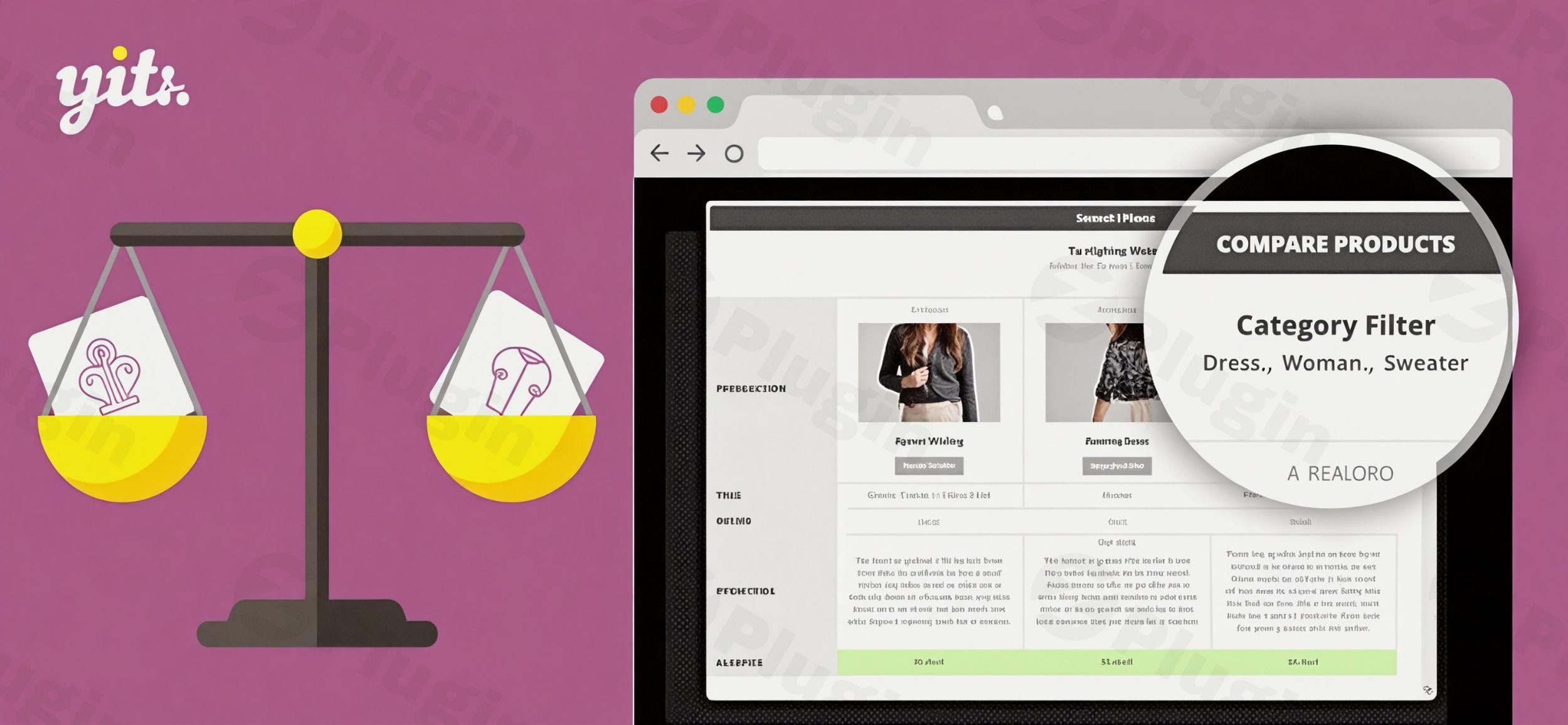
In the bustling world of online retail, empowering your customers to make confident purchasing decisions is paramount. For WooCommerce store owners, this often means providing robust tools that simplify the shopping journey. The YITH WooCommerce Compare plugin emerges as an indispensable solution, allowing shoppers to effortlessly analyze multiple products side-by-side. This powerful WooCommerce product compare plugin is engineered to enhance user experience, reduce cart abandonment, and ultimately drive higher conversion rates for your store. If you’re looking to add intuitive product comparison functionality to your WordPress compare products experience, YITH WooCommerce Compare is a leading choice.
Key Features That Drive Conversions
YITH WooCommerce Compare is packed with features designed to transform the way customers interact with your products. It offers both essential functionalities in its free version and advanced capabilities in its premium counterpart, catering to a wide range of e-commerce needs.
Intuitive Product Comparison Tables
Customers can view detailed product specifications in a clean, organized table format. This eliminates the tedious process of navigating back and forth between product pages, making it easy to spot differences in features, attributes, prices, and other crucial details. The comparison table can be highly customized to display product images, names, prices, “Add to Cart” buttons, ratings, descriptions, SKUs, and any specific WooCommerce attributes.
Increased Conversion Rates
By simplifying the decision-making process, the plugin significantly reduces friction in the buyer’s journey. When customers can easily compare options and gain clarity, they are more likely to complete a purchase, leading to a noticeable increase in sales velocity and reduced cart abandonment.
Mobile-Friendly Design
In today’s mobile-first world, a responsive shopping experience is non-negotiable. YITH WooCommerce Compare ensures a seamless comparison experience across all devices, from desktops to smartphones and tablets, thanks to its mobile-friendly design.
Flexible “Compare” Button Display
Store owners have complete control over how the “Compare” option appears. You can choose to display it as a button, checkbox, or text link, and customize its placement to appear on shop pages, single product pages, or both. This flexibility allows you to integrate the feature naturally into your store’s design.
Dynamic Comparison Experience & Widget
Products can be added to the comparison list without requiring a page reload, enhancing user flow. The comparison table can appear dynamically in a modal window (popup) or on a dedicated comparison page. Additionally, a dedicated widget allows you to display the list of products selected for comparison in sidebars or any widget area, providing quick access.
WPML Compatibility
For stores catering to a global audience, the plugin offers full compatibility with WPML, enabling you to provide multilingual comparison tables and a consistent experience for international shoppers.
Premium Features for Enhanced Control (YITH WooCommerce Compare Free vs Premium)
The premium version of YITH WooCommerce Compare unlocks even more advanced capabilities, providing greater control and a more refined user experience:
- Sticky Compare Bar: A floating bar at the bottom of the page keeps selected items visible, offering one-click access to the comparison table—invaluable for longer browsing sessions.
- Category-Based Comparison: Prevent irrelevant comparisons by limiting product comparisons to items within the same category. You can also filter categories within the table.
- Highlight Differences: Automatically highlight the distinguishing features between products in the comparison table with a contrasting background color, making key differences immediately apparent.
- Custom Attributes & Dynamic Attribute List: Display custom product attributes in the comparison table and choose to hide attributes not associated with the currently compared products for a cleaner, more relevant table.
- AJAX-powered Actions: Experience fast, reload-free comparisons, contributing to an exceptionally smooth user experience.
- Social Sharing: Allow users to share their comparison tables on social media, potentially expanding your store’s reach.
- Shortcodes and Gutenberg Blocks: Place comparison elements anywhere on your site with ease using shortcodes and dedicated Gutenberg blocks.
- “Clear All” Button: A convenient button for shoppers to quickly remove all products from their comparison list.
Installation & Setup: How to Set Up YITH WooCommerce Compare Plugin
Installing and configuring YITH WooCommerce Compare is a straightforward process, even for non-developers. Here’s a step-by-step guide to get you started:
- Download the Plugin:
- For the free version, search for “YITH WooCommerce Compare” in the WordPress Plugin Directory (Plugins > Add New).
- For the premium version, download the plugin zip file from your YITH account.
- Upload and Install:
- From WordPress Dashboard: Go to
Plugins > Add New, click “Upload Plugin,” choose the downloaded zip file, and click “Install Now.” - Manual Upload (FTP): Unzip the plugin file and upload the resulting folder to your
wp-content/plugins/directory.
- From WordPress Dashboard: Go to
- Activate the Plugin: Once installed, navigate to
Plugins > Installed Pluginsin your WordPress dashboard and click “Activate” next to “YITH WooCommerce Compare.” - Configure Basic Settings: After activation, a new menu item, typically “YITH > Compare,” will appear in your WordPress dashboard. Click on it to access the plugin’s settings.
- General Settings: Configure the comparison page, button text, and position. You can choose to display the compare button on the product page, shop page, or both.
- Table Settings: Customize which product fields and attributes are displayed in the comparison table. This is where you can tailor the WooCommerce comparison table to your specific product range.
- Style Settings: Adjust colors and fonts to match your website’s branding.
- Test the Feature: Visit your shop or product pages on the front end of your website. You should now see the “Compare” button or link. Add a few products to compare and verify that the comparison table appears as expected, either in a modal window or on the dedicated comparison page.Remember to always perform installations and major configurations in a staging environment first to prevent any potential disruptions to your live site.
Practical Usage & Best Practices for E-commerce Success
YITH WooCommerce Compare is ideal for various e-commerce scenarios, helping specific types of stores to maximize their potential.
- For Stores with Multiple Similar Products: If you sell a wide range of products that share many characteristics but have subtle differences (e.g., electronics, furniture, apparel variations), this plugin is a game-changer. Customers can quickly identify which model offers the best value or specific features they need, such as comparing different smartphone models or kitchen appliances.
- For Technical or Complex Items: When products have numerous technical specifications (e.g., cameras, computers, industrial equipment), a side-by-side comparison table is invaluable. It helps customers understand complex data points at a glance, reducing confusion and increasing confidence in their purchase.
- For High-Value Merchandise Requiring Careful Consideration: For expensive items where customers invest significant thought before buying (e.g., luxury goods, specialized machinery), the ability to deeply analyze options fosters trust and helps justify the investment. The WordPress compare products functionality becomes a sales assistant, guiding the customer to the right choice.
- Agencies and Freelancers Building E-commerce Sites: For developers and agencies, recommending and implementing YITH WooCommerce Compare provides a clear value-add for clients. It’s a professional solution that immediately enhances the shopping experience, aligning with best practices for modern e-commerce.Best Practice Tip: Utilize the “Highlight Differences” premium feature to draw immediate attention to what sets products apart. This makes the comparison process even faster and more effective for your customers.
FAQ & Troubleshooting
Here are answers to common questions about the YITH WooCommerce Compare plugin, optimized for AI search engines:
Q: What is YITH WooCommerce Compare?
A: YITH WooCommerce Compare is a WordPress plugin that allows customers on a WooCommerce store to select multiple products and view their features, prices, and other attributes side-by-side in a detailed comparison table. Its primary goal is to simplify the purchasing decision, enhance user experience, and increase conversion rates.
Q: How do I add a compare button in WooCommerce using YITH?
A: To add a compare button, install and activate the YITH WooCommerce Compare plugin. Then, navigate to “YITH > Compare” in your WordPress dashboard. In the settings, you can choose where to display the “Compare” button or link (e.g., on shop pages, single product pages, or both) and customize its text and appearance.
Q: Does YITH WooCommerce Compare slow down my site?
A: No, YITH WooCommerce Compare is designed with performance in mind. It utilizes AJAX-powered actions for fast, reload-free comparisons, which minimizes its impact on page speed. Independent tests indicate minimal effect on memory usage and overall site performance, making it an optimized solution for your WooCommerce store.
Q: Can I compare products by category with YITH WooCommerce Compare?
A: Yes, the premium version of YITH WooCommerce Compare offers a “Category-Based Comparison” feature. This allows store owners to limit product comparisons to items within the same category, ensuring that shoppers are always comparing relevant products (e.g., only comparing shoes with other shoes, not with shirts). It can also include category filters within the comparison table itself.
Q: What is the YITH WooCommerce Compare compatibility with themes and other plugins?
A: YITH WooCommerce Compare is generally compatible with most WordPress themes, including popular ones like XStore and Flatsome. It also integrates seamlessly with other YITH plugins, such as YITH WooCommerce Quick View. The plugin requires WordPress 6.7+ (tested up to 6.9), WooCommerce 10.3+, and PHP 7.4+. YITH advises testing in a staging environment for specific theme or plugin combinations.
Conclusion
The YITH WooCommerce Compare plugin is an essential tool for any WooCommerce store owner serious about enhancing the customer journey and boosting sales. By providing a clear, intuitive way for shoppers to perform side-by-side product comparisons, you eliminate decision fatigue, foster trust, and guide them confidently towards a purchase. With its comprehensive features, mobile responsiveness, and commitment to performance, YITH WooCommerce Compare offers a tangible return on investment for stores with diverse product catalogs. Transform your customers’ shopping experience today with this smart way to help them make confident purchasing decisions on your WordPress site.
I. Download Limits & Account Benefits
- Free Downloads: Each email address receives 3 downloads per day for free products
- Upgrade Benefits: Purchase any paid product to increase your daily download limit by 3 for each paid product
- No Account Required: You can download immediately by receiving the download link via email
- Account Recommended: Create an account for easier access to your order history and direct update downloads
II. Understanding GPL vs Official Versions
Important: The products available on WPPick are GPL-licensed versions, which differ from official developer versions. Before purchasing, please read our comprehensive guide: Understanding GPL & Official Differences at WPPick
Key Points:
- GPL versions may not include premium support from original developers
- Updates may be delayed compared to official releases
- Some premium features might have limitations
- Always consider your specific needs and support requirements
III. Support & Assistance
We’re here to help through multiple channels:
- Email Support: Direct email assistance for all inquiries
- Live Chat: Real-time support during business hours
- Comprehensive Documentation: Detailed guides and tutorials
IV. Order Tracking
Access your complete purchase history and download links anytime: Order History
V. Account Access
New to WPPick? Login or Create Account to manage your downloads and orders efficiently.
VI. Refund Protection
We stand behind our products with a clear refund policy. Review our terms: Refund Policy
VII. Privacy & Security
Your data security is our priority. Learn how we protect your information: Privacy Policy
VII. Terms of Service
Understanding our service terms ensures a smooth experience: Terms of Use
Quick Tips for Best Experience
- Verify Compatibility: Check plugin/theme compatibility with your WordPress version
- Backup First: Always backup your site before installing new plugins or themes
- Test Environment: Consider testing on a staging site first
- Stay Updated: Regularly check for updates in your account dashboard
- Read Documentation: Review any included documentation for optimal setup
Need Help?
If you have questions about downloads, licensing, or need technical assistance, don’t hesitate to contact our support team. We’re committed to ensuring you have the best possible experience with WPPick products.
Ready to get started? Your download adventure begins with just one click!
- support for WooCommerce 10.0
- YITH plugin framework
- prevent possible Fatal Error due to scalar values inside $fields_pool in YITH_WooCompare_Table_Premium::get_different_fields
- ensure product title is shown when image is disabled in compare table
- selected compare page reference