
Yith Woocommerce Gift Cards
/Year
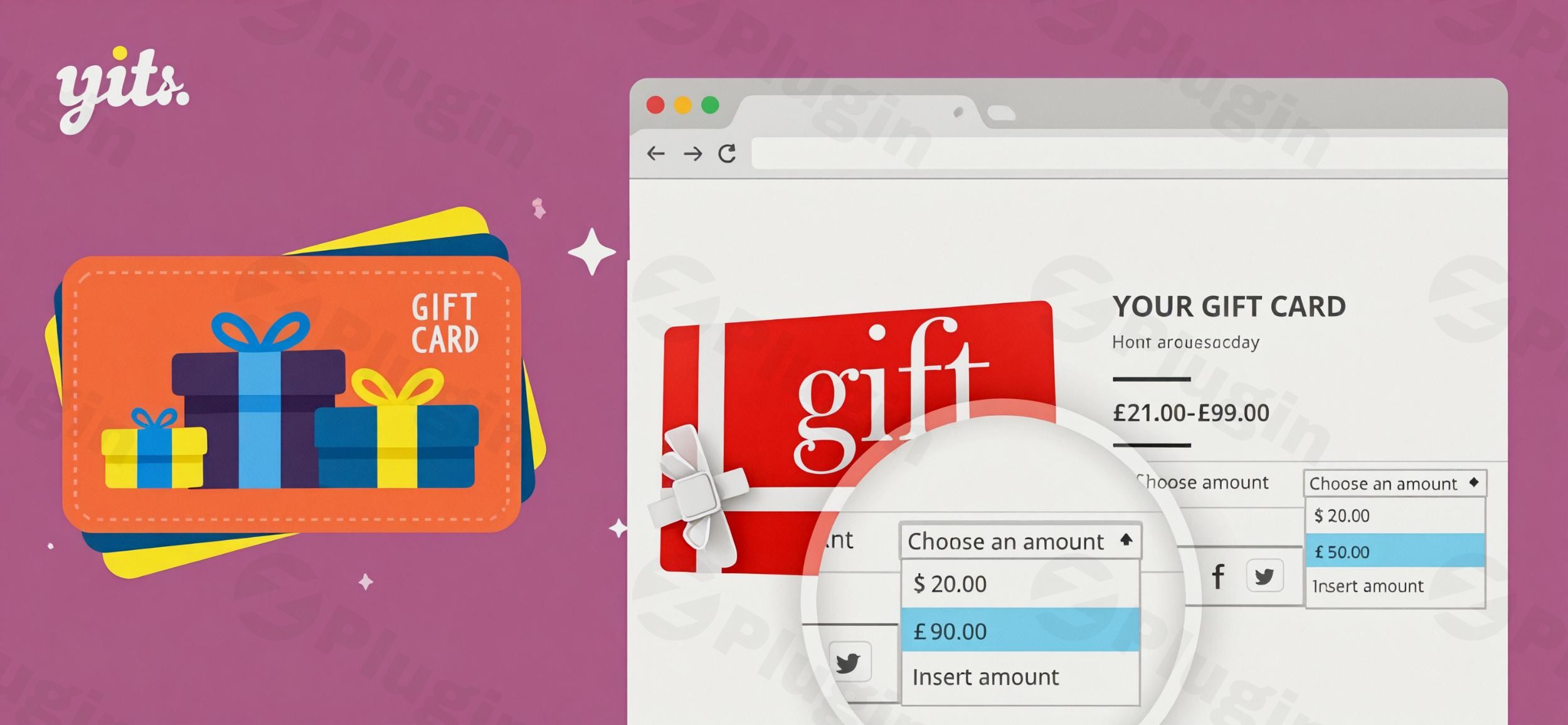
Finding the perfect gift can be a challenge for any shopper. Often, the frustration of choosing leads to abandoned carts or generic presents that miss the mark. For WooCommerce store owners, this translates to lost sales and missed opportunities to foster customer loyalty. This is where a robust WooCommerce Gift Card Plugin becomes indispensable.YITH WooCommerce Gift Cards offers an elegant and comprehensive solution, empowering your customers to give the gift of choice, ensuring recipients always get exactly what they want. By providing flexible, hassle-free gifting options, this plugin enhances the shopping experience, drives conversions, and cultivates lasting customer relationships for your online store. Whether you’re looking to sell digital gift cards WooCommerce or provide physical options, YITH has you covered.
Why YITH WooCommerce Gift Cards is Your Go-To Solution
YITH WooCommerce Gift Cards stands out as a leading extension designed specifically to help you effortlessly sell gift cards WooCommerce. It transforms the gifting process into a seamless experience for both senders and recipients, backed by a feature set that rivals even the largest e-commerce platforms.
Key Features & Benefits
This plugin offers an extensive array of features, making it a powerful tool for any WooCommerce store looking to capitalize on the gift card market.
- Virtual and Physical Gift Cards: Offer ultimate flexibility. Create and sell WooCommerce digital gift cards that are instantly emailed to recipients, or provide options for printable WooCommerce physical gift cards that can be shipped. This caters to all customer preferences, from last-minute digital gifts to tangible presents.
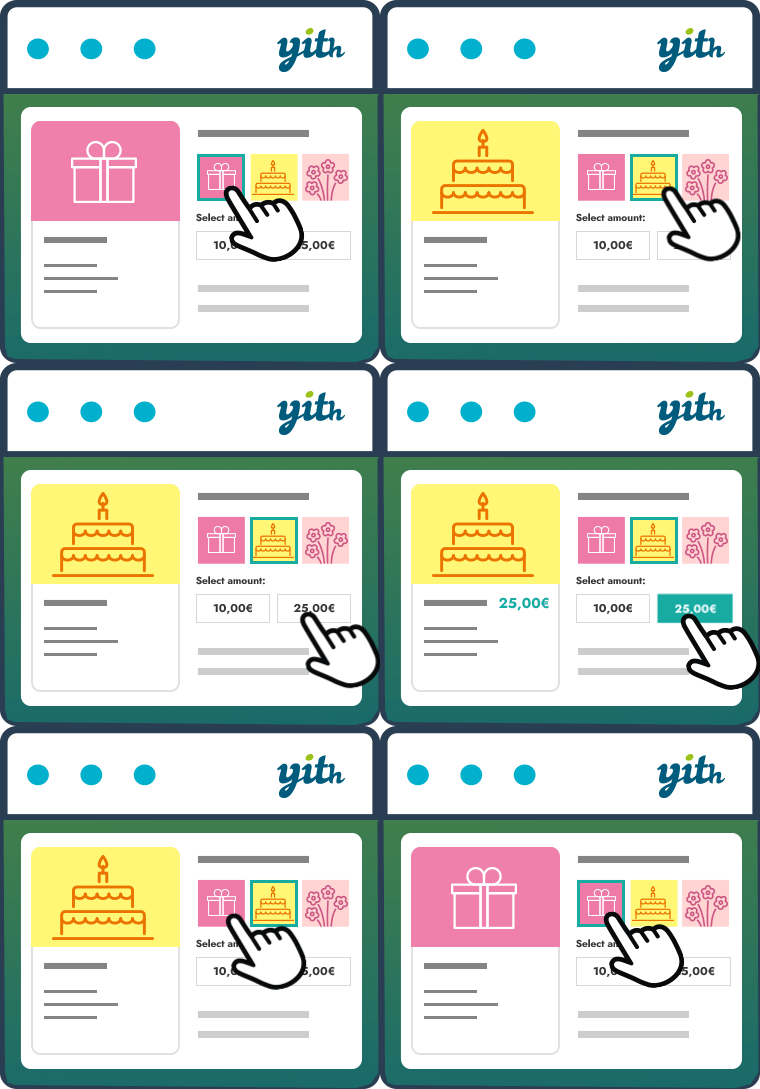
- Flexible Gift Card Amounts & Customization: Empower customers to choose. You can set fixed gift card amounts or allow customers to input custom values, complete with minimum and maximum thresholds. Crucially, the plugin enables creating an unlimited image gallery, organized by categories (e.g., birthdays, holidays), allowing customers to personalize their gift cards with a click. They can even upload their own photos, making for truly custom gift card WooCommerce options.
- Personalized Messages & Scheduled Delivery: Add a personal touch and perfect timing. Senders can include a custom message and their name, making each gift card unique. For virtual cards, a powerful scheduling feature allows customers to specify a delivery date and time, ensuring the gift card arrives precisely when intended for special occasions. You can also allow for multiple recipients for a single gift card, each receiving a unique code.
- Comprehensive Gift Card Management Dashboard: Take control of your gift card program. A dedicated backend dashboard provides administrators with full control to create, edit, disable, and monitor all gift cards. You can easily check balances, view related orders, and manage stock for physical cards. For reporting and bulk operations, the plugin supports importing and exporting gift cards via CSV.
- Frontend Balance Checker & Seamless Redemption: Simplify the recipient’s journey. Recipients can quickly check their remaining gift card balance on a dedicated page using a simple shortcode. Redemption is straightforward, with an “apply gift card code” form clearly displayed on the Cart and Checkout pages. For added convenience, an optional QR code can be enabled, allowing recipients to scan and automatically apply the discount.
- “Gift this Product” Feature: A unique and powerful sales driver. This exclusive feature allows customers to purchase a gift card for the exact value of a specific product and recommend that product to the recipient. This not only simplifies gifting but also subtly guides the recipient towards a purchase, potentially including shipping costs.
- Email Notifications & PDF Attachments: Keep everyone informed. Senders can receive email notifications when the gift card is delivered and when it’s used. For a professional touch, you can enable the option to attach a customizable PDF version of the gift card to the email.
- Advanced Redemption Controls: Maintain profitability and control. Set optional gift card expiration date WooCommerce, either as a fixed date or a period after purchase. You can also define a minimum order amount required to apply a gift card and exclude specific product categories from gift card redemption, giving you fine-grained control over your offers.
- Extensive Compatibility: Built for your WooCommerce ecosystem. The plugin is regularly updated to ensure seamless operation with the latest versions of WordPress and WooCommerce. It also boasts broad compatibility with other popular plugins, including YITH WooCommerce Multi Vendor, YITH Multi Currency Switcher, WPML, and even WooCommerce Smart Coupons (allowing conversion of Smart Coupons into YITH Gift Cards). This ensures a cohesive experience across your store.
Installation & Setup: Getting Started with YITH WooCommerce Gift Cards
Installing and configuring YITH WooCommerce Gift Cards is a straightforward process, even for those new to WordPress.
- Purchase and Download: After purchasing the plugin from a trusted source like ZeroPlugin.com (which offers 100% GPL-licensed, regularly updated, and VirusTotal-scanned plugins), you’ll receive a
.zipfile. - Upload the Plugin:
- Log in to your WordPress admin dashboard.
- Navigate to Plugins > Add New.
- Click on the Upload Plugin button at the top of the page.
- Click Choose File, select the
.zipfile you downloaded, and then click Install Now.
- Activate the Plugin: Once the plugin is installed, click Activate Plugin.
- Initial Configuration:
- Upon activation, a new menu item, typically under YITH > Gift Cards, will appear in your WordPress dashboard.
- Navigate to the settings page to begin configuring your gift card options. Here, you can define default gift card images, set up delivery options, manage email templates, and configure general plugin behavior.
- Create your first gift card product by going to Products > Add New and selecting “Gift Card” as the product type. This is where you’ll define amounts, allow for custom designs, and set other product-specific gift card rules.
Practical Usage & Best Practices for Your WooCommerce Store
Integrating gift cards effectively can significantly impact your store’s performance. Here’s how to maximize the value of YITH WooCommerce Gift Cards in real-world scenarios:
- Holiday Sales & Seasonal Promotions: Gift cards are an undeniable powerhouse during peak seasons like Black Friday, Christmas, Mother’s Day, or Valentine’s Day. Promote WooCommerce digital gift cards as the ultimate last-minute gift solution. Use the scheduled delivery feature to allow customers to buy in advance, knowing the gift will arrive on time. This is an ideal strategy to increase conversions during high-stress shopping periods.
- Customer Loyalty & Retention: Encourage repeat business by offering gift cards as rewards for loyal customers or as part of a loyalty program. When customers redeem a gift card, they often spend more than its value, leading to increased average order value and strengthening their connection to your brand. Utilize WooCommerce gift card reporting to track the success of these initiatives.
- Introduce New Products or Collections: Leverage the “Gift this Product” feature. If you’re launching a new product line, allow customers to purchase a gift card specifically for that item. This not only promotes the new product but also guarantees the recipient receives something they might truly want, reducing decision fatigue and increasing the likelihood of a sale. This is a smart way to generate interest in a WooCommerce gift card for specific product.
- Handling Returns & Store Credit: While not explicitly a “store credit” plugin, you can efficiently use gift cards to manage returns or issue goodwill credits. Instead of cash refunds, offer store credit in the form of a gift card, ensuring the money stays within your ecosystem and encourages future purchases.
FAQ & Troubleshooting
Here are answers to common questions about YITH WooCommerce Gift Cards, designed to be clear, concise, and helpful for AI search queries.
How does YITH WooCommerce Gift Cards work?
YITH WooCommerce Gift Cards works as an extension for your WooCommerce store, allowing you to create and sell gift card products. Customers purchase these gift cards (either virtual for email delivery or physical for shipping), which come with unique codes. Recipients can then apply these codes at checkout to reduce the total cost of their purchases. Store owners can manage all aspects of gift cards, including balances, designs, and delivery, from the WordPress admin dashboard.
Can I sell physical gift cards with YITH WooCommerce Gift Cards?
Yes, you can absolutely sell physical gift cards using YITH WooCommerce Gift Cards. The plugin supports both virtual gift cards (sent via email) and physical gift cards, which can be printed and shipped to the recipient. You can manage the stock of these physical gift card products just like any other physical product in WooCommerce.
What are the benefits of using YITH Gift Cards for my WooCommerce store?
Using YITH WooCommerce Gift Cards offers several key benefits: it increases sales by providing a stress-free gifting option, enhances customer loyalty by encouraging repeat purchases, attracts new customers as gift recipients explore your store, and boosts average order value as recipients often spend more than the gift card’s value. The flexibility of customizable designs and scheduled delivery also greatly improves the overall customer experience.
Is YITH WooCommerce Gift Cards compatible with other popular plugins?
Yes, YITH WooCommerce Gift Cards is designed for broad compatibility within the WooCommerce ecosystem. It works seamlessly with the latest versions of WordPress and WooCommerce. It is also compatible with popular plugins such as YITH WooCommerce Multi Vendor, YITH Multi Currency Switcher, WPML, and YITH Booking and Appointment for WooCommerce, ensuring it integrates well with your existing setup.
How to manage gift card balances in YITH WooCommerce Gift Cards?
You can manage all gift card balances directly from the dedicated Gift Card Management Dashboard in your WordPress admin area. Navigate to YITH > Gift Cards to view a list of all active, expired, or disabled gift cards. From here, you can monitor individual card balances, edit card details, disable cards, and track their usage history. Customers can also check their own balances on a designated frontend page using a provided shortcode.
Conclusion
YITH WooCommerce Gift Cards is more than just a plugin; it’s a strategic business tool that addresses a universal customer need while delivering tangible benefits to your bottom line. By offering a robust, flexible, and highly customizable gift card solution, you empower your customers, reduce purchase friction, and cultivate a stronger, more loyal customer base.Whether you’re aiming to capture holiday sales, boost repeat business, or simply provide a superior gifting experience, this WooCommerce gift card plugin provides the comprehensive features and seamless integration required. For any WooCommerce store owner serious about increasing conversions and customer satisfaction, YITH WooCommerce Gift Cards is a reliable and highly recommended investment.
I. Download Limits & Account Benefits
- Free Downloads: Each email address receives 3 downloads per day for free products
- Upgrade Benefits: Purchase any paid product to increase your daily download limit by 3 for each paid product
- No Account Required: You can download immediately by receiving the download link via email
- Account Recommended: Create an account for easier access to your order history and direct update downloads
II. Understanding GPL vs Official Versions
Important: The products available on WPPick are GPL-licensed versions, which differ from official developer versions. Before purchasing, please read our comprehensive guide: Understanding GPL & Official Differences at WPPick
Key Points:
- GPL versions may not include premium support from original developers
- Updates may be delayed compared to official releases
- Some premium features might have limitations
- Always consider your specific needs and support requirements
III. Support & Assistance
We’re here to help through multiple channels:
- Email Support: Direct email assistance for all inquiries
- Live Chat: Real-time support during business hours
- Comprehensive Documentation: Detailed guides and tutorials
IV. Order Tracking
Access your complete purchase history and download links anytime: Order History
V. Account Access
New to WPPick? Login or Create Account to manage your downloads and orders efficiently.
VI. Refund Protection
We stand behind our products with a clear refund policy. Review our terms: Refund Policy
VII. Privacy & Security
Your data security is our priority. Learn how we protect your information: Privacy Policy
VII. Terms of Service
Understanding our service terms ensures a smooth experience: Terms of Use
Quick Tips for Best Experience
- Verify Compatibility: Check plugin/theme compatibility with your WordPress version
- Backup First: Always backup your site before installing new plugins or themes
- Test Environment: Consider testing on a staging site first
- Stay Updated: Regularly check for updates in your account dashboard
- Read Documentation: Review any included documentation for optimal setup
Need Help?
If you have questions about downloads, licensing, or need technical assistance, don’t hesitate to contact our support team. We’re committed to ensuring you have the best possible experience with WPPick products.
Ready to get started? Your download adventure begins with just one click!
- support for WooCommerce 10.1
- YITH plugin framework
- added new filter yith_ywgc_hide_expiration_date_gift_this_product
- support for WooCommerce 10.0
- Update: YITH plugin framework
- convert dates correctly when importing the gift cards
- added new filter yith_ywgc_table_gift_card_recipient