

Yith Woocommerce Paypal Payouts
/Year
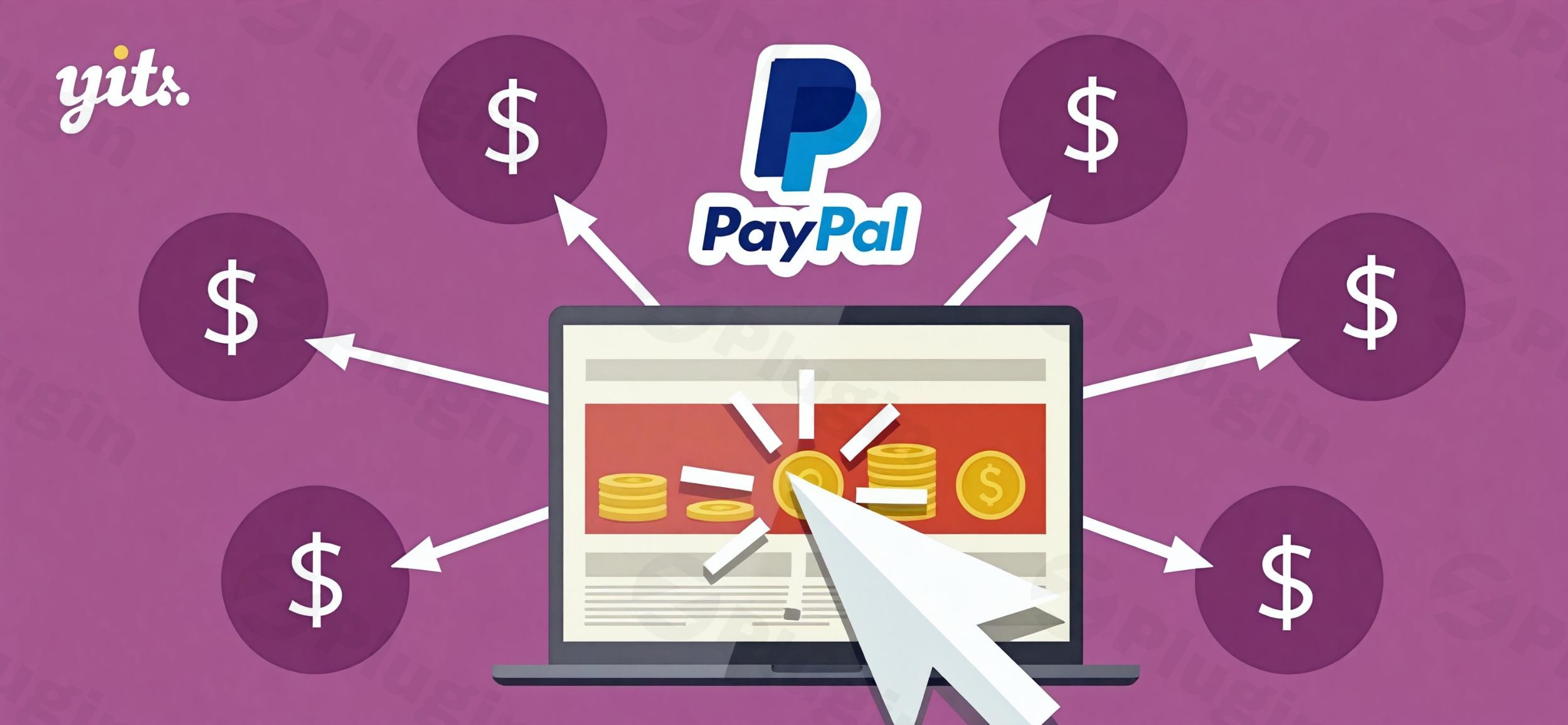
Managing a multi-vendor marketplace or a high-traffic affiliate program involves a significant administrative burden: manual payment distribution. YITH WooCommerce PayPal Payouts is a specialized WordPress plugin designed to solve this problem by automating the split of revenue between site owners and their collaborators. By integrating a professional WooCommerce PayPal Payouts system, you can ensure that sellers, partners, and affiliates receive their commissions instantly and securely, without you ever having to manually process a single transaction.Whether you are running a digital marketplace or a niche affiliate store, this plugin transforms your financial workflow from a manual chore into a hands-off, scalable process.
Key Features and Benefits
The YITH PayPal Payouts for WooCommerce plugin is built for store owners who value precision and time-saving automation. Here are the core features that help you manage professional payouts:
- Automated Revenue Distribution: Eliminate the risk of human error. The plugin automatically calculates and sends the correct commission to vendors or affiliates immediately after a sale is completed.
- Seamless Marketplace Integration: This plugin is the perfect companion for YITH WooCommerce Multi Vendor. It allows marketplace owners to pay out vendor commissions in real-time or at scheduled intervals.
- Flexible Commission Rules: You are in total control of your margins. You can set general commission rates for the entire store or define custom percentages and fixed amounts for specific sellers or products.
- One-Click Mass Payouts: If you prefer manual oversight, the PayPal Mass Pay WooCommerce feature allows you to review all pending commissions and issue every payment simultaneously with a single click.
- Global Multi-Currency Support: Leverage PayPal’s international reach. The plugin handles various currencies, making it ideal for stores operating on a global scale.
- Transparent Financial Logs: Maintain a clear audit trail with detailed payout logs. You can track “Pending,” “Processed,” “Failed,” or “Refunded” statuses and export reports for tax or accounting purposes.
- Sandbox Mode for Safe Testing: Before going live, use the built-in sandbox mode to simulate transactions and ensure your commission logic is working perfectly without risking real funds.
How to Install and Set Up YITH WooCommerce PayPal Payouts
Setting up YITH WooCommerce PayPal Payouts is straightforward, even for non-developers. Follow these steps to get your automated payment system running:
1. Plugin Installation
- Purchase and download the plugin from the YITH website.
- Log in to your WordPress dashboard, go to Plugins > Add New, and upload the
.zipfile. - Click Install Now and then Activate.
2. Connect Your PayPal Business Account
To use the payout features, you must have a PayPal Business account.
- Navigate to YITH > PayPal Payouts > Settings.
- Enter your PayPal API credentials (Client ID and Secret).
- Enable Sandbox Mode if you are testing on a staging site first.
3. Configure Payout Rules
- Payment Trigger: Decide if payouts should happen automatically upon order completion or if you want to process them manually via the Mass Pay tool.
- Minimum Threshold: Set a minimum amount (e.g., $50) that a vendor must earn before a payout is triggered.
- Hold Period: Optionally set a “hold period” (e.g., 14 days) to ensure payouts only happen after the refund window for the customer has closed.
4. Link Vendor/Affiliate Accounts
- For vendors (using YITH Multi Vendor) or affiliates (using YITH Affiliates), ensure their PayPal email address is entered in their respective profile settings. The plugin uses these emails as the destination for all automated transfers.
Practical Usage & Best Practices
To get the most out of your WooCommerce Marketplace PayPal Payouts setup, consider these real-world workflows used by successful store managers:
Use Case 1: The Digital Marketplace
If you run a site like a stock photo store or a plugin marketplace, use the per-vendor settings. You might give top-tier creators an 80% commission while keeping new creators at 60%. The plugin handles these variations automatically during checkout.
Use Case 2: Affiliate Commission Automation
When used with YITH Affiliates, this plugin is the “best way to manage payouts” for marketing partners. Instead of manually checking who referred which sale at the end of the month, you can set the plugin to “Automate PayPal Payouts WooCommerce” style, paying affiliates the moment the customer’s payment is cleared.
Best Practices for Site Owners:
- Always use a Hold Period: To prevent losing money on refunded orders, set a hold period that matches your store’s refund policy.
- Monitor Failed Payouts: Occasionally, a vendor’s PayPal email might be incorrect. Check the Payout Logs weekly to identify and retry any failed transactions.
- Use Mass Pay for High Volume: If you have hundreds of vendors, using the “Mass Pay” feature once a week is often more efficient for accounting than hundreds of individual micro-transactions.
FAQ & Troubleshooting
What is YITH WooCommerce PayPal Payouts?
YITH WooCommerce PayPal Payouts is a WordPress plugin that automates the distribution of sales revenue. It allows site owners to split a single customer payment into multiple parts, sending commissions directly to vendors or affiliates via PayPal.
Is YITH WooCommerce PayPal Payouts compatible with Multi Vendor?
Yes, it is fully integrated with YITH WooCommerce Multi Vendor. This combination is the industry standard for creating a self-managing marketplace where commissions are calculated and paid out without manual intervention from the site admin.
Can YITH WooCommerce PayPal Payouts handle multi-currency?
Yes. The plugin leverages PayPal’s native currency conversion capabilities. However, ensure that your PayPal Business account is configured to accept the specific currencies your store uses to avoid unexpected conversion fees.
Does the plugin support automatic refunds?
Yes. If a customer is refunded in WooCommerce, the plugin can automatically adjust the payout records or recoup fees where applicable, ensuring your financial reports remain accurate.
What should I do if a payout fails?
Check the Payout Status in the plugin logs. Common reasons for failure include incorrect receiver email addresses, insufficient funds in your PayPal Business account, or the receiver’s account being restricted. The plugin allows you to “Retry” a payout once the issue is resolved.
Conclusion
The ROI of YITH WooCommerce PayPal Payouts is found in the hours of administrative work it saves. By moving away from manual spreadsheets and manual PayPal transfers, you reduce the risk of errors and build trust with your vendors through timely, transparent payments.If you are running a marketplace or an affiliate-heavy store, this is an essential tool for scaling your operations. At wppick.com, we recommend this plugin for any business owner looking for a reliable, “set-and-forget” WooCommerce PayPal Payouts solution that integrates perfectly with the wider YITH ecosystem.
I. Download Limits & Account Benefits
- Free Downloads: Each email address receives 3 downloads per day for free products
- Upgrade Benefits: Purchase any paid product to increase your daily download limit by 3 for each paid product
- No Account Required: You can download immediately by receiving the download link via email
- Account Recommended: Create an account for easier access to your order history and direct update downloads
II. Understanding GPL vs Official Versions
Important: The products available on WPPick are GPL-licensed versions, which differ from official developer versions. Before purchasing, please read our comprehensive guide: Understanding GPL & Official Differences at WPPick
Key Points:
- GPL versions may not include premium support from original developers
- Updates may be delayed compared to official releases
- Some premium features might have limitations
- Always consider your specific needs and support requirements
III. Support & Assistance
We’re here to help through multiple channels:
- Email Support: Direct email assistance for all inquiries
- Live Chat: Real-time support during business hours
- Comprehensive Documentation: Detailed guides and tutorials
IV. Order Tracking
Access your complete purchase history and download links anytime: Order History
V. Account Access
New to WPPick? Login or Create Account to manage your downloads and orders efficiently.
VI. Refund Protection
We stand behind our products with a clear refund policy. Review our terms: Refund Policy
VII. Privacy & Security
Your data security is our priority. Learn how we protect your information: Privacy Policy
VII. Terms of Service
Understanding our service terms ensures a smooth experience: Terms of Use
Quick Tips for Best Experience
- Verify Compatibility: Check plugin/theme compatibility with your WordPress version
- Backup First: Always backup your site before installing new plugins or themes
- Test Environment: Consider testing on a staging site first
- Stay Updated: Regularly check for updates in your account dashboard
- Read Documentation: Review any included documentation for optimal setup
Need Help?
If you have questions about downloads, licensing, or need technical assistance, don’t hesitate to contact our support team. We’re committed to ensuring you have the best possible experience with WPPick products.
Ready to get started? Your download adventure begins with just one click!
- Support for WooCommerce 10.4
- Support for WordPress 6.9
- YITH plugin framework