

Yith Woocommerce Popup
/Year
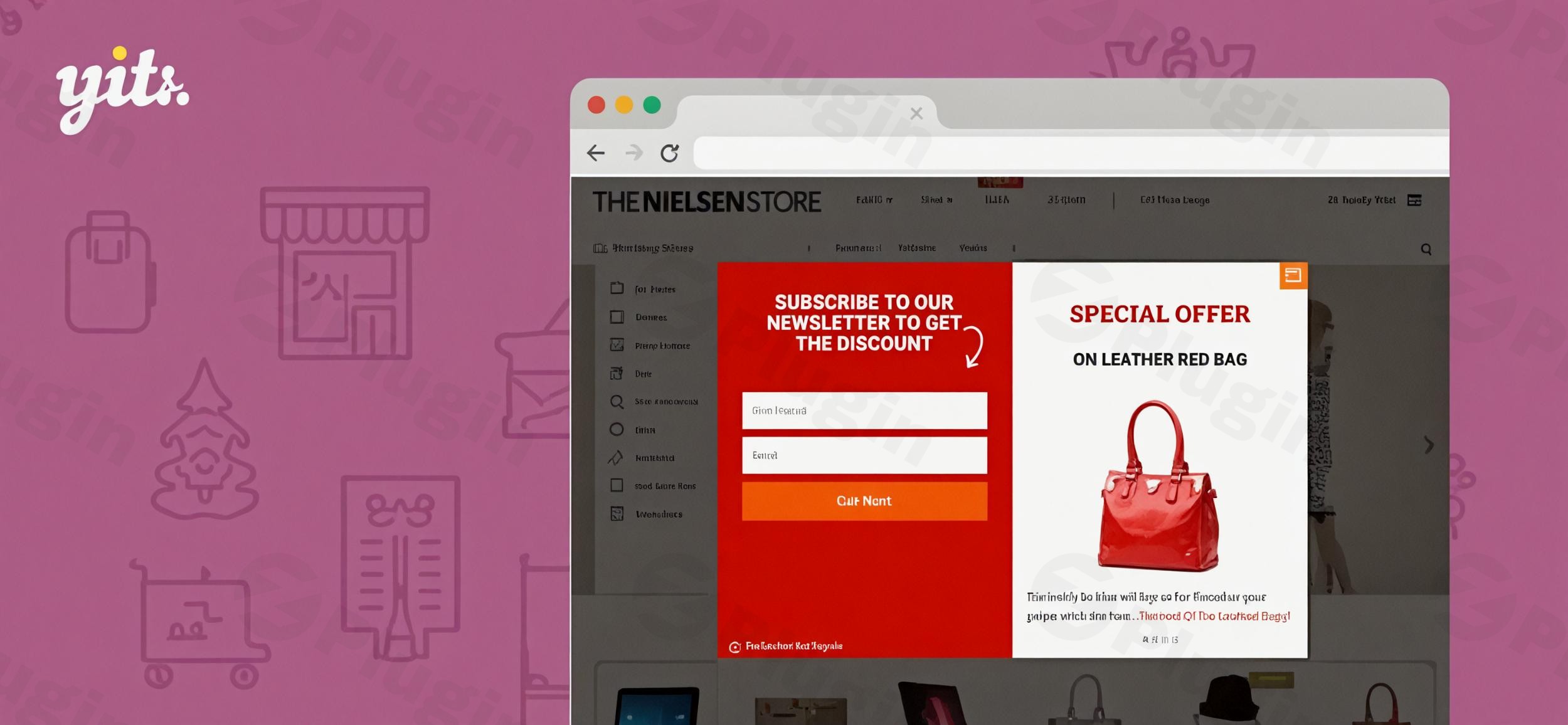
In the competitive world of e-commerce, capturing a visitor’s attention before they leave your site is the difference between a bounce and a sale. YITH WooCommerce Popup is a powerful WordPress plugin designed to help store owners reduce cart abandonment, build email lists, and highlight promotions through highly customizable modal windows. By integrating a professional WooCommerce popup plugin into your strategy, you can transform passive browsing into active engagement without disrupting the user experience.
Key YITH WooCommerce Popup Features & Benefits
The YITH WooCommerce Popup features go beyond simple “pop-and-blast” messaging. This plugin is built specifically for the WooCommerce ecosystem, ensuring that every popup contributes to your store’s bottom line.
1. Unlimited Popup Creation & Page-Specific Targeting
You aren’t limited to a single global message. Create an unlimited number of popups and assign them to specific products, categories, or pages. For example, you can show a sizing guide popup only on apparel pages or a “10% off” coupon specifically for first-time visitors on your homepage.
2. Content Versatility and Lead Generation
A popup is only as good as its content. YITH allows you to embed:
- Newsletter Signup Forms: Build your email list by offering incentives.
- Product Showcases: Feature specific items or “Deal of the Day” directly in the modal.
- Social Media Links: Increase your following by inviting users to connect.
- Custom CTA Buttons: Drive traffic to specific landing pages with stylized buttons.
3. Smart Display Triggers
To avoid annoying users, the plugin includes advanced targeting options:
- Exit-Intent: Trigger a popup when the user moves their mouse to close the tab.
- Scroll Depth: Show a message only after a user has engaged with a certain percentage of your content.
- Time Delay: Wait a specific number of seconds before appearing.
4. Technical Excellence & Mobile Responsiveness
Performance is key to SEO. YITH WooCommerce Popup is lightweight and fully compatible with HPOS (High-Performance Order Storage). It is 100% mobile-friendly, ensuring your popups look professional on iPhones and Android devices alike.
How to Install YITH WooCommerce Popup Plugin
Setting up your first popup is straightforward and requires no coding knowledge. Follow these steps to get started:
- Download & Upload: Log in to your WordPress dashboard. Navigate to Plugins > Add New. Upload the .zip file provided by YITH.
- Activation: Click Activate after the installation is complete.
- License Activation: Go to the “YITH” menu in your sidebar and enter your license key to ensure you receive automatic updates.
- Creating Your First Popup:
- Navigate to YITH > Popup.
- Click Add Popup.
- Choose a template or start from scratch using the built-in editor.
- Configure your “Display Conditions” (where it shows) and “Triggers” (when it shows).
5. Publish: Save your changes and visit your site in an incognito window to see your new WooCommerce popup in action.
Practical Usage & Best Practices
To maximize the ROI of your WooCommerce popup plugin, consider these real-world workflows:
Use Case 1: Reducing Cart Abandonment with Exit-Intent
When a user moves to close the browser, trigger a popup with a unique coupon code (e.g., “WAIT! Grab 5% off your order right now”). This is the most effective way to recover potentially lost revenue.
Use Case 2: Legal Compliance and Terms & Conditions
If you sell restricted products (like alcohol or software with strict licenses), you can use the YITH WooCommerce Terms and Conditions Popup variation. This ensures customers must view and accept your terms in a responsive window before they can complete their purchase, aiding legal compliance.
Use Case 3: Upselling at the “Add to Cart” Moment
Using the YITH WooCommerce Added to Cart Popup integration, you can show a summary of the cart immediately after a user clicks “Add to Cart.” This is the ideal time to suggest related products or remind them how much more they need to spend to qualify for free shipping.
FAQ & Troubleshooting
Is YITH WooCommerce Popup compatible with Elementor?
Yes, YITH WooCommerce Popup is compatible with major page builders like Elementor, Gutenberg, and WPBakery. While the plugin has its own styling options, you can use shortcodes from these builders within the popup content area to create custom layouts.
Does the plugin support WooCommerce HPOS?
Yes, the plugin is fully compatible with WooCommerce 9.5+ and supports High-Performance Order Storage (HPOS), ensuring your site remains fast and your database remains optimized as your store grows.
Can I hide popups from mobile users?
While the plugin is 100% mobile-responsive, you have the option within the settings to disable specific popups for mobile devices if you feel they interfere too much with the smaller screen experience.
How do I integrate my email marketing tool (like Mailchimp)?
You can easily include a newsletter signup form by pasting the shortcode from your email provider (Mailchimp, HubSpot, etc.) directly into the popup content editor. YITH handles the display, while your provider handles the lead capture.
Final Verdict: Why Choose YITH?
If you are looking for a reliable, e-commerce-focused solution, YITH WooCommerce Popup is an excellent investment. Unlike generic popup builders, this plugin is deeply integrated into the WooCommerce ecosystem, supporting features like HPOS and specific cart-action triggers that drive actual sales.For store owners who prioritize site speed, mobile responsiveness, and high conversion rates, this plugin provides the professional toolkit necessary to turn visitors into loyal customers. Ready to optimize your store? Implementing a YITH WooCommerce Popup today is a proven way to increase your average order value and grow your subscriber list.
I. Download Limits & Account Benefits
- Free Downloads: Each email address receives 3 downloads per day for free products
- Upgrade Benefits: Purchase any paid product to increase your daily download limit by 3 for each paid product
- No Account Required: You can download immediately by receiving the download link via email
- Account Recommended: Create an account for easier access to your order history and direct update downloads
II. Understanding GPL vs Official Versions
Important: The products available on WPPick are GPL-licensed versions, which differ from official developer versions. Before purchasing, please read our comprehensive guide: Understanding GPL & Official Differences at WPPick
Key Points:
- GPL versions may not include premium support from original developers
- Updates may be delayed compared to official releases
- Some premium features might have limitations
- Always consider your specific needs and support requirements
III. Support & Assistance
We’re here to help through multiple channels:
- Email Support: Direct email assistance for all inquiries
- Live Chat: Real-time support during business hours
- Comprehensive Documentation: Detailed guides and tutorials
IV. Order Tracking
Access your complete purchase history and download links anytime: Order History
V. Account Access
New to WPPick? Login or Create Account to manage your downloads and orders efficiently.
VI. Refund Protection
We stand behind our products with a clear refund policy. Review our terms: Refund Policy
VII. Privacy & Security
Your data security is our priority. Learn how we protect your information: Privacy Policy
VII. Terms of Service
Understanding our service terms ensures a smooth experience: Terms of Use
Quick Tips for Best Experience
- Verify Compatibility: Check plugin/theme compatibility with your WordPress version
- Backup First: Always backup your site before installing new plugins or themes
- Test Environment: Consider testing on a staging site first
- Stay Updated: Regularly check for updates in your account dashboard
- Read Documentation: Review any included documentation for optimal setup
Need Help?
If you have questions about downloads, licensing, or need technical assistance, don’t hesitate to contact our support team. We’re committed to ensuring you have the best possible experience with WPPick products.
Ready to get started? Your download adventure begins with just one click!
- Support for WordPress 7.0
- Support for WooCommerce 10.7
- Support for WooCommerce 10.6
- Support for WooCommerce 10.5.
- YITH plugin framework updated.