
Yith Woocommerce Product Add-ons & Extra Options
/Year
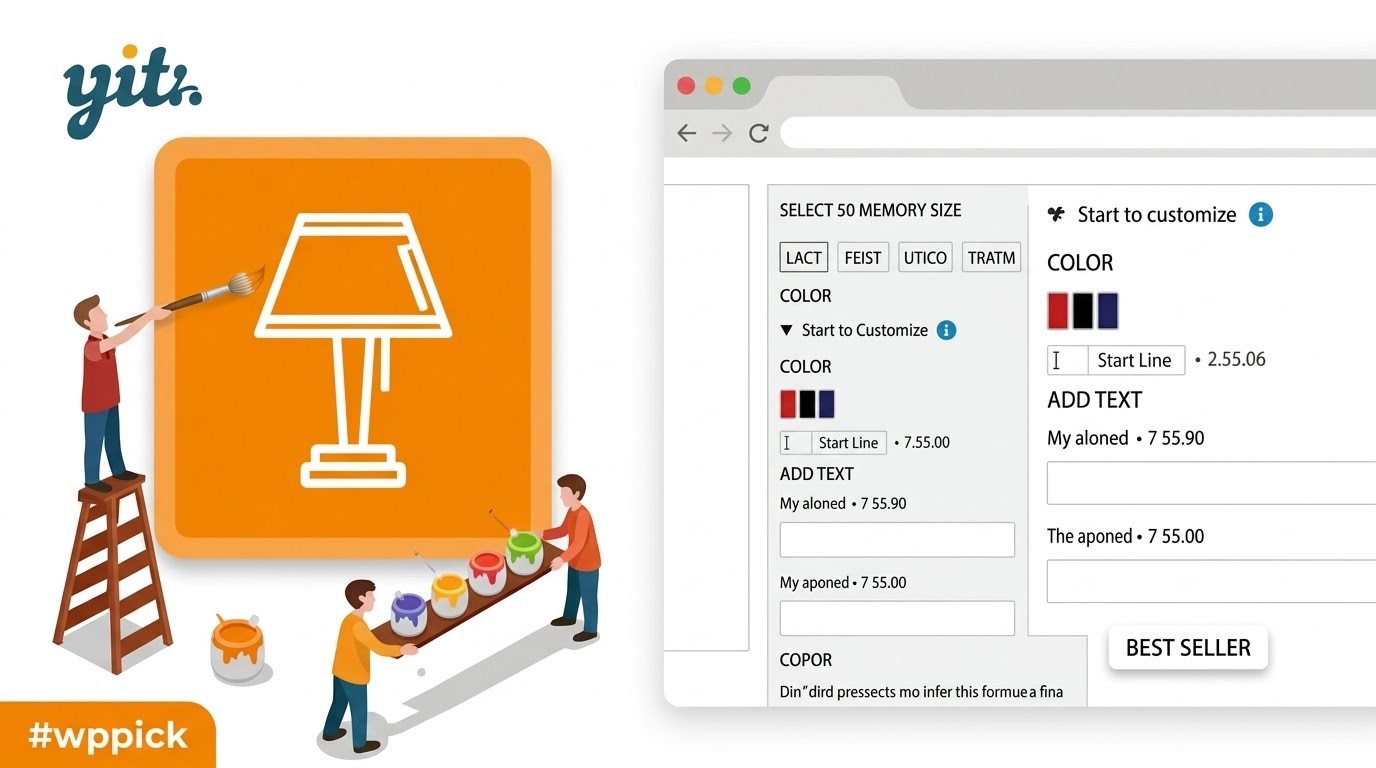
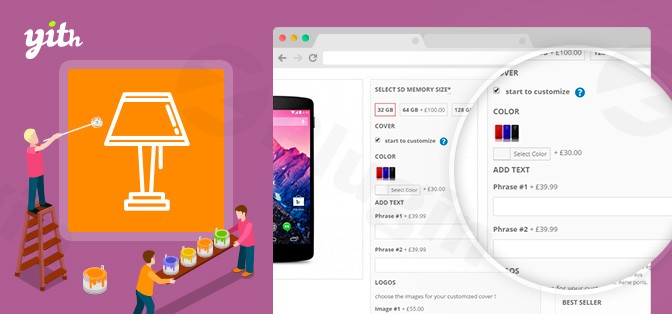
In the competitive landscape of online retail, standard product variations often fall short of modern customer expectations. Whether you’re selling bespoke jewelry, custom-printed apparel, or personalized services, shoppers demand the flexibility to tailor products to their exact needs. This is where YITH WooCommerce Product Add-ons & Extra Options shines, transforming your WooCommerce store into a dynamic marketplace where every product can be precisely customized.This powerful WooCommerce Product Customization Plugin empowers merchants to go beyond basic dropdowns, allowing customers to add engravings, choose specific materials, adjust sizes, or even upload unique designs, all while dynamically updating the final price. By offering such an advanced level of personalization, you not only meet but exceed customer demands, driving higher conversion rates and increased average order values.
Key Features: Elevate Your WooCommerce Product Options
YITH WooCommerce Product Add-ons provides a comprehensive toolkit for extending product capabilities. Here’s a detailed look at its impressive array of functionalities designed to give you unparalleled control over WooCommerce product options pricing and display.
Unlimited Customization Fields and Option Blocks
The plugin enables you to create an unlimited number of option blocks and add diverse field types within them. These blocks offer remarkable flexibility, allowing you to apply them globally across all products, to specific categories, or to individual products as needed.
- Text and Text Area Fields: Perfect for custom messages, engravings, or detailed instructions, with configurable character limits. This is ideal for offering a custom text engraving option WooCommerce plugin solution for personalized gifts or jewelry.
- Checkboxes and Radio Buttons: For selecting multiple or single predefined choices, such as optional extras or service tiers.
- Dropdowns (Select Fields): Present a list of predefined choices efficiently, great for material selections or sizes.
- Number Fields: Allow customers to specify quantities with min/max limits and step controls.
- Date and Time Pickers: Essential for booking systems, delivery scheduling, or event registrations, complete with default dates and year ranges.
- File Uploads: A crucial feature for personalized items, letting customers add file upload field to WooCommerce product page YITH provides. They can upload images, photos, or documents for custom-printed merchandise or design services, often with drag-and-drop support and control over file formats and sizes.
- Color Swatches, Image/Label Options: Visually represent color choices, material textures, or different design variations using color selectors, images, or distinct labels.
- Product Type Options (Upsell/Cross-sell): Directly integrate related or optional products as selectable add-ons, strategically boosting cross-selling opportunities on the product page.
Dynamic Pricing for Every Add-on
Each custom add-on option can be assigned an additional cost or even a discount, which can be fixed or percentage-based. The product’s total price updates in real-time as customers make their selections, providing complete transparency and preventing checkout surprises.
Smart Customization with Conditional Logic Add-ons
A standout feature of this Product Addons WooCommerce solution is its robust conditional logic. You can define rules to show or hide specific options or entire blocks of options based on previous customer selections. This creates an intelligent, guided personalization experience, preventing clutter and ensuring only relevant choices are displayed. For instance, if a customer selects “engraving,” a text field will appear; otherwise, it remains hidden.
Flexible Display and Styling Options
YITH Product Add-ons offers extensive control over how your custom options appear:
- Position option blocks before or after the “Add to cart” button.
- Customize styles and colors for option blocks, including backgrounds, highlight colors, and tooltips.
- Display options in a grid layout or as toggles (open or closed by default).
- Optionally replace the main product image with an image from a selected add-on for a dynamic visual experience.
Enhanced Control with User Role-Based Visibility and Required Options
Manage which add-ons are visible to different user groups (all users, logged-in users, or specific user roles). Furthermore, you can set options as mandatory, preventing products from being added to the cart until all required selections are made, complete with custom validation messages.
Seamless Integration with the YITH Ecosystem
For stores already using other YITH plugins, this add-on integrates seamlessly with solutions like YITH Multi Currency Switcher, YITH Request a Quote, YITH WooCommerce Deposits/Down Payments, and YITH WooCommerce Subscription, enhancing overall store functionality and cohesion.
How to Install and Set Up YITH WooCommerce Product Add-ons
Getting started with YITH WooCommerce Product Add-ons is straightforward, even for non-developers. Here’s a step-by-step guide on how to create custom product options in WooCommerce with YITH.
- Purchase and Download: First, acquire the plugin, for instance, from ZeroPlugin.com, ensuring you receive GPL licensed software with full functionality and virus-total verified clean files. Download the plugin .zip file to your computer.
- Upload to WordPress:
- Log in to your WordPress admin dashboard.
- Navigate to Plugins > Add New.
- Click on the “Upload Plugin” button at the top of the page.
- Click “Choose File”, then select the
yith-woocommerce-product-add-ons.zipfile you downloaded. - Click “Install Now”.
- Activate the Plugin: Once installed, click the “Activate Plugin” button.
- Configuration:
- After activation, you’ll typically find a new menu item, often under YITH > Product Add-ons or WooCommerce > YITH Plugins.
- Dive into the settings to begin creating your custom options. You can add new “Blocks” for add-ons, then within each block, define the specific field types (text, checkboxes, file uploads, etc.).
- Assign costs, apply conditional logic, and set display preferences for each add-on.
Practical Usage and Best Practices for Your WooCommerce Store
Implementing YITH WooCommerce Product Add-ons isn’t just about adding fields; it’s about enhancing the customer journey and boosting your bottom line.
Use Case 1: Personalized Jewelry Store
For jewelry shops, offering engraving options is a key differentiator. With YITH, you can:
- Add a “Text field” for custom messages (e.g., “Engraving Text:”).
- Include a checkbox for “Add Engraving (+ $20)” with dynamic pricing.
- Use conditional logic to only show the text field if the engraving checkbox is selected. This provides a clear, seamless flow for customers seeking personalized wedding rings or other keepsakes.
Use Case 2: Custom Print Shop
A print shop needs robust tools to handle client designs.
- Implement a “File Upload” field, allowing customers to upload their artwork for custom t-shirts, mugs, or banners. Specify allowed file types (e.g., JPG, PNG, PDF) and maximum file sizes.
- Offer various print finishes or material upgrades using “Radio Buttons” or “Dropdowns” with associated costs. This ensures customers get exactly what they need while streamlining your order process.
Use Case 3: Furniture with Fabric Options
Furniture sellers can provide extensive customization for sofas, chairs, or beds.
- Use “Color Swatches” or “Image/Label Options” to display different fabric types and colors.
- Assign varying prices to premium fabrics, dynamically updating the product cost.
- Introduce “Product Type Options” to suggest matching ottomans or throw pillows as upsells directly on the product page.
Use Case 4: Service Providers with Tiered Packages
Service-based businesses can use add-ons for clearer package selections.
- Create “Radio Buttons” for different service tiers (e.g., Basic, Standard, Premium) with varying base prices.
- Add “Checkboxes” for optional extras within each tier (e.g., “Expedited Service,” “Detailed Report”) that increase the final price. This is ideal for consultants, web developers, or event planners.
General Best Practices:
- Keep it Simple: While the plugin offers immense flexibility, avoid overwhelming customers with too many options. Use conditional logic to present choices intelligently.
- Clear Labeling: Ensure all add-on labels and descriptions are clear and concise, guiding the customer through their choices.
- Test Thoroughly: Always test your add-on configurations on the front end to ensure dynamic pricing works correctly and conditional logic behaves as expected before pushing live.
FAQ & Troubleshooting
Q: What is YITH WooCommerce Product Add-ons & Extra Options used for?
A: YITH WooCommerce Product Add-ons & Extra Options is a WordPress plugin used to extend WooCommerce product customization capabilities. It allows store owners to add various custom fields (like text inputs, file uploads, checkboxes, color swatches) to products, enabling customers to personalize their purchases and dynamically adjusting the price based on their selections. It’s ideal for businesses selling customizable goods or services.
Q: How do I create custom product options in WooCommerce with YITH?
A: To create custom product options, install and activate the YITH WooCommerce Product Add-ons plugin. Then, navigate to its settings in your WordPress dashboard (usually under “YITH” or “WooCommerce”). From there, you can create new “blocks” of options and add various field types (e.g., text, dropdown, file upload). You can then assign these blocks to specific products, categories, or globally, defining their pricing rules and conditional logic.
Q: Is YITH Product Add-ons compatible with my WooCommerce theme and WordPress version?
A: YITH WooCommerce Product Add-ons is designed for broad compatibility. It is regularly updated to support the latest WordPress and WooCommerce versions. For example, recent versions have included support for WordPress 6.3 and WooCommerce 9.0, including WooCommerce HPOS. It is also generally compatible with most WooCommerce themes, including popular ones like Divi and 7up. If you encounter issues, always ensure your WordPress, WooCommerce, and the plugin itself are running their latest stable versions, and check YITH’s official documentation for specific compatibility matrices.
Q: Does YITH WooCommerce Product Add-ons impact website performance?
A: While YITH WooCommerce Product Add-ons offers a rich feature set, some expert reviews indicate it has a larger performance footprint compared to more lightweight alternatives. It typically adds multiple CSS and JS files to the front end. For optimal performance, it’s recommended to follow general WordPress performance best practices, such as using a good hosting provider, optimizing images, and using caching plugins. Regularly check your site’s speed to identify and address any performance bottlenecks.
Q: What are some alternatives to YITH WooCommerce Product Add-ons?
A: Several plugins offer similar functionality. Popular alternatives include:
- WooCommerce Product Add-Ons (Official): Offers basic customization but lacks advanced features like complex conditional logic.
- WowAddons: Praised for its modern drag-and-drop interface and often provides more features for free.
- Advanced Product Fields for WooCommerce (StudioWombat): Noted for its lightweight nature and superior performance.
- Extra Product Options (ThemeHigh): Features a user-friendly drag-and-drop builder and custom price formulas.The best choice depends on your specific needs, budget, and preference for features vs. performance.
Conclusion: Transform Your Store with YITH WooCommerce Product Add-ons
YITH WooCommerce Product Add-ons & Extra Options stands out as a robust and feature-rich solution for any WooCommerce store looking to offer advanced product customization. By empowering your customers to truly personalize their purchases, you can significantly enhance their shopping experience, leading to higher conversion rates, increased average order values, and stronger customer loyalty.Stop losing sales to competitors who offer better personalization. With its diverse field types, powerful conditional logic, and dynamic pricing, YITH WooCommerce Product Add-ons provides the tools you need to create an engaging and profitable online store. Implement this powerful WooCommerce Product Customization Plugin today and begin offering the tailored shopping experience your customers truly crave.
I. Download Limits & Account Benefits
- Free Downloads: Each email address receives 3 downloads per day for free products
- Upgrade Benefits: Purchase any paid product to increase your daily download limit by 3 for each paid product
- No Account Required: You can download immediately by receiving the download link via email
- Account Recommended: Create an account for easier access to your order history and direct update downloads
II. Understanding GPL vs Official Versions
Important: The products available on WPPick are GPL-licensed versions, which differ from official developer versions. Before purchasing, please read our comprehensive guide: Understanding GPL & Official Differences at WPPick
Key Points:
- GPL versions may not include premium support from original developers
- Updates may be delayed compared to official releases
- Some premium features might have limitations
- Always consider your specific needs and support requirements
III. Support & Assistance
We’re here to help through multiple channels:
- Email Support: Direct email assistance for all inquiries
- Live Chat: Real-time support during business hours
- Comprehensive Documentation: Detailed guides and tutorials
IV. Order Tracking
Access your complete purchase history and download links anytime: Order History
V. Account Access
New to WPPick? Login or Create Account to manage your downloads and orders efficiently.
VI. Refund Protection
We stand behind our products with a clear refund policy. Review our terms: Refund Policy
VII. Privacy & Security
Your data security is our priority. Learn how we protect your information: Privacy Policy
VII. Terms of Service
Understanding our service terms ensures a smooth experience: Terms of Use
Quick Tips for Best Experience
- Verify Compatibility: Check plugin/theme compatibility with your WordPress version
- Backup First: Always backup your site before installing new plugins or themes
- Test Environment: Consider testing on a staging site first
- Stay Updated: Regularly check for updates in your account dashboard
- Read Documentation: Review any included documentation for optimal setup
Need Help?
If you have questions about downloads, licensing, or need technical assistance, don’t hesitate to contact our support team. We’re committed to ensuring you have the best possible experience with WPPick products.
Ready to get started? Your download adventure begins with just one click!
- support for WooCommerce 9.8
- YITH plugin framework