

Attorna – Law Firm, Lawyer & Attorney WordPress Theme
/Year
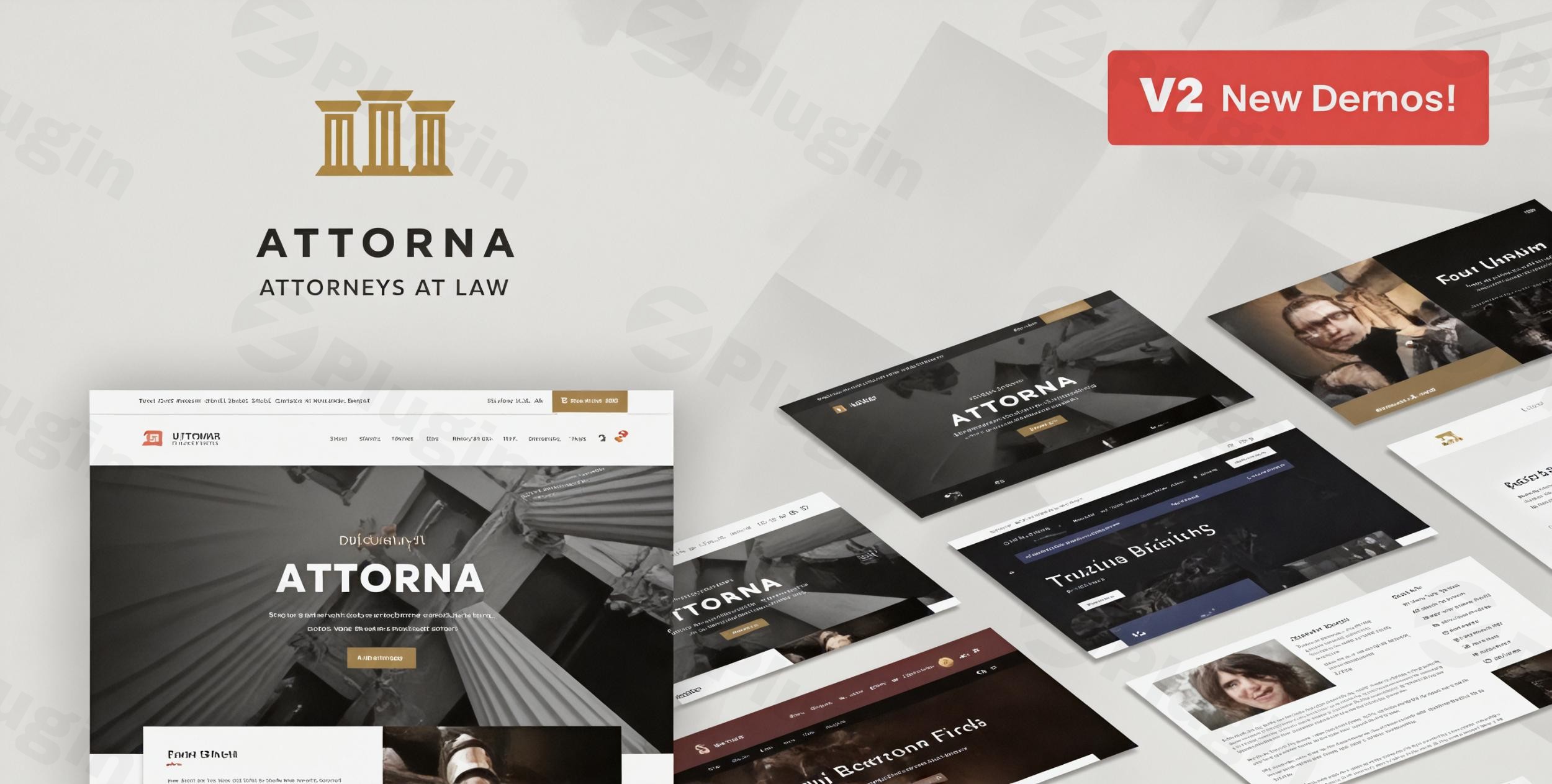
The digital landscape demands a professional, trustworthy, and highly functional online presence for legal professionals. The Attorna WordPress theme rises to this challenge, meticulously crafted to serve law firms, attorneys, solicitors, and legal consultants with a sophisticated and robust platform. This review delves into why Attorna is an exemplary choice for establishing credibility and attracting potential clients in the legal sector.
Professional Legal Website Solution for Law Firms & Attorneys
Attorna is a specialized and responsive WordPress theme engineered by GoodLayers, a Power Elite Author on ThemeForest. It targets legal advisers, barristers, advocates, and counsels, offering a clean, professional aesthetic combined with essential features tailored for legal practices. The theme’s core design philosophy prioritizes clarity, trust, and a user-friendly experience, ensuring your legal expertise is presented effectively.
Key Features: Design, Layout & Performance
Attorna stands out with its blend of powerful design tools, flexible layout options, and a commitment to performance and SEO.
Design & Layout Options for a Commanding Online Presence
Attorna provides extensive control over your site’s visual structure, allowing for a distinctive and professional look:
- Specialized Legal Sections: Dedicated Attorney post type for managing lawyer profiles, pre-built templates for showcasing practice areas, and compelling case studies are integral.
- Fluid Layout Flexibility: Supports a 100% fluid layout, adapting gracefully to various screen sizes and providing precise control over element spacing.
- Extensive Header & Footer Styles: Choose from 22 distinct header layouts and 6 footer layouts, offering unparalleled control over your site’s navigation and brand presentation. You can also disable the footer or copyright section on specific pages and customize over 10 footer styles with unlimited colors.
- Diverse Content Layouts: With 14 blog layouts and 9 portfolio styles, Attorna ensures your content is presented engagingly. Six gallery options further enhance visual storytelling.
- Unique Visual Elements: The theme incorporates “well-put auto animation and hover-effects” along with smooth scrolling, contributing to a premium, user-friendly experience and reinforcing a professional law firm ambiance.
Customization Capabilities for Brand Alignment
Beyond its pre-defined styles, Attorna empowers you to personalize every aspect of your website:
- Advanced Drag-and-Drop Page Builder: Attorna integrates its own “powerful drag-drop page builder” by GoodLayers, offering live editing, three view modes (live, preview, block), and AJAX saving. This intuitive builder makes creating and modifying complex layouts accessible to users without coding knowledge. Some sources also indicate Elementor Page Builder integration with custom content widgets, providing even more flexibility.
- Unlimited Color Schemes: Access unlimited color customization options and a unique “Custom Skin Color” feature. This allows you to define distinct color schemes for different sections of your page, creating visually segmented and impactful content areas.
- Comprehensive Typography Control: Leverage over 770 Google Fonts and the option to upload custom fonts, ensuring your brand’s voice is consistently reflected through your chosen typography.
- Fine-tuned Spacing and Backgrounds: The page builder offers detailed controls for spacing, containers, sections, and background wrappers, enabling pixel-perfect design.
Performance & SEO Features for High Visibility
Attorna is built with a strong foundation for both speed and search engine optimization, crucial for attracting potential clients:
- SEO Optimized Structure: The theme features an SEO optimized structure with clean markup and structured headings, contributing to better search visibility and ranking potential.
- Fully Responsive & Mobile-First Design: Leveraging the Bootstrap 4 Framework, Attorna boasts a 100% responsive design that ensures your site looks stunning and functions flawlessly on all devices, from desktops to smartphones. It embodies a “mobile-first design” approach.
- Speed Optimization: Includes built-in performance settings and suggests using popular caching and optimization plugins like WP Fastest Cache and Autoptimize to further enhance site speed. Its multi-thread image importing technique also aids in faster demo installation.
- Compatibility: Ensures compatibility with the latest WordPress versions and supports modern web browsers (Firefox, Safari, Opera, Chrome, Edge).
Bundled Premium Plugins
Attorna enhances its value by including two premium plugins, saving you additional costs:
- Revolution Slider: A powerful and versatile slider plugin for creating dynamic and engaging content presentations (valued at $19).
- LightGallery: A popular lightbox gallery plugin for showcasing images and videos with a modern and responsive interface (valued at $18).
Installation & Demo Import: Get Started Fast
Setting up your legal website with Attorna is designed to be straightforward, even for those new to WordPress.
- Install & Activate the Theme: After purchasing Attorna, download the theme files. Navigate to your WordPress dashboard, go to
Appearance > Themes > Add New > Upload Theme, choose your Attorna zip file, and clickInstall Now. Once installed,Activatethe theme. - Install Required Companion Plugins: Upon activation, Attorna will prompt you to install and activate any necessary companion plugins. This typically includes the GoodLayers Core plugin, and the bundled premium plugins like Revolution Slider and LightGallery. Ensure all recommended plugins are installed for full theme functionality.
- One-Click Demo Import: Attorna features a powerful one-click demo importer. This tool allows you to replicate the stunning demo sites with ease. After installing the theme and plugins, navigate to the theme options or a dedicated “Demo Importer” section within your WordPress dashboard. Select your preferred demo and initiate the import process.
- Post-Import Expectations: The demo import will bring in all the content, pages, posts, widgets, and theme settings from the chosen demo. This includes pre-built pages for your “Attorney” profiles, practice areas, and case studies. You may need to manually assign your main navigation menus via
Appearance > Menusand set your homepage underSettings > Readingif they don’t automatically configure.Tip: For large demo imports, ensure your hosting environment meets WordPress’s recommended PHP memory limits (e.g., 256MB or higher) and increased PHPmax_execution_timeto prevent timeouts.
Customization Guide: Branding Your Legal Practice
Attorna offers a highly customizable framework, allowing you to tailor every detail to reflect your firm’s brand identity.
- Accessing Customization Options: Most global styling options are found within the powerful live customizer (
Appearance > Customize) and the comprehensive Attorna Admin Panel. The live customizer allows you to see changes in real-time before publishing. - Changing Colors and Typography:
- Colors: Use the customizer or theme options to set your primary, secondary, and accent colors. The “Custom Skin Color” feature within the GoodLayers Page Builder allows you to apply unique color schemes to specific sections, giving your pages a dynamic and branded feel.
- Fonts: Select from over 770 Google Fonts or upload your custom fonts to match your firm’s branding guidelines. You can typically define font families, sizes, and weights for headings, body text, and other elements.
- Logo and Site Identity: Easily upload your law firm’s logo via the Customizer. You can also configure the site title, tagline, and favicon to complete your brand’s digital identity.
- Header and Footer Layouts: Experiment with the 22 header layouts and 6 footer layouts available in the theme options. Customize navigation styles, widget areas, and contact information to best serve your clients.
- Setting Up Key Pages:
- Homepage: After demo import, navigate to
Settings > Readingto ensure your desired page is set as the static homepage. - Blog Page: Create a new page (e.g., “News” or “Blog”) and assign it as your Posts page in
Settings > Reading. - Menus: Go to
Appearance > Menusto organize your main navigation, secondary menus, and footer menus.
- Homepage: After demo import, navigate to
- Building Attorney Profiles, Practice Areas, and Case Studies: Utilize the dedicated custom post types within Attorna. These allow you to easily add and manage attorney details, outline your areas of legal expertise, and showcase successful case results, all with pre-designed templates for a consistent and professional look. The GoodLayers Page Builder further allows you to customize the layouts of these specific pages.
- Custom CSS/JS: For advanced customizations, Attorna includes a custom CSS box in its theme options, allowing you to add bespoke styling without modifying core theme files. This is also where you can add custom JavaScript. Using a child theme is highly recommended for any direct code modifications to ensure your changes are safe during theme updates.
FAQ & Troubleshooting
Here are answers to common questions about the Attorna WordPress theme:
Is Attorna compatible with Elementor / WPBakery / Gutenberg?
Attorna primarily utilizes its own powerful GoodLayers Drag-and-Drop Page Builder, which offers extensive design flexibility and live editing. Some documentation also indicates compatibility or integration with Elementor Page Builder, including custom content widgets. Furthermore, Attorna is fully WordPress 5.X & Gutenberg ready, supporting the native Block Editor for content creation.
Does Attorna support WooCommerce for online stores?
Yes, Attorna offers full support for WooCommerce. While primarily a legal theme, you can integrate an online store to sell legal resources, books, or merchandise directly from your website, leveraging WooCommerce’s robust eCommerce functionalities.
How to create a lawyer profile in Attorna theme?
Attorna includes a dedicated “Attorney” post type specifically for creating and managing lawyer profiles. To create a new profile, navigate to the “Attorney” section in your WordPress dashboard, click “Add New,” and fill in the relevant details for each legal professional. The theme provides pre-built templates to display these profiles professionally.
Is Attorna theme responsive?
Yes, Attorna is 100% responsive for all devices and features a mobile-first design. It’s built on the Bootstrap 4 Framework, ensuring your website adapts seamlessly to various screen sizes and looks great on desktops, tablets, and smartphones, providing an optimal user experience across all platforms.
How do I update the Attorna theme without losing my customizations?
Attorna guarantees lifetime access to future theme updates. To update safely, always create a full backup of your website first. For customizations, it is highly recommended to use a child theme from the outset. If you’ve made changes directly to the parent theme files, they will be overwritten during an update. If using a child theme, you can safely update the parent theme. Updates are typically performed via the WordPress dashboard (Appearance > Themes) or by manually uploading the new theme files via FTP.
Conclusion
The Attorna – Law Firm & Attorney WordPress Theme is an exceptional choice for legal professionals seeking a sophisticated, high-performing, and easily customizable online presence. Its specialized features, such as the dedicated “Attorney” post type and pre-built templates for practice areas and case studies, address the unique needs of the legal industry directly.With its extensive design flexibility, including 22 header and 6 footer layouts, robust GoodLayers Page Builder (with potential Elementor integration), and unlimited color and typography options, Attorna empowers firms to create a website that truly reflects their brand. The theme’s commitment to performance and SEO readiness, coupled with its fully responsive and mobile-first design, ensures high visibility and a seamless user experience across all devices.Attorna is ideally suited for individual lawyers, small to large law firms, and legal consultants who demand a professional, credible, and conversion-focused website without requiring extensive coding knowledge. It’s a powerful and trustworthy solution that helps legal practices establish authority, showcase expertise, and effectively attract new clients in the digital age. If you’re looking for a comprehensive and specialized WordPress theme to elevate your legal practice online, Attorna stands as a top-tier contender.
I. Download Limits & Account Benefits
- Free Downloads: Each email address receives 3 downloads per day for free products
- Upgrade Benefits: Purchase any paid product to increase your daily download limit by 3 for each paid product
- No Account Required: You can download immediately by receiving the download link via email
- Account Recommended: Create an account for easier access to your order history and direct update downloads
II. Understanding GPL vs Official Versions
Important: The products available on WPPick are GPL-licensed versions, which differ from official developer versions. Before purchasing, please read our comprehensive guide: Understanding GPL & Official Differences at WPPick
Key Points:
- GPL versions may not include premium support from original developers
- Updates may be delayed compared to official releases
- Some premium features might have limitations
- Always consider your specific needs and support requirements
III. Support & Assistance
We’re here to help through multiple channels:
- Email Support: Direct email assistance for all inquiries
- Live Chat: Real-time support during business hours
- Comprehensive Documentation: Detailed guides and tutorials
IV. Order Tracking
Access your complete purchase history and download links anytime: Order History
V. Account Access
New to WPPick? Login or Create Account to manage your downloads and orders efficiently.
VI. Refund Protection
We stand behind our products with a clear refund policy. Review our terms: Refund Policy
VII. Privacy & Security
Your data security is our priority. Learn how we protect your information: Privacy Policy
VII. Terms of Service
Understanding our service terms ensures a smooth experience: Terms of Use
Quick Tips for Best Experience
- Verify Compatibility: Check plugin/theme compatibility with your WordPress version
- Backup First: Always backup your site before installing new plugins or themes
- Test Environment: Consider testing on a staging site first
- Stay Updated: Regularly check for updates in your account dashboard
- Read Documentation: Review any included documentation for optimal setup
Need Help?
If you have questions about downloads, licensing, or need technical assistance, don’t hesitate to contact our support team. We’re committed to ensuring you have the best possible experience with WPPick products.
Ready to get started? Your download adventure begins with just one click!
- fix textdomain warning message
- – admin/core/sidebar-generator.php
- – admin/installer/theme-landing.php
- – include/navigation-menu.php
- update woocommerce template
- – woocommerce
- GoodLayers Core plugin, view changelog here : https://support.goodlayers.com/document/
- Fix CF7 spacing – css/style-core.css
- Improved demo content