

Aztec – Video Streaming & Membership Theme
/Year
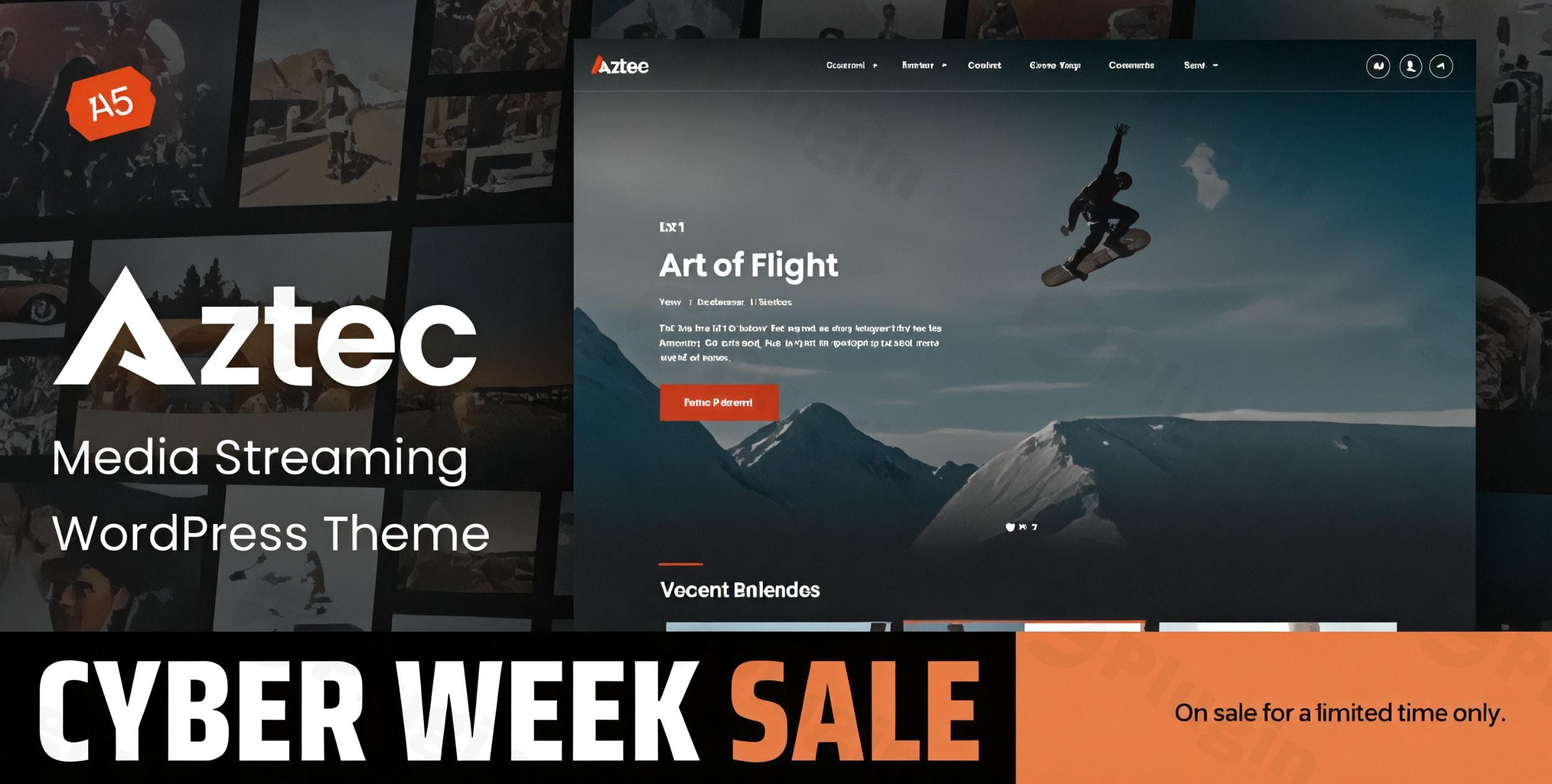
Creating a professional “Netflix-style” platform used to require a team of developers and a massive budget. The Aztec WordPress theme changes that narrative, offering a sophisticated, high-performance video streaming WordPress theme designed specifically for creators who want to monetize their content through subscriptions and exclusive memberships. Whether you are an independent filmmaker, an online educator, or a media agency, Aztec provides a modern, responsive framework to host video and audio content with ease. Built by the Power Elite authors at ProgressionStudios, this theme balances aesthetic elegance with the complex technical requirements of a media-heavy site.
Key Features: Design, Layout & Content Monetization
The Aztec WordPress theme is more than just a skin; it is a comprehensive functional ecosystem for digital broadcasters. Its design philosophy centers on a dark, cinematic user interface that keeps the focus entirely on your media.
Cinematic Design & Layout Options
Aztec offers a clean, modern aesthetic that mimics industry giants like Amazon Prime and Netflix.
- Seasons and Episodes: Organically organize your video series with built-in structures for seasons and individual episodes.
- Header & Footer Builders: Use the integrated drag-and-drop builder to create unique navigation experiences. You can customize logos, menus, and call-to-action buttons without touching a line of code.
- Responsive & Cross-Browser Ready: The theme is fully optimized for mobile devices, ensuring your subscribers can stream content seamlessly on Chrome, Safari, or Firefox, regardless of screen size.
Advanced Membership & Monetization
At the heart of Aztec is its deep integration with ARMember, a premium membership plugin. This makes it a top-tier membership WordPress theme for those looking to:
- Restricted Content: Lock specific videos or categories behind a paywall.
- Subscription Tiers: Offer monthly, yearly, or lifetime access plans.
- Pay-Per-View: Monetize individual pieces of content rather than full subscriptions.
- WooCommerce Compatibility: Sell physical merchandise or digital downloads alongside your streaming services.
Performance & SEO Readiness
Streaming sites are notoriously heavy, but Aztec is built with an optimized codebase to ensure fast loading speeds. It is compatible with major SEO plugins like Rank Math and Yoast SEO, helping your platform rank higher in search results. The theme also supports schema markup, which is vital for appearing in AI-driven search results and Google SGE snippets.
Step-by-Step Installation & Demo Import
Setting up your Netflix clone WordPress theme is straightforward thanks to the included demo content and one-click installer.
- Theme Installation: Log into your WordPress Dashboard, navigate to Appearance > Themes, and upload the
aztec.zipfile. - Plugin Activation: Upon activation, Aztec will prompt you to install required companion plugins, including ARMember (for memberships), Boosted Elements, and your preferred page builder (Elementor or WPBakery).
- One-Click Demo Import: Navigate to the “Demo Import” section in the theme options. Click the import button to bring in all pages, posts, and sample video layouts.
- Permalinks Update: Go to Settings > Permalinks and click “Save Changes” to ensure your video URLs and custom post types function correctly.Note: Ensure your server’s PHP memory limit is set to at least 256M to avoid timeouts during the demo import process.
Customization Guide: Branding Your Streaming Site
Aztec offers extensive flexibility through the Front-End Theme Customizer, allowing you to see changes in real-time.
Global Styles & Typography
With support for over 800 Google Fonts, you can match your site’s typography to your brand identity. You can adjust font weights, line heights, and letter spacing globally or for specific headings.
Color Schemes & UI
While the default “dark mode” is ideal for video, the theme customizer allows you to change primary accent colors, button styles, and background overlays. This ensures that your video streaming WordPress theme doesn’t look like a generic template.
Drag-and-Drop Building
Aztec is an Elementor compatible video theme, meaning you can build custom homepages by dragging and dropping widgets. You can place “Recently Added,” “Top Rated,” or “Featured Series” sections anywhere on your site to improve user engagement and retention.
FAQ & Troubleshooting
Is Aztec theme good for membership sites?
Yes, Aztec is specifically engineered for membership sites. It comes bundled with the ARMember plugin, providing a robust system for content restriction, subscription management, and multiple payment gateway integrations.
Does Aztec support external video sources like YouTube and Vimeo?
Absolutely. The Aztec video player is highly versatile. It supports locally hosted video files, as well as external embeds from YouTube, Vimeo, and other major video hosting platforms.
Is the Aztec theme compatible with Elementor?
Yes, Aztec is fully compatible with Elementor and WPBakery. It includes custom-built elements and widgets designed to showcase video libraries and membership forms within these page builders.
How do I update the theme without losing my customizations?
To protect your customizations, it is recommended to use a Child Theme (included in the download package). Always perform a backup before updating. Updates can be handled through the WordPress dashboard or by replacing the parent theme files via FTP.
Conclusion: Is Aztec Right for You?
The Aztec WordPress theme is a powerful, niche-specific solution that bridges the gap between a standard website and a professional streaming service. Its biggest strengths are the integrated ARMember functionality and its “Netflix-style” user experience, making it the premier choice for video content monetization.Ideal for:
- Content Creators: Looking to build a private community.
- Educators: Selling access to video-based courses.
- Agencies: Building high-end media platforms for clients.If you need an all-in-one solution that combines a versatile video player with sophisticated membership controls and Elementor compatibility, Aztec is a top-tier investment for your digital business. Visit wppick.com for more insights on the best WordPress tools for your project.
I. Download Limits & Account Benefits
- Free Downloads: Each email address receives 3 downloads per day for free products
- Upgrade Benefits: Purchase any paid product to increase your daily download limit by 3 for each paid product
- No Account Required: You can download immediately by receiving the download link via email
- Account Recommended: Create an account for easier access to your order history and direct update downloads
II. Understanding GPL vs Official Versions
Important: The products available on WPPick are GPL-licensed versions, which differ from official developer versions. Before purchasing, please read our comprehensive guide: Understanding GPL & Official Differences at WPPick
Key Points:
- GPL versions may not include premium support from original developers
- Updates may be delayed compared to official releases
- Some premium features might have limitations
- Always consider your specific needs and support requirements
III. Support & Assistance
We’re here to help through multiple channels:
- Email Support: Direct email assistance for all inquiries
- Live Chat: Real-time support during business hours
- Comprehensive Documentation: Detailed guides and tutorials
IV. Order Tracking
Access your complete purchase history and download links anytime: Order History
V. Account Access
New to WPPick? Login or Create Account to manage your downloads and orders efficiently.
VI. Refund Protection
We stand behind our products with a clear refund policy. Review our terms: Refund Policy
VII. Privacy & Security
Your data security is our priority. Learn how we protect your information: Privacy Policy
VII. Terms of Service
Understanding our service terms ensures a smooth experience: Terms of Use
Quick Tips for Best Experience
- Verify Compatibility: Check plugin/theme compatibility with your WordPress version
- Backup First: Always backup your site before installing new plugins or themes
- Test Environment: Consider testing on a staging site first
- Stay Updated: Regularly check for updates in your account dashboard
- Read Documentation: Review any included documentation for optimal setup
Need Help?
If you have questions about downloads, licensing, or need technical assistance, don’t hesitate to contact our support team. We’re committed to ensuring you have the best possible experience with WPPick products.
Ready to get started? Your download adventure begins with just one click!
- Updated WooCommerce Templates.
- ARMember Plugin Update (7.0.1).
- ARMember Lite Plugin Update (5.0.1).