
Besa – Elementor Marketplace Woocommerce Theme
/Year
Introduction to Besa
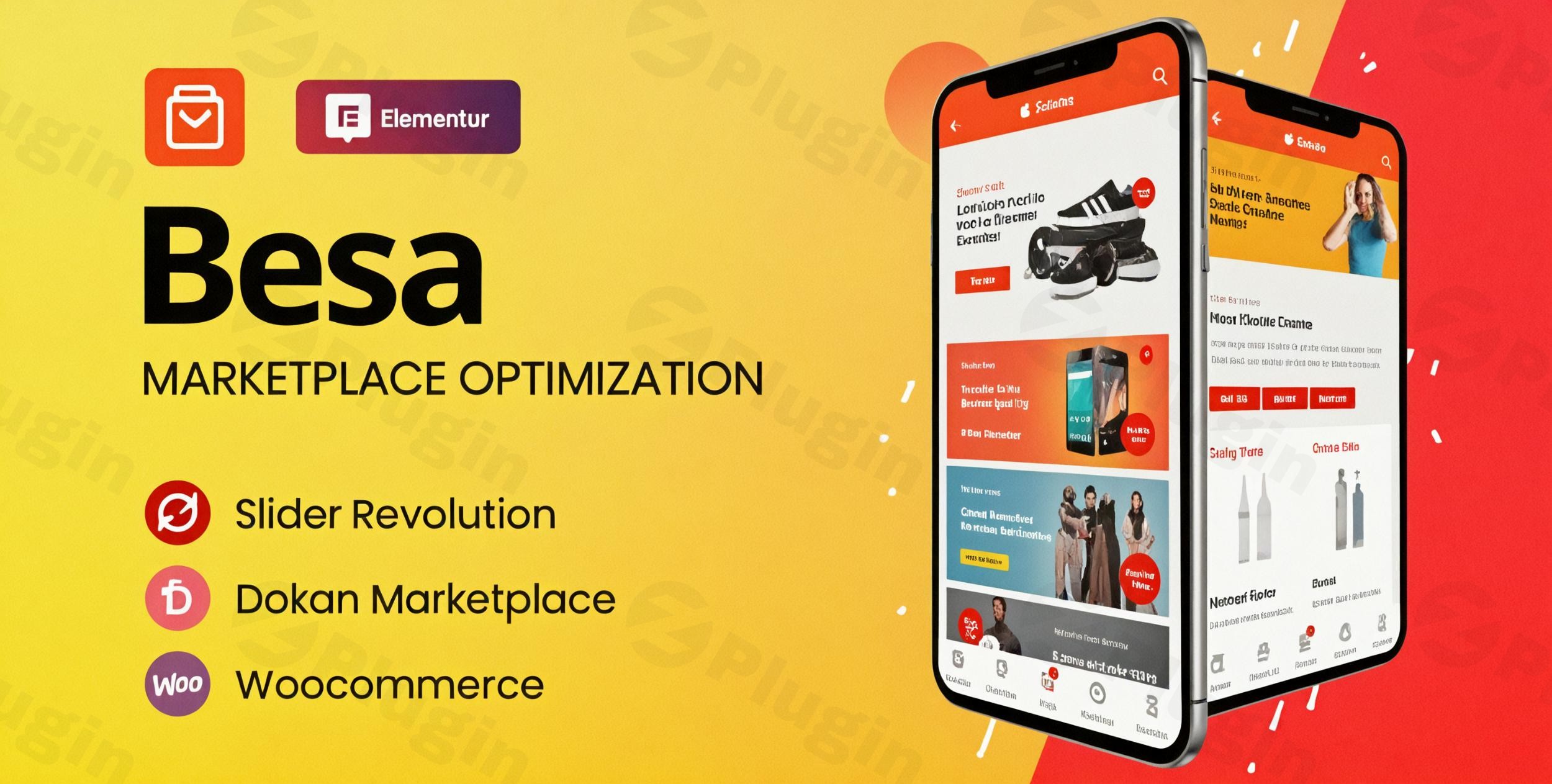
Besa is a modern, feature-rich WooCommerce theme built specifically for online stores and multi-vendor marketplaces. Designed with deep integration for the Elementor page builder, Besa empowers store owners to create stunning, professional eCommerce websites without touching a line of code. Combining aesthetic appeal with robust functionality, it delivers an optimized shopping experience across desktops, tablets, and mobile devices.
Latest Version 2.3.22 Changes
Besa version 2.3.22 was released on August 17, 2026. It introduces compatibility updates for WordPress 7.0.x, WooCommerce 11.0.x, Slider Revolution 6.7.x, and Elementor 4.2.x, alongside an important security fix for an unauthenticated reflected XSS vulnerability in product tabs AJAX endpoints.
- Version 2.3.22 released on August 17, 2026
- WordPress 7.0.x Ready
- WooCommerce 11.0.x Ready
- Slider Revolution 6.7.x Ready
- Elementor 4.2.x Ready
- [SECURITY] Fixed unauthenticated reflected XSS vulnerability in product tabs AJAX endpoints (besagetproductstabajax and besagetproductscategoriestab_shortcode)
What Besa Does
Besa provides a complete foundation for launching and managing online retail operations. It streamlines store setup with pre-built homepage layouts, advanced product filtering, quick-view capabilities, and built-in wishlist features. The theme handles complex catalog structures effortlessly, making it simple for customers to discover products through AJAX search and category displays while ensuring smooth checkout workflows.
Who Besa Is For
This theme is ideal for entrepreneurs, digital agencies, retail businesses, and marketplace operators looking to establish a powerful online presence. Whether you are running a single-vendor boutique or a multi-vendor marketplace similar to Amazon or eBay, Besa offers the flexibility required to support diverse product catalogs and multiple seller accounts.
Key Capabilities
Besa comes equipped with a comprehensive suite of tools tailored for modern eCommerce success:
- Seamless integration with Elementor for drag-and-drop visual page customization.
- Advanced AJAX search and instant product filtering for streamlined navigation.
- Built-in wishlist and product comparison features to enhance user engagement.
- Multiple pre-designed homepage layouts and product page styles.
- One-click demo import to replicate professional store setups instantly.
- Fully responsive and mobile-first design architecture.
Practical WordPress Use Cases
Store owners utilize Besa across various retail scenarios, including fashion boutiques, electronics stores, furniture shops, and expansive multi-vendor marketplaces. Its flexible grid systems and customizable headers make it adaptable to niche markets as well as large-scale general merchandise inventories.
Setup and Compatibility Notes
Besa is designed to integrate smoothly with standard WordPress environments and essential plugins. It requires a self-hosted WordPress installation along with WooCommerce and Elementor. Routine updates ensure compatibility with the latest core WordPress releases, PHP versions, and popular caching or SEO tools.
Reasons to Choose Besa on WPPick
Choosing Besa through WPPick ensures access to a clean, verified, and reliable theme file ready for deployment. Its combination of speed, extensive customization options, and dedicated eCommerce features makes it a cost-effective solution for building high-converting online stores without heavy development overhead.
Latest Version Context
Besa version 2.3.22 was released on August 17, 2026. This update introduces compatibility enhancements for WordPress 7.0.x, WooCommerce 11.0.x, Slider Revolution 6.7.x, and Elementor 4.2.x. Additionally, version 2.3.22 includes a critical security patch addressing an unauthenticated reflected XSS vulnerability within product tabs AJAX endpoints, ensuring a safer operating environment for site visitors and administrators.
Frequently Asked Questions
Is Besa compatible with page builders other than Elementor?
Besa is specifically optimized and built for Elementor, leveraging its widgets and layout controls for maximum design flexibility.
Can I use Besa to build a multi-vendor marketplace?
Yes, Besa supports multi-vendor marketplace setups, allowing multiple sellers to manage their own products and storefronts.
Does Besa include dummy data for quick setup?
Yes, the theme includes a one-click demo import feature that lets you load sample content, layouts, and settings instantly.
Is the theme optimized for mobile shopping?
Besa is built with a mobile-first approach, ensuring responsive layouts, touch-friendly elements, and fast loading speeds on smartphones and tablets.
Where can I find official release notes for version 2.3.22?
Official release details and changelog information can be verified directly through the ThemeForest product page source.
I. Download Limits & Account Benefits
- Free Downloads: Each email address receives 3 downloads per day for free products
- Upgrade Benefits: Purchase any paid product to increase your daily download limit by 3 for each paid product
- No Account Required: You can download immediately by receiving the download link via email
- Account Recommended: Create an account for easier access to your order history and direct update downloads
II. Understanding GPL vs Official Versions
Important: The products available on WPPick are GPL-licensed versions, which differ from official developer versions. Before purchasing, please read our comprehensive guide: Understanding GPL & Official Differences at WPPick
Key Points:
- GPL versions may not include premium support from original developers
- Updates may be delayed compared to official releases
- Some premium features might have limitations
- Always consider your specific needs and support requirements
III. Support & Assistance
We’re here to help through multiple channels:
- Email Support: Direct email assistance for all inquiries
- Live Chat: Real-time support during business hours
- Comprehensive Documentation: Detailed guides and tutorials
IV. Order Tracking
Access your complete purchase history and download links anytime: Order History
V. Account Access
New to WPPick? Login or Create Account to manage your downloads and orders efficiently.
VI. Refund Protection
We stand behind our products with a clear refund policy. Review our terms: Refund Policy
VII. Privacy & Security
Your data security is our priority. Learn how we protect your information: Privacy Policy
VII. Terms of Service
Understanding our service terms ensures a smooth experience: Terms of Use
Quick Tips for Best Experience
- Verify Compatibility: Check plugin/theme compatibility with your WordPress version
- Backup First: Always backup your site before installing new plugins or themes
- Test Environment: Consider testing on a staging site first
- Stay Updated: Regularly check for updates in your account dashboard
- Read Documentation: Review any included documentation for optimal setup
Need Help?
If you have questions about downloads, licensing, or need technical assistance, don’t hesitate to contact our support team. We’re committed to ensuring you have the best possible experience with WPPick products.
Ready to get started? Your download adventure begins with just one click!
- Fixed unauthenticated reflected XSS vulnerability in product tabs AJAX endpoints (besa_get_products_tab_ajax and besa_get_products_categories_tab_shortcode).
- Fix the 'Besa Custom Image List Categories' addon error when deleting categories
- Compatible with WooCommerce 10.5.x
- Fix Out Of Date the file "besa/woocommerce/single-product/product-image.php"
- Fixed LFI vulnerability in Elementor Widget "Besa Posts Grid".
- Fixed a Local File Inclusion (LFI) vulnerability found in the parameter header_mobile.
- Add new options "Enable Menu Shortcode" in Theme Options/Mobile/Menu mobile.
- Compatible with WooCommerce 10.3.x
- Fix Out Of Date the file "besa/woocommerce/single-product/related.php"