

Bijoux – Jewelry Shop Theme For WordPress
/Year
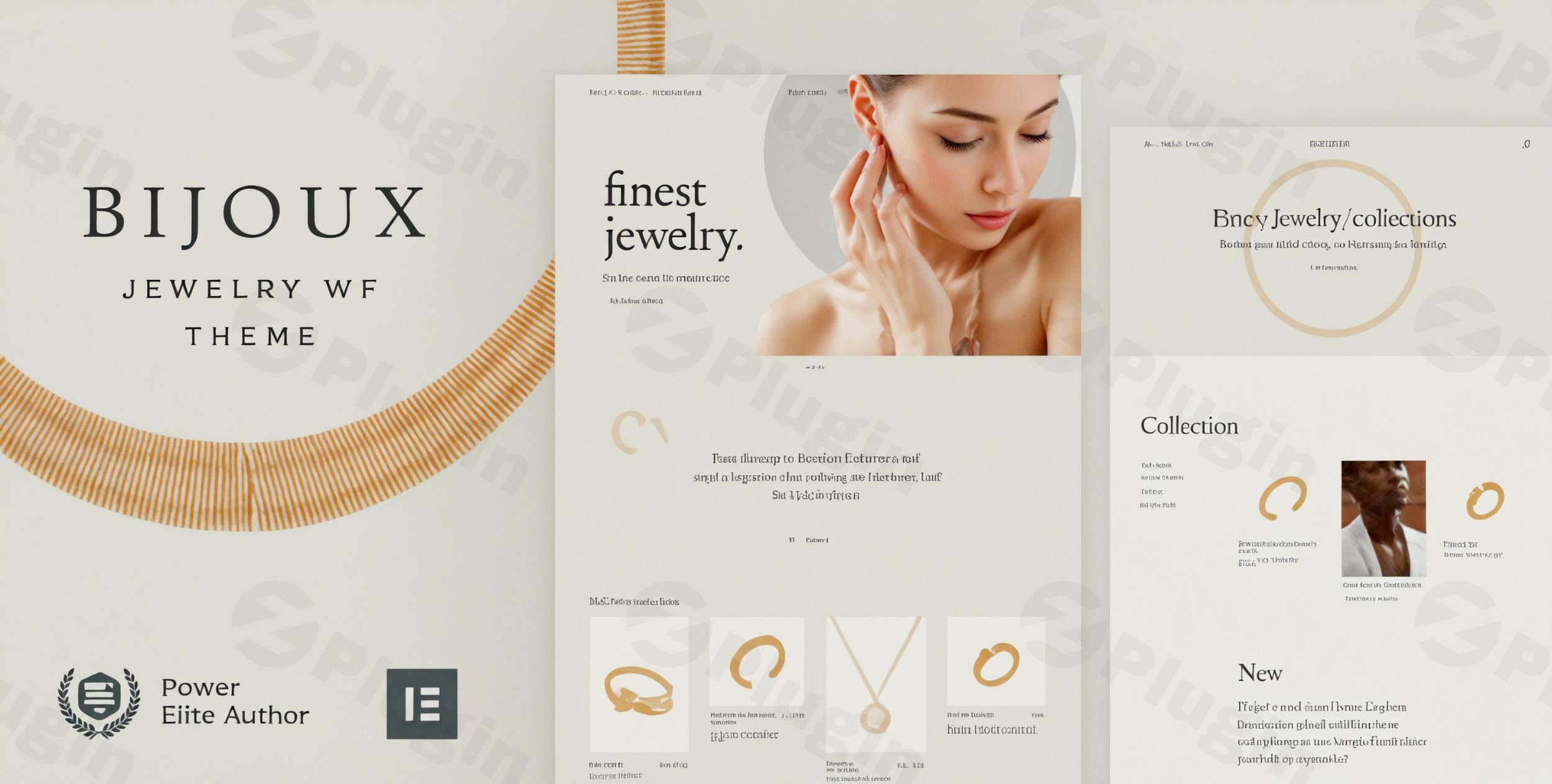
Introduction to Bijoux for WordPress
Bijoux is a specialized WordPress theme tailored specifically for jewelry designers, luxury boutiques, and handmade craft businesses. Built to integrate seamlessly with WooCommerce and the Elementor page builder, it offers a complete toolkit for launching a visually stunning e-commerce store without writing code.
What Bijoux Does
The theme provides dedicated layouts, product display options, and shopping workflows optimized for high-end artisanal items and precious goods. It transforms a standard WordPress installation into a fully functional online store equipped with product galleries, customized cart pages, and secure checkout frameworks.
Who Bijoux Is For
Bijoux is designed for jewelry makers, independent artisans, accessory designers, and small-to-medium retail brands looking to showcase intricate product details. It suits store owners who want a professional aesthetic that highlights craftsmanship, high-resolution imagery, and fine details.
Key Capabilities
The theme includes robust e-commerce features tailored for visual merchandising. Key capabilities include deep Elementor integration for drag-and-drop customization, responsive layouts that adapt cleanly to mobile devices, customized WooCommerce templates for product pages, and streamlined navigation structures designed to reduce friction during the buying process.
Practical WordPress Use Cases
Store owners can use Bijoux to build bespoke digital storefronts for selling custom rings, necklaces, watches, and artisanal home decor. It supports catalog displays for seasonal collections, lookbooks for brand storytelling, and structured product filtering to help buyers sort items by material, stone type, or price.
Setup and Compatibility Notes
Bijoux operates on self-hosted WordPress installations and relies on WooCommerce for core transaction handling. Initial setup involves installing the theme via the WordPress dashboard, activating required companion plugins like Elementor, and importing demo layouts to accelerate the design process.
Reasons to Choose Bijoux on WPPick
Choosing Bijoux provides store owners with a dedicated visual structure tailored to luxury and craft retail, eliminating the need to adapt generic multi-purpose themes. Its native compatibility with popular page builders ensures long-term flexibility and straightforward site management.
Latest Version Context
Version 50.0 introduces structural refinements including updates to core framework files, version-checking mechanisms, and the Elementor integration bridge to maintain compatibility with modern WordPress environments.
Frequently Asked Questions
Is coding required to customize store layouts in Bijoux?
No, Bijoux integrates with the Elementor page builder, enabling users to customize pages using visual drag-and-drop tools.
Does Bijoux support online payments and shopping carts?
Yes, the theme is built for WooCommerce, which handles product management, shopping carts, and secure payment gateways.
Can I display high-resolution product galleries?
Yes, the theme includes optimized image layouts designed to showcase fine jewelry and detailed artisanal work clearly.
Is Bijoux optimized for mobile shoppers?
Yes, the theme features responsive design layouts that adapt automatically to smartphones, tablets, and desktop computers.
I. Download Limits & Account Benefits
- Free Downloads: Each email address receives 3 downloads per day for free products
- Upgrade Benefits: Purchase any paid product to increase your daily download limit by 3 for each paid product
- No Account Required: You can download immediately by receiving the download link via email
- Account Recommended: Create an account for easier access to your order history and direct update downloads
II. Understanding GPL vs Official Versions
Important: The products available on WPPick are GPL-licensed versions, which differ from official developer versions. Before purchasing, please read our comprehensive guide: Understanding GPL & Official Differences at WPPick
Key Points:
- GPL versions may not include premium support from original developers
- Updates may be delayed compared to official releases
- Some premium features might have limitations
- Always consider your specific needs and support requirements
III. Support & Assistance
We’re here to help through multiple channels:
- Email Support: Direct email assistance for all inquiries
- Live Chat: Real-time support during business hours
- Comprehensive Documentation: Detailed guides and tutorials
IV. Order Tracking
Access your complete purchase history and download links anytime: Order History
V. Account Access
New to WPPick? Login or Create Account to manage your downloads and orders efficiently.
VI. Refund Protection
We stand behind our products with a clear refund policy. Review our terms: Refund Policy
VII. Privacy & Security
Your data security is our priority. Learn how we protect your information: Privacy Policy
VII. Terms of Service
Understanding our service terms ensures a smooth experience: Terms of Use
Quick Tips for Best Experience
- Verify Compatibility: Check plugin/theme compatibility with your WordPress version
- Backup First: Always backup your site before installing new plugins or themes
- Test Environment: Consider testing on a staging site first
- Stay Updated: Regularly check for updates in your account dashboard
- Read Documentation: Review any included documentation for optimal setup
Need Help?
If you have questions about downloads, licensing, or need technical assistance, don’t hesitate to contact our support team. We’re committed to ensuring you have the best possible experience with WPPick products.
Ready to get started? Your download adventure begins with just one click!
- style.css
- vamtam/admin/helpers/updates/version-checker.php
- vamtam/classes/framework.php
- vamtam/plugins/vamtam-elementor-integration/
- Updated files include functions.php, style.css, vamtam/admin/assets/css/vamtam-admin-all.css, vamtam/admin/assets/css/vamtam-admin-all.less, vamtam/admin/assets/css/vamtam-admin.css, vamtam/admin/assets/css/vamtam-admin.less, vamtam/admin/assets/images/banner-logo.svg, vamtam/admin/assets/js/admin-all.js, vamtam/admin/assets/js/admin-all.min.js, vamtam/admin/assets/js/check-license.js, vamtam/admin/assets/js/vamtam-admin.js, vamtam/admin/classes/migrations.php, vamtam/admin/classes/purchase-helper.php, vamtam/admin/helpers/updates/version-checker.php, vamtam/assets/css/dist/editor.css, vamtam/assets/css/dist/editor.css.map, vamtam/assets/css/src/editor.less, vamtam/classes/enqueues.php, vamtam/helpers/woocommerce-integration.php, woocommerce/cart/cart.php, woocommerce/myaccount/form-edit-account.php
- Updated style.css
- Updated vamtam/admin/classes/diagnostics.php
- Updated vamtam/admin/classes/plugin-manager.php
- style.css
- vamtam/admin/classes/purchase-helper.php
- vamtam/assets/css/dist/all.css
- vamtam/assets/css/dist/all.css.map
- vamtam/assets/css/src/elementor/elementor-vamtam-bridge.less
- Gruntfile.js
- samples/dependencies.php
- style.css
- utils/grunt/packaging.js
- style.css
- utils/grunt/packaging.js
- vamtam/plugins/pojo-accessibility.zip
- woocommerce/cart/cart.php
- woocommerce/checkout/form-login.php
- style.css
- vamtam/admin/classes/purchase-helper.php
- vamtam/admin/helpers/updates/version-checker.php
- woocommerce/myaccount/form-login.php
- Gruntfile.js
- package.json
- samples/dependencies.php
- style.css
- utils/grunt/packaging.js
- vamtam/admin/classes/diagnostics.php