

Codeforge – It Company WordPress Theme
/Year
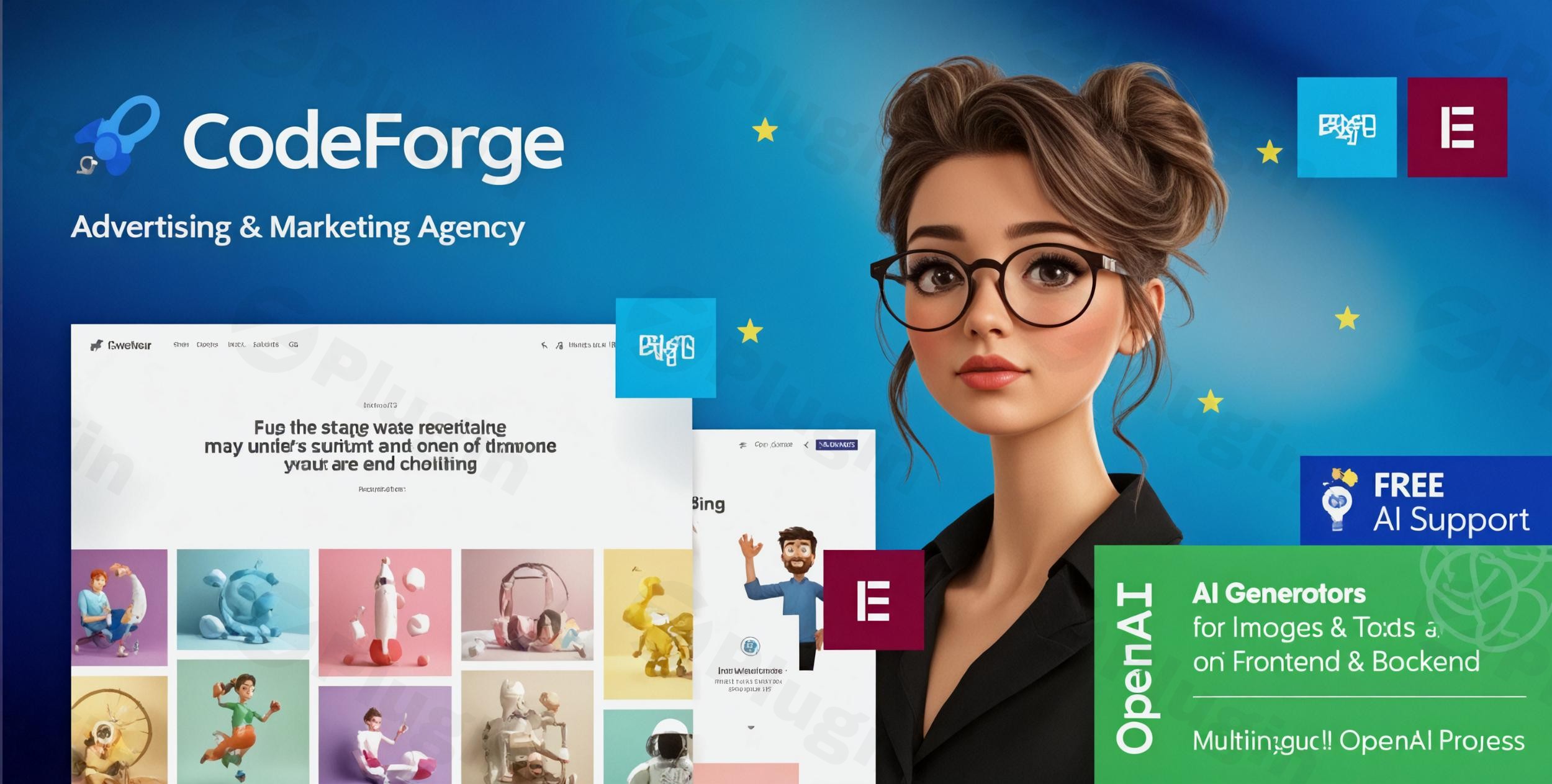
In the fast-paced world of technology, your digital presence is your most important business card. The CodeForge WordPress theme is a specialized, high-performance solution built specifically for the modern IT company WordPress theme market. Designed by the reputable team at ThemeREX, CodeForge strikes a balance between professional corporate aesthetics and cutting-edge functionality, making it an ideal choice for software firms, web development agencies, and cybersecurity startups looking to establish authority online.
Key Features: Design, Layout, and Technical Performance
CodeForge is more than just a pretty layout; it is a comprehensive toolkit for tech-focused businesses. The design philosophy centers on “Trust and Reliability,” utilizing a professional palette of deep blues, grays, and whites to reflect a corporate yet innovative atmosphere.
Modern Design & Layout Options
The theme comes packed with 4 distinct homepage layouts tailored for different sectors of the tech industry. Whether you are running a SaaS startup or a large-scale IT consultancy, these layouts provide:
- Clean, Responsive Grids: Content is organized with high visual hierarchy, ensuring users can find your services quickly.
- Portfolio Showcases: Built-in support for multiple media formats (images, video, sliders) to display your software projects or case studies.
- Specialized Post Layouts: Cool blog and service templates designed to keep readers engaged and improve time-on-site metrics.
Customization & Page Building
As an Elementor compatible IT theme, CodeForge offers a seamless drag-and-drop experience. You don’t need to touch a single line of code to change your site’s structure.
- Global Styling: Use the powerful admin panel to adjust typography (Google Fonts support) and select from several pre-defined color schemes.
- Advanced Menu Systems: Includes support for Mega Menus, Dropline, and CSS menus with smooth, modern animations.
- Custom Post Types: Dedicated sections for “Services,” “Team Members,” and “Testimonials” are built-in, ensuring your core business data remains organized.
Performance & SEO Readiness
Search engines love clean code. CodeForge is built with SEO best practices at its core. It supports JavaScript and CSS script compression, which significantly reduces load times—a critical factor for both Google rankings and AI search visibility. The theme is fully responsive and retina-ready, meaning your site will look sharp on everything from a 5K monitor to the latest smartphone.
How to Install CodeForge WordPress Theme: A Step-by-Step Guide
Setting up your tech website is straightforward thanks to the theme’s integrated setup wizard and demo tools.
- Theme Upload: Log into your WordPress dashboard, navigate to Appearance > Themes, click Add New, and upload the
codeforge.zipfile. - Activate Plugins: Upon activation, the theme will prompt you to install required plugins. Ensure you install Elementor, Contact Form 7, and any ThemeREX-specific utility plugins provided.
- One-Click Demo Import: Navigate to the theme options panel and locate the One-Click Demo Import feature. This will import the layouts, images, and sample content seen in the official preview.
- Check Server Requirements: Because demo imports can be resource-intensive, ensure your hosting environment has a PHP memory limit of at least 256MB and a high execution time to prevent timeouts.
Customization Guide: Branding for Tech Success
Once the demo is imported, it’s time to make the site your own.
- Header & Logo: Use the theme customizer to upload your SVG or PNG logo. You can choose between different header styles (transparent, sticky, or boxed) depending on your brand’s vibe.
- Setting Up Services: Navigate to the “Services” custom post type to add your specific offerings (e.g., Cloud Computing, UI/UX Design). These will automatically populate the beautifully designed service grids on your homepage.
- WooCommerce Integration: If you are selling digital products or IT subscriptions, CodeForge is a WooCommerce ready IT theme. Simply install the WooCommerce plugin, and the theme will automatically apply its sleek tech styling to your shop and checkout pages.
FAQ & Troubleshooting
Is CodeForge theme good for agencies?
Yes, CodeForge is specifically designed for agencies. Its clean, professional aesthetic and specialized portfolio sections make it easy for digital marketing, web design, and SEO agencies to showcase their results and attract high-ticket clients.
Is CodeForge compatible with Elementor?
Absolutely. CodeForge is built to work seamlessly with both Elementor and Elementor Pro. This allows you to edit every part of your page visually with drag-and-drop ease, without needing to learn complex coding.
Does CodeForge support child themes?
Yes, CodeForge supports child themes. Using a child theme is highly recommended for any custom CSS or functional changes, as it ensures your modifications are not overwritten when you update the parent theme.
What should I do if the demo import fails?
If a demo import fails, it is usually due to server restrictions. Increase your max_execution_time and memory_limit in your PHP settings. If the issue persists, ensure all required companion plugins are active before starting the import again.
Conclusion: Is CodeForge Right for Your Business?
The CodeForge WordPress theme stands out as a top-tier choice for any technology-focused enterprise. While generic themes like Astra or Divi offer flexibility, CodeForge provides a specialized, “out-of-the-box” professional look that is specifically tuned for the IT sector.Why choose CodeForge?
- Speed to Market: The one-click demo and Elementor integration mean you can go from zero to a live, professional site in hours.
- Niche Features: Built-in portfolio and service sections save you from having to buy additional expensive plugins.
- Visual Authority: The modern, tech-centric design immediately builds trust with potential clients.For developers and business owners looking for a robust, SEO-friendly, and visually stunning platform, CodeForge is a reliable investment for your digital growth on wppick.com.
I. Download Limits & Account Benefits
- Free Downloads: Each email address receives 3 downloads per day for free products
- Upgrade Benefits: Purchase any paid product to increase your daily download limit by 3 for each paid product
- No Account Required: You can download immediately by receiving the download link via email
- Account Recommended: Create an account for easier access to your order history and direct update downloads
II. Understanding GPL vs Official Versions
Important: The products available on WPPick are GPL-licensed versions, which differ from official developer versions. Before purchasing, please read our comprehensive guide: Understanding GPL & Official Differences at WPPick
Key Points:
- GPL versions may not include premium support from original developers
- Updates may be delayed compared to official releases
- Some premium features might have limitations
- Always consider your specific needs and support requirements
III. Support & Assistance
We’re here to help through multiple channels:
- Email Support: Direct email assistance for all inquiries
- Live Chat: Real-time support during business hours
- Comprehensive Documentation: Detailed guides and tutorials
IV. Order Tracking
Access your complete purchase history and download links anytime: Order History
V. Account Access
New to WPPick? Login or Create Account to manage your downloads and orders efficiently.
VI. Refund Protection
We stand behind our products with a clear refund policy. Review our terms: Refund Policy
VII. Privacy & Security
Your data security is our priority. Learn how we protect your information: Privacy Policy
VII. Terms of Service
Understanding our service terms ensures a smooth experience: Terms of Use
Quick Tips for Best Experience
- Verify Compatibility: Check plugin/theme compatibility with your WordPress version
- Backup First: Always backup your site before installing new plugins or themes
- Test Environment: Consider testing on a staging site first
- Stay Updated: Regularly check for updates in your account dashboard
- Read Documentation: Review any included documentation for optimal setup
Need Help?
If you have questions about downloads, licensing, or need technical assistance, don’t hesitate to contact our support team. We’re committed to ensuring you have the best possible experience with WPPick products.
Ready to get started? Your download adventure begins with just one click!
- Skin 'default' is updated to the version 1.3.