

Datebook – Dating WordPress Theme
/Year
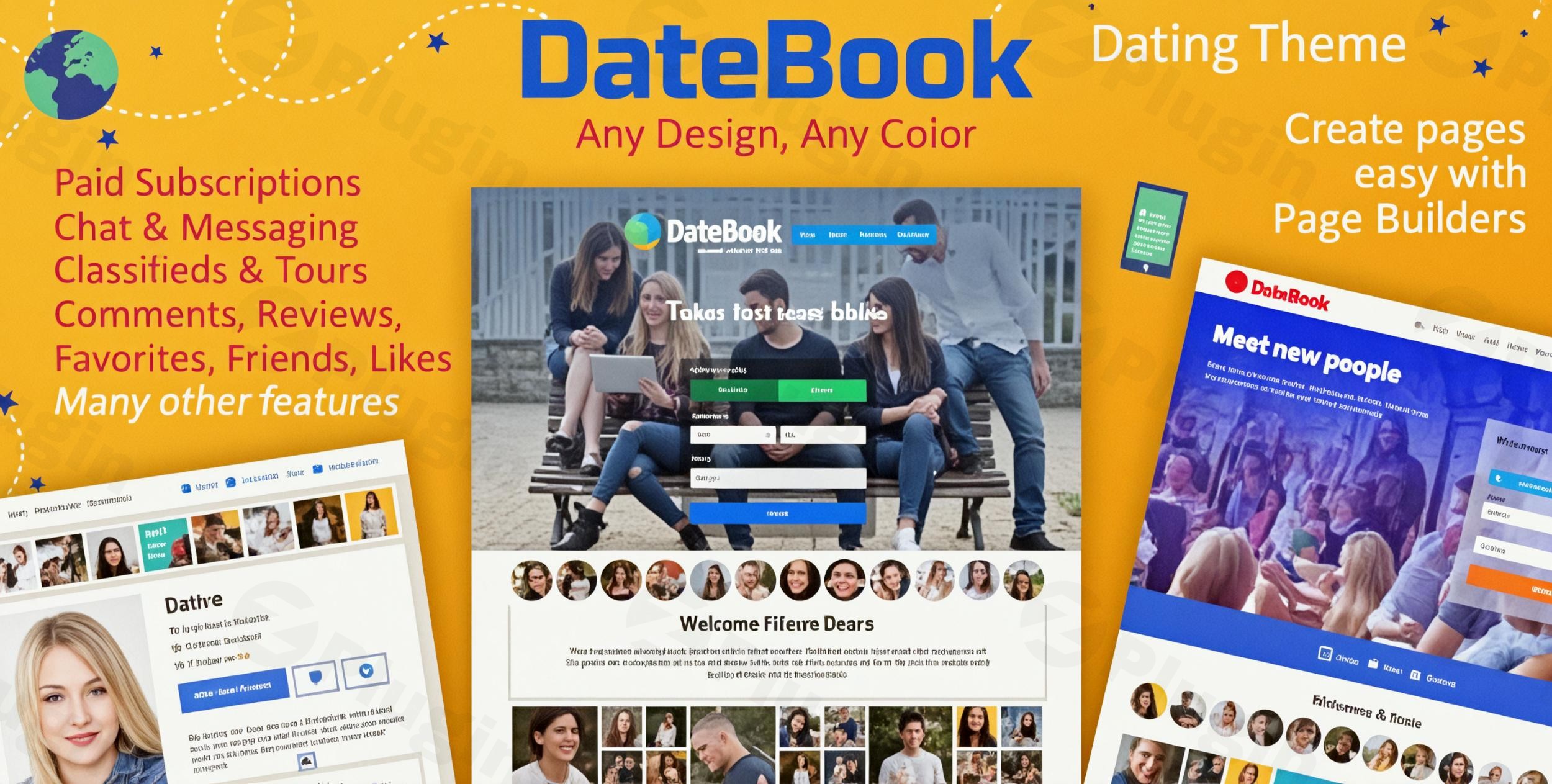
Launching a successful dating website requires more than just a beautiful design; it demands robust features, intuitive user experiences, and a solid foundation. The DateBook Dating WordPress Theme is engineered precisely for this purpose, offering a comprehensive solution for creating modern online matchmaking, community, and membership platforms. Whether you’re building a niche dating service or a global community, DateBook provides the specialized tools you need to attract users and foster connections.DateBook is ideal for entrepreneurs, bloggers, and businesses looking to enter the online dating market without extensive coding knowledge. Its design philosophy centers on delivering a feature-rich, responsive, and user-centric platform that’s both powerful and easy to manage, ensuring your dating site stands out.
Key Features: Design, Layout & Performance
DateBook integrates a suite of features designed to make your dating platform both visually appealing and highly functional.
Design & Layout Options
The theme boasts a 100% responsive and mobile-optimized design, ensuring your site looks and performs flawlessly across all devices, from desktops to smartphones. It’s also Retina Ready for crisp, high-resolution visuals. While DateBook emphasizes flexibility through compatibility with any page builder, giving you the power to craft custom layouts for every page, it also offers the convenience of pre-built content. Users can leverage a “full-blown demo” to quickly launch a site with a professional design, which can then be tailored to their specific brand.Unique visual elements include easy photo uploads, with optional blur effects for privacy and watermarking capabilities on profile images, adding a layer of professionalism and security.
Customization Capabilities
Personalizing your dating site is crucial for branding and user engagement. DateBook provides robust customization options:
- Advanced User Profiles: Go beyond basic profiles with customizable profile fields for detailed member information, including multiple gender and orientation options. A profile verification system adds to user trust.
- Typography: Integrate custom fonts easily with Google Fonts support, allowing you to define your site’s unique aesthetic.
- Global Customization: While granular controls over color schemes, spacing, containers, sections, and backgrounds are largely handled via its page builder compatibility, DateBook does allow for custom code in the header and footer for advanced tweaks.
Performance & SEO Features
DateBook is built with performance and discoverability in mind, making it a “fast and smart dating theme.”
- WordPress Best Practices: Developed following WordPress best practices, it ensures a stable and secure foundation.
- SEO-Friendly Structure: The theme features an SEO-friendly structure designed for better search rankings, crucial for attracting new members.
- Speed & Efficiency: With AJAX-based messaging and search, DateBook delivers a snappy user experience without overloading your server, even with many online users. It’s noted for running efficiently on servers with low resources.
- Security: Integrates Google reCAPTCHA for spam protection on login and registration forms, and files are VirusTotal verified clean.
Installation & Demo Import
Getting your DateBook-powered dating site up and running is designed to be straightforward.
- Install & Activate the Theme: Begin by downloading the DateBook theme files. Navigate to your WordPress dashboard, go to
Appearance > Themes > Add New > Upload Theme, and select your DateBook.zipfile. Once uploaded, clickInstall Nowand thenActivate. - Install Required Plugins: While DateBook’s core features are robust, some functionality might depend on companion plugins. The theme will typically prompt you to install any necessary plugins after activation. Follow the on-screen instructions to install and activate these.
- One-Click Demo Import: To jumpstart your design, DateBook offers a “full-blown demo.” The exact location for demo import can vary, but typically you’ll find it under
Appearance > Import Demo Dataor within a dedicatedTheme Optionspanel. Follow the instructions to import the demo content. - Post-Import Setup: After a successful demo import, your site will resemble the live demo. You’ll need to adjust menus (under
Appearance > Menus), widgets (underAppearance > Widgets), and customize page content to suit your brand. Be aware that large demo imports can sometimes require increased server memory or timeout limits; if you encounter issues, consult your web host or the theme’s documentation.
Customization Guide: Branding & Layout
Personalizing DateBook to reflect your brand and vision is facilitated by its compatibility with page builders and WordPress’s native customization tools.
- WordPress Customizer & Site Editor: While DateBook emphasizes page builder compatibility, basic site identity (logo, site title, tagline) and global styles like typography (via Google Fonts) can often be managed through the WordPress Customizer (
Appearance > Customize). - Page Builder Integration: The theme’s strong point for layout customization is its ability to “create any design for all pages using any Page Builder.” This means you can use popular tools like Elementor or WPBakery (if you have them installed) to drag-and-drop elements, design custom page templates, and fine-tune your site’s look without touching code.
- Setting Up Pages and Menus: After importing demo content, you’ll want to designate your homepage and blog page under
Settings > Reading. Organize your navigation structure by creating and assigning menus underAppearance > Menus. - Header & Footer Customization: DateBook allows for custom login and registration pages, providing a cohesive brand experience from the first interaction. You can also inject custom code into the header and footer sections, offering flexibility for analytics scripts or unique styling.
FAQ & Troubleshooting
Here are answers to common questions about the DateBook WordPress Theme:
Is DateBook compatible with Elementor / WPBakery / Gutenberg?
Yes, DateBook is designed to be highly compatible with popular page builders. It explicitly states that users can “create any design for all pages using any Page Builder,” implying support for tools like Elementor and WPBakery. While specific integration with the Block Editor (Gutenberg) isn’t detailed, its modern architecture suggests general readiness.
Does DateBook support WooCommerce for online stores?
Yes, DateBook offers robust monetization options, including support for premium membership subscriptions. You can integrate paid subscriptions via its built-in DateBook Subscription system or through WooCommerce Subscriptions for more advanced e-commerce functionality. It also integrates with PayPal and Paystack for payment gateways.
Does DateBook support child themes?
The provided documentation does not explicitly state support for child themes. However, using a child theme is a WordPress best practice for preserving customizations during theme updates. If you plan extensive code modifications, it’s advisable to create a child theme.
Is Datebook good for a global dating site?
Absolutely. DateBook is exceptionally well-suited for global dating sites. It stands out with its multilingual support, being the only dating theme in the world that has countries, regions, and cities translated into multiple languages (supporting 12 languages). Combined with location-based matching, it makes DateBook an excellent choice for connecting users across borders.
What are the server requirements for DateBook?
DateBook is optimized to run efficiently. It is noted to perform well on servers with very low resources, such as 512 MB RAM and 1 MB/s I/O Usage, and does not overload the server even with many online users. Specific minimum PHP and WordPress versions are not explicitly documented, but adhering to the latest stable versions of WordPress and PHP (e.g., PHP 7.4 or higher) is always recommended for optimal performance and security.
Conclusion
The DateBook WordPress Theme offers an incredibly specialized and powerful solution for anyone looking to create a dating website with WordPress. Its deep integration of dating-specific features—from advanced user profiles and powerful matching systems to real-time messaging and diverse monetization options—makes it a standout in its niche.With its 100% responsive design, SEO-friendly structure, and compatibility with major page builders, DateBook combines aesthetic flexibility with technical robustness. It’s an ideal choice for entrepreneurs and businesses who prioritize a feature-rich, user-engagement-focused, and monetization-ready platform. While broad general customization details might rely heavily on page builder integrations, its core strength lies in its comprehensive toolkit for building a successful and scalable online dating community. For a dedicated dating platform that aims to deliver a high-quality user experience and strong monetization potential, DateBook is a highly recommended option.
I. Download Limits & Account Benefits
- Free Downloads: Each email address receives 3 downloads per day for free products
- Upgrade Benefits: Purchase any paid product to increase your daily download limit by 3 for each paid product
- No Account Required: You can download immediately by receiving the download link via email
- Account Recommended: Create an account for easier access to your order history and direct update downloads
II. Understanding GPL vs Official Versions
Important: The products available on WPPick are GPL-licensed versions, which differ from official developer versions. Before purchasing, please read our comprehensive guide: Understanding GPL & Official Differences at WPPick
Key Points:
- GPL versions may not include premium support from original developers
- Updates may be delayed compared to official releases
- Some premium features might have limitations
- Always consider your specific needs and support requirements
III. Support & Assistance
We’re here to help through multiple channels:
- Email Support: Direct email assistance for all inquiries
- Live Chat: Real-time support during business hours
- Comprehensive Documentation: Detailed guides and tutorials
IV. Order Tracking
Access your complete purchase history and download links anytime: Order History
V. Account Access
New to WPPick? Login or Create Account to manage your downloads and orders efficiently.
VI. Refund Protection
We stand behind our products with a clear refund policy. Review our terms: Refund Policy
VII. Privacy & Security
Your data security is our priority. Learn how we protect your information: Privacy Policy
VII. Terms of Service
Understanding our service terms ensures a smooth experience: Terms of Use
Quick Tips for Best Experience
- Verify Compatibility: Check plugin/theme compatibility with your WordPress version
- Backup First: Always backup your site before installing new plugins or themes
- Test Environment: Consider testing on a staging site first
- Stay Updated: Regularly check for updates in your account dashboard
- Read Documentation: Review any included documentation for optimal setup
Need Help?
If you have questions about downloads, licensing, or need technical assistance, don’t hesitate to contact our support team. We’re committed to ensuring you have the best possible experience with WPPick products.
Ready to get started? Your download adventure begins with just one click!
- Fixed gender bug in some files.
- Fixed few minor bugs.
- Gender field improved.
- Error in gender field.
- Error in framework function.
- Icons and slugs can be in custom fields.
- Start_session warning fixed.
- Fixed: an error in chat messages.
- Subscription in WooCommerce was not assigned correctly
- Profile photo was not suspended for moderation
- chat limit counted incorrectly.
- featured background images did not display.
- number of payments counted wrongly in admin area.
- few minor bugs.
- theme settings can be backup.
- moderation for new images.
- recurring payment via PayPal (beta).
- possible to cancel recurring payment via PayPal (beta).
- classified permalinks now has categories.
- Theme upgraded wrongly
- Few minor bugs
- Recurring payment in WooCommerce added
- Moderation for modified description
- Theme translation fixed after WordPress 6.8.
- Cron did not send notifications about new messages.
- Classified subjects can be renamed as Categories.
- Few minor bugs.
- limit of user in chat counted wrongly
- text domain displayed error
- few minor bugs