

Edumall – Professional Lms Education Center WordPress Theme
/Year
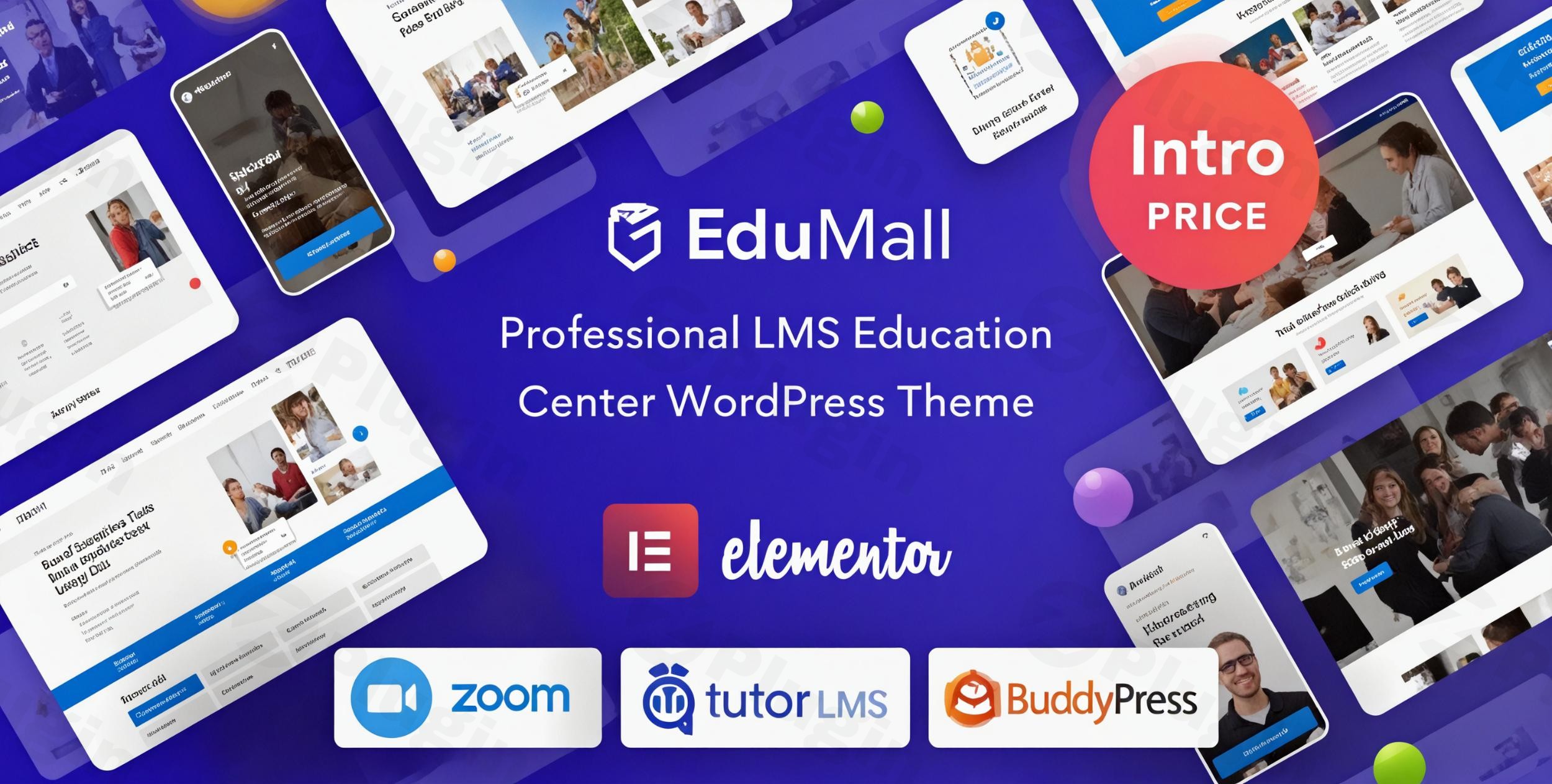
Transforming your vision of an online education platform into a stunning, functional reality requires a robust and intuitive foundation. The EduMall WordPress theme stands out as a premier solution for educators, institutions, and e-learning entrepreneurs seeking to build a professional learning management system (LMS) website. Designed for seamless integration with Tutor LMS Pro and Elementor, EduMall empowers you to create engaging online courses and a thriving educational community with unparalleled ease and flexibility.
1. Overview
EduMall is a premium, specialized WordPress theme meticulously crafted for the educational sector. It’s an all-in-one solution for anyone looking to establish or enhance their online presence, offering digital courses, managing student enrollments, and fostering an interactive learning environment. With its modern and professional aesthetic, EduMall’s design philosophy centers on delivering an impressive UI/UX, ensuring that both instructors and students enjoy an intuitive and effective learning experience. From solo instructors to large universities, this theme provides the tools to create a platform akin to popular sites like Udemy or Coursera.
2. Key Features: Design, Layout & Performance
EduMall combines sophisticated design capabilities with powerful functionalities to create a truly comprehensive education platform.
Design & Layout Options
EduMall ensures your educational content is presented beautifully and accessibly across all devices.
- Pixel-Perfect Responsive Design: The theme offers pixel-perfect and fully responsive layouts, guaranteeing an optimal viewing experience on desktops, laptops, tablets, and smartphones. This mobile-first approach is crucial for today’s diverse learner base.
- Flexible Header & Footer Styles: You have extensive control over your site’s visual presentation, with options to set and customize default header styles, create unique custom headers, and design comprehensive footer layouts. This allows for tailored branding and navigation throughout your site.
- One-Click Demo Import: To jumpstart your website development, EduMall includes a One-Click Demo Import feature. This allows you to quickly replicate the theme’s stunning pre-built templates and designs, providing a solid foundation that you can then personalize.
Customization Capabilities
Personalizing your online education center to reflect your brand identity is straightforward with EduMall.
- Advanced Theme Options Panel: The theme comes with a powerful and intuitive settings panel, accessible via
Appearance > Customizein your WordPress admin. This panel organizes numerous customization options into logical sections for easy navigation and modification. - Color Schemes & Typography: Tailor your website’s visual appeal with extensive control over color schemes. EduMall supports Google Fonts and FontAwesome icons, providing a vast selection for typography and the inclusion of diverse visual elements to match your brand.
- Elementor Integration for Granular Control: Built from the ground up with Elementor Page Builder, EduMall offers a 100% visual design experience. This drag-and-drop functionality provides granular control over spacing, containers, sections, and backgrounds, enabling you to create unique page layouts without touching a single line of code.
Performance & SEO Features
A fast and search-engine-friendly website is vital for attracting and retaining students.
- Speed Optimization: EduMall is developed with performance in mind, including speed optimization features that contribute to fast loading times and a smooth user experience.
- SEO Readiness: The theme is optimized for SEO, featuring clean code and a structured markup that helps search engines understand your content better, leading to improved visibility in search results.
- Cross-Browser Compatibility: EduMall ensures a consistent user experience across various web browsers, maintaining its design and functionality regardless of how your audience accesses your site.
3. Installation & Demo Import
Setting up your EduMall LMS theme is a streamlined process designed to get your online education platform up and running quickly.
- Install & Activate the Theme:
- First, ensure you have a fresh WordPress installation.
- From your WordPress dashboard, navigate to
Appearance > Themes. - Click
Add Newand thenUpload Theme. - Upload the EduMall theme zip file and click
Install Now. - Once installed, click
Activate.
- Install Required Companion Plugins:
- Upon activation, EduMall will prompt you to install a set of recommended plugins. Crucially, this includes Tutor LMS Pro (the core LMS plugin) and Elementor Page Builder.
- Install and activate all required plugins to ensure full theme functionality.
- Use the Theme’s One-Click Demo Import:
- After installing the plugins, look for a “Demo Importer” or similar option in your WordPress dashboard (often under
Appearanceor a dedicated theme menu). - Select the demo you wish to import and click the “Import” button.
- What to Expect: The demo import process will populate your site with pre-designed pages, posts, menus, widgets, and settings, making your site look like the live demo. This can take several minutes depending on your hosting environment.
- Common Pitfalls: For large demo imports, ensure your hosting environment meets the recommended PHP configuration limits (e.g.,
max_execution_time 180,memory_limit 128M,post_max_size 32M,upload_max_filesize 32M). Insufficient resources can lead to failed imports or timeouts.
- After installing the plugins, look for a “Demo Importer” or similar option in your WordPress dashboard (often under
4. Customization Guide (Branding & Layout)
Personalizing your EduMall website to perfectly align with your brand is an intuitive experience, largely thanks to its deep integration with Elementor and a comprehensive theme options panel.
- Accessing Global Styles: Navigate to
Appearance > Customizein your WordPress dashboard. This is your central hub for adjusting global styles. EduMall’s advanced settings panel is logically organized into tabbed sections, allowing you to easily manage:- Colors: Change primary, secondary, accent, and text colors to match your brand palette.
- Typography: Select from a wide range of Google Fonts for headings, body text, and other elements. Adjust font sizes, weights, and line heights for optimal readability.
- Logo & Favicon: Upload your custom logo and site icon to establish immediate brand recognition.
- Header and Footer Customization:
- Within the Customizer, you’ll find dedicated sections for
HeaderandFooteroptions. Here, you can define default header styles, choose from various layouts, and create custom designs. - For the footer, you can adjust column layouts, add copyright information, and integrate custom widgets.
- Within the Customizer, you’ll find dedicated sections for
- Page-Level Design with Elementor:
- For intricate page layouts and unique section designs, EduMall leverages the Elementor Page Builder. When editing any page, click “Edit with Elementor” to enter the visual builder interface.
- Drag and drop widgets, customize sections, adjust margins and padding, and set background images or videos. Elementor offers unparalleled flexibility to design every aspect of your content visually.
- Setting Up Your Homepage, Blog, and Menus:
- Homepage: After importing the demo, one of the demo pages will typically be set as your homepage. You can change this by going to
Settings > Readingand selecting a different static page. - Blog Page: Similarly, assign a dedicated page for your blog posts under
Settings > Reading. - Menus: Navigate to
Appearance > Menusto create and manage your primary navigation, footer menus, and any mega menus that EduMall supports. Assign your custom menus to the appropriate theme locations.EduMall’s blend of global theme options and Elementor’s localized control makes the customization experience highly intuitive. You can achieve professional-grade designs and consistent branding without requiring any coding expertise.
- Homepage: After importing the demo, one of the demo pages will typically be set as your homepage. You can change this by going to
5. FAQ & Troubleshooting
Here are some common questions and answers regarding the EduMall WordPress theme:
Is EduMall compatible with Elementor / WPBakery / Gutenberg?
EduMall is fully compatible with and built using the Elementor Page Builder, offering a 100% visual design experience. Some sources also mention compatibility with WPBakery Page Builder. While it functions within the WordPress environment, its primary visual editing integration is with Elementor; comprehensive compatibility details for the WordPress Block Editor (Gutenberg) are not explicitly highlighted as its core design mechanism.
Does EduMall support WooCommerce for online stores and course monetization?
Yes, EduMall is fully integrated with WooCommerce, making it simple to monetize your courses and sell digital products directly from your website. This integration supports various payment methods, allowing you to set up commissions and manage earnings effortlessly.
What are the minimum system requirements to run the EduMall theme?
To run EduMall optimally, you need WordPress version 4.8 or higher, PHP 5.6 or higher, and MySQL 5 or higher. For smooth performance, especially with demo imports and larger sites, it’s recommended to configure your PHP limits to at least max_execution_time 180, memory_limit 128M, post_max_size 32M, and upload_max_filesize 32M.
Does EduMall support child themes? How can I update the theme without losing my customizations?
While not explicitly detailed as a separate feature, given EduMall’s professional development by ThemeMove and regular updates, using a child theme is the recommended practice for advanced customizations. This ensures that any custom CSS, JavaScript, or template file modifications you make are not overwritten when you update the main EduMall theme to a new version. To update the theme without losing customizations, always apply changes in a properly set up child theme.
How do I import demo content in EduMall, and what should I do if it fails?
To import demo content, navigate to the “Demo Importer” or similar option in your WordPress admin dashboard (often found under Appearance or a dedicated theme menu) after installing and activating all required plugins. Select your desired demo and click “Import.” If the demo import fails or doesn’t look like the live demo, the most common reasons are insufficient server resources. Ensure your PHP limits are set as recommended (e.g., max_execution_time 180, memory_limit 128M, post_max_size 32M, upload_max_filesize 32M). You may need to contact your hosting provider to adjust these settings.
6. Conclusion
The EduMall WordPress theme offers an exceptional platform for anyone serious about launching or elevating an online education business. Its winning combination of deep Tutor LMS Pro integration and Elementor Page Builder compatibility provides a powerful yet user-friendly solution for course creation, student management, and site design.From its pixel-perfect responsive layouts and extensive customization options for colors and typography to its vital performance and SEO optimizations, EduMall is built for the modern e-learning landscape. It shines for individual instructors, educational institutions, and entrepreneurs who prioritize a professional, visually appealing, and feature-rich LMS without the need for extensive coding. While its premium cost is a consideration, the comprehensive feature set, robust integrations, and dedicated developer support offer significant value.If you’re looking to create a scalable, engaging, and highly customizable online learning platform, EduMall is an outstanding choice that truly takes your e-learning business to the next level.
I. Download Limits & Account Benefits
- Free Downloads: Each email address receives 3 downloads per day for free products
- Upgrade Benefits: Purchase any paid product to increase your daily download limit by 3 for each paid product
- No Account Required: You can download immediately by receiving the download link via email
- Account Recommended: Create an account for easier access to your order history and direct update downloads
II. Understanding GPL vs Official Versions
Important: The products available on WPPick are GPL-licensed versions, which differ from official developer versions. Before purchasing, please read our comprehensive guide: Understanding GPL & Official Differences at WPPick
Key Points:
- GPL versions may not include premium support from original developers
- Updates may be delayed compared to official releases
- Some premium features might have limitations
- Always consider your specific needs and support requirements
III. Support & Assistance
We’re here to help through multiple channels:
- Email Support: Direct email assistance for all inquiries
- Live Chat: Real-time support during business hours
- Comprehensive Documentation: Detailed guides and tutorials
IV. Order Tracking
Access your complete purchase history and download links anytime: Order History
V. Account Access
New to WPPick? Login or Create Account to manage your downloads and orders efficiently.
VI. Refund Protection
We stand behind our products with a clear refund policy. Review our terms: Refund Policy
VII. Privacy & Security
Your data security is our priority. Learn how we protect your information: Privacy Policy
VII. Terms of Service
Understanding our service terms ensures a smooth experience: Terms of Use
Quick Tips for Best Experience
- Verify Compatibility: Check plugin/theme compatibility with your WordPress version
- Backup First: Always backup your site before installing new plugins or themes
- Test Environment: Consider testing on a staging site first
- Stay Updated: Regularly check for updates in your account dashboard
- Read Documentation: Review any included documentation for optimal setup
Need Help?
If you have questions about downloads, licensing, or need technical assistance, don’t hesitate to contact our support team. We’re committed to ensuring you have the best possible experience with WPPick products.
Ready to get started? Your download adventure begins with just one click!
- Revolution Slider plugin v.6.7.51
- Optimize asset enqueuing
- Quiz attempt details white page when viewing attempt details
- Hide Quiz Details button when "Hide Quiz Details From Students" is enabled
- Enrolled actions: add href to retake button (fix Keep Data -> /undefined page not found)
- Single quiz: load common footer so Previous/Next nav shows when taking quiz
- Performance improvements
- Security updates
- Updated outdated templates of WooCommerce 10.5.2
- Fix: use get_completed_courses_by_user for Completed Courses tab in Tutor dashboard
- Move CSS inline to Files
- Insight Core plugin v.2.8.0
- Revolution Slider plugin v.6.7.40
- Local File Inclusion security
- PHP warning
- Revolution Slider plugin v.6.7.38
- Updated outdated templates of WooCommerce 10.3.0
- Revolution Slider plugin v.6.7.37
- Updated outdated templates of WooCommerce 10.2.0
- Fix Blurred mobile logo
- Add login class to Enroll Course button when ! is_user_logged_in
- Fix minor style
- Updated outdated templates of WooCommerce 10.1.0
- Fix PHP warning
- Fix security issue on AJAX action.
- Updated outdated templates of WooCommerce 10.0.0
- ThemeMove Addons For Elementor plugin v.2.1.0
- Revolution Slider plugin v.6.7.35