

Flatsome | Multi-purpose Responsive Woocommerce Theme
/Year
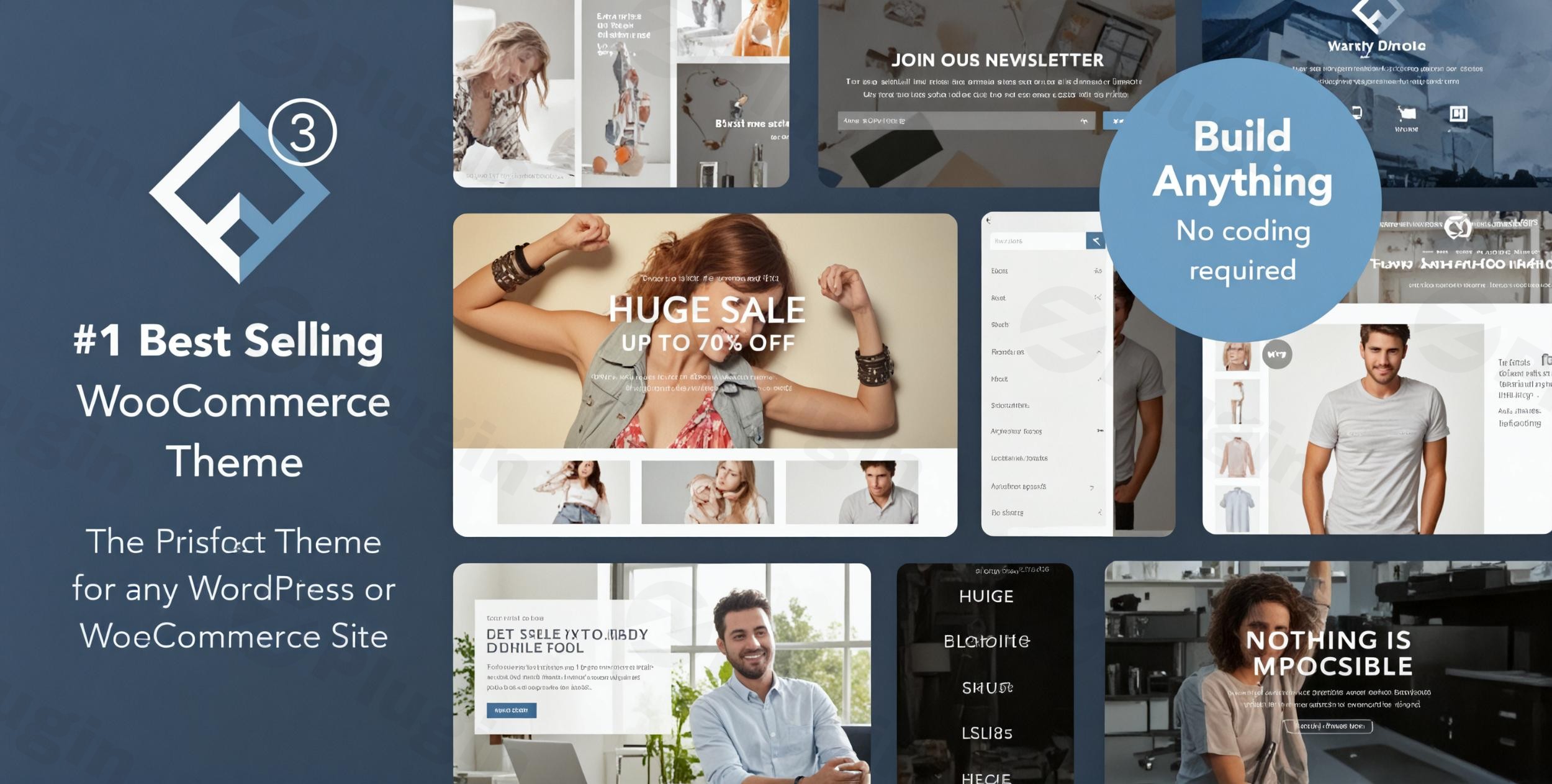
Create High-Converting E-Commerce Stores with Flatsome
Flatsome is a highly popular, responsive multi-purpose WordPress theme built specifically to integrate with WooCommerce. Engineered with a mobile-first philosophy, it provides a comprehensive toolkit for designing professional, fast-loading online shops, portfolio sites, and corporate web pages. It bypasses complex coding by delivering an intuitive front-end building experience that directly serves store owners, designers, and developers looking to maximize digital conversions and page performance.
What Flatsome Does
At its core, Flatsome provides a complete framework to custom-build your WordPress website without touching a single line of code. It replaces generic templates with a flexible system where headers, layouts, shop pages, and product grids are fully customizable in real-time. By integrating a proprietary live page builder alongside a modular header layout engine, the theme allows you to construct interactive interfaces, sliders, and promotional banners that render accurately across desktop, tablet, and mobile displays.
Who Is This Multi-Purpose Theme For
Flatsome is specifically designed for a wide range of web creators, including:
- Online Retailers: Merchants seeking to establish high-performance e-commerce shops with optimized cart structures, quick-view systems, and streamlined checkout pipelines.
- Freelance Developers and Agencies: Agencies looking for a highly reusable, lightweight multi-purpose starter theme that can be customized rapidly for diverse client niches.
- Independent Creators: Bloggers, artists, and service providers who need a visual portfolio integrated alongside standard business pages and selling facilities.
Key Design and E-Commerce Capabilities
To deliver an efficient design process, the theme includes a variety of advanced built-in systems:
- The Live UX Builder: A drag-and-drop builder featuring a rich library of pre-made elements, layout presets, and responsive control settings.
- Custom Header Builder: A live header designer that allows you to drag elements like search bars, cart icons, menus, and account links into any position.
- Optimized Shop Features: Built-in wishlist functionality, product quick-view, custom search inputs, off-canvas filter sidebars, and catalog mode alternatives.
- Flatsome Studio: A vast cloud library of pre-designed templates, sections, and landing pages that can be imported directly onto your active canvas.
Practical WordPress Use Cases
Because of its flexible structure, this layout solution adapts to many unique digital environments:
- Niche Retail Showcases: Tailor product pages with unique galleries, sticky purchase buttons, and dynamic quantity inputs for specialty clothing, electronics, or home decor stores.
- Multi-Vendor Platforms: Deploy a solid design foundation that is fully compatible with popular multi-vendor plugins to host third-party merchants seamlessly.
- Corporate and Informational Hubs: Build corporate landing pages, team sections, pricing tables, and interactive maps using the integrated page builder elements.
Setup and Integration Context
Flatsome runs on standard WordPress environments and requires minimal configuration. For optimal operation, it is recommended to run your site on PHP 7.4 or higher with standard memory allocations. It integrates seamlessly with popular plugins such as Contact Form 7, WPML for multilingual stores, Yoast SEO, and caching systems. If you use a child theme to make custom design overrides, ensure your template files match the parent theme structure to prevent styling conflicts during core platform updates.
Why Choose Flatsome on WPPick
Acquiring Flatsome through WPPick gives you access to a secure, unmodified GPL package. The files are fully clean, free of restrictive registration popups, and ready for deployment across development, staging, or production environments. This allows you to scale your design workflows and run multiple storefront layouts cost-effectively without recurring developer licensing fees.
Latest Version Context and Security Overview
In the latest release, Flatsome addresses key compatibility points and system security. Recent updates resolve layout issues within the setup wizard when operating on newer database configurations, fix quantity selector behaviors where custom steps are configured, and add missing alternative text attributes to product gallery thumbnails to improve screen-reader accessibility. Additionally, the release contains an enhanced security patch designed to protect active sites from vulnerabilities, making an immediate update highly recommended for all operational stores.
Frequently Asked Questions
Do I need coding skills to use the live page builder?
No coding experience is required. The integrated UX Builder operates on a visual drag-and-drop system, allowing you to configure grids, sliders, text blocks, and product displays using real-time previews.
Is Flatsome strictly for WooCommerce stores?
While optimized for e-commerce, it functions perfectly as a general-purpose theme. You can disable the shopping functionalities or use catalog mode to build portfolios, corporate websites, or personal blogs.
Can I create a child theme with this layout?
Yes, using a child theme is highly recommended for custom code adjustments. This setup ensures that your style modifications and custom templates remain intact when the parent theme receives official updates.
Does it support multilingual e-commerce setups?
Yes, the theme is translation-ready and offers full out-of-the-box compatibility with WPML and Polylang, enabling you to build fully localized shopping experiences for international audiences.
Is this template fully responsive on mobile devices?
Yes, it is built with a mobile-first responsive architecture. It includes dedicated settings to adjust image scaling, column widths, font sizes, and off-canvas menus specifically for mobile and tablet viewers.
I. Download Limits & Account Benefits
- Free Downloads: Each email address receives 3 downloads per day for free products
- Upgrade Benefits: Purchase any paid product to increase your daily download limit by 3 for each paid product
- No Account Required: You can download immediately by receiving the download link via email
- Account Recommended: Create an account for easier access to your order history and direct update downloads
II. Understanding GPL vs Official Versions
Important: The products available on WPPick are GPL-licensed versions, which differ from official developer versions. Before purchasing, please read our comprehensive guide: Understanding GPL & Official Differences at WPPick
Key Points:
- GPL versions may not include premium support from original developers
- Updates may be delayed compared to official releases
- Some premium features might have limitations
- Always consider your specific needs and support requirements
III. Support & Assistance
We’re here to help through multiple channels:
- Email Support: Direct email assistance for all inquiries
- Live Chat: Real-time support during business hours
- Comprehensive Documentation: Detailed guides and tutorials
IV. Order Tracking
Access your complete purchase history and download links anytime: Order History
V. Account Access
New to WPPick? Login or Create Account to manage your downloads and orders efficiently.
VI. Refund Protection
We stand behind our products with a clear refund policy. Review our terms: Refund Policy
VII. Privacy & Security
Your data security is our priority. Learn how we protect your information: Privacy Policy
VII. Terms of Service
Understanding our service terms ensures a smooth experience: Terms of Use
Quick Tips for Best Experience
- Verify Compatibility: Check plugin/theme compatibility with your WordPress version
- Backup First: Always backup your site before installing new plugins or themes
- Test Environment: Consider testing on a staging site first
- Stay Updated: Regularly check for updates in your account dashboard
- Read Documentation: Review any included documentation for optimal setup
Need Help?
If you have questions about downloads, licensing, or need technical assistance, don’t hesitate to contact our support team. We’re committed to ensuring you have the best possible experience with WPPick products.
Ready to get started? Your download adventure begins with just one click!
- Flatsome Studio & Setup Wizard WP 7.0+ import checkbox & button styling.
- Quantity selector buttons not working when step value is set to 'any'.
- Missing alt tags on product gallery thumbnails.
- This release contains an enhanced security measure. We recommend updating your sites promptly for optimal protection.
- WooCommerce 10.5 compatibility.
- WooCommerce 10.3 compatibility
- WooCommerce 10.3 compatibility
- WooCommerce 10.2 compatibility.
- PHP Warning undefined variable $class in contact element.
- Turkish translation improved entities for escaping.
- WooCommerce layered dropdown filtering in off-canvas sidebar.
- Accordion toggle icon size in a widget.
- Prevent PHP error when WooCommerce brands is disabled by code.
- Google Fonts list.
- WCAG 2.2 frontend accessibility updates.
- Catalog empty star rating option.
- Added alt text support for Instagram images and product thumbnails (accessibility).
- Added Flatsome_Icon class for icon handling and payment icon support.
- Added Grid multi-gallery support.
- Added new a11y behavior to theme scripts (accessibility).
- Added tooltip show/hide option to the follow and share global elements.
- Added tooltip show/hide option to the follow, share and team member shortcode elements.
- Banner link aria-label option.
- Lottie link aria-label option.
- Cart coupon form position option.
- Category filter overlay position option (left/right/center).
- Improved accessibility for swatches.
- Improved SVG icons for accessibility.
- Option to disable MediaElement script and CSS.
- Single product page (mobile) filter overlay position option (left/right/center).
- Swatches: Option to make out-of-stock items display inactive in shop loop.
- Added webp and avif image lightbox support.
- Added a new license tab to the admin panel.
- Added support for MP4 and youtu.be video links in the product video section.
- Clarified the message displayed when a purchase code is already registered.
- Clarified theme registration confirmation message.
- Improved checkout steps (accessibility).
- Improved dynamic icon generation using get_flatsome_icon function throughout the theme.
- Improved handling of HTML attributes for roles and ARIA in helper functions.
- Improved HTML attributes handling in flatsome_html_atts function with updated support for aria-, class, rel, and role attributes (accessibility).
- Improved keyboard navigation and focus management for swatches (accessibility).
- Improved overall accessibility in elements and templates.
- Improved styling for active and hover states in vertical fly-out navigation menu.
- Scroll for more now scrolls to the next sibling element.
- Show brand meta data in quick view.
- Updated default secondary and success color darkness (accessibility).
- Various CSS improvements.
- Vertical menu is now fully keyboard accessible.
- Don't load password meter script when WooCommerce registration is disabled with login lightbox.
- Added missing "Edit with UX Builder" links for supported post types.
- CSS string in Contact Form 7 presets tab.
- Don't open the video lightbox in UX Builder.
- Fixed accessibility and structure of product swatches and quick view button.
- Fixed accessibility issues with SVG icons and lightbox buttons.
- Fixed cookie notice focus and keyboard accessibility.
- Incorrect default color and style for header button 2.
- jQuery deprecations.
- Login popup template in DOM if account element is not added to the header.
- Menu items misorientation from the Advanced Editor Tools plugin.
- PHP 8.4 notice, implicitly marking parameter as nullable is deprecated.
- PHP notice: Automatic conversion of false to array is deprecated, in the setup wizard.
- PHP notice: Trying to access array offset on value of type bool on menu icon that does not exist anymore.
- Prevented slides in grid column from stacking before the slider behavior is fully loaded.
- Product item price styling in mini cart dropdown when quantity is enabled.
- Slider non-visible focusable children (accessibility).
- Swatches: now reset if the default variation (set in backend) is not in stock.
- Add array initialization on tabs and panes to prevent implode() errors in tabs.
- Variation form reset variations button for swatches by keydown.
- Accordion content with masonry not properly laid out.
- Duplicated <main> element on 404 page.
- Deprecated global Flatsome.cookie in favor of Flatsome.Cookies JS function.
- Deprecated ux_builder_page_row_actions() in favor of ux_builder_row_actions().
- flatsome-cookie-notice.js file location from /inc/extensions/flatsome-cookie-notice/ to assets/js/extensions/.
- flatsome-live-search.js file location from /inc/extensions/flatsome-live-search/ to assets/js/extensions/.
- Updated button, icon, and navigation markup to use ARIA attribute methods.
- Updated login/register form headings from h3 to h2 for better semantic structure.
- Updated various elements to use new color and icon systems for consistency (accessibility).
- DEV: Added flatsome-header-unsticky event.
- DEV: Added flatsome_ajax_search_products_by_sku_search_meta_query_args filter.
- WooCommerce 10.1 compatibility.