

Flatsome | Multi-purpose Responsive Woocommerce Theme
/Year
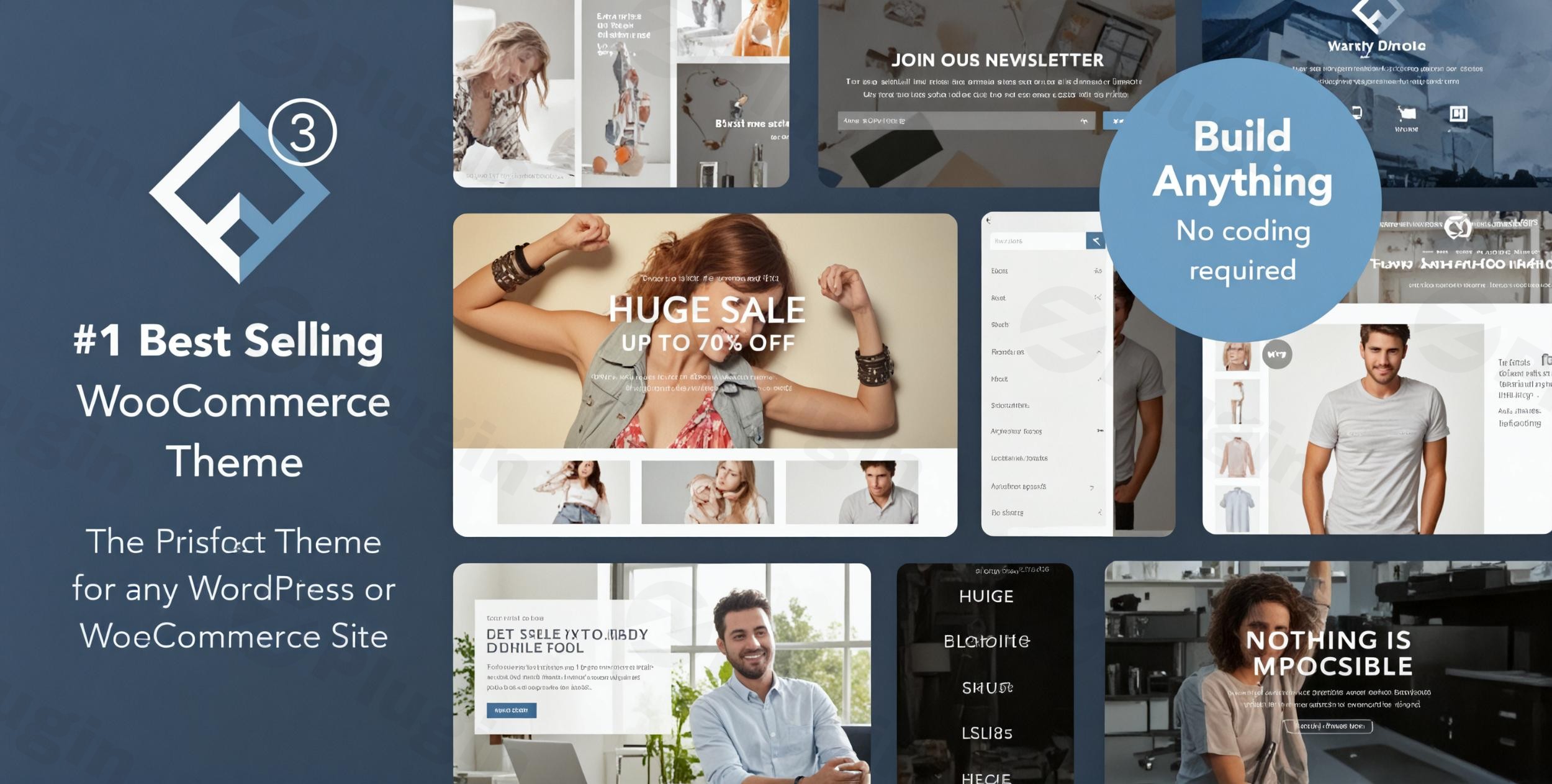
Building a successful online store requires more than just a place to list products; it demands a theme optimized for conversions, user experience, and robust design. The Flatsome WordPress theme is precisely engineered for this purpose. It’s a leading choice for anyone looking to create a high-converting WooCommerce store, a dynamic business website, or a visually appealing portfolio. From individual shop owners to large agencies, Flatsome offers a powerful, intuitive platform to craft stunning digital storefronts without needing to write a single line of code.
Key Features: Design, Layout & Performance
Flatsome stands out with a rich set of features that empower users to build beautiful, fast, and highly functional websites. Its design philosophy centers around delivering a superior user experience with modern aesthetics and robust e-commerce capabilities.
Design & Layout Options
Flatsome provides comprehensive control over your site’s visual structure.
- Flexible Layouts: Choose from full-width, boxed, or framed designs to perfectly frame your content.
- Diverse Blog & Shop Layouts: Tailor your blog archives and product displays to match your brand’s unique style.
- Header and Footer Configurations: Beyond basic options, Flatsome includes a powerful drag-and-drop header builder allowing you to create custom headers with elements like logos, menus, search bars, cart icons, social links, and custom HTML. Footers are equally customizable with multiple column options and content areas.
- Flatsome Studio Templates: Jumpstart your design with Flatsome Studio, a vast library of hundreds of pre-designed sections and full-page templates. This includes over 19 unique homepage designs, 15 shop demos, and 4 business demos, ready for one-click import and easy editing. These templates accelerate your workflow, providing professional starting points for any niche.
Customization Capabilities
Personalizing your website to reflect your brand identity is seamless with Flatsome’s intuitive customization tools.
- UX Builder: At the core of Flatsome’s design prowess is its proprietary UX Builder, a live drag-and-drop page builder. This front-end tool allows you to create and edit pages, banners, sliders, and product carousels in real-time, offering unparalleled design freedom without touching code.
- Extensive Color Options: Control every aspect of your site’s color scheme via the Theme Options, including primary, secondary, alert, and success colors for various elements, plus specific WooCommerce shop colors and overall background colors.
- Advanced Typography: Integrate with over 700 Google Fonts to establish the perfect typographic hierarchy. Importantly, Flatsome automatically downloads and serves Google Fonts locally from your server by default, aiding in GDPR compliance and improving page load times.
- Granular Spacing & Backgrounds: The UX Builder gives you precise control over spacing, containers, and sections. Easily change background colors and images with options for stunning parallax effects.
- Custom Post Types: Flatsome includes built-in custom post types like “Blocks” (UX Blocks) for creating reusable content sections and “Portfolio” (Featured Item) for showcasing products or projects, all integrated into the UX Builder.
- Mega Menu Builder: Craft advanced mega menus using UX Blocks, enabling rich dropdowns that can feature images, banners, and even blog posts, enhancing navigation and user engagement.
Performance & SEO Features
Flatsome is built with speed and search engine optimization in mind, ensuring your site performs optimally and ranks well.
- Lightning-Fast Loading Speeds: The theme is highly optimized for performance, often achieving load times around one second. This is crucial for user experience, bounce rates, and SEO rankings.
- Built-in Optimization Tools: Flatsome includes smart lazy loading for images and backgrounds, optimized animation effects, and minimal CSS file sizes to keep your site lightweight.
- Mobile-First Design: With its 100% responsive design, Flatsome ensures your website looks impeccable and functions flawlessly on any device, from desktops to tablets and smartphones. This mobile-first approach is vital for modern SEO and user satisfaction.
- Cross-Browser Compatibility: Your site will display consistently across major browsers, including Chrome, Safari, Firefox, IE (9-11), and Edge.
- SEO-Ready Structure: The theme features clean, well-structured code, adherence to WordPress best practices, and compatibility with popular SEO plugins like Yoast SEO and Rank Math, setting a strong foundation for organic visibility.
Installation & Demo Import Guide
Getting started with Flatsome is straightforward, even for beginners. This guide walks you through the process of installing the theme and importing demo content to kickstart your website design.
Step-by-Step Installation
- Download the Theme: After purchasing Flatsome from ZeroPlugin, download the theme package, which typically includes the main theme file and a child theme.
- Upload to WordPress:
- Log in to your WordPress admin dashboard.
- Navigate to Appearance > Themes.
- Click on “Add New” at the top.
- Click “Upload Theme” and choose the
flatsome.zipfile (the main theme, not the child theme initially). - Click “Install Now.”
- Activate the Theme: Once installed, click “Activate.”
- Pro Tip: It’s highly recommended to install and activate the included Flatsome Child Theme after the main theme. This allows you to safely make custom code modifications without losing them during theme updates. You can activate the child theme via Appearance > Themes once the parent theme is active.
Required Plugins
Flatsome is deeply integrated with WooCommerce. If you plan to build an online store (which is Flatsome’s primary strength), you’ll be prompted to install and activate WooCommerce during the setup wizard. Flatsome is also compatible with other essential plugins for multilingual sites (WPML) and advanced features (YITH Wishlist, UberMenu).
One-Click Demo Import
Flatsome’s Flatsome Studio makes importing pre-built demos incredibly easy, allowing you to set up a professional-looking site in minutes.
- Access the Wizard: After activating Flatsome, you’ll typically be guided through a setup wizard.
- Explore Demos: The wizard will prompt you to explore the Flatsome Studio. Here, you can browse through various pre-designed homepage layouts, shop demos, and business demos.
- Import Demo Content: Select the demo you wish to import and click the “Import” button. Flatsome will then import pages, posts, sliders, widgets, and theme options to match the chosen demo.
- What to Expect: After import, your site will largely resemble the demo. You’ll find pre-configured menus, widget areas populated, and pages built with the UX Builder, ready for your content.
- Common Pitfalls: Demo imports, especially large ones, require adequate server resources (PHP memory limit, execution time). If you encounter issues (e.g., incomplete import, missing images), increasing your server’s PHP
memory_limitandmax_execution_timevalues in yourwp-config.phporphp.inifile can often resolve them.
Customization Guide: Branding & Layout
Flatsome offers extensive options to personalize your website, primarily through its powerful Theme Options panel (WordPress Customizer) and the intuitive UX Builder.
Using the Theme Customizer / Global Styles
The WordPress Customizer, accessible via Appearance > Customize, is your hub for global style adjustments in Flatsome.
- Colors: Easily modify primary, secondary, and accent colors to align with your brand palette. You can also customize content and background colors globally.
- Typography: Select from hundreds of Google Fonts for your headings, body text, and navigation, ensuring consistent branding across your site. Remember, Flatsome locally hosts Google Fonts by default for optimal performance and GDPR compliance.
- Layout Options: Switch between full-width, boxed, or framed layouts, and adjust global container widths.
- Logo & Favicon: Upload your brand logo for the header and a favicon for browser tabs with ease.
Mastering the UX Builder for Page Customization
The UX Builder is where the magic happens for individual page and post layouts.
- Real-time Editing: Navigate to any page and click “Edit with UX Builder” to access the front-end, drag-and-drop editor.
- Adding Elements: Drag and drop a wide array of elements, including sections, rows, columns, text blocks, images, buttons, product grids, sliders, banners, and more.
- Building Custom Headers & Footers: While global header/footer settings are in the Customizer, the dedicated Flatsome Header Builder offers a visual drag-and-drop interface to construct unique headers with various elements. Similarly, you can configure your footers with multiple column layouts and content blocks.
- Creating Mega Menus: Utilize UX Blocks to design rich, multi-column mega menus that can include images, icons, and even shortcodes, providing a superior navigational experience. Go to UX Blocks in your WordPress dashboard, create a new block, design it with the UX Builder, and then assign it to a menu item under Appearance > Menus.
Setting Up Your Homepage and Blog Page
- Homepage: After demo import, your homepage will likely be set. If not, go to Settings > Reading and choose a static page as your homepage (e.g., “Home” or “Shop”). You can then edit this page extensively with the UX Builder.
- Blog Page: Under Settings > Reading, assign a page to be your “Posts page” (e.g., “Blog”). Flatsome offers various blog layouts to choose from in the Theme Options.
- Menus: Manage your main navigation, footer menus, and off-canvas menus under Appearance > Menus.
FAQ & Troubleshooting
Here are answers to some common questions about the Flatsome WordPress theme.
Is Flatsome compatible with Elementor / WPBakery / Gutenberg?
Flatsome primarily relies on its powerful, proprietary UX Builder for page building. While it is “Gutenberg Optimized” for compatibility with WordPress’s native block editor, using third-party page builders like Elementor or WPBakery on pages originally designed with the UX Builder can lead to conflicts and is generally not recommended for optimal performance and stability. For the best experience, it’s advised to use Flatsome’s integrated UX Builder.
Does Flatsome support WooCommerce for online stores?
Yes, absolutely. Flatsome is specifically designed and deeply integrated with WooCommerce, making it one of the best choices for building high-converting online stores. It includes extensive WooCommerce-specific features such as advanced product display options, built-in conversion optimization tools, product sliders, quick view, and wishlist functionality. It supports WooCommerce versions from 7.x.x up to 9.x.x.
Does Flatsome support child themes?
Yes, a child theme is included in the Flatsome theme package. It is highly recommended to install and activate the child theme if you plan to make any custom code modifications (e.g., custom CSS, functions) to your site. This ensures that your customizations are preserved when you update the main Flatsome theme.
How to install Flatsome theme?
To install Flatsome, first download the theme package. Then, navigate to Appearance > Themes in your WordPress dashboard, click “Add New,” then “Upload Theme.” Choose the flatsome.zip file (the main theme, not the child theme), click “Install Now,” and finally “Activate.” For detailed instructions, refer to the “Installation & Demo Import” section above.
Is Flatsome good for SEO?
Yes, Flatsome is well-regarded for its SEO readiness. It is optimized for speed with features like lazy loading and minimal CSS, which are crucial for search engine rankings. The theme also provides clean, semantic HTML markup, supports structured headings, and is compatible with leading SEO plugins like Yoast SEO and Rank Math, giving you a strong foundation for organic visibility.
Is Flatsome mobile responsive?
Yes, Flatsome is 100% responsive and built with a mobile-first design philosophy. Your website will automatically adapt and display perfectly across all devices and screen sizes, from desktops to tablets and smartphones, ensuring an excellent user experience for all visitors.
Conclusion
The Flatsome WordPress theme stands as a powerhouse solution for anyone serious about creating a high-performance, visually appealing, and high-converting online store. Its proprietary UX Builder provides an unparalleled drag-and-drop experience, making advanced design accessible even to beginners. Combined with deep WooCommerce integration, robust performance optimizations, and an extensive library of pre-built designs in Flatsome Studio, it offers an all-in-one toolkit for e-commerce success.Whether you’re a small business owner launching your first online shop, a freelancer building client websites, or an agency seeking a reliable and flexible e-commerce platform, Flatsome delivers. It excels in scenarios where a strong focus on user experience, conversion rates, and efficient design workflow is paramount. While some themes prioritize absolute minimalism for speed, Flatsome strikes an excellent balance, providing comprehensive features without sacrificing performance, making it an outstanding choice for any ambitious online venture.
I. Download Limits & Account Benefits
- Free Downloads: Each email address receives 3 downloads per day for free products
- Upgrade Benefits: Purchase any paid product to increase your daily download limit by 3 for each paid product
- No Account Required: You can download immediately by receiving the download link via email
- Account Recommended: Create an account for easier access to your order history and direct update downloads
II. Understanding GPL vs Official Versions
Important: The products available on WPPick are GPL-licensed versions, which differ from official developer versions. Before purchasing, please read our comprehensive guide: Understanding GPL & Official Differences at WPPick
Key Points:
- GPL versions may not include premium support from original developers
- Updates may be delayed compared to official releases
- Some premium features might have limitations
- Always consider your specific needs and support requirements
III. Support & Assistance
We’re here to help through multiple channels:
- Email Support: Direct email assistance for all inquiries
- Live Chat: Real-time support during business hours
- Comprehensive Documentation: Detailed guides and tutorials
IV. Order Tracking
Access your complete purchase history and download links anytime: Order History
V. Account Access
New to WPPick? Login or Create Account to manage your downloads and orders efficiently.
VI. Refund Protection
We stand behind our products with a clear refund policy. Review our terms: Refund Policy
VII. Privacy & Security
Your data security is our priority. Learn how we protect your information: Privacy Policy
VII. Terms of Service
Understanding our service terms ensures a smooth experience: Terms of Use
Quick Tips for Best Experience
- Verify Compatibility: Check plugin/theme compatibility with your WordPress version
- Backup First: Always backup your site before installing new plugins or themes
- Test Environment: Consider testing on a staging site first
- Stay Updated: Regularly check for updates in your account dashboard
- Read Documentation: Review any included documentation for optimal setup
Need Help?
If you have questions about downloads, licensing, or need technical assistance, don’t hesitate to contact our support team. We’re committed to ensuring you have the best possible experience with WPPick products.
Ready to get started? Your download adventure begins with just one click!
- WooCommerce 10.5 compatibility.
- WooCommerce 10.3 compatibility
- WooCommerce 10.3 compatibility
- WooCommerce 10.2 compatibility.
- PHP Warning undefined variable $class in contact element.
- Turkish translation improved entities for escaping.
- WooCommerce layered dropdown filtering in off-canvas sidebar.
- Accordion toggle icon size in a widget.
- Prevent PHP error when WooCommerce brands is disabled by code.
- Google Fonts list.
- WCAG 2.2 frontend accessibility updates.
- Catalog empty star rating option.
- Added alt text support for Instagram images and product thumbnails (accessibility).
- Added Flatsome_Icon class for icon handling and payment icon support.
- Added Grid multi-gallery support.
- Added new a11y behavior to theme scripts (accessibility).
- Added tooltip show/hide option to the follow and share global elements.
- Added tooltip show/hide option to the follow, share and team member shortcode elements.
- Banner link aria-label option.
- Lottie link aria-label option.
- Cart coupon form position option.
- Category filter overlay position option (left/right/center).
- Improved accessibility for swatches.
- Improved SVG icons for accessibility.
- Option to disable MediaElement script and CSS.
- Single product page (mobile) filter overlay position option (left/right/center).
- Swatches: Option to make out-of-stock items display inactive in shop loop.
- Added webp and avif image lightbox support.
- Added a new license tab to the admin panel.
- Added support for MP4 and youtu.be video links in the product video section.
- Clarified the message displayed when a purchase code is already registered.
- Clarified theme registration confirmation message.
- Improved checkout steps (accessibility).
- Improved dynamic icon generation using get_flatsome_icon function throughout the theme.
- Improved handling of HTML attributes for roles and ARIA in helper functions.
- Improved HTML attributes handling in flatsome_html_atts function with updated support for aria-, class, rel, and role attributes (accessibility).
- Improved keyboard navigation and focus management for swatches (accessibility).
- Improved overall accessibility in elements and templates.
- Improved styling for active and hover states in vertical fly-out navigation menu.
- Scroll for more now scrolls to the next sibling element.
- Show brand meta data in quick view.
- Updated default secondary and success color darkness (accessibility).
- Various CSS improvements.
- Vertical menu is now fully keyboard accessible.
- Don't load password meter script when WooCommerce registration is disabled with login lightbox.
- Added missing "Edit with UX Builder" links for supported post types.
- CSS string in Contact Form 7 presets tab.
- Don't open the video lightbox in UX Builder.
- Fixed accessibility and structure of product swatches and quick view button.
- Fixed accessibility issues with SVG icons and lightbox buttons.
- Fixed cookie notice focus and keyboard accessibility.
- Incorrect default color and style for header button 2.
- jQuery deprecations.
- Login popup template in DOM if account element is not added to the header.
- Menu items misorientation from the Advanced Editor Tools plugin.
- PHP 8.4 notice, implicitly marking parameter as nullable is deprecated.
- PHP notice: Automatic conversion of false to array is deprecated, in the setup wizard.
- PHP notice: Trying to access array offset on value of type bool on menu icon that does not exist anymore.
- Prevented slides in grid column from stacking before the slider behavior is fully loaded.
- Product item price styling in mini cart dropdown when quantity is enabled.
- Slider non-visible focusable children (accessibility).
- Swatches: now reset if the default variation (set in backend) is not in stock.
- Add array initialization on tabs and panes to prevent implode() errors in tabs.
- Variation form reset variations button for swatches by keydown.
- Accordion content with masonry not properly laid out.
- Duplicated <main> element on 404 page.
- Deprecated global Flatsome.cookie in favor of Flatsome.Cookies JS function.
- Deprecated ux_builder_page_row_actions() in favor of ux_builder_row_actions().
- flatsome-cookie-notice.js file location from /inc/extensions/flatsome-cookie-notice/ to assets/js/extensions/.
- flatsome-live-search.js file location from /inc/extensions/flatsome-live-search/ to assets/js/extensions/.
- Updated button, icon, and navigation markup to use ARIA attribute methods.
- Updated login/register form headings from h3 to h2 for better semantic structure.
- Updated various elements to use new color and icon systems for consistency (accessibility).
- DEV: Added flatsome-header-unsticky event.
- DEV: Added flatsome_ajax_search_products_by_sku_search_meta_query_args filter.
- WooCommerce 10.1 compatibility.
- NEW: WooCommerce 10.0 compatibility.
- Duplicate store notice when move to top is enabled due to WooCommerce hook change.
- Setup wizard not accessible.
- Added ux_builder_ajax_posts_search_posts_get_posts_args filter.
- Added ux_builder_ajax_terms_search_terms_get_terms_args filter.
- Option 'Move store notice to the top' is removed since this is now the default placement.
- WooCommerce 9.7 compatibility
- Products list element class and visibility option
- Improved compatibility with PHP 7.4 by addressing an issue with the 'mixed' return type
- Yoast reindex with CLI command when accordion is present
- Focus visible styling on product gallery image link with FireFox
- Removed wc_feature_woocommerce_brands_enabled condition check for brands