

Framey – Startup & Saas WordPress Theme
/Year
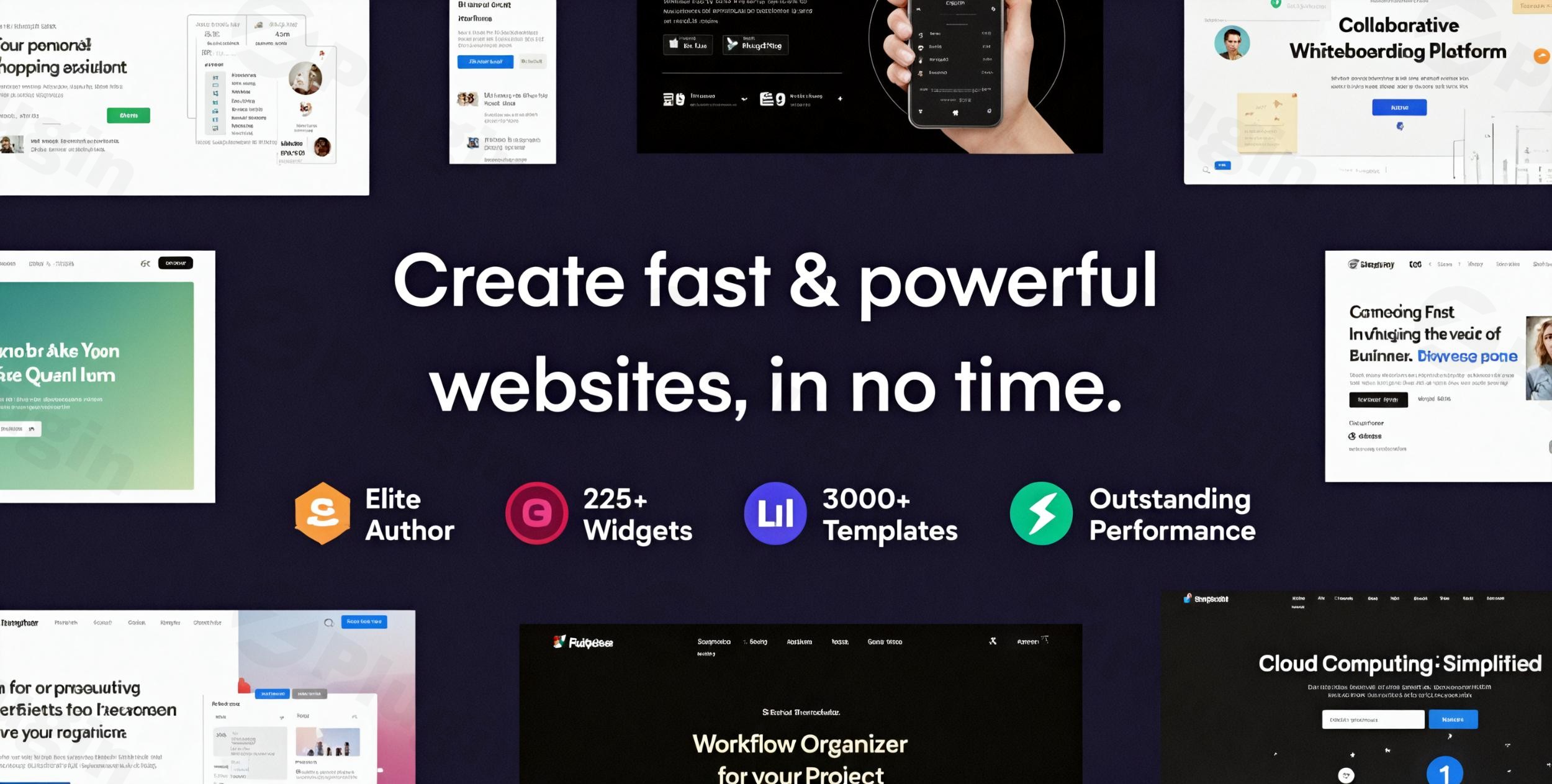
The Framey WordPress Theme is a premium solution specifically engineered for the fast-paced world of startups, SaaS companies, and digital businesses. It offers a modern, high-performance, and visually appealing foundation to build your online presence, effectively showcasing products and services. Designed with a focus on cutting-edge web technologies like HTML5 and CSS3, Framey provides a professional-grade website that not only looks great but also performs optimally across all devices. This theme is ideal for tech startups, SaaS companies, digital agencies, and entrepreneurs aiming to create a stunning, conversion-focused website without extensive coding knowledge.
Key Features: Design, Layout & Performance
Framey stands out with an impressive array of features that combine aesthetic brilliance with robust functionality, ensuring your website makes an immediate impact.
Design & Layout Options
Framey provides unparalleled flexibility in design and layout, catering to diverse business needs:
- Customizable & Flexible Layouts: Dive into pre-designed sections for homepages, feature showcases, pricing tables, team pages, and various blog layouts. The theme also includes four distinct portfolio layouts to brilliantly display your work.
- Extensive Pre-Built Content: Accelerate your design process with over 30 meticulously crafted demos, 200 templates, and 200 premium elements. The UiCore Template Library further expands your possibilities with over 500 pre-designed sections and pages, which can be combined to form truly unique layouts.
- Modern Visual Elements: Characterized by its pixel-perfect, clean, and modern layouts, Framey incorporates eye-catching built-in element animations to captivate visitors. It offers a “Freehand Design Experience” with options for absolute and fixed positioning, inline elements, and flexible vertical/horizontal alignment, granting designers extensive creative control.
Customization Capabilities
Branding your website with Framey is intuitive and limitless:
- Unlimited Color Schemes: Gain full control over your site’s aesthetics with unlimited color possibilities and a convenient custom color picker, ensuring your brand identity shines through.
- Rich Typography Options: Access a vast library of 990 Google Fonts, alongside support for external and Adobe Fonts, offering significant typographic flexibility to set the right tone.
- Advanced Section Customization: Utilize pre-designed sections that can be saved and reused, along with 26 different shape dividers to craft unique and visually dynamic backgrounds.
- Theme Options Panel: Easily adjust global settings for headers, footers, and layout widths to maintain a consistent design across your site.
Performance & SEO Features
Framey isn’t just about looks; it’s built for speed and search engine visibility:
- Optimized for Fast Loading Speeds: Described as high-performing and lightweight, Framey ensures a smooth user experience, which is crucial for retaining visitors and improving bounce rates. It includes built-in performance settings like lazy loading.
- SEO Performance: With clean markup and a structure optimized for SEO, Framey helps your website rank higher in search engine results. It’s designed for easy integration with most WordPress SEO plugins.
- Modern, Responsive Design: The theme guarantees a fully responsive and seamless experience across all devices—desktops, tablets, and mobile phones. It’s also Retina Ready and features a sticky mobile header, ensuring crisp visuals and effortless navigation on high-resolution screens.
Installation & Demo Import Guide
Getting your Framey website up and running is designed to be straightforward, even for those new to WordPress.
- Download and Install Framey:
- First, download the Framey theme package from your purchase source (e.g., ThemeForest).
- Log in to your WordPress dashboard.
- Navigate to Appearance > Themes.
- Click on “Add New” and then “Upload Theme”.
- Choose the
framey.zipfile you downloaded and click “Install Now”. - Once installed, click “Activate”.
- Install Required Plugins:
- Upon activation, Framey will likely prompt you to install a set of recommended plugins, including Elementor (its primary page builder) and potentially WooCommerce if you plan to sell products.
- Follow the on-screen instructions to install and activate all necessary plugins.
- One-Click Demo Import:
- Framey boasts a one-click demo importer to quickly replicate any of its stunning pre-built demos.
- Look for a menu item like “Framey Demos” or “Import Demo Data” usually found under Appearance or its own dedicated menu in your WordPress dashboard.
- Select your desired demo from the available options and initiate the import.
- What to expect: The demo import will populate your site with pages, posts, sample images, menus, widgets, and theme options, making your site look exactly like the demo. This process can take several minutes depending on your server speed and the size of the demo content.
- Common Pitfall: Large demo imports can sometimes time out on servers with low resource limits. While Framey doesn’t explicitly state minimum PHP requirements in the provided source, it’s generally recommended for Elementor and WooCommerce-heavy themes to have
max_execution_timeof 600,memory_limitof 256M (512M if WooCommerce is used),post_max_sizeof 32M, andupload_max_filesizeof 32M for optimal performance during this process. If your import fails, contact your hosting provider to ensure these settings are met.
Customization Guide: Branding & Layout
Framey provides an intuitive and powerful customization experience, primarily through its deep integration with the Elementor page builder and the native WordPress Customizer.
- WordPress Customizer & Global Styles: Access the WordPress Customizer (Appearance > Customize) for real-time adjustments to global settings. Here you can tweak site identity (logo, favicon), header and footer options, basic color schemes, and typography. Framey’s intuitive theme options panel also allows global adjustments to layout widths and other core settings.
- Elementor for Page & Section Building: Framey is highly compatible with and built around Elementor, the most powerful drag-and-drop page builder. This is where the magic happens for creating and customizing individual pages:
- Visual Editing: Simply drag and drop elements, sections, and templates onto your page.
- Custom Headers & Footers: Elementor allows you to design completely custom headers, footers, and even mega menus, offering design freedom beyond traditional theme options.
- Pre-designed Sections & Elements: Leverage the UiCore Template Library and the theme’s 200 premium elements directly within Elementor to quickly assemble pages.
- “Freehand Design Experience”: Utilize Elementor’s advanced positioning options (absolute, fixed, inline elements, flex alignment) to achieve pixel-perfect control over every design detail.
- Setting Up Your Homepage, Blog, and Menus:
- Homepage: After demo import, your homepage will be set. To change it, go to Settings > Reading and select a static page for your homepage.
- Blog Page: Similarly, assign a dedicated page for your blog posts under Settings > Reading.
- Menus: Navigate to Appearance > Menus to create and assign your primary navigation, footer menus, and any other custom menus the theme supports. Framey’s Elementor integration also facilitates the creation of complex mega menus.
- Child Theme Support: Framey supports child themes, which is essential for developers or users planning extensive customizations with custom CSS/JS. Using a child theme ensures that your modifications are preserved when the parent theme receives updates. Framey’s “developer friendly” and “100% open-source code” approach allows for deep customization.
FAQ & Troubleshooting
Here are answers to some common questions about the Framey WordPress theme:
Is Framey compatible with Elementor / WPBakery / Gutenberg?
Framey is highly compatible with Elementor, being built around this popular drag-and-drop page builder for extensive visual editing. While its primary compatibility is with Elementor, it is generally designed to work well within the WordPress environment, implying basic compatibility with the Block Editor (Gutenberg) for standard content. Some sources also suggest compatibility with other drag-and-drop builders like WPBakery, though Elementor is its core integration.
Does Framey support WooCommerce for online stores?
Yes, Framey is WooCommerce ready. This means you can seamlessly integrate an online store into your website to sell digital products, SaaS subscriptions, or services, leveraging WooCommerce’s robust e-commerce functionalities.
Does Framey support child themes?
Yes, Framey supports child themes. It is a developer-friendly theme with 100% open-source code, allowing for full customization. Using a child theme is highly recommended for any custom modifications (CSS, JavaScript, template overrides) to ensure your changes are not lost during theme updates.
How can I update the Framey theme without losing my customizations?
To update Framey safely, ensure you are using a child theme for all your customizations. When an update is available (usually through your WordPress dashboard if purchased officially, or via your GPL reseller), you can update the main Framey theme without affecting the custom code in your child theme. Always backup your website before performing any updates.
What should I do if the Framey demo import fails or looks different from the demo site?
If the demo import fails, it’s often due to server resource limitations. Check your PHP settings (especially max_execution_time and memory_limit) with your hosting provider and increase them if necessary. If the demo looks different, ensure all recommended plugins were installed and activated prior to import. Clear your website’s cache (if you have a caching plugin) and your browser cache, then try re-importing. If issues persist, refer to the theme’s official documentation or contact support.
Conclusion
The Framey – Startup & SaaS WordPress Theme is a powerful, visually aware, and highly flexible solution tailored for the dynamic needs of startups, SaaS companies, and digital agencies. Its core strengths lie in its modern, responsive design, exceptional customization capabilities powered by deep Elementor integration, and strong performance optimization.With over 30 pre-built demos, hundreds of templates, and a vast UiCore Template Library, Framey significantly reduces development time, making it an excellent choice for freelancers, agencies, and even beginners who need to quickly launch a professional website. Its WooCommerce readiness also extends its utility for businesses selling digital products or subscriptions.Framey excels at providing a platform that is not only aesthetically pleasing but also technically robust, focusing on fast loading speeds, SEO performance, and cross-device responsiveness. If you’re looking for a feature-rich, developer-friendly, and high-converting WordPress theme to establish a strong online presence for your tech venture or digital service, Framey stands as a confident and competent choice. It delivers on its promise to help businesses convert visitors into customers while maintaining optimal performance and security.
I. Download Limits & Account Benefits
- Free Downloads: Each email address receives 3 downloads per day for free products
- Upgrade Benefits: Purchase any paid product to increase your daily download limit by 3 for each paid product
- No Account Required: You can download immediately by receiving the download link via email
- Account Recommended: Create an account for easier access to your order history and direct update downloads
II. Understanding GPL vs Official Versions
Important: The products available on WPPick are GPL-licensed versions, which differ from official developer versions. Before purchasing, please read our comprehensive guide: Understanding GPL & Official Differences at WPPick
Key Points:
- GPL versions may not include premium support from original developers
- Updates may be delayed compared to official releases
- Some premium features might have limitations
- Always consider your specific needs and support requirements
III. Support & Assistance
We’re here to help through multiple channels:
- Email Support: Direct email assistance for all inquiries
- Live Chat: Real-time support during business hours
- Comprehensive Documentation: Detailed guides and tutorials
IV. Order Tracking
Access your complete purchase history and download links anytime: Order History
V. Account Access
New to WPPick? Login or Create Account to manage your downloads and orders efficiently.
VI. Refund Protection
We stand behind our products with a clear refund policy. Review our terms: Refund Policy
VII. Privacy & Security
Your data security is our priority. Learn how we protect your information: Privacy Policy
VII. Terms of Service
Understanding our service terms ensures a smooth experience: Terms of Use
Quick Tips for Best Experience
- Verify Compatibility: Check plugin/theme compatibility with your WordPress version
- Backup First: Always backup your site before installing new plugins or themes
- Test Environment: Consider testing on a staging site first
- Stay Updated: Regularly check for updates in your account dashboard
- Read Documentation: Review any included documentation for optimal setup
Need Help?
If you have questions about downloads, licensing, or need technical assistance, don’t hesitate to contact our support team. We’re committed to ensuring you have the best possible experience with WPPick products.
Ready to get started? Your download adventure begins with just one click!
- Initial release of version 4.3.2.
- Initial release of version 4.3.1.
- Released on 4 December 2025.
- Added filter to change the main tag on default pages from <article> to <div> or <section>
- Added notice for Builder change in System tab
- Migrated Typography, Buttons, and Animations controls from Theme Options to new method
- Fixed breadcrumb colors not matching text and links
- Fixed Pill Style menu padding and positioning issue caused by CSS conflict
- Removed deprecated PHP constant from debug methods
- Fixed issue where Portfolio posts couldn't be edited with Elementor in some cases
- Fixed disabled Add to Cart button still clickable in some scenarios
- Fixed Sticky Add to Cart quantity and select fields not working properly
- Fixed Pill Style Compact alignment showing on left side
- Improved mobile menu expand animation
- Fixed mobile header color issue
- Fixed admin customizer login styles
- Fixed 404 page styling
- Fixed Template Library not loading on Theme Builder items
- Added option to close popup on element click
- Added builder switch option in Theme Options → System
- Removed API connection proxy in Theme Options → System
- Improved error messages in Template Library
- Improved video loading performance
- Performance improvements in editor
- Updated Design Cloud to the latest version (fixes connection cache handling)
- Fixed custom fonts not importing correctly
- Fixed portfolio categories missing in demo import
- Fixed custom theme name not updating in admin bar
- Fixed top banner text color and font size issues
- Fixed Text Flip button animation
- Fixed multiple issues with custom dashboard
- Fixed pill-style menu issues on mobile
- Fixed blog typography settings not applying
- Setting border: none now correctly overrides default CSS borders
- Resolved Swiper Slides conflicts with certain settings
- PHP 7.4 compatibility issues
- CustomCSS error without UiCore Framework
- Team Card social icons bug
- Max Width not working on some blocks
- Fixed issue where Advanced Post widgets using overlay layout would get no height on mobile devices
- Design Cloud caching issues
- Align Self & Order controls for flex children
- Expanded controls for background images and gradients
- Improved security for accordion tags