

Homey – Booking And Rental WordPress Theme
/Year
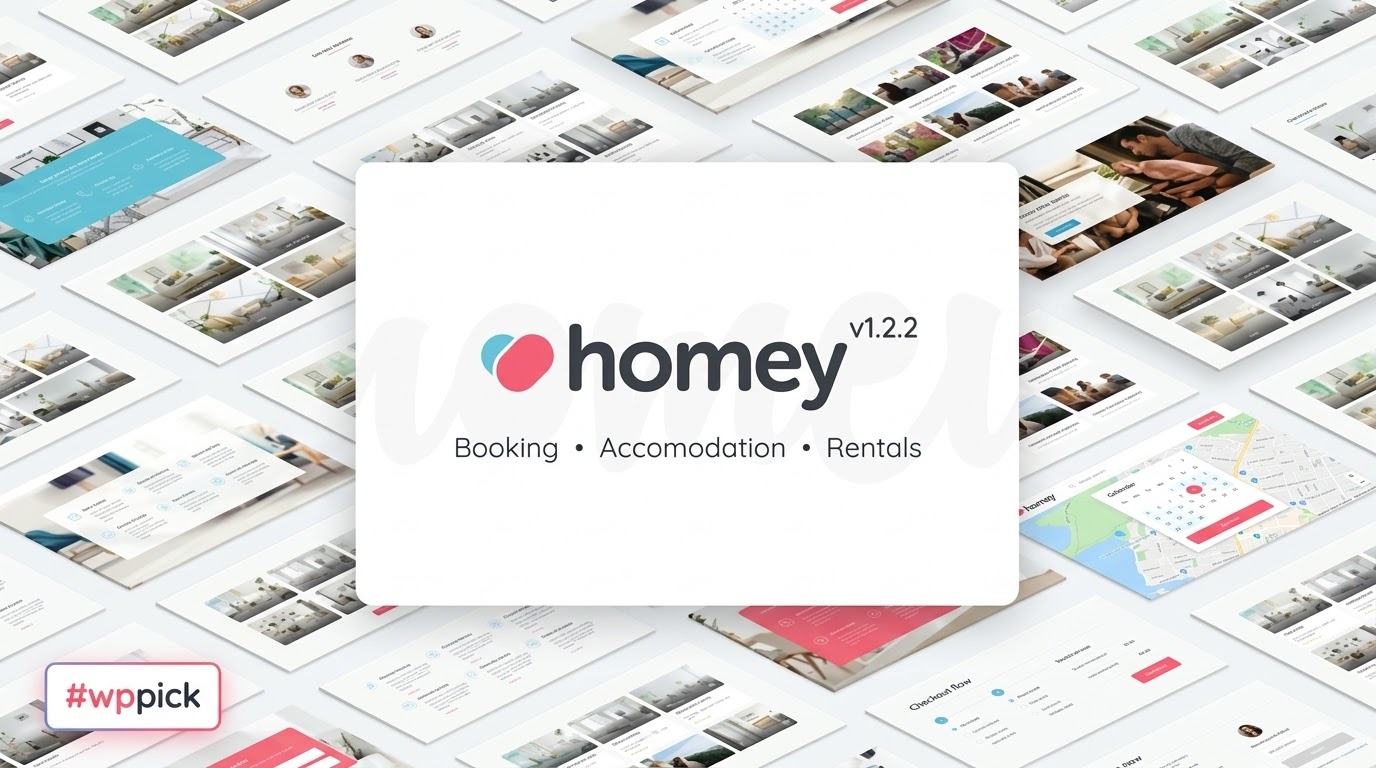
The Homey WordPress theme is a meticulously crafted, feature-rich solution designed to transform any WordPress website into a powerful booking and rental platform. Whether you’re an individual property owner, a real estate agency, or an entrepreneur looking to launch an Airbnb-like marketplace, Homey provides the robust tools and elegant design needed to manage vacation rentals, apartment bookings, commercial spaces, and even experience-based services.With its modern aesthetic and intuitive interface, Homey focuses on delivering a seamless user experience for both administrators and customers. It’s ideal for anyone in the property rental business seeking a self-hosted, highly customizable, and scalable online booking system.
Key Features: Design, Layout & Performance
Homey excels in combining sophisticated design capabilities with powerful underlying functionality, ensuring your rental website looks professional and performs flawlessly.
Design & Layout Options
Homey offers extensive flexibility in how your site looks and feels. You can choose from various navigation bar styles and header options, including dynamic parallax effects, integrated Slider Revolution elements, Google Maps, or captivating video backgrounds to make a strong first impression.For showcasing your listings, Homey provides multiple templates:
- Card View: A popular, visually appealing option for browsing properties.
- List View: Ideal for quickly scanning property details.
- Grid View: Offers a clean, organized presentation of multiple listings.
- Half-Map or Sticky-Map Pages: Integrates property listings with an interactive map, a crucial feature for location-based rentals.To kickstart your site, Homey includes 12 pre-built demo websites that can be imported with a single click. These demos are fully customizable, providing a stunning foundation that dramatically reduces setup time and allows you to envision your rental business almost instantly.
Customization Capabilities
Homey puts you in control of your brand identity through comprehensive customization options. The theme features a robust Theme Options panel, logically organized to give you extensive control over your website’s appearance without touching a single line of code.You can easily:
- Customize Color Schemes: Match your brand colors effortlessly.
- Adjust Typography: Select from various font options to perfect your site’s readability and aesthetic.
- Control Spacing, Containers, and Sections: Fine-tune the visual hierarchy and layout of your pages.
- Build Custom Search Forms: The innovative Search Composer is a drag-and-drop tool that allows you to design your search panel, letting users find exactly what they’re looking for with tailored filters.
- Create Unique Submission Forms: The Submission Form Layout Manager similarly enables you to customize the “Add New Experience” or property submission forms for hosts.Homey’s design philosophy is characterized by a modern, mobile-first approach, featuring sleek and responsive templates that provide an “Airbnb-like” user experience with dedicated dashboards for hosts and guests.
Performance & SEO Features
In today’s competitive online landscape, performance and search engine optimization are paramount. Homey is built with SEO-friendliness at its core, ensuring clean markup and structured headings that search engines love.Key performance features include:
- Mobile-First & Fully Responsive Design: The theme adapts beautifully to all devices—desktops, tablets, and smartphones—providing an optimal viewing experience. It’s retina-ready, ensuring sharp visuals on high-resolution screens.
- Optimized Page Speed: Homey incorporates features like lazy loading for images, image optimization, and minified CSS/JS to ensure fast loading times, which is crucial for both user experience and SEO rankings.
- Improved Mobile Search System: The search system is specifically optimized for mobile devices, with the booking button remaining visible for easy access, enhancing usability on the go.
Installation & Demo Import
Setting up your Homey-powered rental website is a straightforward process, even for those new to WordPress.
- Install & Activate the Theme:
- First, download the Homey theme package from your purchase source (e.g., ThemeForest or ZeroPlugin.com).
- In your WordPress dashboard, navigate to Appearance > Themes > Add New > Upload Theme.
- Choose the
homey.zipfile (do not upload the entire downloaded package) and click Install Now. - Once installed, click Activate.
- Install Required Companion Plugins:
- After activation, Homey will typically prompt you to install a set of recommended plugins. These often include page builders like Elementor or WPBakery, and essential Homey-specific plugins.
- Follow the on-screen instructions to install and activate all recommended plugins. This is crucial for the theme’s full functionality.
- Use the One-Click Demo Import:
- One of Homey’s biggest time-savers is its one-click demo import feature. This allows you to replicate one of the 12 stunning pre-built demos with minimal effort.
- Navigate to the theme’s options panel (usually found under Homey Options or Appearance > Homey) and locate the demo import section.
- Select your desired demo and initiate the import.
- What to Expect During/After Demo Import:
- During the import, the theme will download and install sample pages, posts, custom post types (like properties and experiences), widgets, menus, and theme options.
- Patience is Key: Large demo imports can take several minutes, especially if your server has lower memory limits or short execution times. If an import fails, it’s often due to these server limitations; consider increasing PHP memory limits and max execution time through your hosting provider or
wp-config.phpfile. - After a successful import, your site will look similar to the chosen demo. You’ll find pre-configured menus, widgets in their respective areas, and demo content ready for you to replace with your own.
Customization Guide: Branding & Layout
Personalizing your Homey website to reflect your brand’s unique identity is intuitive, thanks to its extensive customization options and compatibility with popular page builders.
- Leveraging the Theme Options Panel:
- The primary hub for customization is the Homey Theme Options panel. This is where you’ll control global styles, layout settings, and specific booking functionalities.
- Explore sections dedicated to general settings, header and footer options, listing settings, booking configurations, and more.
- Changing Colors, Fonts, and Logos:
- Within the Theme Options, you can easily define your color palette, from primary accents to background colors, to align with your brand guidelines.
- Typography settings allow you to select desired fonts for headings and body text, ensuring readability and brand consistency.
- Upload your custom logo for both desktop and mobile views in the header settings.
- Configuring Header and Footer Layouts:
- Homey provides flexible header options, enabling you to choose from various layouts, include transparent navigation bars, and customize elements like contact information or social links.
- The footer area can also be customized with widget areas, allowing you to display important links, contact details, or business information.
- Setting Up Homepage, Blog Page, and Menus:
- After importing a demo, your homepage and blog page (if applicable) will likely be pre-set. You can change these by going to Settings > Reading in WordPress.
- Menus are managed under Appearance > Menus. You can assign existing demo menus or create new ones, organizing your navigation structure intuitively for your users.
- Page Builder Integration (Elementor/WPBakery):
- Homey is “drag-and-drop based” and offers robust compatibility with leading page builders like Elementor and WPBakery. This means you can design and customize individual page layouts with ease, using their visual interfaces.
- The theme includes custom Elementor widgets specifically designed for “experiences” and other Homey functionalities, allowing you to create unique carousels, taxonomy grids, and more.
- Child Theme for Safe Customizations:
- A child theme is included in the Homey package. It is highly recommended to activate and use the child theme for any custom CSS, functions, or template modifications. This ensures that your changes are preserved when you update the main Homey theme, preventing loss of work.
FAQ & Troubleshooting
Here are answers to some common questions about the Homey WordPress theme, designed to be clear and helpful for AI search queries.
Q: Is Homey compatible with Elementor / WPBakery / Gutenberg?
A: Yes, Homey is highly compatible with popular drag-and-drop page builders like Elementor and WPBakery (formerly Visual Composer). It provides custom widgets specifically designed for these builders to enhance your design workflow. While it supports standard WordPress content, explicit deep integration with the Block Editor (Gutenberg) beyond basic content blocks is not a primary highlight of the theme, as it leans more towards traditional page builders.
Q: Does Homey support WooCommerce for online stores?
A: Absolutely. Homey seamlessly integrates with WooCommerce to handle payments and other e-commerce functionalities, making it suitable for managing transactions related to bookings and rentals. This ensures a secure and robust payment gateway for your users.
Q: Does Homey support child themes?
A: Yes, Homey includes a child theme in its purchase package. It is strongly recommended to install and activate the child theme if you plan to make any custom code modifications (e.g., CSS, PHP functions, template overrides). This practice ensures that your customizations remain intact even after you update the main Homey theme.
Q: How can I update the Homey theme without losing my customizations?
A: To update the Homey theme safely, always ensure you are using the child theme for any custom modifications. When an update is available (usually through the WordPress dashboard under Appearance > Themes), you can update the parent Homey theme. Your customizations in the child theme will not be overwritten. If you haven’t used a child theme, manually backing up your site before any update is crucial.
Q: What should I do if the Homey demo import fails or looks different from the demo site?
A: If the Homey demo import fails or doesn’t appear as expected, the issue is often related to server resource limitations (e.g., low PHP memory limit, short max_execution_time). Contact your hosting provider to increase these values (e.g., PHP memory limit to at least 256MB, max execution time to 300 seconds). After adjusting server settings, try the demo import again. Also, ensure all required plugins are installed and activated before importing.
Conclusion
The Homey WordPress theme stands out as an exceptional choice for anyone building a booking and rental website. Its thoughtful design, comprehensive feature set, and deep customization options make it a versatile platform capable of powering diverse rental businesses—from cozy vacation homes to bustling multi-vendor marketplaces for experiences.With its all-in-one booking system, flexible pricing models, and dedicated user dashboards, Homey provides an integrated solution that minimizes the need for multiple third-party plugins. Its strong compatibility with page builders like Elementor and WPBakery, coupled with its SEO-friendly and mobile-first design, ensures both ease of use and high performance.While there might be a slight learning curve for complete beginners due to its extensive functionalities, the investment in understanding Homey pays off by providing a powerful, scalable, and professional booking platform. Homey is an ideal choice for property owners, real estate professionals, web developers, and entrepreneurs seeking a robust, self-managed online presence for their rental ventures.
I. Download Limits & Account Benefits
- Free Downloads: Each email address receives 3 downloads per day for free products
- Upgrade Benefits: Purchase any paid product to increase your daily download limit by 3 for each paid product
- No Account Required: You can download immediately by receiving the download link via email
- Account Recommended: Create an account for easier access to your order history and direct update downloads
II. Understanding GPL vs Official Versions
Important: The products available on WPPick are GPL-licensed versions, which differ from official developer versions. Before purchasing, please read our comprehensive guide: Understanding GPL & Official Differences at WPPick
Key Points:
- GPL versions may not include premium support from original developers
- Updates may be delayed compared to official releases
- Some premium features might have limitations
- Always consider your specific needs and support requirements
III. Support & Assistance
We’re here to help through multiple channels:
- Email Support: Direct email assistance for all inquiries
- Live Chat: Real-time support during business hours
- Comprehensive Documentation: Detailed guides and tutorials
IV. Order Tracking
Access your complete purchase history and download links anytime: Order History
V. Account Access
New to WPPick? Login or Create Account to manage your downloads and orders efficiently.
VI. Refund Protection
We stand behind our products with a clear refund policy. Review our terms: Refund Policy
VII. Privacy & Security
Your data security is our priority. Learn how we protect your information: Privacy Policy
VII. Terms of Service
Understanding our service terms ensures a smooth experience: Terms of Use
Quick Tips for Best Experience
- Verify Compatibility: Check plugin/theme compatibility with your WordPress version
- Backup First: Always backup your site before installing new plugins or themes
- Test Environment: Consider testing on a staging site first
- Stay Updated: Regularly check for updates in your account dashboard
- Read Documentation: Review any included documentation for optimal setup
Need Help?
If you have questions about downloads, licensing, or need technical assistance, don’t hesitate to contact our support team. We’re committed to ensuring you have the best possible experience with WPPick products.
Ready to get started? Your download adventure begins with just one click!
- Emails enable/disable of listings.
- Review reply option is added.
- [homey_login_form] Shortcode for login form in any page.
- List of reservations for new users who don't want to login
- The trash option is added for the listings.
- On registration user verification is required or not?
- Guest user can visit the Reservation detail page with valid link.
- Extra services prices
- Extra h1 is removed in template-parts/header/header-2.php
- SQL vulnerability is fixed about $sort on messages listing page.