

Hospa – Medical Clinic & Hospital Elementor WordPress Theme
/Year
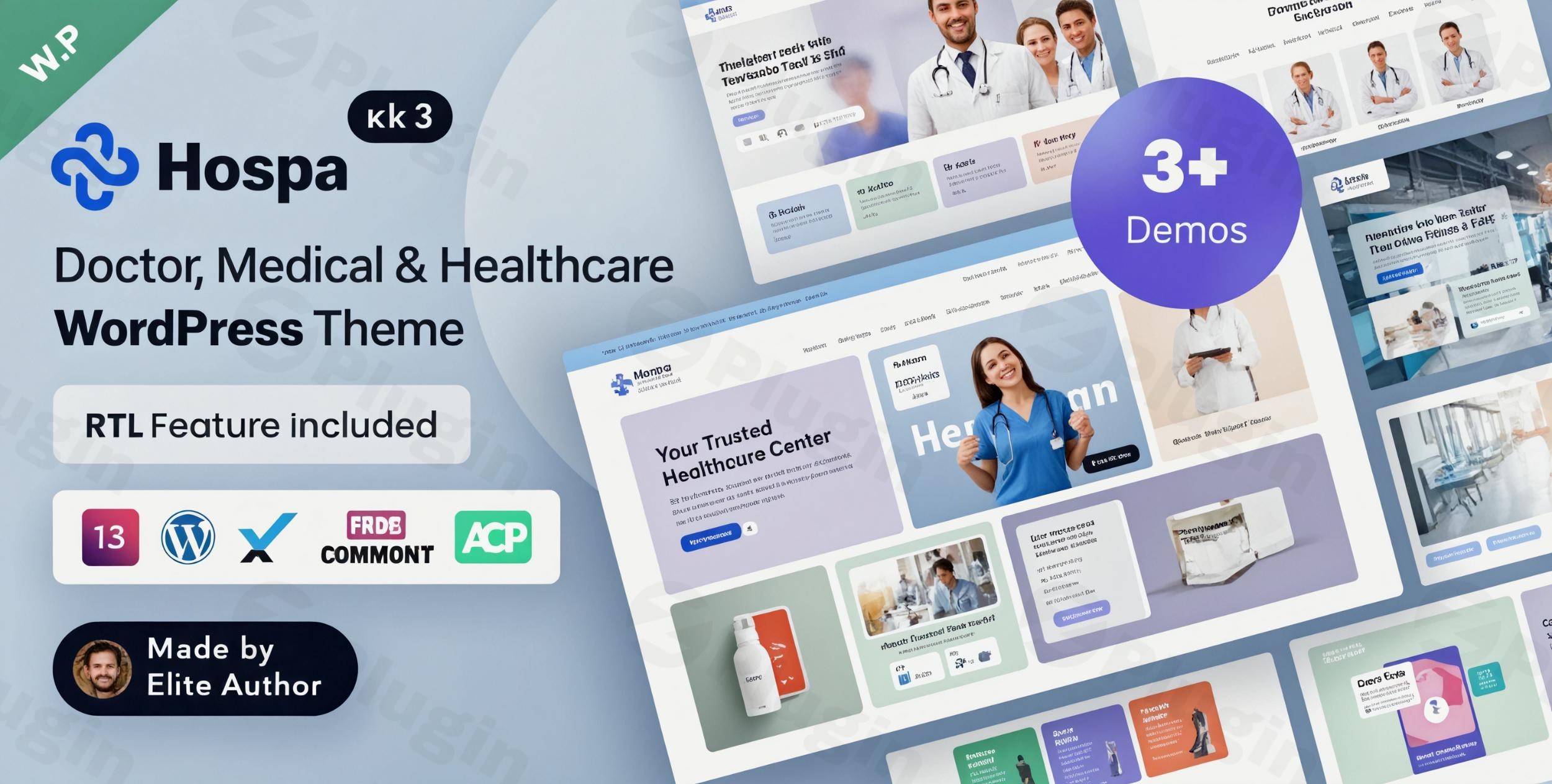
Establishing a robust and trustworthy online presence is paramount for any healthcare provider today. The Hospa WordPress theme emerges as a cutting-edge solution, meticulously designed for medical clinics, hospitals, and various healthcare professionals. This review delves into how Hospa, built with Elementor, empowers you to create a visually stunning, highly functional, and confidence-inspiring medical website.
Elevate Your Healthcare Website with Hospa: Design, Layout & Performance
Hospa is engineered to meet the unique demands of the healthcare sector, offering a blend of modern aesthetics and powerful functionality. Its design philosophy centers on creating a clean, professional, and intuitive user experience that instills trust and clarity for patients seeking medical information or services.
Design & Layout Options for Diverse Medical Specialties
Hospa offers impressive flexibility with its array of design and layout options, making it a versatile choice for a wide spectrum of medical institutions:
- Multiple Homepage Variations: The theme includes several distinct homepage variations, with some sources indicating up to 10 unique demo layouts, each tailored for different medical specialties such as dental clinics, cosmetic surgery centers, general hospitals, and laboratories. This allows you to select a pre-designed foundation that perfectly aligns with your specific practice.
- Comprehensive Inner Pages: Beyond homepages, Hospa provides over 35 pre-built inner pages, including dedicated layouts for services, detailed doctor profiles, department pages, and streamlined appointment booking forms. This ensures that every facet of your medical practice can be professionally presented.
- Fully Responsive and Retina Ready: Built with a mobile-first approach, Hospa guarantees an impeccable look and seamless browsing experience across all devices—desktops, tablets, and smartphones. Its Retina Ready design ensures crisp, high-resolution visuals on modern displays, essential for showcasing medical imagery and maintaining a polished brand image.
- RTL Language Support: Catering to a global audience, Hospa supports Right-to-Left (RTL) languages like Arabic and Hebrew, broadening its accessibility.
Unparalleled Customization Capabilities
At the heart of Hospa’s customization prowess is its deep integration with industry-leading tools:
- Elementor Page Builder: Hospa is built from the ground up with Elementor, the popular drag-and-drop page builder. This integration provides users with an intuitive visual interface to craft layouts, customize sections, and arrange content without writing a single line of code. The theme extends Elementor’s capabilities with 179+ Elementor Custom Widgets, specifically designed for medical content, offering unparalleled flexibility.
- ACF Pro and Redux Framework: The theme leverages Advanced Custom Fields Pro (ACF Pro) for managing custom content types (like doctor profiles and service details) and the powerful Redux Framework for its theme options. This combination provides a robust backend for granular control over your website’s appearance and functionality from a central dashboard.
- Unlimited Color Schemes & Typography: Brand consistency is crucial in healthcare. Hospa offers unlimited color options, allowing you to easily match your website to your clinic’s branding. Coupled with unlimited typography options and support for free Google Fonts, you have complete control over your site’s visual voice.
- Header & Footer Builder: Customize your site’s header and footer using the Elementor Header & Footer Builder, enabling unique designs that go beyond standard theme limitations. The theme also supports Mega Menus for enhanced navigation.
Performance & SEO Features for a Fast and Visible Website
A fast-loading and SEO-friendly website is critical for attracting and retaining patients. Hospa delivers on both fronts:
- Optimized for Speed: Developed with cutting-edge technologies like Bootstrap 5 and Sass, Hospa is described as fast, lightweight, and powerful. Its clean, well-commented code ensures quick loading times and a smooth user experience, which is a significant factor in search engine rankings and patient satisfaction.
- SEO Readiness: While primarily focused on design and functionality, Hospa’s clean code structure and semantic HTML markup provide a solid foundation for SEO. It supports structured headings and is built to be easily indexed by search engines, helping your medical practice rank higher for relevant queries like “medical clinic WordPress theme” or “hospital WordPress theme Elementor.”
- Cross-Browser Compatibility: The theme works seamlessly across all major browsers, ensuring a consistent experience for all visitors.
Installation & Demo Import: Getting Started with Hospa
Setting up your medical website with Hospa is designed to be straightforward, even for those new to WordPress. The theme’s one-click demo import feature significantly accelerates the setup process.
Step-by-Step Setup Guide:
- Install & Activate the Theme:
- First, ensure your WordPress installation is up to date (the latest version is recommended).
- From your WordPress dashboard, navigate to
Appearance > Themes > Add New > Upload Theme. - Upload the
hospa.ziptheme file you downloaded. - Once uploaded, click
Install Nowand thenActivate.
- Install Required Companion Plugins:
- Upon theme activation, you’ll typically see a notification to install required plugins. Hospa relies on plugins like Elementor, Advanced Custom Fields Pro, Contact Form 7, and WooCommerce (if planning an online store).
- Install and activate all recommended plugins for full theme functionality.
- Utilize One-Click Demo Import:
- Hospa includes a robust one-click demo import feature. After installing the theme and its required plugins, navigate to the theme’s specific demo importer (often found under
Appearance > Import Demo Dataor a dedicated theme options panel). - Select the demo that best suits your medical specialty and initiate the import process.
- Hospa includes a robust one-click demo import feature. After installing the theme and its required plugins, navigate to the theme’s specific demo importer (often found under
- What to Expect During/After Demo Import:
- The demo import will populate your site with pre-built pages, posts, menus, widgets, and theme options, making your site look exactly like the chosen demo.
- Common Pitfall: For a smooth import, ensure your server meets the recommended PHP configuration limits:
memory_limit = 256M,upload_max_filesize = 128M,max_input_time = -1,post_max_size = 128M, andmax_execution_time = 200. Insufficient limits can lead to incomplete imports or “white screen of death” errors. If the import fails or appears incomplete, verify these settings with your hosting provider.
Customization Guide: Branding & Layout with Hospa
Personalizing Hospa to reflect your brand’s unique identity and workflow is an intuitive process, largely thanks to its Elementor and Redux integration.
- Hospa Theme Options (Redux Framework):
- Access the comprehensive theme options panel, typically found under
Appearance > Theme Optionsor a similarly named menu item. - Here, you can manage global settings such as site identity (logo, favicon), header and footer layouts, general typography, color presets, blog archive settings, and much more. This central dashboard gives you control over your site’s overall look and feel.
- Access the comprehensive theme options panel, typically found under
- Elementor Page Builder for Layout & Content:
- For individual page and post customization, the Elementor drag-and-drop builder is your primary tool. Edit any page or post by clicking “Edit with Elementor.”
- Use Hospa’s custom Elementor widgets to easily add and configure sections for doctor profiles, services, testimonials, appointment forms, and other medical content.
- Adjust section spacing, column layouts, background images/videos, and responsive settings directly within Elementor to fine-tune the visual hierarchy.
- WordPress Customizer:
- While many global settings are in the Redux panel, some basic site identity elements, menus, and widgets can still be managed through the native WordPress Customizer (
Appearance > Customize).
- While many global settings are in the Redux panel, some basic site identity elements, menus, and widgets can still be managed through the native WordPress Customizer (
- Setting Up Your Homepage, Blog, and Menus:
- After demo import, your pages and menus will be set. To change your homepage, go to
Settings > Readingand select a static page. - Manage your navigation menus under
Appearance > Menus. Hospa’s Mega Menu support allows for creating sophisticated, multi-column dropdowns, ideal for organizing extensive medical services or departments.
- After demo import, your pages and menus will be set. To change your homepage, go to
- Child Theme for Safe Customizations:
- Hospa includes a child theme. Always use it for any custom CSS or template modifications. This ensures your changes are not overwritten during theme updates, maintaining your unique branding and preserving your efforts. The developer-friendly, clean, and well-commented code, built with Bootstrap 5 and Sass, further aids developers in advanced customizations.
FAQ & Troubleshooting for Hospa Users
Here are answers to some common questions about the Hospa WordPress theme, designed to be clear and helpful for both traditional and AI-powered search.
Is Hospa compatible with Elementor and Gutenberg?
Yes, Hospa is fully compatible with Elementor Page Builder and is primarily built around it, offering 179+ custom Elementor widgets. While optimized for Elementor, it also maintains compatibility with the native WordPress Block Editor (Gutenberg) for standard post and page content.
Does Hospa support WooCommerce for online stores?
Absolutely. Hospa offers seamless integration with WooCommerce v9.x, making it ideal for medical facilities that wish to sell health products, medical supplies, or offer services online. This enables you to create an online medical store effortlessly.
Does Hospa include an appointment booking system?
Yes, Hospa is designed with an integrated appointment system, often facilitated by compatible plugins like BookingPress Appointment Booking, which is mentioned in its documentation. This allows patients to easily book consultations or services directly from your website.
How can I update the Hospa theme without losing my customizations?
To update Hospa safely, you should always be using the included child theme for any custom code or styling changes. When an update is available, you can simply update the parent Hospa theme through your WordPress dashboard or FTP, and your customizations within the child theme will remain intact.
What should I do if the demo import fails or looks incomplete?
If your Hospa demo import fails or doesn’t look like the live demo, the most common issue is insufficient server resources. Ensure your hosting environment meets the recommended PHP configuration limits: memory_limit = 256M, upload_max_filesize = 128M, max_input_time = -1, post_max_size = 128M, and max_execution_time = 200. Contact your hosting provider to adjust these settings if necessary.
Conclusion: Is Hospa the Right Choice for Your Medical Website?
Hospa stands out as a highly specialized and robust medical clinic WordPress theme, perfectly tailored for healthcare professionals and organizations. Its strength lies in its beautiful, trust-inspiring design coupled with powerful, niche-specific functionalities.With its deep integration with Elementor, comprehensive layout variations (including numerous homepage and inner page designs), and extensive customization options via the Redux Framework, Hospa offers remarkable design flexibility. Users can effortlessly brand their website with unlimited color and typography choices, create custom headers and footers, and leverage 179+ custom Elementor widgets specifically for medical content.Performance and SEO are also well-addressed, with a lightweight Bootstrap 5 and Sass codebase ensuring speed and mobile responsiveness. Crucially, its WooCommerce medical products theme compatibility and integrated appointment system add significant functional value.Hospa is an ideal choice for agencies, freelancers, and healthcare providers (from general hospitals to specialist clinics, laboratories, and pharmacies) seeking a professional, feature-rich, and easy-to-manage online presence. If your goal is to showcase medical services, streamline appointment bookings, establish doctor profiles, and potentially sell medical products online, Hospa provides a comprehensive and highly effective solution that surpasses generic multipurpose themes in its specialized design and functionality. It’s a confident verdict: Hospa is a smart investment for a thriving healthcare online presence.
I. Download Limits & Account Benefits
- Free Downloads: Each email address receives 3 downloads per day for free products
- Upgrade Benefits: Purchase any paid product to increase your daily download limit by 3 for each paid product
- No Account Required: You can download immediately by receiving the download link via email
- Account Recommended: Create an account for easier access to your order history and direct update downloads
II. Understanding GPL vs Official Versions
Important: The products available on WPPick are GPL-licensed versions, which differ from official developer versions. Before purchasing, please read our comprehensive guide: Understanding GPL & Official Differences at WPPick
Key Points:
- GPL versions may not include premium support from original developers
- Updates may be delayed compared to official releases
- Some premium features might have limitations
- Always consider your specific needs and support requirements
III. Support & Assistance
We’re here to help through multiple channels:
- Email Support: Direct email assistance for all inquiries
- Live Chat: Real-time support during business hours
- Comprehensive Documentation: Detailed guides and tutorials
IV. Order Tracking
Access your complete purchase history and download links anytime: Order History
V. Account Access
New to WPPick? Login or Create Account to manage your downloads and orders efficiently.
VI. Refund Protection
We stand behind our products with a clear refund policy. Review our terms: Refund Policy
VII. Privacy & Security
Your data security is our priority. Learn how we protect your information: Privacy Policy
VII. Terms of Service
Understanding our service terms ensures a smooth experience: Terms of Use
Quick Tips for Best Experience
- Verify Compatibility: Check plugin/theme compatibility with your WordPress version
- Backup First: Always backup your site before installing new plugins or themes
- Test Environment: Consider testing on a staging site first
- Stay Updated: Regularly check for updates in your account dashboard
- Read Documentation: Review any included documentation for optimal setup
Need Help?
If you have questions about downloads, licensing, or need technical assistance, don’t hesitate to contact our support team. We’re committed to ensuring you have the best possible experience with WPPick products.
Ready to get started? Your download adventure begins with just one click!
- Theme Dashboard Interface
- Option to remove custom post type slugs from URLs
- Support for displaying multiple doctor categories in the doctor search widget
- Doctor search fields hide/show option
- Professional post ordering option
- "Load More" button for professional posts
- Map Latitude & Longitude fields in "Find Location" widget
- Map Zoom Level field in "Find Location" widget
- Career category slug change option
- Event category slug change option
- Services category slug change option
- Doctors category slug change option
- Labtest category slug change option
- Service details page slider scroll issue
- Preloader loading issue
- Elementor gallery widget issue
- Doctors tab widget issue
- ACF Plugin Function Not Found Error
- load_textdomain Notice Issue
- Compatibility with WordPress v6.8+
- Compatibility with Elementor v3.28.3+
- Compatibility with WooCommerce v9.8.1+
- Updated WooCommerce Affected Files
- Updated Documentation
- Dental Clinic Website Demo
- Cancer Treatment Center Website Demo
- Dermatology & Skin Care Website Demo
- Psychiatric Hospital Website Demo
- Maternity Clinic Website Demo
- 69+ New Elementor Custom Widgets
- 4 New Inner Pages
- With WooCommerce v9.6+