

Jobify – Job Board WordPress Theme
/Year
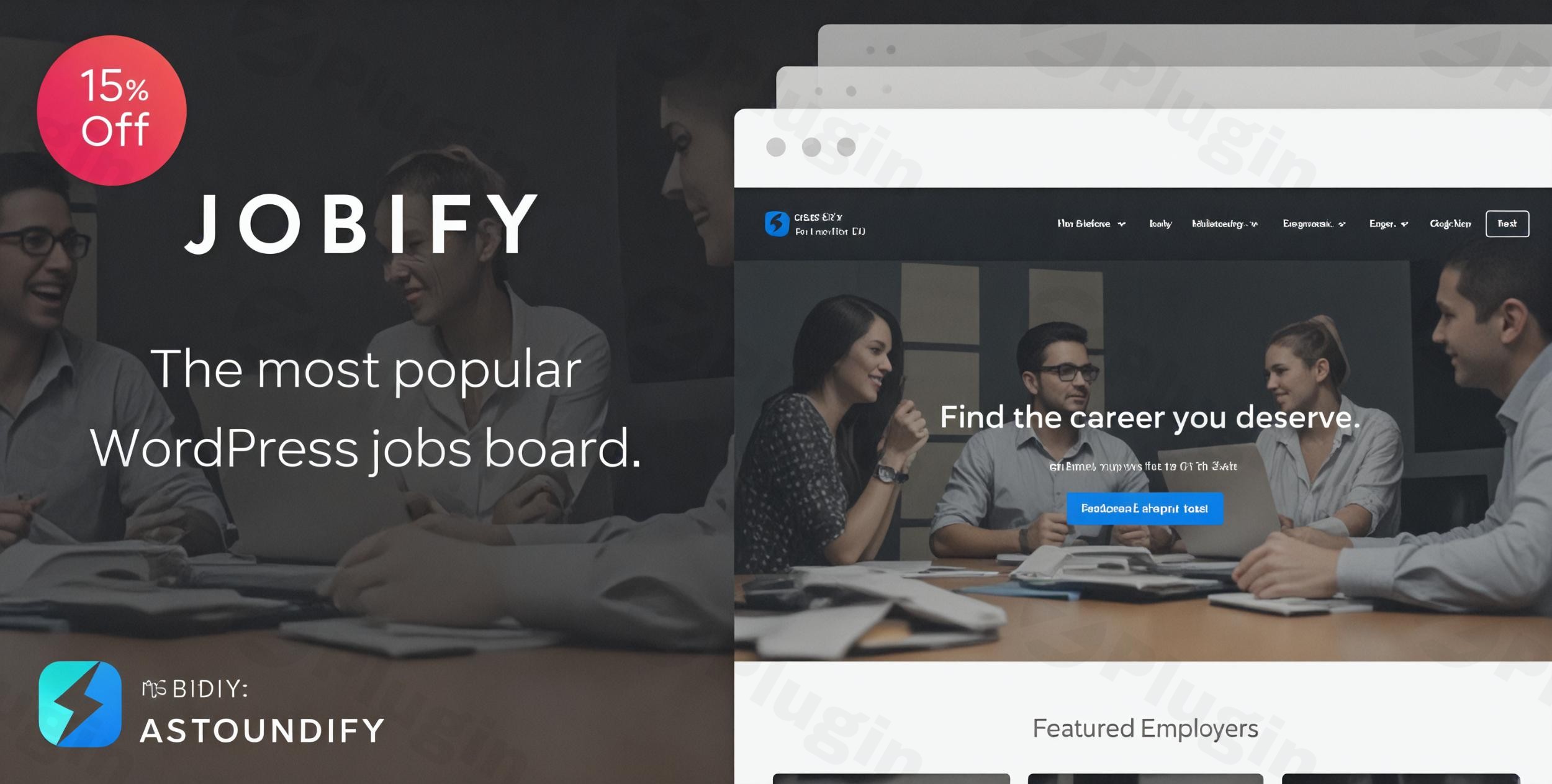
In today’s dynamic employment landscape, a robust and intuitive online presence is crucial for connecting talent with opportunity. Jobify stands out as a premier WordPress theme specifically engineered to transform any WordPress site into a sophisticated, high-performance job board. Developed by the reputable team at Astoundify, Jobify is more than just a theme; it’s a comprehensive solution for recruitment agencies, HR departments, and entrepreneurs looking to build a thriving community of employers and job seekers.
The Jobify Design Philosophy: Modern Aesthetics Meets Uncompromised Functionality
Jobify embodies a design philosophy centered on modernity, user experience, and professional appeal. Its sleek, contemporary design projects a savvy brand image, essential for attracting both top talent and reputable recruiters. The theme is crafted with an emphasis on visual appeal without sacrificing usability, ensuring that every interaction, from browsing jobs to submitting applications, is seamless and engaging. This balance of form and function makes Jobify an expert choice for anyone serious about online recruitment.
Core Design Features & Customization Capabilities
Jobify provides an extensive toolkit for creating a unique and branded job board that truly stands out.
Visually Stunning & Responsive Design
- Modern and Stylish Design: Jobify boasts a visually appealing interface that immediately conveys professionalism and ease of use.
- Retina Ready: Crafted for high-resolution displays, Jobify ensures your site’s graphics and text are always crisp and clear, providing a premium viewing experience.
- Fully Responsive Design: Essential for modern web standards, Jobify is built to be fully responsive. This means your job board will adapt flawlessly to any screen size—desktops, tablets, or smartphones—allowing users to search and apply for jobs, or recruiters to submit listings, from any device. This broad accessibility enhances user engagement and broadens your reach.
Unparalleled Customization at Your Fingertips
- Extensive Customization Options: Tailor every aspect of your site with ease. Jobify offers comprehensive control over color schemes, layouts, and typography.
- Drag-and-Drop Editor: The integration with popular page builders like Elementor (and the dedicated Elementify plugin for WP Job Manager features) simplifies the design process. This intuitive drag-and-drop interface allows even non-developers to customize the overall look and feel of their website without touching a single line of code.
- Revolution Slider Integration: Elevate your homepage or specific landing pages with dynamic, engaging content using the integrated Revolution Slider plugin. This allows for visually striking banners and showcases.
- Multiple Pre-Designed Layouts: Jumpstart your design process with a selection of pre-built layouts, offering a strong foundation that can be further customized to match your brand’s unique aesthetic.
- Theme Customizer: The native WordPress Customizer allows for real-time modification of general settings, colors, job display options, footer content, menus, and widgets, with instant live previews.
- Custom Widgets & Post Types: Enhance functionality with custom widgets for recent job postings, featured listings, testimonials, and other relevant information. Jobify also includes custom post types for “Jobs” and “Company” entries, streamlining content management.
- Flexible Homepage Widget Area: Easily arrange and display various content blocks on your homepage by simply dragging and dropping widgets into designated areas, giving you complete control over your site’s front-page presentation.
- Diverse Header Options: Choose from a variety of header styles to perfectly match your site’s branding and navigational needs.
- Custom Shortcodes: Streamline content creation with custom shortcodes for essential functionalities like Register, Login, Jobs listings, Job Dashboard, and Job Summary, embedding powerful features with minimal effort.
Technical Excellence & Performance Optimization
Jobify isn’t just about good looks; it’s built on a foundation of robust technical specifications designed for speed, compatibility, and search engine visibility.
Seamless Integration & Broad Compatibility
- Deep WP Job Manager Integration: At its core, Jobify is profoundly integrated with the popular WP Job Manager plugin, which provides all essential job board functionalities. This synergy allows for powerful features while offering the flexibility of changing themes without losing your critical job board data.
- Extensive Plugin Support: Jobify plays well with a wide array of leading WordPress plugins, including Resume Manager, NinjaForms, Gravity Forms, Testimonials by WooThemes, JetPack, Contact Form 7, WooCommerce (for monetization), and Elementor, ensuring you can extend your site’s capabilities as needed.
- WordPress & Cross-Browser Compatibility: Fully compatible with WordPress versions 4.6+ up to 6.8.x and meticulously tested across all major browsers (IE9, IE10, IE11, Firefox, Safari, Opera, Chrome, Edge) for consistent performance and display.
- Gutenberg Optimized: Ready for the latest WordPress block editor, Jobify ensures a smooth and intuitive content creation experience.
- Full Localization Support: With .po/.mo files included, translating your job board into multiple languages is straightforward, helping you reach a global audience.
Speed, SEO, and Stability
- SEO Optimized: Built with best-in-class SEO practices, Jobify features clean, optimized code that contributes to faster website loading speeds, improved user experience, and higher rankings in search engine results. This focus on SEO is crucial for attracting organic traffic to your job listings.
- Impressive Performance Scores: Jobify is engineered for speed, consistently achieving high marks in performance tests, with reports of excellent Page Speed and YSlow scores on GT Matrix. A fast website enhances user satisfaction and positively impacts SEO.
Target Audience & Ideal Use Cases
Jobify is a versatile theme perfectly suited for various applications within the recruitment and employment sector:
- Professional Job Board Websites: Ideal for building dedicated online job portals for general employment or niche industries.
- Recruitment Agencies: A powerful tool for recruitment firms to manage and display job openings, attract candidates, and streamline their hiring process.
- Human Resource Management: Companies can utilize Jobify to create internal or external career pages, managing applications efficiently.
- Community Building: Designed to foster an active community where employers can post vacancies and job seekers can find their next career opportunity.
Setting Up and Customizing Your Jobify Job Board
Getting your Jobify-powered job board up and running is a streamlined process designed for efficiency:
- Installation: After downloading Jobify, install it via your WordPress dashboard (Appearance > Themes > Add New > Upload Theme). Activate the theme, and you’re ready to begin.
- WP Job Manager Setup: Jobify’s core functionality relies on the WP Job Manager plugin. Install and activate this plugin (and any necessary add-ons like Resume Manager or Simple Paid Listings) to enable job listing, application management, and employer dashboards.
- Initial Configuration: Navigate to the WordPress Customizer (Appearance > Customize) to begin personalizing your site. Here, you can adjust global settings, colors, typography, header options, and more, all with live previews.
- Homepage Design: Utilize the intuitive drag-and-drop homepage widget area to arrange content blocks, featured job sections, testimonials, and calls to action. For advanced layouts, leverage Elementor with the Elementify plugin to craft unique page designs.
- Adding Content: Begin populating your job board using the custom post types for “Jobs” and “Companies.” Encourage employers to register and submit their listings.
- Monetization (Optional): If you plan to offer paid listings or featured job promotions, configure WooCommerce and the Simple Paid Listings add-on for WP Job Manager to set up pricing packages and payment gateways.
The Jobify Advantage: Expertise, Reliability, and Value
Choosing Jobify means investing in a solution backed by expertise, reliability, and continuous support.
- Developed by Experts: Astoundify, the team behind Jobify, has a proven track record of creating high-quality, well-coded WordPress themes, ensuring you receive a product built to professional standards.
- Positive User Feedback and High Ratings: Jobify consistently receives praise for its performance, functionality, and user-friendly interface, reflecting its strong reputation within the WordPress community.
- Premium Support & Updates: Your purchase typically includes 6 months of dedicated support from Astoundify, with options for extension. This ensures you have expert assistance when needed. Furthermore, regular updates guarantee compatibility with the latest WordPress versions, security enhancements, and new features, safeguarding your investment.
- Flexible Licensing: Jobify is generally licensed under GPL, offering flexibility for use on multiple projects.
- Monetization Ready: With seamless WooCommerce integration and support for WP Job Manager add-ons like Simple Paid Listings, Jobify empowers you to generate revenue through paid job submissions, featured listings, and membership packages for employers.While alternatives exist (such as WorkScout, Listify, or Careerfy), Jobify distinguished itself as one of the first and most comprehensively integrated themes with WP Job Manager, providing an all-around optimized experience that sets it apart.
Conclusion: Your Foundation for a Thriving Job Board
Jobify is more than just a premium WordPress theme; it’s a strategic asset for anyone serious about launching and scaling a successful online job board. Its blend of modern design, extensive customization options, robust technical foundation, and dedication to user experience makes it an unparalleled choice. By leveraging Jobify, you can create a professional, efficient, and visually appealing platform that effectively connects employers with the talent they need, delivering tangible value to both job seekers and recruiters alike. Invest in Jobify, and build the future of recruitment.
I. Download Limits & Account Benefits
- Free Downloads: Each email address receives 3 downloads per day for free products
- Upgrade Benefits: Purchase any paid product to increase your daily download limit by 3 for each paid product
- No Account Required: You can download immediately by receiving the download link via email
- Account Recommended: Create an account for easier access to your order history and direct update downloads
II. Understanding GPL vs Official Versions
Important: The products available on WPPick are GPL-licensed versions, which differ from official developer versions. Before purchasing, please read our comprehensive guide: Understanding GPL & Official Differences at WPPick
Key Points:
- GPL versions may not include premium support from original developers
- Updates may be delayed compared to official releases
- Some premium features might have limitations
- Always consider your specific needs and support requirements
III. Support & Assistance
We’re here to help through multiple channels:
- Email Support: Direct email assistance for all inquiries
- Live Chat: Real-time support during business hours
- Comprehensive Documentation: Detailed guides and tutorials
IV. Order Tracking
Access your complete purchase history and download links anytime: Order History
V. Account Access
New to WPPick? Login or Create Account to manage your downloads and orders efficiently.
VI. Refund Protection
We stand behind our products with a clear refund policy. Review our terms: Refund Policy
VII. Privacy & Security
Your data security is our priority. Learn how we protect your information: Privacy Policy
VII. Terms of Service
Understanding our service terms ensures a smooth experience: Terms of Use
Quick Tips for Best Experience
- Verify Compatibility: Check plugin/theme compatibility with your WordPress version
- Backup First: Always backup your site before installing new plugins or themes
- Test Environment: Consider testing on a staging site first
- Stay Updated: Regularly check for updates in your account dashboard
- Read Documentation: Review any included documentation for optimal setup
Need Help?
If you have questions about downloads, licensing, or need technical assistance, don’t hesitate to contact our support team. We’re committed to ensuring you have the best possible experience with WPPick products.
Ready to get started? Your download adventure begins with just one click!
- Incorrect plugin status display in demo setup guide
- Demo import issue on Skin 2 Elementor demo content
- Pricing plans template compatibility
- PHP bugs