
Kalium – Creative WordPress Theme For Professionals
/Year
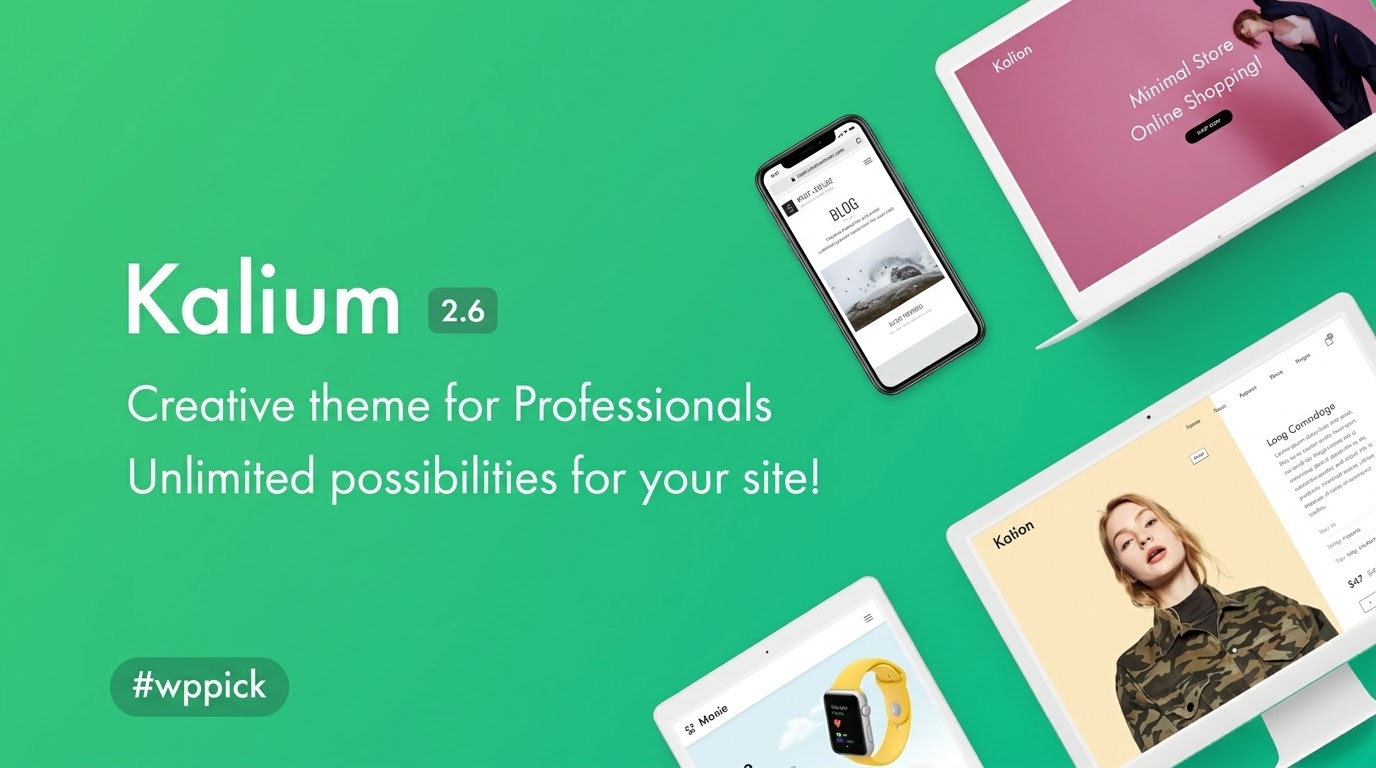
The Kalium WordPress theme stands out as a visually stunning and incredibly versatile solution for professionals, businesses, and creatives alike. Whether you’re a designer showcasing your portfolio, an entrepreneur launching an online store, or an agency building client websites, Kalium provides a robust and elegant platform to create an impactful online presence. This comprehensive review delves into Kalium’s design prowess, extensive features, ease of use, and overall value, making it clear why it’s a top choice for a high-converting, aesthetically pleasing website.
Introduction: Crafting Professional Websites with Kalium
In the competitive digital landscape, a website needs to be more than just functional; it needs to captivate and convert. The Kalium WordPress theme excels in this regard, offering an award-winning design philosophy that combines minimalist aesthetics with powerful features. It’s purpose-built for those who demand excellence in presentation – from individual freelancers to large corporate entities. Kalium empowers users to build sophisticated websites without needing deep coding knowledge, making it a fantastic choice for anyone looking for a creative WordPress theme for professionals.
Key Features: Design, Layout & Performance for Modern Websites
Kalium is packed with features designed to meet the demands of modern web design, focusing on both visual appeal and underlying performance.
Multipurpose Design & Layout Options
Kalium’s core strength lies in its adaptability. It’s a truly multipurpose theme, allowing you to create any type of website with ease, including:
- Portfolios: Showcase your work with unlimited portfolio layouts, including dynamic masonry and grid styles, unique hover effects, and rich lightbox options. This makes Kalium an ideal portfolio WordPress theme for photographers, artists, and designers.
- Agencies & Businesses: Build professional corporate sites, startup pages, or digital agency platforms.
- eCommerce Stores: Leverage its exceptional WooCommerce support to create beautiful, high-converting online shops.
- Blogs: Choose from various blog layouts and post formats for content creators.The theme offers a flexible drag-and-drop header builder with pre-made templates, options for sticky headers, and top bars, ensuring your site’s navigation is both functional and stylish. Multiple footer styling options further enhance global design control.
Customization Capabilities
Kalium provides granular control over your site’s appearance, ensuring your brand identity shines through:
- Color Schemes: Unlimited colors and skins offer extensive branding flexibility.
- Typography: Boasting an ultimate typography control system, Kalium supports over 1500 Google Fonts, Adobe Fonts integration, custom fonts, and premium typefaces. You can even self-host Google Fonts for GDPR compliance and faster loading, with responsive font sizes for different screen sizes. This detailed control over Kalium typography options ensures a refined visual hierarchy.
- Spacing, Containers, Sections, and Backgrounds: Fine-tune every element with flexible spacing options, parallax scrolling, and video backgrounds for immersive experiences.
- Global Styles: An advanced theme options panel and live customizer allow you to see real-time changes to site-wide settings, global typography, and layouts.
Premium Plugins Included
To further enhance its value, Kalium comes bundled with essential premium plugins, saving you hundreds of dollars:
- WPBakery Page Builder: A powerful drag-and-drop builder for intuitive page creation.
- Revolution Slider & LayerSlider: For creating stunning, animated sliders and visual content.
- WooCommerce Product Filter: Enhance the shopping experience in your online store.
Exceptional eCommerce Support
For those building online stores, Kalium offers seamless integration with WooCommerce. Features like custom shop layouts, product carousels, AJAX cart functionality, catalog mode, advanced product filters, and wishlists provide a sophisticated shopping experience. This makes Kalium WooCommerce compatibility a significant advantage for store owners.
Performance & SEO Features
Kalium is engineered for speed and search engine visibility:
- Optimized for Core Web Vitals: Built to be a lightweight theme with well-optimized code, aiming for fast loading speeds crucial for user experience and SEO.
- Built-in Performance Settings: Includes lazy loading for images (with an option to disable if using a third-party plugin) and efficient font rendering.
- Mobile Responsiveness: Fully responsive and retina-ready, ensuring optimal display across desktops, tablets, and smartphones.
- SEO Readiness: Adheres to modern industry standards for clean markup and structured headings, and is compatible with leading SEO plugins like Yoast SEO, Rank Math, and AIO SEO. This answers the common question, “Is Kalium good for SEO?” with a resounding yes.
Clean, Minimalist Design
The theme prioritizes elegant aesthetics with thoughtful white space and purposeful animations. This clean, uncluttered design philosophy ensures that your content remains the focal point, enhancing rather than distracting from the user experience.
Installation & One-Click Demo Import
Getting started with Kalium is designed to be straightforward, even for beginners.
- Install & Activate the Theme:
- Once you’ve downloaded Kalium from a trusted source like ZeroPlugin.com, log in to your WordPress dashboard.
- Navigate to
Appearance > Themes > Add New > Upload Theme. - Choose the Kalium theme zip file, click
Install Now, and thenActivate.
- Install Required Companion Plugins:
- After activation, Kalium will prompt you to install its recommended plugins, including WPBakery Page Builder, Revolution Slider, and LayerSlider. Install and activate these to unlock the theme’s full potential.
- Use the One-Click Demo Import:
- Kalium shines with its one-click demo import feature, offering over 25 professionally designed starter sites tailored for various industries (fashion, architecture, travel, medical, business, portfolio, agency, etc.).
- Go to
Appearance > Install Demos(or a similar path in the theme options). - Select your desired demo from the extensive library and click
Import. - What to expect: The demo import will automatically set up pages, posts, menus, widgets, and theme options, giving you a ready-to-customize website in minutes. Be aware that larger demo imports might require adequate server memory and timeout settings (often default in good hosting environments).
- After import, you’ll find a fully structured site that serves as an excellent starting point for your project.
Customization Guide: Branding Your Kalium Website
Personalizing Kalium to match your brand vision is intuitive, thanks to its powerful customization options.
- WordPress Customizer & Theme Options Panel: Access the live customizer via
Appearance > Customizefor real-time visual editing. For deeper global settings, Kalium provides an advanced theme options panel, allowing you to control site-wide settings, global typography, skins, and layouts. - Changing Colors & Fonts: Easily update your brand’s primary and secondary color palettes. With over 1500 Google Fonts and Adobe Fonts integration, you have ultimate typography control to set responsive font sizes, weights, and styles across your site.
- Logo & Header/Footer Layouts: Upload your custom logo and fine-tune your header layout using the drag-and-drop header builder. Experiment with sticky headers, top bars, and off-canvas menus. Similarly, customize your footer with various styling options and widget areas.
- Setting Up Homepage & Blog Page: Designate any page as your static homepage via
Settings > Reading. For your blog, create a new page and assign it as yourPosts pagein the same settings. - Menus: Create and manage your navigation menus under
Appearance > Menus, assigning them to your header, footer, or off-canvas areas. - Page Builder Integration: For content creation, Kalium integrates seamlessly with WPBakery Page Builder (bundled) and Elementor, allowing for intuitive drag-and-drop editing of your pages.
- Child Theme Compatibility: For developers or those planning significant code modifications, Kalium fully supports child themes. This is crucial for applying custom CSS/JS and ensuring your customizations are safe during theme updates. Instructions for Kalium child theme setup can typically be found in the theme’s documentation.
FAQ & Troubleshooting
Here are answers to common questions about the Kalium WordPress theme:
Is Kalium compatible with Elementor / WPBakery / Gutenberg?
Yes, Kalium is highly compatible with popular page builders. It comes bundled with WPBakery Page Builder and integrates seamlessly with Elementor, offering a flexible drag-and-drop editing experience. It is also compatible with the native WordPress Block Editor (Gutenberg).
Does Kalium support WooCommerce for online stores?
Absolutely. Kalium offers full and seamless integration with WooCommerce, providing advanced features like custom shop layouts, product carousels, AJAX cart, catalog mode, product filters, and custom product pages. It’s an excellent choice for building high-converting online shops.
Does Kalium support child themes?
Yes, Kalium is child theme compatible. Using a child theme is highly recommended if you plan to make custom modifications to the theme’s files or styles, as it ensures your changes are preserved when the main theme receives updates.
How can I update the Kalium theme without losing my customizations?
The safest way to update Kalium without losing customizations is to use a child theme for all your modifications. If you haven’t used a child theme, ensure you back up your entire website before updating. Theme updates can typically be performed directly through your WordPress dashboard if you have an active license.
What should I do if the Kalium demo import fails or looks different from the demo site?
If the demo import fails, first ensure your server meets the recommended requirements (often related to PHP memory limit and execution time, check the theme’s documentation). If it looks different, it might be due to missing image assets (demos sometimes use placeholder images not included in the import due to licensing), or specific theme options that need to be manually adjusted after import to match the live demo exactly. Always refer to Kalium’s official documentation for troubleshooting steps.
Conclusion: Why Kalium is a Smart Choice for Professionals
The Kalium WordPress theme stands as a premier solution for anyone seeking to build a professional, high-performance, and visually captivating website. Its intelligent blend of aesthetic flexibility, robust customization options, and commitment to performance makes it an outstanding investment.From its award-winning design and extensive layout options for portfolios and agencies to its powerful WooCommerce integration for store owners, Kalium offers unparalleled versatility. The inclusion of premium plugins like WPBakery Page Builder and Revolution Slider adds significant value, making it an excellent creative WordPress theme with drag and drop builder. Its optimization for Core Web Vitals and SEO readiness ensures your site is fast and discoverable by search engines.Whether you are a seasoned developer or a beginner entrepreneur, Kalium’s user-friendly interface, one-click demo import, and detailed customization controls simplify the web design process. It truly empowers creative professionals, businesses, and entrepreneurs to build the website they’ve always wanted. When you choose a reputable source like ZeroPlugin.com for your Kalium purchase, you also benefit from 100% GPL licensing, regular updates, and professional support, adding an extra layer of trustworthiness to your investment.
I. Download Limits & Account Benefits
- Free Downloads: Each email address receives 3 downloads per day for free products
- Upgrade Benefits: Purchase any paid product to increase your daily download limit by 3 for each paid product
- No Account Required: You can download immediately by receiving the download link via email
- Account Recommended: Create an account for easier access to your order history and direct update downloads
II. Understanding GPL vs Official Versions
Important: The products available on WPPick are GPL-licensed versions, which differ from official developer versions. Before purchasing, please read our comprehensive guide: Understanding GPL & Official Differences at WPPick
Key Points:
- GPL versions may not include premium support from original developers
- Updates may be delayed compared to official releases
- Some premium features might have limitations
- Always consider your specific needs and support requirements
III. Support & Assistance
We’re here to help through multiple channels:
- Email Support: Direct email assistance for all inquiries
- Live Chat: Real-time support during business hours
- Comprehensive Documentation: Detailed guides and tutorials
IV. Order Tracking
Access your complete purchase history and download links anytime: Order History
V. Account Access
New to WPPick? Login or Create Account to manage your downloads and orders efficiently.
VI. Refund Protection
We stand behind our products with a clear refund policy. Review our terms: Refund Policy
VII. Privacy & Security
Your data security is our priority. Learn how we protect your information: Privacy Policy
VII. Terms of Service
Understanding our service terms ensures a smooth experience: Terms of Use
Quick Tips for Best Experience
- Verify Compatibility: Check plugin/theme compatibility with your WordPress version
- Backup First: Always backup your site before installing new plugins or themes
- Test Environment: Consider testing on a staging site first
- Stay Updated: Regularly check for updates in your account dashboard
- Read Documentation: Review any included documentation for optimal setup
Need Help?
If you have questions about downloads, licensing, or need technical assistance, don’t hesitate to contact our support team. We’re committed to ensuring you have the best possible experience with WPPick products.
Ready to get started? Your download adventure begins with just one click!
- WooCommerce 10.6.x compatibility added
- Improved compatibility with Slider Revolution 7
- WooCommerce 10.5.x compatibility added
- Google Fonts list updated to the latest version
- Addressed a security issue reported by Wordfence
- Advanced Custom Fields Pro updated to the latest version in theme package – 6.7.0.2
- WPBakery Page Builder plugin updated to the latest version in theme package – 8.7.2
- Slider Revolution updated to the latest version in theme package – 6.7.40
- LayerSlider updated to the latest version in theme package – 8.1.2
- Google Fonts list updated to the latest version
- WooCommerce 10.2.x compatibility added
- Fixed several XSS vulnerabilities reported by Patchstack of severity up to 7.1
- Advanced Custom Fields Pro updated to the latest version in theme package – 6.6.0
- Slider Revolution updated to the latest version in theme package – 6.7.38
- WooCommerce 10.1.x compatibility added
- Advanced Custom Fields Pro updated to the latest version in theme package – 6.5.0.1
- WPBakery Page Builder plugin updated to the latest version in theme package – 8.6.1
- Slider Revolution updated to the latest version in theme package – 6.7.35
- LayerSlider updated to the latest version in theme package – 7.15.1
- WooCommerce 9.9.x compatibility added
- Various fixes and improvements
- LayerSlider updated to the latest version in theme package – 7.15.0
- Improved validation for endless pagination AJAX handler and template callbacks to enhance code execution safeguards (reported by Patchstack)
- Advanced Custom Fields Pro updated to the latest version in theme package – 6.4.2
- Slider Revolution updated to the latest version in theme package – 6.7.34
- Google Fonts list updated to the latest version