

Mafoil – Fashion Store Woocommerce Theme
/Year
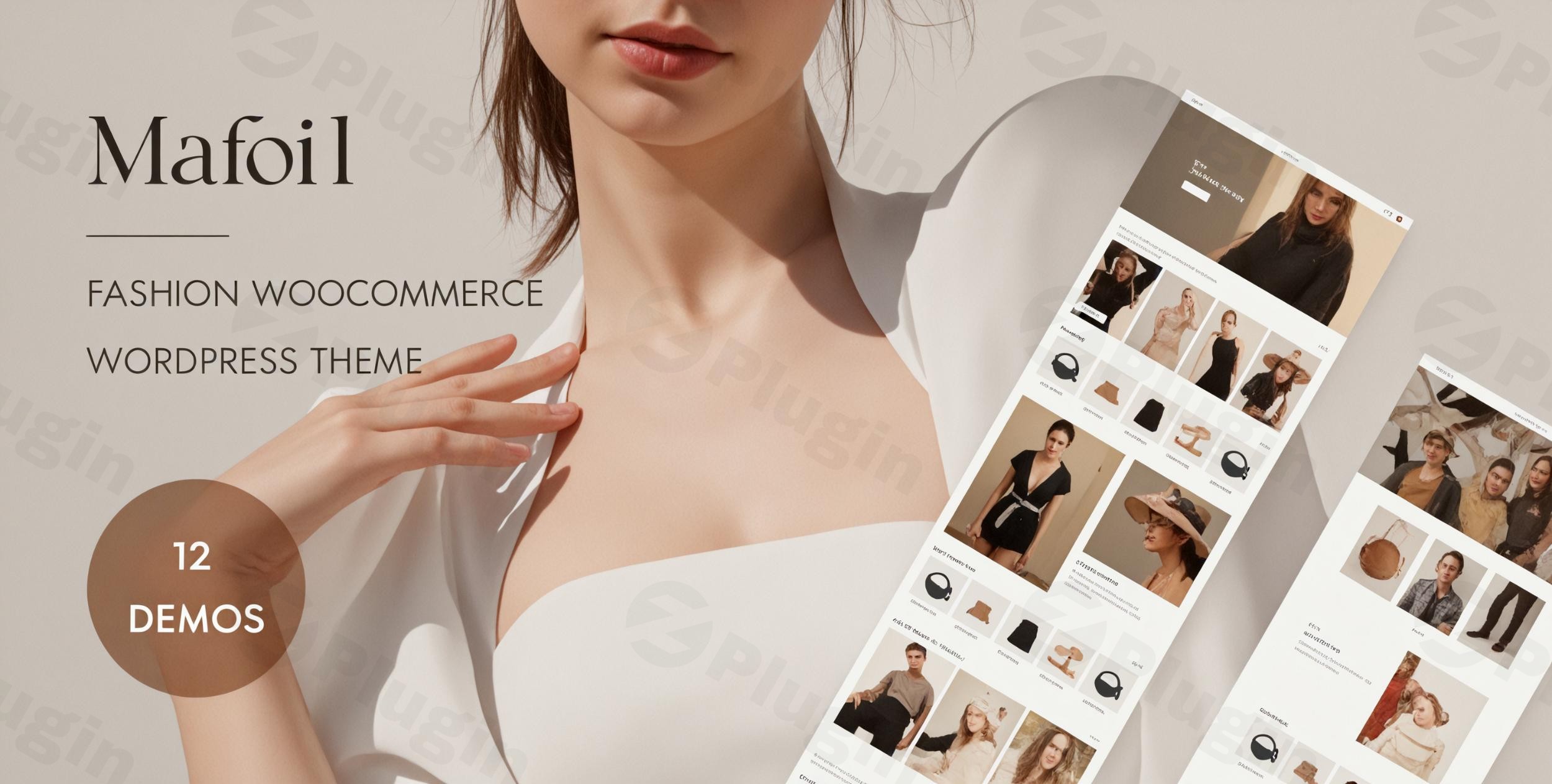
Build a Modern Digital Boutique with Mafoil
Mafoil is a highly responsive and feature-rich WordPress theme tailored specifically for digital boutiques, clothing brands, and online retail stores. Built to handle modern e-commerce requirements, this theme provides store owners with a polished aesthetic that balances design layout with conversion-focused functionalities. By combining seamless multi-vendor marketplace systems with dynamic customizer tools, it enables anyone to establish a highly professional online presence rapidly.
What Mafoil Does for Your Online Store
Mafoil establishes the foundation for an interactive digital storefront by controlling structural design, product positioning, and navigational menus. It coordinates smoothly with e-commerce operations to streamline store filtering, quick views, and promotional banners. The theme acts as a complete layout framework that helps reduce reliance on heavy external extensions by incorporating vital storefront utilities natively, resulting in faster browsing and lower card abandonment rates.
Who Should Use the Mafoil WordPress Theme
This theme is engineered for retail entrepreneurs, independent fashion designers, boutique owners, and web developers managing modern retail projects. It is equally suited for multi-vendor apparel marketplaces looking to scale operations with flexible catalog options. Whether you run a minimalist jewelry shop, a comprehensive clothing brand store, or a curated multi-merchant style platform, it adapts quickly to diverse inventory sizes and business structures.
Key Capabilities and Layout Features
- Seamless Elementor Integration: Build and modify layout templates intuitively using powerful drag-and-drop mechanics.
- Multi-Vendor Marketplace Support: Fully compatible with marketplace infrastructures like Dokan to enable independent merchant portals.
- Advanced Filtering Systems: Allows customers to refine search arrays by attributes such as price range, size variants, or color profiles.
- Optimized Sample Data Installer: Speeds up the foundational design phase by allowing easy replication of core theme layouts.
- Clean Code Infrastructure: Built with Bootstrap frameworks to maintain cross-device scalability and sharp layout representation.
Practical WordPress Use Cases
A flagship application for Mafoil is setting up a comprehensive multi-vendor fashion hub where independent clothing designers host custom storefronts under one umbrella brand. Another regular scenario includes fashion boutiques launching direct-to-consumer seasonal catalogs, utilizing structured megamenus and embedded video banners to introduce new apparel collections. Additionally, dropshipping storefronts utilize its grid systems to exhibit high-volume product options beautifully.
Setup, Installation, and Theme Compatibility
Deploying Mafoil follows standard WordPress guidelines by uploading the theme zip file through the appearance panel. Once activated, users can initiate the sample data importer to quickly install core styling presets. The framework is designed for total compatibility with the latest versions of WooCommerce, major multi-vendor extensions, and leading translation engines like WPML for international market expansion.
Why Download Mafoil from WPPick
Acquiring Mafoil via WPPick provides store managers with fully verified, secure theme files devoid of unwanted hidden scripts. It allows creators to test layout aesthetics, examine multi-vendor configurations, and develop locally before committing heavily to massive long-term premium plans. This balance offers an affordable path toward launching top-tier commerce platforms safely.
Latest Version Context and Updates
Detailed release notes are not available from the provided sources for version 1.3.3. While reference records show development tracking indicators for recent iterations, official documentation explaining specific codebase modifications has not been cataloged on primary public release paths. Users can maintain confidence that the standard features continue to deliver robust shop layouts and responsive storefront frameworks.
Frequently Asked Questions
Can I build a multi-vendor marketplace using Mafoil?
Yes, Mafoil is designed with full multi-vendor compatibility. It integrates cleanly with external multi-merchant systems, allowing independent vendors to set up custom storefronts, list individual apparel inventories, and manage custom orders inside your unified fashion marketplace portal.
Does Mafoil require manual coding knowledge to customize layouts?
No manual coding is necessary. The theme features native integration with the Elementor page builder, enabling administrators to modify column widths, reposition text fields, swap image assets, and configure complex product grids through a visual drag-and-drop canvas.
Is this theme optimized for mobile shopping experiences?
Yes, Mafoil is engineered using the responsive Bootstrap framework. This structural codebase ensures that product galleries, promotional banners, checkout pathways, and menu trees scale smoothly across smartphones, tablets, laptops, and wide desktop displays.
Can I translate the Mafoil storefront into multiple languages?
Yes, Mafoil supports localization workflows and maintains compatibility with premium translation tools like WPML. This architecture lets global store administrators convert button text, product details, and site navigation elements into diverse regional languages effortlessly.
I. Download Limits & Account Benefits
- Free Downloads: Each email address receives 3 downloads per day for free products
- Upgrade Benefits: Purchase any paid product to increase your daily download limit by 3 for each paid product
- No Account Required: You can download immediately by receiving the download link via email
- Account Recommended: Create an account for easier access to your order history and direct update downloads
II. Understanding GPL vs Official Versions
Important: The products available on WPPick are GPL-licensed versions, which differ from official developer versions. Before purchasing, please read our comprehensive guide: Understanding GPL & Official Differences at WPPick
Key Points:
- GPL versions may not include premium support from original developers
- Updates may be delayed compared to official releases
- Some premium features might have limitations
- Always consider your specific needs and support requirements
III. Support & Assistance
We’re here to help through multiple channels:
- Email Support: Direct email assistance for all inquiries
- Live Chat: Real-time support during business hours
- Comprehensive Documentation: Detailed guides and tutorials
IV. Order Tracking
Access your complete purchase history and download links anytime: Order History
V. Account Access
New to WPPick? Login or Create Account to manage your downloads and orders efficiently.
VI. Refund Protection
We stand behind our products with a clear refund policy. Review our terms: Refund Policy
VII. Privacy & Security
Your data security is our priority. Learn how we protect your information: Privacy Policy
VII. Terms of Service
Understanding our service terms ensures a smooth experience: Terms of Use
Quick Tips for Best Experience
- Verify Compatibility: Check plugin/theme compatibility with your WordPress version
- Backup First: Always backup your site before installing new plugins or themes
- Test Environment: Consider testing on a staging site first
- Stay Updated: Regularly check for updates in your account dashboard
- Read Documentation: Review any included documentation for optimal setup
Need Help?
If you have questions about downloads, licensing, or need technical assistance, don’t hesitate to contact our support team. We’re committed to ensuring you have the best possible experience with WPPick products.
Ready to get started? Your download adventure begins with just one click!
- Comes with built-in integration for Wpbingo AI Commander for WooCommerce.
- Update woocommerce template files.
- Update woocommerce template files.
- Import Megamenu when installing Sample Data.
- Included the latest version of Revolution Slider.
- Update woocommerce template files.
- Improve the sample data import time.
- Release on 24 October 2025
- Initial release