

Merto – Multipurpose Woocommerce WordPress Theme
/Year
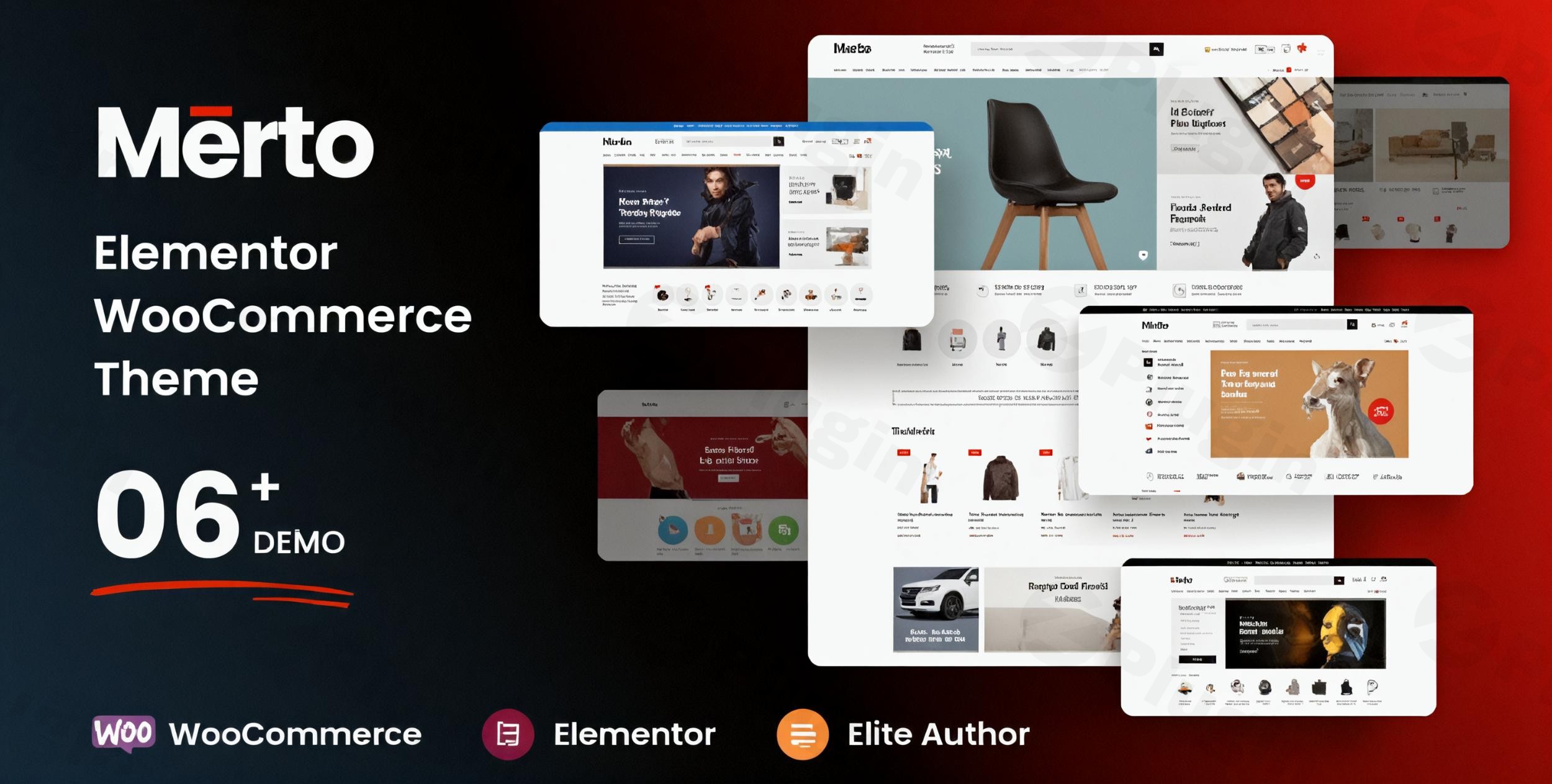
Building a successful online store requires a robust, flexible, and visually appealing foundation. The Merto Multipurpose WooCommerce WordPress Theme emerges as a top contender, designed specifically to empower store owners, freelancers, and agencies to create stunning and highly functional eCommerce websites across diverse niches. Whether you’re selling fashion, electronics, furniture, or groceries, Merto provides the tools to launch a professional online presence with ease, blending modern aesthetics with powerful e-commerce functionality.
Introduction: Your Versatile Partner for Online Retail
Merto is a premium WooCommerce WordPress theme crafted by Skygroup, aimed at delivering a feature-rich, user-friendly, and conversion-focused platform for online shopping. Its design philosophy centers on clean merchandising, flexible layouts, and an intuitive user experience, making it ideal for anyone looking to establish or revitalize an online store without needing extensive coding knowledge. This Merto WordPress theme review will delve into its capabilities, guiding you through its features, setup, and customization to help you unlock its full potential.
Key Features: Design, Layout & Performance for Modern eCommerce
Merto is packed with features that cater to both design enthusiasts and performance-conscious store owners, ensuring your online shop looks great and performs efficiently.
Design & Layout Options
Merto offers exceptional design flexibility to suit any brand aesthetic. It boasts a fully responsive layout, guaranteeing your store looks impeccable on all devices, from desktops to smartphones. With multiple pre-designed homepage layouts (over 6 unique options), you can quickly establish a distinctive look. The theme also includes 12+ product detail layouts and 9+ shop layouts, providing ample choices for showcasing your products effectively. For enhanced navigation, a powerful Mega Menu functionality is built-in, allowing for complex, multi-column menus with icons and background images. Merto even supports RTL language, expanding its reach to a global audience. The theme also supports a boxed layout for a different visual presentation.Beyond the basics, Merto integrates unique visual elements like custom “TS Elements” for Elementor, which are pre-designed components for products, deals with countdowns, categories, brands, banners, and more, streamlining your design process. Two distinct product hover styles and support for color swatches for variable products further enhance product presentation, helping customers visualize choices more clearly.
Customization Capabilities
At the heart of Merto’s flexibility is its deep integration with Elementor Page Builder, allowing for intuitive drag-and-drop customization of virtually every aspect of your site. This means you can design complex pages without touching a single line of code. The theme also includes the Slider Revolution plugin, enabling you to create dynamic and engaging sliders for promotions or product showcases.For global styling, Merto features a powerful Theme Options Panel, built with the Redux Framework. This panel gives you control over unlimited color choices and integrates with Google Fonts, providing access to over 896 fonts for extensive typographic control. You can easily customize headers with flexible options like sticky headers, store notices, and social icons, even overriding them on a per-page basis. A dedicated Footer Builder allows you to visually create and assign footer blocks using Elementor. With unlimited sidebars and multi-widget support, including a specific Filter Widget Area for shop and category pages, you have granular control over content placement.
Performance & SEO Features
The Merto WooCommerce theme is engineered for speed and a smooth user experience. It’s described as a lightweight WooCommerce theme Merto that delivers “high-speed performance” and “fast loading speed.” Features like AJAX search functionality, AJAX shopping cart, and single product AJAX add to cart contribute significantly to this, allowing customers to interact with your store without full page reloads. The shop load more/infinite scroll options also enhance perceived performance by loading products dynamically.Being 100% mobile-responsive ensures that your store adapts flawlessly to any screen size, which is crucial for both user experience and SEO. Its cross-browser compatibility further guarantees a consistent experience for all visitors. While specific schema markup details are not explicitly highlighted, modern WordPress themes like Merto are generally built with SEO-friendly structures, ensuring clean code and proper heading hierarchy that search engines appreciate.
Installation & Demo Import: Get Your Store Running Fast
Setting up your Merto Multipurpose WooCommerce WordPress Theme is designed to be straightforward, even for those new to WordPress. The one-click demo import feature is a standout, allowing you to replicate the theme’s stunning demo sites quickly.
- Install & Activate the Theme:
- After purchasing Merto, download the theme files.
- Log in to your WordPress dashboard.
- Navigate to
Appearance > Themes > Add New > Upload Theme. - Choose the Merto theme
.zipfile and clickInstall Now. - Once installed, click
Activate.
- Install Required Companion Plugins:
- Upon activation, Merto will likely prompt you to install recommended plugins, including WooCommerce, Elementor Page Builder, and Slider Revolution. It’s crucial to install and activate these plugins for the theme to function as intended and for demo import to work correctly.
- Use the Theme’s One-Click Demo Import:
- Merto typically includes a dedicated importer (often called “Merto Importer” or similar) accessible via your WordPress dashboard (e.g.,
Appearance > Import Demo Dataor a dedicated theme menu item). - Navigate to this section and select the demo layout you wish to import.
- Click the “Import” button.
- Merto typically includes a dedicated importer (often called “Merto Importer” or similar) accessible via your WordPress dashboard (e.g.,
- What to Expect During/After Demo Import:
- The Merto theme demo import will populate your site with sample content, pages, posts, widgets, and menu structures, making your site look very similar to the chosen demo.
- Tip: Large demo imports can be resource-intensive. If you encounter issues (e.g., timeout errors), ensure your server’s PHP memory limit and execution time are sufficiently high (e.g.,
memory_limitto 256MB+ andmax_execution_timeto 300+ seconds). Contact your hosting provider if you need assistance with these settings. - After import, you’ll need to go to
Appearance > MenusandAppearance > Widgetsto assign the imported menus and widgets to your desired locations. You’ll also set your homepage underSettings > Reading.
Customization Guide: Branding Your Merto Store
Personalizing your Merto WordPress theme to reflect your brand identity is intuitive, thanks to its powerful customization options and Elementor integration.
- Using the Theme Options Panel: Access Merto’s comprehensive Theme Options Panel (often found under
Appearance > Theme Optionsor a dedicated Merto menu item). Here, you can define global styles for your entire site, including:- Colors: Set your brand’s primary and secondary color palettes. Merto offers unlimited color choices, allowing for precise brand matching.
- Typography: Choose from hundreds of Google Fonts to establish your site’s heading and body text styles, ensuring readability and brand consistency.
- General Layout: Adjust site-wide settings like boxed or full-width layouts.
- Customizing Headers and Footers:
- The flexible header options allow you to customize logos, add social icons, integrate hotline numbers, and manage store notices. Many of these can be set globally and overridden on specific pages.
- The dedicated Footer Builder (powered by Elementor) enables visual creation of your footer blocks. You can drag and drop elements, add widgets, and assign these custom footers globally or per page.
- Designing with Elementor: For specific page layouts, including your homepage, product pages, and shop archives, Elementor Page Builder integration is key. You can open any page with Elementor and use its intuitive drag-and-drop interface, along with Merto’s custom “TS Elements,” to craft unique designs.
- Setting Up Pages and Menus:
- After demo import, navigate to
Settings > Readingto set your desired static homepage and blog post page. - Go to
Appearance > Menusto manage and assign your navigation menus, leveraging Merto’s Mega Menu builder for advanced navigation structures.The entire customization experience is designed to be user-friendly, allowing you to achieve a professional, branded look without requiring any coding expertise.
- After demo import, navigate to
FAQ & Troubleshooting
Here are answers to common questions about the Merto WordPress Theme:
Q: Is Merto compatible with Elementor/Gutenberg, and other major page builders?
A: Merto is built with strong compatibility and deep integration with Elementor Page Builder, offering extensive drag-and-drop functionality and custom elements. While it is a modern WordPress theme and is expected to have basic compatibility with the Block Editor (Gutenberg), its primary page-building strength lies with Elementor. There is no explicit mention of compatibility with other major page builders like WPBakery or Beaver Builder in the provided documentation.
Q: Does Merto support WooCommerce for online stores?
A: Yes, Merto is a dedicated WooCommerce theme and offers full integration with WooCommerce. It includes various enhancements specifically for online stores, such as product labels, Quickshop (quick view), AJAX search, configurable shop/category and product detail templates, AJAX cart, single AJAX add to cart, shop load more/infinite scroll, and product filtering by color.
Q: How can I import demo content in the Merto theme?
A: The Merto theme features an easy one-click demo import function, typically via a dedicated “Merto Importer” or similar option in your WordPress dashboard (often under Appearance > Import Demo Data). After installing and activating the theme and its recommended plugins, you can select your desired demo and initiate the import process to replicate the demo site’s layout and content.
Q: What key plugins is Merto compatible with?
A: In addition to core WooCommerce and Elementor integration, Merto is compatible with several other important plugins including Slider Revolution, YITH Wishlist, YITH WooCommerce Frequently Bought Together, Mailchimp Subscription, WPML (for multi-language support), Contact Form 7, and Dokan (for multi-vendor marketplaces).
Q: Is Merto theme mobile-responsive and optimized for performance?
A: Yes, Merto boasts a 100% mobile-responsive design, ensuring your website looks and functions optimally on all devices. It is described as a “lightweight” theme built for “high-speed performance” and “fast loading speed,” thanks to features like AJAX search, AJAX cart, and lazy loading (implied by load more/infinite scroll options).
Conclusion: Why Merto is an Excellent Choice for Your Online Store
The Merto Multipurpose WooCommerce WordPress Theme stands out as a highly capable and versatile solution for anyone looking to build a professional and high-performing online store. Its exceptional design flexibility, powered by over 6 unique homepages and numerous product/shop layouts, combined with robust customization options via Elementor and a powerful Theme Options Panel, allows for virtually limitless branding possibilities.From a performance standpoint, Merto is engineered to be lightweight and fast, providing a smooth user experience that can positively impact conversion rates. Its deep integration with WooCommerce, coupled with advanced AJAX functionalities and specialized shop features, ensures your store is not just beautiful but also highly functional.Merto is an ideal choice for store owners seeking an intuitive platform for effortless customization, freelancers and agencies building client sites that demand flexibility and performance, and even beginners who can leverage its one-click demo import and drag-and-drop capabilities. If you’re seeking a dedicated, feature-rich, and conversion-focused Elementor WooCommerce theme Merto offers an impressive package that can propel your online business forward.
I. Download Limits & Account Benefits
- Free Downloads: Each email address receives 3 downloads per day for free products
- Upgrade Benefits: Purchase any paid product to increase your daily download limit by 3 for each paid product
- No Account Required: You can download immediately by receiving the download link via email
- Account Recommended: Create an account for easier access to your order history and direct update downloads
II. Understanding GPL vs Official Versions
Important: The products available on WPPick are GPL-licensed versions, which differ from official developer versions. Before purchasing, please read our comprehensive guide: Understanding GPL & Official Differences at WPPick
Key Points:
- GPL versions may not include premium support from original developers
- Updates may be delayed compared to official releases
- Some premium features might have limitations
- Always consider your specific needs and support requirements
III. Support & Assistance
We’re here to help through multiple channels:
- Email Support: Direct email assistance for all inquiries
- Live Chat: Real-time support during business hours
- Comprehensive Documentation: Detailed guides and tutorials
IV. Order Tracking
Access your complete purchase history and download links anytime: Order History
V. Account Access
New to WPPick? Login or Create Account to manage your downloads and orders efficiently.
VI. Refund Protection
We stand behind our products with a clear refund policy. Review our terms: Refund Policy
VII. Privacy & Security
Your data security is our priority. Learn how we protect your information: Privacy Policy
VII. Terms of Service
Understanding our service terms ensures a smooth experience: Terms of Use
Quick Tips for Best Experience
- Verify Compatibility: Check plugin/theme compatibility with your WordPress version
- Backup First: Always backup your site before installing new plugins or themes
- Test Environment: Consider testing on a staging site first
- Stay Updated: Regularly check for updates in your account dashboard
- Read Documentation: Review any included documentation for optimal setup
Need Help?
If you have questions about downloads, licensing, or need technical assistance, don’t hesitate to contact our support team. We’re committed to ensuring you have the best possible experience with WPPick products.
Ready to get started? Your download adventure begins with just one click!
- Update: Importer
- Update: Slider Revolution 6.7.50
- Tweak: compatible with WordPress 6.9.4
- Tweak: compatible with Elementor 3.35.7
- Tweak: compatible with WooCommerce 10.6.1
- Update: Slider Revolution 6.7.40
- Tweak: compatible with Elementor 3.33.4
- Tweak: compatible with WooCommerce 10.4.2
- Compatible with WordPress 6.9
- Compatible with Elementor 3.33.3
- Compatible with WooCommerce 10.3.6
- Update: Slider Revolution 6.7.39
- Update: Importer
- Tweak: compatible with Elementor 3.33.1
- Tweak: compatible with WooCommerce 10.3.5
- compatible with Elementor 3.32.5
- compatible with WooCommerce 10.3.4
- Tweak: compatible with Elementor 3.32.3
- Tweak: compatible with WooCommerce 10.2.2
- Update: Slider Revolution 6.7.38
- compatible with Elementor 3.31.5
- compatible with WooCommerce 10.1.2
- Slider Revolution 6.7.37
- Compare feature
- Compatible with WooCommerce 10.1.0
- Importer
- Slider Revolution 6.7.36
- compatible with Elementor 3.31.2