

Motta – Multi-vendor And Marketplace WordPress Theme
/Year
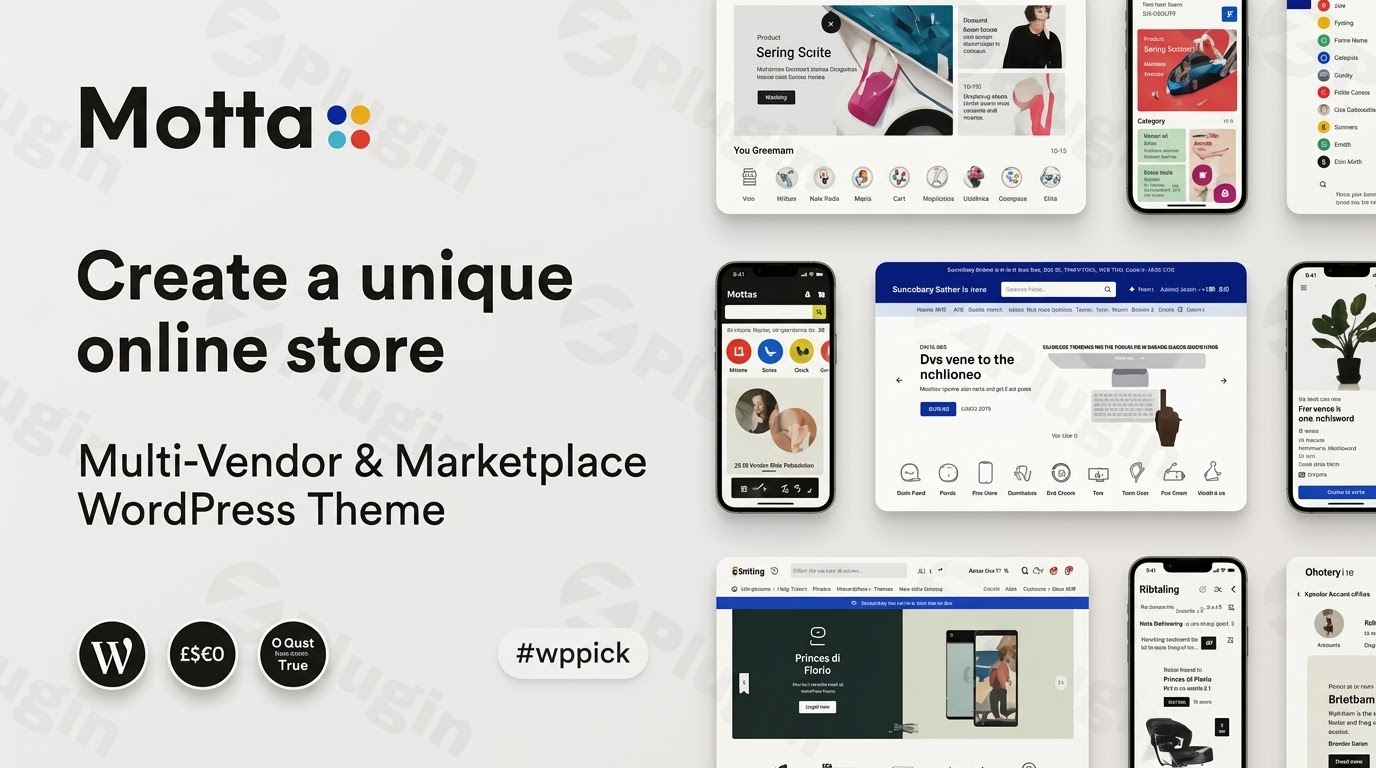
Build a Professional Multi-Vendor Marketplace with Motta
Motta is a high-performance WordPress theme engineered specifically for creating multi-vendor marketplaces, modern online storefronts, and large-scale digital shopping malls. It establishes a complete multi-merchant infrastructure on your website, allowing independent sellers to sign up, manage their inventory, and fulfill customer orders seamlessly. Built on a framework designed to maximize conversions, Motta provides a clean interface modeled after major global retail platforms.
What Motta Does and Who It Is For
Motta transforms standard WordPress installations into functional multi-vendor environments. It coordinates the user experience for three separate user roles: store owners, independent vendors, and end consumers. This theme is built for digital entrepreneurs, agency developers, and retail businesses looking to establish digital malls, hyper-local marketplaces, or niche curation stores. By providing structural flexibility, it serves physical goods, digital downloads, and rental options under a unified ecosystem.
Key Capabilities and Multi-Merchant Features
- Seamless multi-vendor integration supporting complex store configurations and distribution.
- Advanced front-end vendor dashboards that simplify inventory control, payout tracking, and order updates without accessing the WordPress admin backend.
- Highly optimized Ajax search filters and live auto-complete options to accelerate product discovery.
- Mobile-centric responsive layouts constructed to minimize cumulative layout shifts and improve handheld checkout conversion rates.
- Versatile shop display alternatives with multiple layout styles, product variant swatches, and custom individual single-product templates.
Practical WordPress Use Cases
You can deploy Motta for an array of commercial operations. For instance, you can establish an electronic goods megastore with automatic multi-vendor commission splits, or launch an artisan craft collective where localized sellers maintain independent digital storefronts. It also works effectively for fashion retail brands seeking a hybrid setup that combines corporate catalog inventory with selected third-party merchant channels.
Setup and Integration Context
Motta functions as an extension of WooCommerce. It incorporates native support for leading multi-vendor plugins, primarily Dokan and multi-merchant extensions. This compatibility ensures that store setups, commission workflows, registration screens, and specialized vendor sidebars synchronize correctly without requiring extensive custom styling or complex development overrides.
Why Choose Motta on WPPick
Downloading Motta from WPPick provides you with clean, un-modified code files tailored for rapid evaluation and deployment. This asset allows you to test layout architectures, establish staging multi-vendor environments, and refine performance profiles before committing to massive marketplace infrastructure buildouts.
Latest Version Context
Detailed official release notes for this specific version are not available from the provided external research sources. However, internal tracking indicates this structural release focuses on aligning core theme components with underlying e-commerce frameworks and maintaining template consistency for shop front-ends.
Frequently Asked Questions
Which multi-vendor plugins work best with Motta?
Motta is engineered to operate smoothly with major multi-merchant plugins, specifically Dokan. It applies customized CSS styling and responsive layout rules directly to vendor front-end panels, preventing display anomalies during critical sales processes.
Can I run a single-vendor store using this theme?
Yes. While Motta features extensive marketplace infrastructure, it functions perfectly well as a standard single-vendor store theme. You can disable multi-vendor registration features to present a cohesive corporate brand catalog.
Is the front-end shopping experience optimized for mobile phones?
Motta prioritizes a mobile-first interface structure. The theme limits asset weights, uses optimized touch elements, and ensures product details, menus, and cart summaries remain completely accessible across small-screen browsers.
Does Motta include native AJAX product search capabilities?
Yes, Motta incorporates fast live product filtering and live auto-complete search workflows. This configuration accelerates user discovery across extensive multi-vendor product catalogs without placing excessive strains on server processing resources.
I. Download Limits & Account Benefits
- Free Downloads: Each email address receives 3 downloads per day for free products
- Upgrade Benefits: Purchase any paid product to increase your daily download limit by 3 for each paid product
- No Account Required: You can download immediately by receiving the download link via email
- Account Recommended: Create an account for easier access to your order history and direct update downloads
II. Understanding GPL vs Official Versions
Important: The products available on WPPick are GPL-licensed versions, which differ from official developer versions. Before purchasing, please read our comprehensive guide: Understanding GPL & Official Differences at WPPick
Key Points:
- GPL versions may not include premium support from original developers
- Updates may be delayed compared to official releases
- Some premium features might have limitations
- Always consider your specific needs and support requirements
III. Support & Assistance
We’re here to help through multiple channels:
- Email Support: Direct email assistance for all inquiries
- Live Chat: Real-time support during business hours
- Comprehensive Documentation: Detailed guides and tutorials
IV. Order Tracking
Access your complete purchase history and download links anytime: Order History
V. Account Access
New to WPPick? Login or Create Account to manage your downloads and orders efficiently.
VI. Refund Protection
We stand behind our products with a clear refund policy. Review our terms: Refund Policy
VII. Privacy & Security
Your data security is our priority. Learn how we protect your information: Privacy Policy
VII. Terms of Service
Understanding our service terms ensures a smooth experience: Terms of Use
Quick Tips for Best Experience
- Verify Compatibility: Check plugin/theme compatibility with your WordPress version
- Backup First: Always backup your site before installing new plugins or themes
- Test Environment: Consider testing on a staging site first
- Stay Updated: Regularly check for updates in your account dashboard
- Read Documentation: Review any included documentation for optimal setup
Need Help?
If you have questions about downloads, licensing, or need technical assistance, don’t hesitate to contact our support team. We’re committed to ensuring you have the best possible experience with WPPick products.
Ready to get started? Your download adventure begins with just one click!
- Updated: The templates of WooCommerce 10.2
- Enhanced: Page header's content now supports shortcodes.
- Fixed: "Buy Now" button not working properly.
- Fixed: Issues with custom single product templates.
- Fixed: CSS issues on the Dokan dashboard.
- Fixed: Sharing options not displaying.
- Fixed: FiboSearch modal appearing at the bottom of the page.
- Fixed: Low-stock message not showing for product variations.
- Fixed: Layout shift issues with product card layouts v1 and v2.
- Fixed: Overlapping text in the product description on mobile.
- The templates of WooCommerce 10.1
- Auto-focus on the search field on mobile
- The templates of WooCommerce 9.9
- CSS inconsistencies in the product gallery layout
- Store page header layout issues on the store page when using Dokan
- Incorrect display of top categories on the shop page
- Errors occurring when the Motta Addons plugin is not installed
- Updated: The templates of WooCommerce 9.8.1
- AJAX search shows out-of-stock products
- Related Posts section is not displayed
- Compatibility with WooCommerce 9.7.1 templates
- CSS issues affecting the checkout form