
Nika – Medical Elementor Woocommerce Theme
/Year
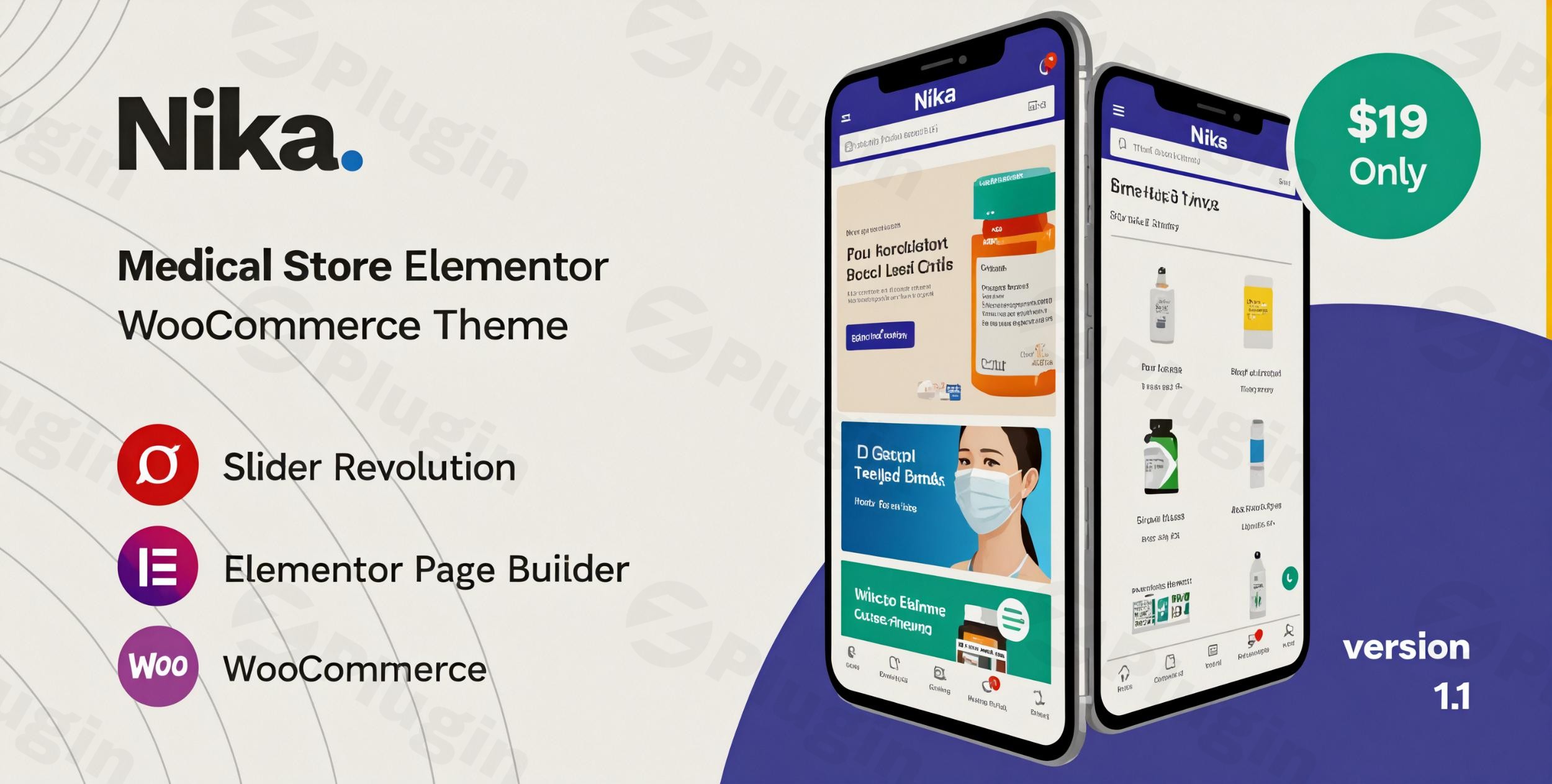
Are you a private clinic, pharmacy store, or medical device trader looking to establish a professional, high-converting online presence? The Nika Medical Elementor WooCommerce Theme is precisely designed to meet your needs. With its clean, modern aesthetic and robust feature set, Nika empowers healthcare businesses to build stunning, mobile-optimized online stores without writing a single line of code. This theme combines the drag-and-drop power of Elementor with the comprehensive e-commerce capabilities of WooCommerce, making it an ideal choice for medical professionals and businesses aiming to expand their reach in the digital realm.
Key Features: Design, Layout & Performance
Nika isn’t just visually appealing; it’s engineered for functionality, offering a seamless user experience and powerful backend capabilities tailored for the medical industry.
Design & Layout Options
Nika helps you launch quickly with an impressive array of pre-designed content. You get 300+ pre-designed pages, including elegant homepages, detailed product listings, and essential contact sections. The theme supports both grid view and list view for your shop pages, giving customers flexibility in how they browse products. With multiple header and footer layouts that can be built and customized using Elementor, you have complete control over your site’s top and bottom navigation. Its mobile-first design ensures your site looks stunning and performs flawlessly on any device, providing an app-like experience for shoppers.
Customization Capabilities
At its core, Nika is optimized for Elementor, providing an intuitive drag-and-drop interface for effortless customization. You can easily adjust spacing, containers, sections, and backgrounds to create a unique look. The theme is powered by the Redux Framework, offering flexible and advanced theme options for comprehensive control over your site’s appearance. While focused on a clean, minimalist aesthetic, Nika also ensures typography flexibility with compatibility for Font Awesome Version 5 and Font Simple Line Icons. You can further fine-tune your site with custom CSS & JS directly within the theme settings.
Performance & SEO Features
In the fast-paced medical sector, speed and visibility are paramount. Nika boasts claims of High Speed & Performance and is SEO Optimized, ensuring your online store loads quickly for patient convenience and ranks well in search results. Its fully responsive and Retina Ready design guarantees a crisp display and excellent user experience across all devices and browsers (Chrome, Edge, Firefox, IE11, Opera, Safari). This focus on performance and clean, optimized code makes Nika a strong contender for businesses prioritizing discoverability and user satisfaction.
Installation & Demo Import
Getting started with Nika is designed to be straightforward, even for those new to WordPress.
- Install & Activate the Theme: First, log into your WordPress dashboard. Navigate to
Appearance > Themes > Add New > Upload Theme. Choose the Nika theme zip file and click ‘Install Now’. Once installed, click ‘Activate’. - Install Required Plugins: Upon activation, Nika will prompt you to install a set of recommended plugins. This typically includes Elementor, WooCommerce, Slider Revolution, and others essential for the theme’s full functionality. Install and activate all of these to ensure your site runs smoothly.
- One-Click Demo Import: Nika features a powerful one-click demo installation. After installing the necessary plugins, look for a “Demo Import” or “Import Demo Data” option in your WordPress dashboard, often under
Appearanceor a dedicated theme menu. Select your preferred demo layout and initiate the import. This process will populate your site with pre-designed pages, posts, sliders, and essential settings, mirroring the professional demo site. - Post-Import Adjustments: After the demo import is complete, you’ll need to set up your primary navigation menus (under
Appearance > Menus) and assign your homepage and blog page (underSettings > Reading). You may also need to re-link some images or adjust content to reflect your specific medical business.Tip: Large demo imports can sometimes time out on shared hosting. If you encounter issues, consider temporarily increasing your PHPmax_execution_timeandmemory_limitvalues in your server’sphp.inifile, or contact your hosting provider for assistance.
Customization Guide: Branding & Layout
Personalizing Nika to reflect your brand’s unique identity is incredibly intuitive, thanks to its deep integration with Elementor and extensive theme options.
- WordPress Customizer & Elementor: While Nika offers “Flexible Theme Options” powered by the Redux Framework, the bulk of your visual customization will happen within Elementor. Simply edit any page with Elementor, and you can drag-and-drop elements, adjust styles, colors, typography, and spacing in real-time.
- Logos, Colors & Typography: To update your brand’s logo, navigate to your theme options or use the Elementor header builder. For colors, Nika’s clean design means you can easily define your brand’s primary and accent colors within Elementor’s global styles or theme options to maintain consistency across your site. Typography is handled well, allowing you to select fonts that complement your medical brand’s professionalism.
- Header & Footer Customization: A key highlight is the Header & Footer builder with Elementor. This allows you to design custom headers and footers with a drag-and-drop interface, integrating your branding elements and navigation precisely as you envision. The theme also includes a mobile-optimized menu for a superior mobile browsing experience.
- Setting Up Pages & Menus: After demo import, you can assign your desired homepage and blog page via
Settings > Reading. Use the WordPress menu editor (Appearance > Menus) to create and manage your primary navigation, footers, and any mega menus that Nika supports.
FAQ & Troubleshooting
Here are answers to common questions about the Nika theme, designed to be helpful for both traditional search and AI queries:
Is Nika Medical Elementor WooCommerce Theme mobile-friendly?
Yes, the Nika Medical Elementor WooCommerce Theme features a fully responsive and mobile-friendly design. It is built with a mobile-first approach, ensuring an impressive appearance and seamless user experience on all devices, from desktops to smartphones and tablets. It also includes a handy mobile menu for easy navigation.
Does Nika support WooCommerce for online stores?
Absolutely. Nika is a WooCommerce-ready theme, designed specifically for e-commerce in the medical sector. It offers seamless integration with WooCommerce (compatible with versions like WooCommerce 9.0.x and newer) and includes dedicated shop layouts, product quick view, AJAX product search, wishlist, and product comparison functionalities. It is also compatible with numerous popular WooCommerce plugins from YITH, WOOF, HUSKY, and multi-vendor solutions like Dokan.
How can I customize Nika theme headers with Elementor?
Nika includes a dedicated Header & Footer builder with Elementor. To customize your header, navigate to the relevant section in your WordPress dashboard (often under Appearance or a dedicated theme options panel) and select the option to edit the header with Elementor. You can then use Elementor’s drag-and-drop interface to add your logo, navigation menus, contact information, and other elements, and style them to match your brand.
Is Nika compatible with other essential WordPress plugins?
Yes, Nika is designed for broad compatibility. Beyond Elementor and WooCommerce, it is compatible with premium plugins like Slider Revolution for stunning sliders, WOOF – WooCommerce Products Filter (Professional Version) and HUSKY – Products Filter for advanced product filtering, and WPML for multilingual support. It also integrates well with YITH WooCommerce plugins (Wishlist, Compare, Brands Add-on), MailChimp for WordPress, and multi-vendor marketplace plugins like Dokan.
What is the recommended PHP version for Nika?
While specific PHP versions can vary slightly based on theme updates, Nika, as a modern WordPress theme, generally requires PHP 7.4 or higher. For optimal performance, security, and compatibility with the latest WordPress and plugin versions, PHP 8.x is highly recommended. Always ensure your hosting environment meets or exceeds these recommendations.
Conclusion
The Nika – Premium Medical Elementor WooCommerce Theme stands out as an exceptional choice for any medical business—be it a private clinic, pharmacy, or medical device supplier—seeking a professional and robust online store. Its blend of modern design, powerful Elementor integration, and comprehensive WooCommerce support makes it incredibly flexible yet easy to use. Nika’s focus on high performance, SEO optimization, and mobile responsiveness ensures your site is not only beautiful but also discoverable and user-friendly.For agencies, freelancers, or store owners looking to build a specialized medical e-commerce platform efficiently, Nika offers a compelling solution that shines brighter than generic multipurpose themes. By providing a solid foundation for selling medical products and services online, Nika truly empowers healthcare businesses to build their dream e-commerce store without technical hassle. When purchased from a trusted source like ZeroPlugin.com, you benefit from a GPL license, regular updates, and virus-free source files, ensuring a secure and up-to-date platform for your vital business.
I. Download Limits & Account Benefits
- Free Downloads: Each email address receives 3 downloads per day for free products
- Upgrade Benefits: Purchase any paid product to increase your daily download limit by 3 for each paid product
- No Account Required: You can download immediately by receiving the download link via email
- Account Recommended: Create an account for easier access to your order history and direct update downloads
II. Understanding GPL vs Official Versions
Important: The products available on WPPick are GPL-licensed versions, which differ from official developer versions. Before purchasing, please read our comprehensive guide: Understanding GPL & Official Differences at WPPick
Key Points:
- GPL versions may not include premium support from original developers
- Updates may be delayed compared to official releases
- Some premium features might have limitations
- Always consider your specific needs and support requirements
III. Support & Assistance
We’re here to help through multiple channels:
- Email Support: Direct email assistance for all inquiries
- Live Chat: Real-time support during business hours
- Comprehensive Documentation: Detailed guides and tutorials
IV. Order Tracking
Access your complete purchase history and download links anytime: Order History
V. Account Access
New to WPPick? Login or Create Account to manage your downloads and orders efficiently.
VI. Refund Protection
We stand behind our products with a clear refund policy. Review our terms: Refund Policy
VII. Privacy & Security
Your data security is our priority. Learn how we protect your information: Privacy Policy
VII. Terms of Service
Understanding our service terms ensures a smooth experience: Terms of Use
Quick Tips for Best Experience
- Verify Compatibility: Check plugin/theme compatibility with your WordPress version
- Backup First: Always backup your site before installing new plugins or themes
- Test Environment: Consider testing on a staging site first
- Stay Updated: Regularly check for updates in your account dashboard
- Read Documentation: Review any included documentation for optimal setup
Need Help?
If you have questions about downloads, licensing, or need technical assistance, don’t hesitate to contact our support team. We’re committed to ensuring you have the best possible experience with WPPick products.
Ready to get started? Your download adventure begins with just one click!
- Compatible with WooCommerce 10.5.x
- Fix Out Of Date the file "nika/woocommerce/single-product/product-image.php"
- Compatible with WooCommerce 10.3.x
- Fix Out Of Date the file "nika/woocommerce/single-productrelated.php"
- Compatible with WooCommerce 10.1.x
- [FIX] Fix Out Of Date the file "nika/woocommerce/cartcart.php"
- Compatible with WooCommerce 10.0.x
- Remove the file "nika/woocommerce/checkout/form-login.php"
- Fix Out Of Date the file "nika/woocommerce/cart/cart.php"
- Fix Out Of Date the file "nika/woocommerce/cart/mini-cart.php"
- Fix Ajax count on YITH Wishlist
- Added checks for the unnecessary themes to include theme from 2025.
- Added fix for incorrect CSP header values in the auto-fixer. Saving a header value containing a URL could lead to incorrect values being saved.
- Scheduled Scanner now correctly respects the "Send an email only when test results change" setting, preventing daily emails when no changes are detected.
- Added a database update routine to fix missing URL column in visitor log table that was causing errors.
- Fixed WordPress version detection issue.
- Cleaning up temporary files.
- Renamed the license file from `license.txt` to `license_key.txt` for better clarity and consistency, this prevents overlap with tests trying to remove the file.
- Compatible with the Elementor 3.29.x
- Fixed: Critical Local File Inclusion (LFI) vulnerability