
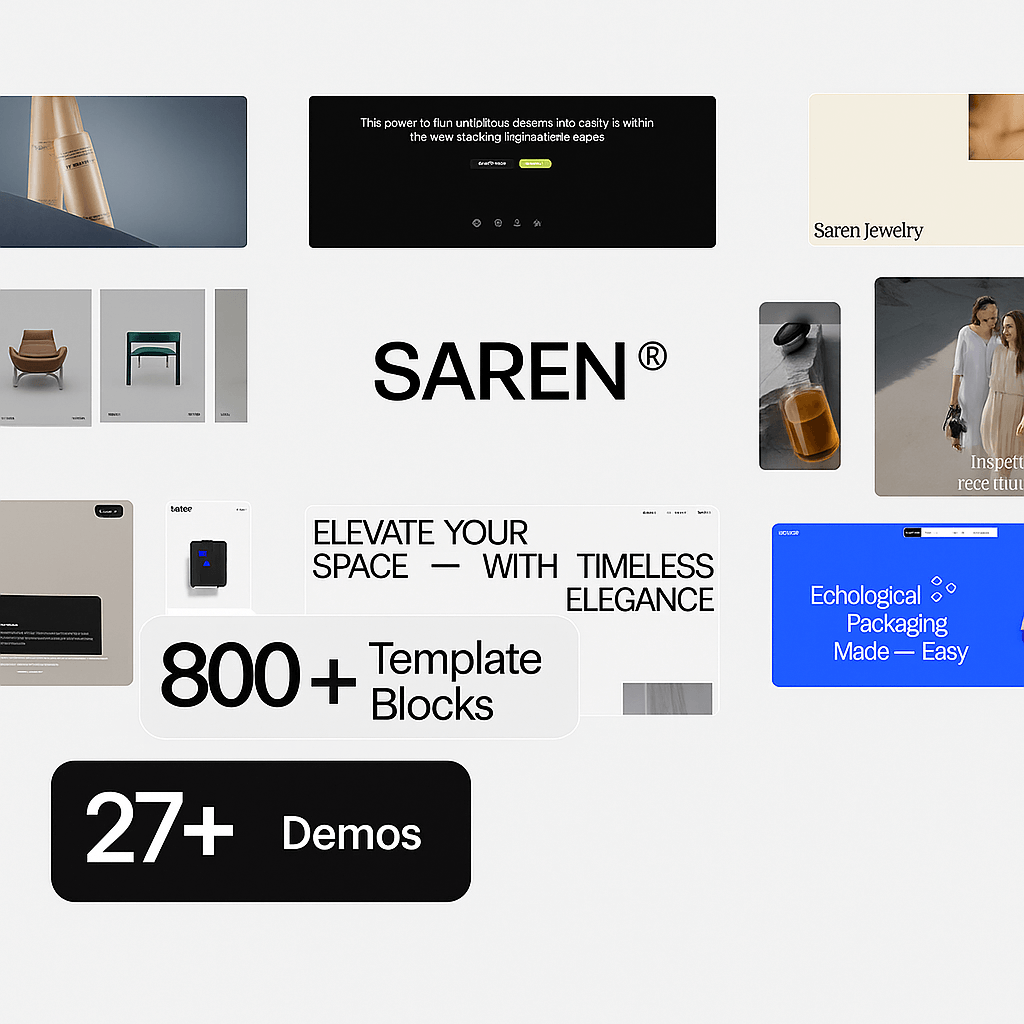
Saren – Multi-concept Woocommerce WordPress Theme
/Year
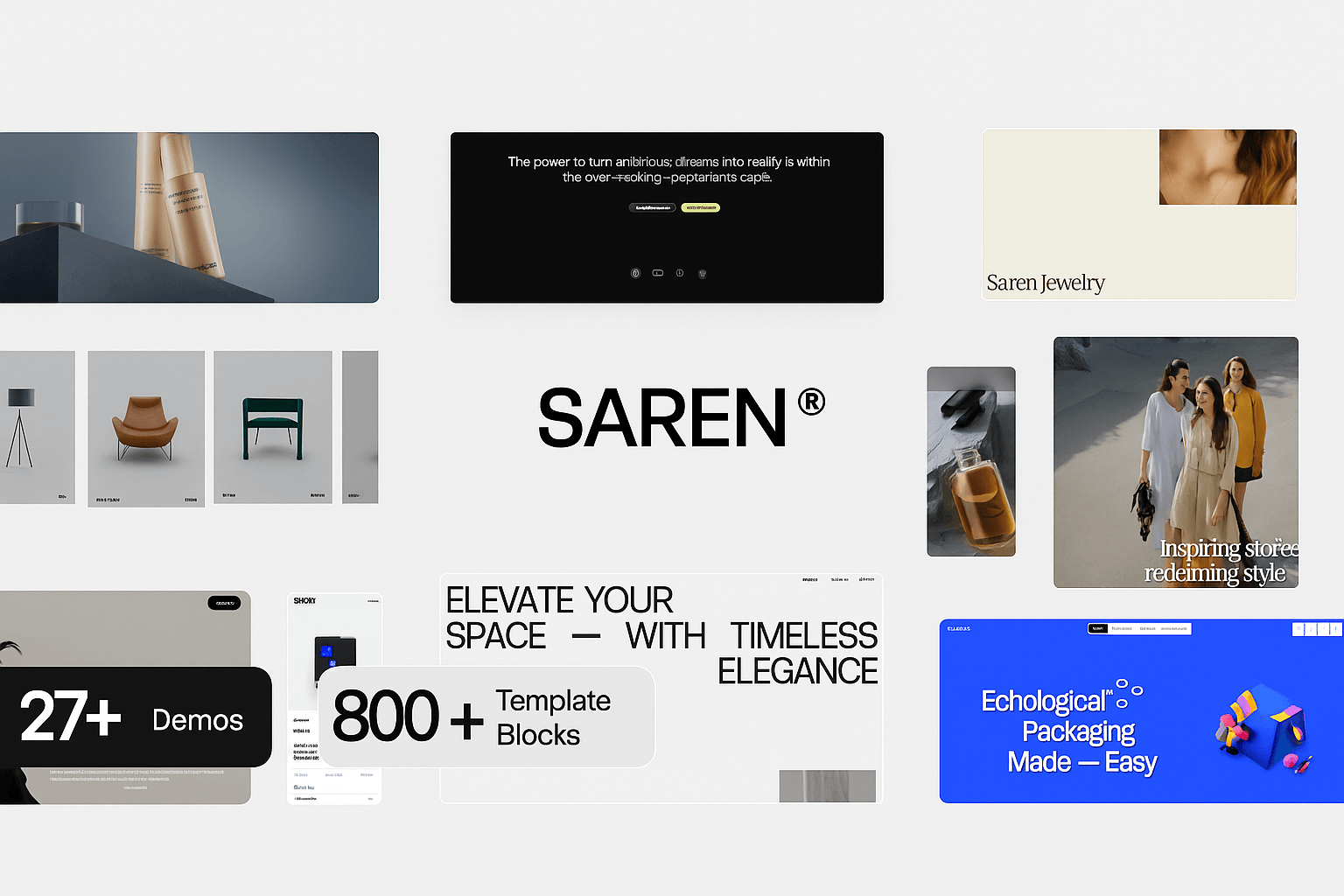
The digital marketplace demands more than just a storefront; it requires an engaging, high-performing, and visually stunning online experience. The Saren Multi-concept WooCommerce WordPress Theme steps up to this challenge, offering a premium solution for modern online stores looking to captivate customers and drive conversions. Built with the powerful Elementor page builder, Saren provides unparalleled flexibility, allowing businesses of all sizes to craft unique and professional eCommerce websites. This comprehensive review and setup guide will delve into Saren’s features, customization options, and how it can transform your eCommerce presence.
1. Introduction: Unleash Your eCommerce Potential with Saren
Saren is not just another WordPress theme; it’s a dynamic platform designed to transform your online store into a creative masterpiece. Ideal for retailers, online business owners, freelancers, and anyone looking to launch or revamp an eCommerce site, Saren caters to diverse industries such as fashion, furniture, electronics, cosmetics, and more. Its core design philosophy marries clean, modern aesthetics with dynamic visual elements and robust functionality, ensuring your products shine and your brand stands out. Whether you’re a small boutique or a large-scale enterprise, the Saren WordPress theme provides the tools to build a highly configurable and visually engaging online store.
2. Key Features: Design, Layout & Performance for Modern eCommerce
Saren is packed with an extensive suite of features designed to enhance both the aesthetic appeal and the operational efficiency of your online store.
Design & Layout Options: Creative Freedom for Every Niche
The “multi-concept” in Saren truly shines through its impressive array of design elements and layout choices:
- 28+ Unique Demos: Get a head start with over 28 pre-made demos, with new additions released monthly. These cater to a vast range of industries, from fashion and electronics to household and shoestores, all importable with a one-click process.
- Dynamic Visual Elements: Saren integrates cutting-edge design features to create a memorable user experience:
- AJAX Page Transitions: Enjoy seamless and smooth navigation between pages without full reloads.
- GSAP Animations: Implement professional motion graphics and complex animation sequences effortlessly.
- Smooth Scroll Plugin: Provides an elegant and fluid scrolling experience.
- Interactive Mouse Cursor: Enhances user engagement with custom cursor effects.
- Parallax Scroll Effects: Add depth and dynamism to your background visuals.
- Custom Page Loader: Offers a professional first impression with branded loading screens.
- Lottie Animations: Supports lightweight, scalable animations for added visual flair.
- Versatile Navigation: Choose between classic and fullscreen menu styles to match your brand’s aesthetic.
- Custom Grid Layout Options: Arrange your products uniquely with flexible grid settings and a handy layout switcher for product displays.
- Fixed Footers & Template Library: Utilize fixed footers for consistent branding and leverage a template library to insert sections or containers from various demos into your website.
Customization Capabilities: Tailor Your Store with Ease
Saren empowers you to brand your store precisely to your vision:
- Unlimited Color Options: Define your brand’s palette with complete freedom.
- Advanced Typography: Access a wide selection of Google Fonts and Icofonts, with options for custom font integration, ensuring your text is both readable and on-brand.
- Dynamic Backgrounds: Implement animated gradient backgrounds for containers and use the “Grain” feature to add a subtle grainy effect with adjustable opacity.
- Comprehensive Theme Options Panel: Control general site settings, headers, footers, posts, and critical eCommerce elements like checkout fields and shop archive options without touching a single line of code.
Performance & SEO Features: Speed, Responsiveness, and Visibility
The Fast WooCommerce WordPress theme Saren is built with performance and search engine visibility in mind:
- Fully Responsive Design: Ensures your store looks and functions flawlessly on any device – desktops, tablets, or smartphones – providing an optimal shopping experience for every visitor.
- Cross-Browser Compatibility: Your website will perform consistently across all modern browsers.
- Optimized Performance: Features lightweight code, optimized images, and built-in performance settings to enable or disable resource-intensive features (like page loader, page transition, smooth scroll, mouse cursor) for faster page load times. Changelogs frequently highlight page speed improvements, demonstrating a commitment to high performance.
- SEO Optimization: Designed with clean, well-commented HTML elements and structured headings to help your site rank higher in search results, improving organic traffic and conversions.
- WooCommerce Integration: Fully compatible and optimized for WooCommerce, supporting core functionalities and major extensions, including product variations, wish lists, quick view, and product comparison.
3. Installation & Demo Import: Getting Started with Saren
Setting up your Saren-powered online store is a straightforward process, designed to get you up and running quickly.
- Download & Upload the Theme: After purchasing Saren from ThemeForest, download the theme package. Then, navigate to your WordPress dashboard: Go to
Appearance > Themes > Add New > Upload Theme. Select thesaren.zipfile (usually found within the main downloaded folder) and clickInstall Now. - Activate the Theme: Once installed, click
Activate. - Install Required Plugins: Saren will typically prompt you to install a set of recommended plugins. This usually includes Elementor page builder, WooCommerce, and potentially the premium Slider Revolution 6 plugin (included free with Saren). Ensure all recommended plugins are installed and activated for full theme functionality.
- One-Click Demo Import: This is where the magic happens! To quickly replicate one of Saren’s stunning demo sites, look for an option like
Saren Options > Demo ImportorAppearance > Import Demo Datawithin your WordPress dashboard. Select your desired demo and initiate the import.Important Tip: Demo imports, especially for content-rich eCommerce themes like Saren, can be resource-intensive. For a smooth experience, ensure your hosting environment has sufficient memory and PHP resources. If you encounter issues (e.g., long loading times, incomplete import), increasing PHP memory limits (wp-config.phporphp.ini) or contacting your host’s support is often helpful.
4. Customization Guide: Branding Your Saren Online Store
The Saren theme customization options are extensive, allowing you to tailor every aspect of your website to perfectly match your brand identity without needing to write code.
Leveraging Elementor for Design Control
Saren’s deep integration with Elementor page builder is a game-changer for customization. You can visually design and edit virtually any page, section, or template part with its intuitive drag-and-drop interface.
- Page Layouts: Easily create custom layouts for product pages, shop archives, blog posts, and static pages using Elementor’s powerful features. You can insert sections or containers from Saren’s diverse demo library to mix and match elements across different concepts.
- Header and Footer Builder: Saren offers completely customizable header and footer areas. Use the theme options panel and Elementor templates to design unique headers (e.g., with new hover effects for menus) and footers, choosing between classic and fullscreen menu styles.
- Elementor Widgets Saren theme: Utilize Saren’s custom Elementor widgets to showcase products, create custom grids, display customer reviews, and integrate dynamic content like “Template Popups.”
Theme Options Panel for Global Settings
Beyond Elementor, Saren provides a comprehensive theme options panel, accessible through your WordPress dashboard, for global settings:
- Colors & Typography: Set your brand colors and choose from Google Fonts, Icofonts, or custom fonts for headings, body text, and other elements.
- Spacing & Backgrounds: Fine-tune spacing, container sizes, and section layouts. Experiment with animated gradient backgrounds and the “Grain” feature for unique visual textures.
- General Site Settings: Configure your logo, favicon, preloader animations, smooth scroll, and interactive mouse cursor settings.
- WooCommerce Specifics: Customize checkout fields, shop archive display options, product variations, and integrate features like wish lists and product comparison systems directly from the panel.
Safe Customization with Child Themes
Saren includes a child theme in the theme pack. It is highly recommended to install and activate the child theme if you plan to make any custom code modifications (e.g., custom CSS/JS). This ensures that your customizations are preserved when the main Saren theme receives updates, preventing your work from being overwritten.
5. FAQ & Troubleshooting: Your Saren Questions Answered
Here are answers to some common questions about the Saren theme:
Is Saren theme good for WooCommerce?
Yes, Saren is an excellent choice for WooCommerce. It is a multi-concept WooCommerce WordPress theme, fully integrated and optimized for all WooCommerce functionalities, including product variations, wish lists, quick view, and product comparisons. It also supports major WooCommerce extensions and popular payment gateways like WooPayments.
How to customize Saren header?
The Saren theme offers extensive header customization. You can customize the header using the dedicated theme options panel, which provides controls for layouts, styles, and elements. Additionally, Saren leverages Elementor templates for header and footer creation, allowing you to visually design and edit your headers with drag-and-drop ease, incorporating various menu styles and hover effects.
Does Saren theme support child themes?
Yes, a child theme is included in the Saren theme package. It is highly recommended to use the child theme for any custom code modifications to ensure your changes are not lost when you update the main Saren theme.
What should I do if the Saren demo import fails or looks different from the demo site?
If the demo import fails or doesn’t look as expected, first ensure your hosting environment meets the theme’s recommendations (especially PHP memory and execution time). Try increasing these limits if necessary. Also, ensure all recommended plugins are installed and activated before importing the demo. If problems persist, check the theme’s documentation for troubleshooting steps or contact the developer’s support.
Does Saren theme offer lifetime updates?
Yes, purchasing Saren through its official ThemeForest listing typically includes “free lifetime updates” from the developer, pethemes, ensuring your theme remains compatible with the latest WordPress versions and benefits from ongoing features and security enhancements.
6. Conclusion: A Powerful Choice for Modern Online Stores
The Saren Multi-concept WooCommerce WordPress Theme stands out as a highly versatile, visually appealing, and feature-rich solution for anyone looking to create a modern and dynamic online store. Its deep integration with Elementor empowers users with comprehensive drag-and-drop customization, making advanced design accessible even without coding knowledge.From its impressive array of Saren theme demos catering to diverse niches like fashion and electronics, to its cutting-edge visual elements like AJAX transitions and interactive cursors, Saren prioritizes both aesthetics and user experience. Its robust performance optimization, full responsiveness, and SEO-friendly structure ensure your site is fast, accessible, and visible in search engines.Whether you are a seasoned agency building client sites, a freelancer seeking a flexible eCommerce tool, or a business owner aiming to launch a visually stunning and high-converting online store, Saren provides a powerful foundation. While complex themes may have a slight learning curve and require well-optimized hosting, Saren’s continuous updates and comprehensive features make it a strong, forward-thinking choice for a dynamic eCommerce presence.
I. Download Limits & Account Benefits
- Free Downloads: Each email address receives 3 downloads per day for free products
- Upgrade Benefits: Purchase any paid product to increase your daily download limit by 3 for each paid product
- No Account Required: You can download immediately by receiving the download link via email
- Account Recommended: Create an account for easier access to your order history and direct update downloads
II. Understanding GPL vs Official Versions
Important: The products available on WPPick are GPL-licensed versions, which differ from official developer versions. Before purchasing, please read our comprehensive guide: Understanding GPL & Official Differences at WPPick
Key Points:
- GPL versions may not include premium support from original developers
- Updates may be delayed compared to official releases
- Some premium features might have limitations
- Always consider your specific needs and support requirements
III. Support & Assistance
We’re here to help through multiple channels:
- Email Support: Direct email assistance for all inquiries
- Live Chat: Real-time support during business hours
- Comprehensive Documentation: Detailed guides and tutorials
IV. Order Tracking
Access your complete purchase history and download links anytime: Order History
V. Account Access
New to WPPick? Login or Create Account to manage your downloads and orders efficiently.
VI. Refund Protection
We stand behind our products with a clear refund policy. Review our terms: Refund Policy
VII. Privacy & Security
Your data security is our priority. Learn how we protect your information: Privacy Policy
VII. Terms of Service
Understanding our service terms ensures a smooth experience: Terms of Use
Quick Tips for Best Experience
- Verify Compatibility: Check plugin/theme compatibility with your WordPress version
- Backup First: Always backup your site before installing new plugins or themes
- Test Environment: Consider testing on a staging site first
- Stay Updated: Regularly check for updates in your account dashboard
- Read Documentation: Review any included documentation for optimal setup
Need Help?
If you have questions about downloads, licensing, or need technical assistance, don’t hesitate to contact our support team. We’re committed to ensuring you have the best possible experience with WPPick products.
Ready to get started? Your download adventure begins with just one click!
- Fixed issue with Login/Register shortcode
- Resolved product image hover issue
- Fixed sticky Add to Cart problem
- Addressed general hover issues across the site
- Fixed mobile layout issue in shop masonry layout
- Fixed variation image display issue
- Improved Login/Register popup on Fashion 2 demo
- Product lightbox close behavior improved
- Updated supported PHP versions
- Minor/Major bug fixes
- Responsive design adjustments