

Smilepure – Dental & Medical Care WordPress Theme
/Year
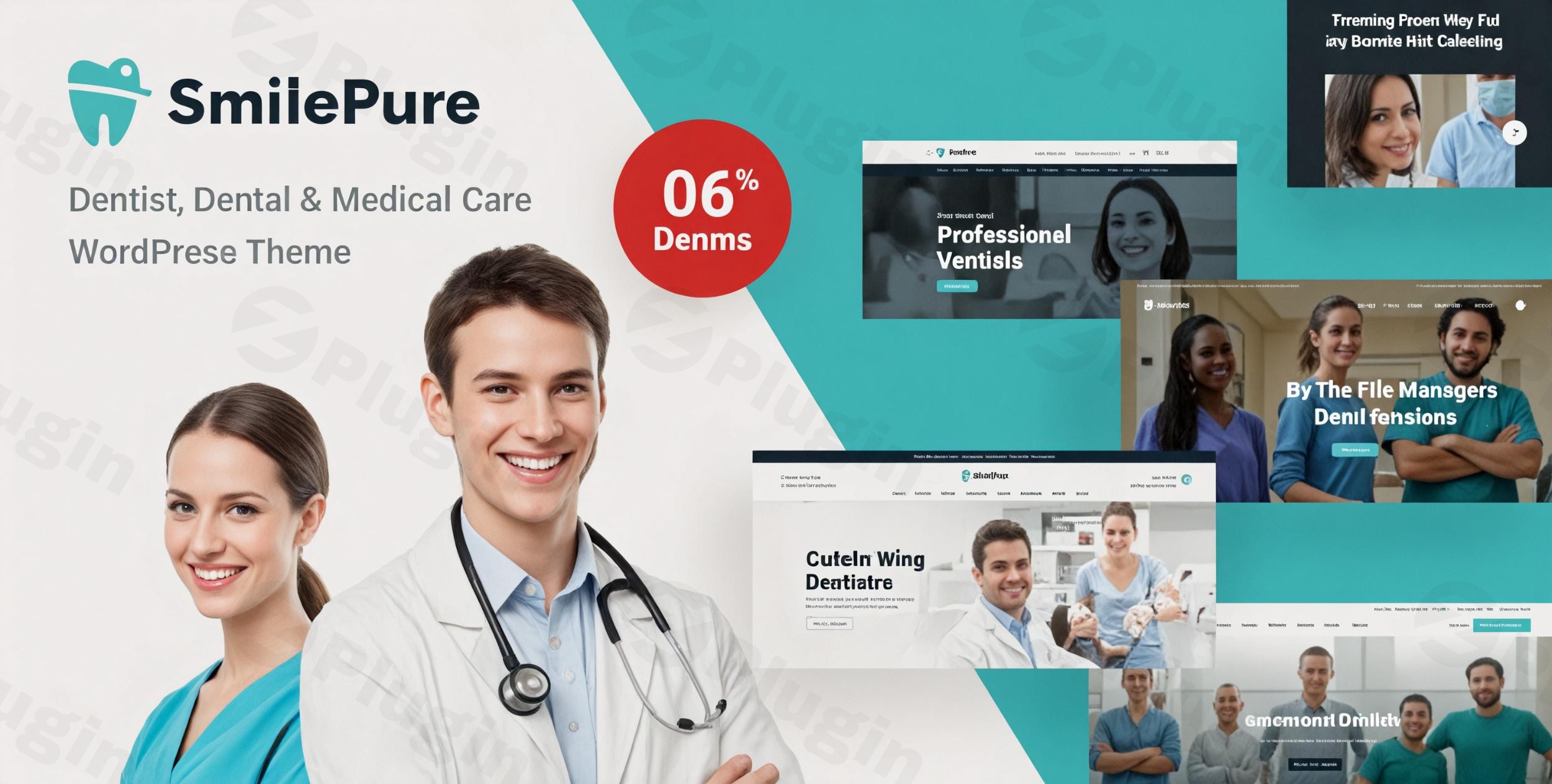
The digital face of your healthcare practice is more crucial than ever. For dental clinics, medical offices, and healthcare professionals seeking a robust, visually appealing, and highly functional online presence, the SmilePure WordPress theme offers a specialized and comprehensive solution. This meticulously crafted theme is designed to instill trust, facilitate patient engagement, and streamline administrative tasks for modern healthcare providers.
Introduction: Tailored Design for Healthcare Excellence
SmilePure is a dedicated WordPress theme expertly crafted for dental and medical care websites. It provides a clean, modern aesthetic combined with essential features specifically tailored for the healthcare industry. Developed by ThemeMove and available with full GPL license compliance from ZeroPlugin.com, SmilePure aims to empower dental practices, medical clinics, and other health professionals to build a professional and trustworthy online presence without requiring extensive coding expertise. It’s the ideal Dental & Medical Care WordPress theme for showcasing services, managing appointments, and building patient credibility.
Key Features: Design, Layout & Performance
SmilePure stands out with its niche-specific design elements and powerful functionalities, ensuring your healthcare website is both visually striking and highly efficient.
Design & Layout Options
SmilePure delivers a wealth of design options to perfectly frame your practice. It comes equipped with:
- Specialized Layouts: Six dentistry-focused homepages, ideal for making a strong first impression. These are complemented by dedicated layouts for services and treatments, ensuring every aspect of your practice is presented professionally.
- Extensive Prebuilt Elements: With 23 header presets, 12 top bar presets, and 7 page title presets, you have granular control over your site’s visual hierarchy. The theme also includes 17 blog layouts for content marketing and 6 service layouts to detail your offerings.
- Comprehensive Inner Pages: Over 60 premade inner pages cover a vast array of needs, from professional team presentations to patient testimonials, emergency contacts, and detailed treatment information.
- Unique Visual Elements: SmilePure integrates dental-specific icons and a dedicated “Before & After Treatment Showcase” gallery, allowing you to highlight successful cases and demonstrate your expertise effectively. All layouts are 100% responsive, adapting flawlessly to desktops, tablets, and smartphones.
Customization Capabilities
Personalizing SmilePure to reflect your brand’s unique identity is straightforward, leveraging its deep integration with WPBakery Page Builder.
- Flexible Color Schemes: Choose from several pre-picked color schemes or create custom ones to perfectly match your brand palette.
- Advanced Typography: Integrate with over 600 Google Fonts for advanced typography customization, ensuring your content is readable and visually appealing. The theme also supports RTL/LTR languages.
- Granular Control: Through WPBakery Page Builder, you gain extensive control over layout elements such as spacing, containers, sections, and backgrounds, allowing for precise design adjustments without touching a line of code.
- Header & Footer Builder: The theme offers advanced header design with mega menu dropdown lists and customizable footer styles, providing complete control over these critical site areas.
Performance & SEO Features
In the competitive healthcare sector, a fast and visible website is paramount. SmilePure is built with performance and discoverability in mind:
- Mobile Responsiveness: Its 100% responsive design guarantees your website looks impeccable and functions flawlessly on any device, from large desktop monitors to mobile phones.
- Cross-Browser Compatibility: The theme is rigorously tested for compatibility with major web browsers including Firefox, Safari, Chrome, Opera, and Edge, ensuring a consistent user experience.
- SEO Optimized: SmilePure claims to be SEO optimized dental theme, supporting clean markup and structured headings to help search engines understand your content better.
- Speed Enhancements: It supports compression of JavaScript and CSS, contributing to faster loading times and an improved user experience, which is crucial for both patient satisfaction and search engine rankings.
Installation & Demo Import
Getting your SmilePure website up and running efficiently is designed to be a smooth process, even for users without extensive technical knowledge.
Technical Requirements:
- WordPress Version: SmilePure requires WordPress 4.8 or higher, with current versions recommending WordPress 5.8 or higher for full compatibility with WordPress 6.x.
- PHP Version: A minimum of PHP 5.6 is required, but PHP 7.4 – 8.1 is recommended for optimal performance and security.
- MySQL Version: MySQL 5 or higher is necessary.
- Recommended PHP Configuration: For a seamless experience, especially during demo import, ensure your server’s PHP limits are set as follows:
max_execution_time 600,memory_limit 512M,post_max_size 128M, andupload_max_filesize 128M.
Step-by-Step Setup:
- Install & Activate the Theme:
- Navigate to
Appearance > Themesin your WordPress dashboard. - Click
Add Newand thenUpload Theme. - Choose the SmilePure theme
.zipfile you downloaded from ZeroPlugin.com and clickInstall Now. - Once installed, click
Activate.
- Navigate to
- Install Required Companion Plugins:
- Upon activation, SmilePure will typically prompt you to install a set of recommended plugins. These often include WPBakery Page Builder (the theme’s core page builder), Slider Revolution, and the Booked plugin for appointments. Install and activate all recommended plugins for full theme functionality.
- Utilize One-Click Demo Import:
- SmilePure comes with 6 complete demos. Look for an option like
Appearance > Import Demo Dataor a similar section within the theme options. - Choose your preferred dentistry-focused demo and initiate the one-click import process.
- What to Expect: The demo import will bring in all pages, posts, sliders, theme options, widgets, and images (placeholder images will be used if licensed images are not included). This provides a fully functional starting point identical to the theme’s live demo.
- Potential Pitfalls: Large demo imports can be resource-intensive. If you encounter issues (e.g., import failing or timing out), verify your server meets the recommended PHP configuration limits mentioned above.
- SmilePure comes with 6 complete demos. Look for an option like
Customization Guide: Branding Your Healthcare Practice
After importing your demo, the real fun begins: personalizing SmilePure to truly represent your dental or medical care brand.
- WordPress Customizer & Theme Options: Most global style changes, such as modifying colors, typography, and site identity (logo, favicon), can be managed through the WordPress Customizer (
Appearance > Customize). SmilePure also provides its own comprehensive theme options panel, accessible from your dashboard, for more specific theme-related settings. - WPBakery Page Builder for Layouts: Since SmilePure is built with WPBakery dental theme, customizing page layouts is done through its intuitive drag-and-drop interface. Navigate to any page, click “Edit with WPBakery Page Builder,” and start rearranging sections, adding new content blocks, and adjusting element settings. This allows you to effortlessly tailor the 60+ premade inner pages to your exact needs.
- Header & Footer Customization: Utilize the theme’s 23 header presets and 12 top bar presets to choose a header that best suits your branding. Customization options for elements like logos, navigation menus, and contact information are available in the Customizer or theme options. Similarly, you can customize footer styles to display essential information like contact details, office hours, and social media links.
- Setting Up Menus: Go to
Appearance > Menusto create and assign your primary navigation menus. The theme supports mega menus for advanced navigation structures. - Homepage & Blog Page: Set your desired homepage and blog page by navigating to
Settings > Reading. Choose a static page for your homepage (e.g., one of the demo homepages) and select a page for your blog posts.The customization experience with SmilePure is highly intuitive, especially for users comfortable with visual page builders. The pre-designed elements and extensive options mean you can achieve a professional and customized look quickly and efficiently.
FAQ & Troubleshooting
Here are answers to common questions about the SmilePure WordPress theme, designed to be concise and helpful for quick reference.
Is SmilePure compatible with Elementor / WPBakery / Gutenberg?
SmilePure is primarily built with and extensively uses WPBakery Page Builder for its drag-and-drop functionality and advanced layout options. It also includes Slider Revolution for sliders. While it relies heavily on WPBakery, some sources indicate a degree of compatibility with the native WordPress Block Editor (Gutenberg). Full integration with Elementor is not a native feature.
Does SmilePure support WooCommerce for online stores?
Yes, SmilePure is compatible with WooCommerce. This means you can easily integrate an online store into your dental or medical website, allowing you to sell products, medical equipment, or services directly from your site.
Does SmilePure support child themes?
Yes, like most well-coded WordPress themes, SmilePure supports the use of child themes. Using a child theme is highly recommended for any custom CSS, JavaScript, or template file modifications. This ensures that your customizations are preserved when you update the main SmilePure theme.
How can I update the SmilePure theme without losing my customizations?
To update the SmilePure theme safely and without losing your custom changes, always use a child theme for any modifications. When an update is available (usually notified via your WordPress dashboard), you can update the parent theme directly. Your customizations in the child theme will remain intact.
What should I do if the SmilePure demo content import fails or looks different from the demo site?
If the Smilepure demo content import failed or doesn’t look as expected, first ensure your server meets the recommended PHP configuration limits (e.g., max_execution_time 600, memory_limit 512M). Also, ensure all required plugins (especially WPBakery Page Builder and Slider Revolution) are installed and activated before importing the demo. If problems persist, consult the theme’s documentation or contact ThemeMove’s support.
Conclusion: Your Professional Foundation for Healthcare Online
The SmilePure WordPress theme is an exceptional choice for any dental clinic, medical practice, or healthcare professional seeking to establish a strong, credible, and engaging online presence. Its deep specialization in the medical niche, combined with powerful design flexibility and patient-focused features, makes it a standout option.With its comprehensive set of dental website template WordPress layouts, seamless online appointment booking, and dedicated sections for team profiles and service presentations, SmilePure streamlines the process of creating a professional website. Its robust integration with WPBakery Page Builder offers extensive customization capabilities, empowering users to tailor every aspect of their site without coding. Furthermore, its responsive design and claimed SEO optimization lay a solid foundation for patient engagement and online visibility.For healthcare providers prioritizing a visually appealing, high-performing, and easy-to-manage website that resonates with their target audience, SmilePure from ZeroPlugin.com is a highly recommended solution, offering both the aesthetic and functional value needed to thrive in the digital healthcare landscape.
I. Download Limits & Account Benefits
- Free Downloads: Each email address receives 3 downloads per day for free products
- Upgrade Benefits: Purchase any paid product to increase your daily download limit by 3 for each paid product
- No Account Required: You can download immediately by receiving the download link via email
- Account Recommended: Create an account for easier access to your order history and direct update downloads
II. Understanding GPL vs Official Versions
Important: The products available on WPPick are GPL-licensed versions, which differ from official developer versions. Before purchasing, please read our comprehensive guide: Understanding GPL & Official Differences at WPPick
Key Points:
- GPL versions may not include premium support from original developers
- Updates may be delayed compared to official releases
- Some premium features might have limitations
- Always consider your specific needs and support requirements
III. Support & Assistance
We’re here to help through multiple channels:
- Email Support: Direct email assistance for all inquiries
- Live Chat: Real-time support during business hours
- Comprehensive Documentation: Detailed guides and tutorials
IV. Order Tracking
Access your complete purchase history and download links anytime: Order History
V. Account Access
New to WPPick? Login or Create Account to manage your downloads and orders efficiently.
VI. Refund Protection
We stand behind our products with a clear refund policy. Review our terms: Refund Policy
VII. Privacy & Security
Your data security is our priority. Learn how we protect your information: Privacy Policy
VII. Terms of Service
Understanding our service terms ensures a smooth experience: Terms of Use
Quick Tips for Best Experience
- Verify Compatibility: Check plugin/theme compatibility with your WordPress version
- Backup First: Always backup your site before installing new plugins or themes
- Test Environment: Consider testing on a staging site first
- Stay Updated: Regularly check for updates in your account dashboard
- Read Documentation: Review any included documentation for optimal setup
Need Help?
If you have questions about downloads, licensing, or need technical assistance, don’t hesitate to contact our support team. We’re committed to ensuring you have the best possible experience with WPPick products.
Ready to get started? Your download adventure begins with just one click!
- Updated outdated templates of WooCommerce 10.5.0
- Revolution Slider plugin - v.6.7.51
- Fix Security: escape output, validate input, add ABSPATH checks
- WPBakery Page Builder plugin - v.8.7.2
- WPBakery Page Builder (Visual Composer) Clipboard plugin - v.5.0.8
- Revolution Slider plugin - v.6.7.38
- Updated outdated templates of WooCommerce 10.3.0
- Updated outdated templates of WooCommerce 10.2.0
- Revolution Slider plugin - v.6.7.37
- Updated outdated templates of WooCommerce 10.1.0
- WPBakery Page Builder plugin - v.8.6.1
- Revolution Slider plugin - v.6.7.36
- Fix Vulnerability
- Updated outdated templates of WooCommerce 10.0.0
- Revolution Slider plugin - v.6.7.35
- QuickCal plugin - v.1.0.16
- WPBakery Page Builder plugin - v.8.5
- Fix load theme text domain
- Updated outdated templates of WooCommerce 9.9.0