

Stratego – Corporate Business & Consulting WordPress Theme
/Year
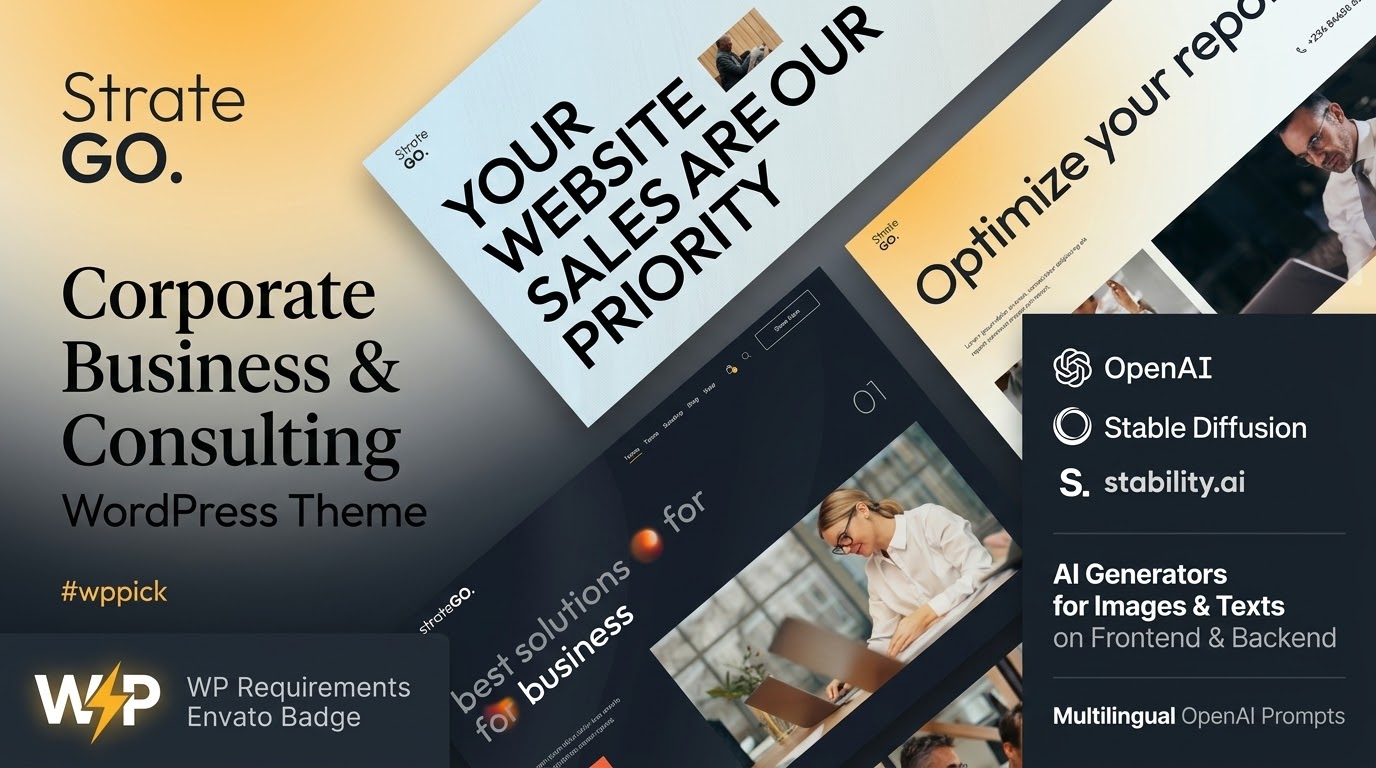
Build a Professional Corporate Presence with Stratego
Stratego is a premium business and consulting WordPress theme developed specifically to establish credibility for professional service providers. Designed for corporate entities, financial advisors, legal firms, and creative agencies, this theme provides a structured presentation layer for digital marketing and client acquisition. It streamlines website deployment by offering modular design elements tailored to corporate structures, eliminating the need to build layouts from scratch.
Core Capabilities and Operational Features
The layout engine inside Stratego offers flexible adaptation to diverse corporate requirements. Key operational capabilities include:
- Responsive grid system that auto-adjusts layout elements for mobile, tablet, and desktop viewports.
- Integrated shortcode framework for embedding functional blocks like staff directories and service lists.
- Customizable widget zones designed for corporate sidebars, structural footers, and contact sections.
- Pre-configured layout options for case studies, portfolio showcases, and company insights.
Target Audience and Use Cases
Stratego fits professional environments where clarity, presentation, and conversion are primary priorities. The theme solves distinct design needs for specific audiences:
- Consulting Firms: Display advisory services, operational frameworks, and corporate whitepapers seamlessly.
- Legal Practices: Showcase attorney profiles, areas of legal expertise, and consultation intake forms.
- Financial Institutions: Present investment services, market insights, and structural asset breakdowns with clarity.
- Agencies: Market creative work, project milestones, and case studies to prospects.
Practical WordPress Implementation
Deploying Stratego involves traditional theme activation through the WordPress dashboard. It uses standard widget layouts and custom shortcodes to populate homepage components and sidebars. Administrators can configure corporate branding, set up multi-column footers, and construct service landing pages using the integrated block features. The theme maintains clean template structures, permitting child theme initialization for deeper style adjustments or code additions.
Why Choose Stratego via WPPick
Acquiring Stratego from WPPick provides an efficient, vetted pathway for developer deployment. Users gain access to archived builds that are scanned rigorously against malicious code, maintaining environment integrity. WPPick serves as an organized clearinghouse for testing themes across local staging setups without commercial blockages, helping agencies evaluate front-end presentation patterns and shortcode configurations before executing live updates.
Latest Version and Maintenance Context
Detailed release notes are not available from the provided sources. The system lacks external deployment data regarding documentation logs for version 1.4. While internet search parameters did not yield official developer documentation changelogs, structural inspection shows that compatibility patches have been applied locally to maintain layout integrity on modern database setups.
Frequently Asked Questions
Can I use Stratego for a multi-language business website?
Yes. Stratego complies with standard WordPress internationalization routines, enabling implementation alongside popular translation frameworks to build localized multi-language layouts for global audiences.
Does Stratego require a visual page builder plugin?
Stratego relies on its core shortcode engine and custom widget architectures to manage structural grids, minimizing unnecessary external plugin dependencies while ensuring stable loading times.
Is Stratego optimized for mobile devices?
Yes, the theme uses a responsive CSS layout system that dynamically repositions text, images, and navigation menus to look clean across smaller mobile touchscreens and high-definition monitors.
Can I modify the layout code with a child theme?
Yes, Stratego adheres to standard WordPress template architecture, allowing developers to enqueue styles and override layout scripts cleanly within a separate child theme setup.
I. Download Limits & Account Benefits
- Free Downloads: Each email address receives 3 downloads per day for free products
- Upgrade Benefits: Purchase any paid product to increase your daily download limit by 3 for each paid product
- No Account Required: You can download immediately by receiving the download link via email
- Account Recommended: Create an account for easier access to your order history and direct update downloads
II. Understanding GPL vs Official Versions
Important: The products available on WPPick are GPL-licensed versions, which differ from official developer versions. Before purchasing, please read our comprehensive guide: Understanding GPL & Official Differences at WPPick
Key Points:
- GPL versions may not include premium support from original developers
- Updates may be delayed compared to official releases
- Some premium features might have limitations
- Always consider your specific needs and support requirements
III. Support & Assistance
We’re here to help through multiple channels:
- Email Support: Direct email assistance for all inquiries
- Live Chat: Real-time support during business hours
- Comprehensive Documentation: Detailed guides and tutorials
IV. Order Tracking
Access your complete purchase history and download links anytime: Order History
V. Account Access
New to WPPick? Login or Create Account to manage your downloads and orders efficiently.
VI. Refund Protection
We stand behind our products with a clear refund policy. Review our terms: Refund Policy
VII. Privacy & Security
Your data security is our priority. Learn how we protect your information: Privacy Policy
VII. Terms of Service
Understanding our service terms ensures a smooth experience: Terms of Use
Quick Tips for Best Experience
- Verify Compatibility: Check plugin/theme compatibility with your WordPress version
- Backup First: Always backup your site before installing new plugins or themes
- Test Environment: Consider testing on a staging site first
- Stay Updated: Regularly check for updates in your account dashboard
- Read Documentation: Review any included documentation for optimal setup
Need Help?
If you have questions about downloads, licensing, or need technical assistance, don’t hesitate to contact our support team. We’re committed to ensuring you have the best possible experience with WPPick products.
Ready to get started? Your download adventure begins with just one click!
- CSS/PHP fixes for WP 6.0+ (shortcodes/widget layouts)