

Studiopress All Pro Themes
/Year
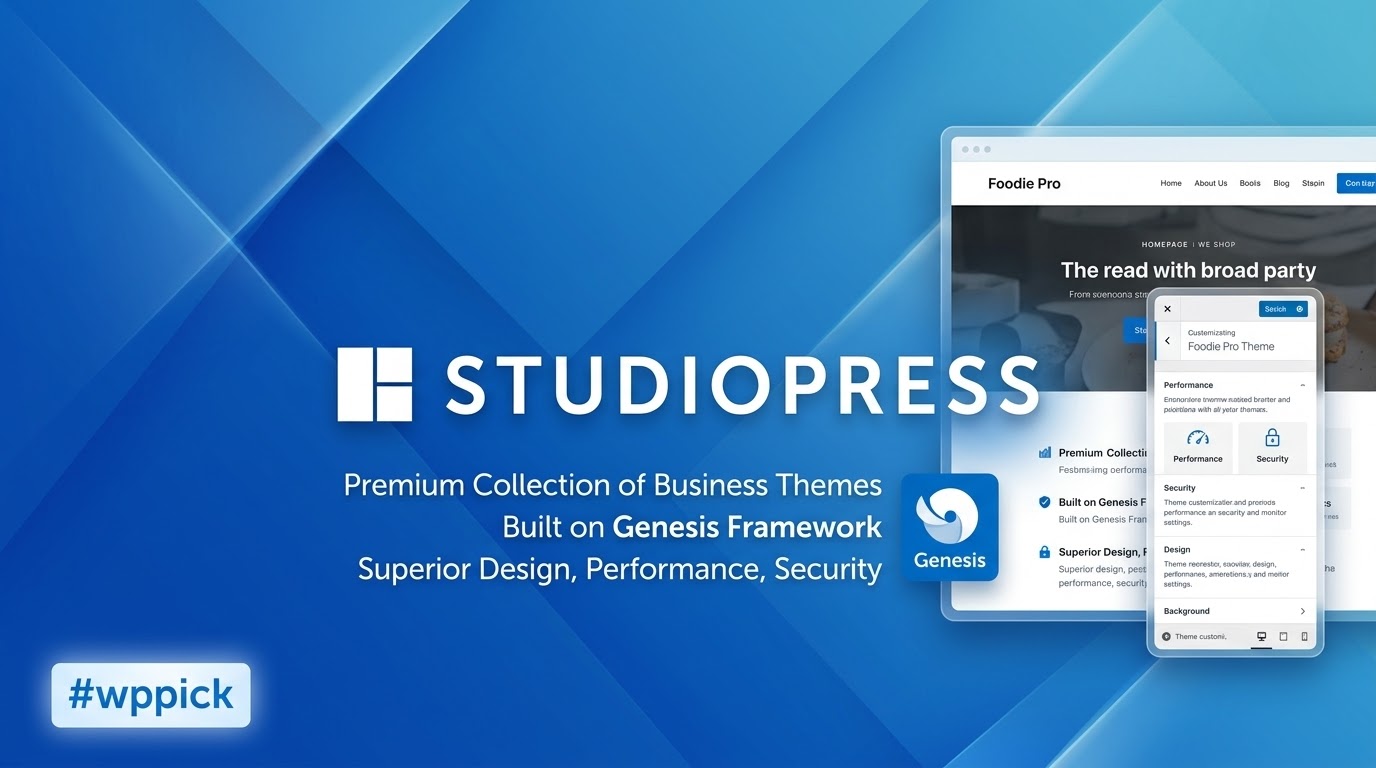
In the world of web design, the balance between aesthetic beauty and technical performance is often a difficult tightrope to walk. The StudioPress All Pro Themes package, built on the legendary Genesis Framework, offers a definitive solution for those who refuse to compromise. These themes are not just skins; they are performance-optimized design layers—often called “child themes”—engineered to provide a secure, SEO-friendly, and blazing-fast foundation for any WordPress project. Whether you are a minimalist blogger or a high-growth agency, StudioPress provides a professional framework that prioritizes user experience and clean code over unnecessary bloat.
Why StudioPress Themes Lead the Market in Speed and SEO
The core value proposition of StudioPress lies in its parent-child architecture. While many multipurpose themes pack thousands of features into a single, heavy file, StudioPress separates the “engine” (the Genesis Framework) from the “paint job” (the Child Theme).
Lightweight Performance and Speed
WordPress themes for speed and SEO are in high demand, and StudioPress consistently dominates this category. Because the Genesis Framework handles the heavy lifting of security and core functionality, the child themes remain incredibly lightweight. Sites built with these themes often load in milliseconds, a critical factor for both user retention and search engine rankings.
SEO-Ready Architecture
Every StudioPress theme comes with clean, semantic HTML5 markup. This makes it easier for search engine crawlers to understand your content. Furthermore, the framework includes built-in microdata and schema support, ensuring your site is ready for the future of AI search and rich snippets.
Mobile-Responsive Design
In an era where mobile traffic exceeds desktop, StudioPress ensures a seamless experience. Every theme in the “All Pro” collection is fully responsive, meaning your layout, typography, and images adapt perfectly to smartphones, tablets, and wide-screen monitors without any additional configuration.
Key Features: Design, Layout, and Customization
StudioPress themes are known for their minimalist, “content-first” design philosophy. They avoid flashy, distracting animations in favor of high-readability and professional layouts.
- Flexible Layout Options: Most themes offer multiple sidebar configurations, including full-width, content-sidebar, and sidebar-content-sidebar setups.
- Gutenberg & Block Editor Integration: StudioPress themes are fully “Gutenberg-ready.” They include custom block styles and often come with access to Genesis Blocks, allowing you to build complex layouts visually using the native WordPress editor.
- WooCommerce Compatibility: Many themes, such as Authority Pro or Monochrome Pro, are pre-styled for WooCommerce, making them excellent choices for high-performance online stores.
- Global Style Controls: Through the WordPress Customizer, users can adjust brand colors, typography, and logos globally, ensuring brand consistency across every page.
How to Install StudioPress Themes: A Step-by-Step Guide
Installing a StudioPress theme is slightly different from a standard theme because it requires two components: the Genesis Framework and your chosen Child Theme.
- Install the Genesis Framework: Log in to your WordPress dashboard, go to Appearance > Themes > Add New, and upload the
genesis.zipfile. Do not activate it yet. - Install Your Child Theme: Repeat the process by uploading your specific StudioPress child theme zip file (e.g.,
authority-pro.zip). - Activate the Child Theme: Once the child theme is uploaded, click Activate. This will automatically link it to the Genesis Framework.
- One-Click Theme Setup: Many modern StudioPress themes feature a “One-Click Setup” process. Upon activation, you will be prompted to “Install Packaged Plugins” and “Import Demo Content.” This will automatically set up your homepage, menus, and widgets to match the theme demo.Pro Tip: Ensure your server meets modern requirements (PHP 7.4 or higher) to avoid timeouts during the demo import process.
Customizing Your StudioPress Site for Branding
Personalizing your Genesis Framework themes is intuitive, even for non-developers.
Using the WordPress Customizer
Navigate to Appearance > Customize. Here, you can change the site title, upload your logo, and modify the color palette. Unlike bloated themes with confusing proprietary builders, StudioPress stays close to the native WordPress interface, making it easier to learn and faster to navigate.
Advanced Customization (Hooks and Filters)
For developers and agencies, StudioPress is a dream. The framework uses a system of “hooks” and “filters.” Instead of editing core files, you can use these hooks to “inject” code or content into specific areas (like above the header or below a post) without breaking the theme during updates.
Genesis Pro and Block Patterns
If you want more visual control, Genesis Pro provides a library of pre-built block sections and full-page layouts. You can simply click a layout in the library, and it will populate your page with professionally designed sections that you can then customize with your own text and images.
FAQ: Frequently Asked Questions
Is StudioPress compatible with Elementor or Beaver Builder?
Yes. While StudioPress themes are optimized for the native WordPress Block Editor (Gutenberg), they are fully compatible with major page builders like Elementor, WPBakery, and Beaver Builder. However, using the native block editor is recommended to maintain the theme’s signature speed.
Does StudioPress support WooCommerce for online stores?
Absolutely. Many child themes in the All Pro package are specifically designed with WooCommerce styling built-in. This ensures that your shop pages, product grids, and checkout screens look professional and consistent with the rest of your site.
What is the Genesis Framework, and why do I need it?
The Genesis Framework is the foundational “engine” that handles your site’s SEO, security, and core code. StudioPress themes are “child themes” that sit on top of Genesis. You need both to ensure your site is secure and easy to update without losing your design changes.
How can I update the theme without losing customizations?
Because StudioPress uses a parent/child theme relationship, you can update the Genesis Framework (the parent) as often as needed. Your design and CSS live in the Child Theme, meaning your customizations remain safe and untouched during framework updates.
Verdict: Is the StudioPress All Pro Themes Package Worth It?
The StudioPress All Pro Themes package is a premier choice for users who value longevity, performance, and clean design. While there is a slight learning curve for users who are used to “drag-and-drop” multipurpose themes, the payoff is a website that is significantly faster, more secure, and better optimized for search engines.Ideal for:
- Agencies & Freelancers: Who need a reliable, standardized framework to build client sites quickly.
- Professional Bloggers: Who prioritize readability and SEO to grow their audience.
- Small Business Owners: Seeking a “set it and forget it” solution that won’t break during WordPress updates.If you are looking for lightweight WordPress themes that provide a professional edge and a future-proof foundation, StudioPress and the Genesis Framework remain the industry gold standard.
For more WordPress theme reviews and SEO strategies, visit wppick.com.
I. Download Limits & Account Benefits
- Free Downloads: Each email address receives 3 downloads per day for free products
- Upgrade Benefits: Purchase any paid product to increase your daily download limit by 3 for each paid product
- No Account Required: You can download immediately by receiving the download link via email
- Account Recommended: Create an account for easier access to your order history and direct update downloads
II. Understanding GPL vs Official Versions
Important: The products available on WPPick are GPL-licensed versions, which differ from official developer versions. Before purchasing, please read our comprehensive guide: Understanding GPL & Official Differences at WPPick
Key Points:
- GPL versions may not include premium support from original developers
- Updates may be delayed compared to official releases
- Some premium features might have limitations
- Always consider your specific needs and support requirements
III. Support & Assistance
We’re here to help through multiple channels:
- Email Support: Direct email assistance for all inquiries
- Live Chat: Real-time support during business hours
- Comprehensive Documentation: Detailed guides and tutorials
IV. Order Tracking
Access your complete purchase history and download links anytime: Order History
V. Account Access
New to WPPick? Login or Create Account to manage your downloads and orders efficiently.
VI. Refund Protection
We stand behind our products with a clear refund policy. Review our terms: Refund Policy
VII. Privacy & Security
Your data security is our priority. Learn how we protect your information: Privacy Policy
VII. Terms of Service
Understanding our service terms ensures a smooth experience: Terms of Use
Quick Tips for Best Experience
- Verify Compatibility: Check plugin/theme compatibility with your WordPress version
- Backup First: Always backup your site before installing new plugins or themes
- Test Environment: Consider testing on a staging site first
- Stay Updated: Regularly check for updates in your account dashboard
- Read Documentation: Review any included documentation for optimal setup
Need Help?
If you have questions about downloads, licensing, or need technical assistance, don’t hesitate to contact our support team. We’re committed to ensuring you have the best possible experience with WPPick products.
Ready to get started? Your download adventure begins with just one click!
No changelog available.