
The Hanger – Versatile Ecommerce WordPress Theme For Woocommerce
/Year
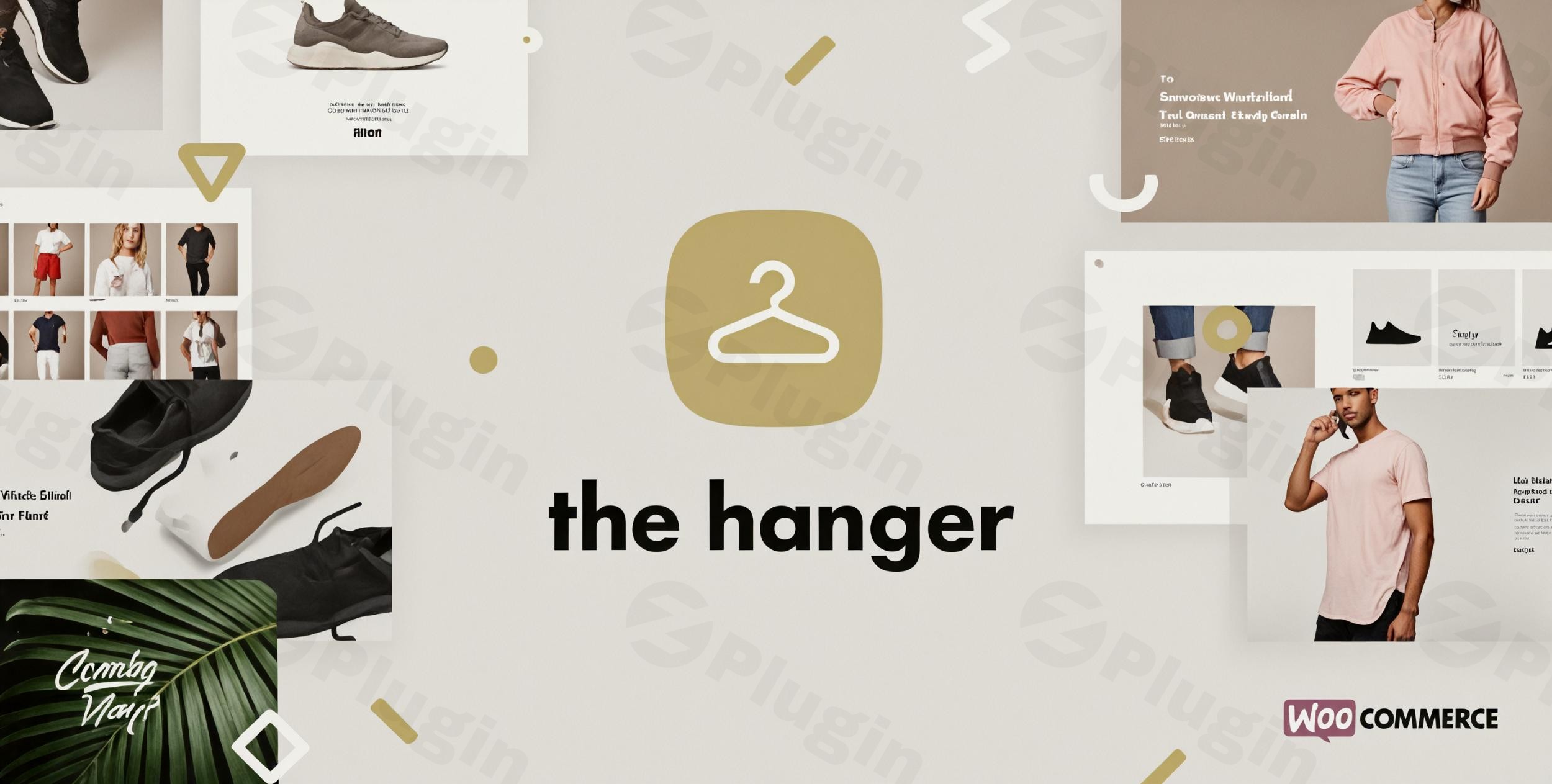
The Hanger is a premium WooCommerce WordPress theme meticulously designed to empower online store owners, digital entrepreneurs, and agencies to create stunning, high-converting e-commerce websites. Crafted by GetBowtied, a renowned “power-elite-author” on ThemeForest, The Hanger brings a modern classic aesthetic coupled with robust functionality, making it an ideal choice for anyone looking to establish a strong online presence for their products, whether physical or digital. This theme is perfect for businesses from fashion and electronics to digital downloads and dropshipping ventures, providing a versatile foundation for any online shop.
Key Features: Design, Layout & Performance for Your Online Store
The Hanger theme is built with a deep understanding of what makes an e-commerce site successful: compelling design, flexible layouts, and exceptional performance.
Intuitive Design & Flexible Layout Options
The Hanger offers a comprehensive suite of design and layout tools to help you craft a unique store identity. You’ll find:
- Pre-designed Homepage Layouts: Get started quickly with a variety of ready-to-use homepage layouts and templates. Options like “Portfolio Metro,” “Blog Metro,” and “Shop Metro” offer distinct visual experiences, complemented by dynamic “Isotope filters” and “Packery Layouts” for engaging product and content displays.
- Customizable Header & Footer Layouts: Take full control over these crucial site elements to reinforce your brand and improve navigation. The dedicated Header & Footer Builder allows for personalized designs.
- Clean, Modern Aesthetic: The Hanger embraces a “Modern Classic WooCommerce Theme” philosophy, focusing on a clean, contemporary design that highlights your products and ensures a conversion-driven user experience. Its minimalist approach provides a solid visual hierarchy, ensuring visitors focus on what matters most.
Extensive Customization Capabilities
Personalizing your store to match your brand vision is straightforward with The Hanger:
- Unlimited Colors: Dive into endless color scheme possibilities, enabling you to perfectly align the theme with your brand’s palette.
- Advanced Typography: With access to 600 Google Fonts and advanced typography options, you have granular control over every aspect of your site’s text, ensuring readability and brand consistency.
- Live Customizer & Theme Options Panel: The theme integrates seamlessly with the WordPress Live Customizer, providing a powerful theme options panel for real-time design edits. This means you can see your changes instantly without touching a line of code.
- Widget Areas: The Hanger is “Widget Ready” and includes “Additional Widgets to filter by WooCommerce Attributes” for enhanced shop functionality, allowing you to organize product displays and information effectively.
Optimized Performance & SEO Readiness
A fast-loading and SEO-friendly store is crucial for attracting and retaining customers. The Hanger excels in these areas:
- Fast Loading Performance: Designed for superior performance and incredible load times, The Hanger ensures a smooth and snappy user experience, which is vital for reducing bounce rates and improving conversions. Its optimized architecture contributes to a streamlined browsing experience.
- SEO-Friendly Structure: The theme features an SEO-friendly structure to help your store rank higher in search engines like Google and Bing. Its clean markup and well-structured headings make it easy for search engine crawlers to understand and index your content.
- Responsive & Retina Ready: The Hanger is fully responsive and Retina Ready, guaranteeing an optimal viewing experience across all devices – from large desktop monitors to tablets and smartphones – with crisp, high-resolution graphics.
Installation & One-Click Demo Import
Setting up your online store with The Hanger is designed to be user-friendly, even for those new to WordPress.
- Download The Hanger Theme: After purchasing, download the theme files (typically a
.zipfile) from your source (e.g., ThemeForest, ZeroPlugin.com). - Install & Activate the Theme:
- Log in to your WordPress dashboard.
- Navigate to
Appearance>Themes. - Click
Add New>Upload Theme. - Choose the theme’s
.zipfile (make sure it’s the installable theme file, not the full downloaded package containing documentation, etc.) and clickInstall Now. - Once installed, click
Activate.
- Install Required Plugins: Upon activation, The Hanger will likely prompt you to install recommended and required plugins, such as WooCommerce and potentially WPBakery Page Builder or Revolution Slider (often bundled with the theme). Install and activate all suggested plugins.
- One-Click Demo Import: The Hanger features a convenient one-click demo import functionality. This allows you to quickly set up your store to resemble the theme’s demo sites by importing sample content, settings, and layouts. Look for this option within
Appearance>Import Demo Dataor a similar menu item provided by the theme.- What to expect: After importing, your site will have pre-designed pages, menus, widgets, and sample products, providing a perfect starting point for customization.
- Common Pitfall: For larger demo imports, ensure your server has sufficient PHP configuration limits (e.g.,
max_execution_time=300,memory_limit=128M,upload_max_filesize=128M,post_max_size=256M). If the import fails, increasing these values in yourphp.inifile or via your hosting provider can often resolve the issue.
Customization Guide: Branding Your Hanger Store
The Hanger makes branding and layout customization accessible through the familiar WordPress Live Customizer and its extensive theme options.
- Using the WordPress Customizer: Navigate to
Appearance>Customize. Here, you’ll find real-time controls for:- Site Identity: Upload your logo, favicon, and set your site title and tagline.
- Colors: Easily change your site’s primary, secondary, accent colors, text colors, and background colors to match your brand.
- Typography: Select from 600 Google Fonts and adjust font sizes, weights, line heights, and letter spacing for various text elements (headings, body text, navigation).
- Header & Footer: Customize the layout, content, and styling of your header and footer using the intuitive Header & Footer Builder. Add contact information, social media links, navigation menus, and more.
- Layouts: Adjust global layout settings, such as full-width or boxed content, and configure specific page or post layouts.
- WooCommerce Settings: Fine-tune your shop pages, product display, checkout process, and more through dedicated WooCommerce customization options.
- Setting up Your Homepage & Blog Page:
- After demo import, your homepage will likely be set. If not, go to
Settings>Readingand select a static page for your homepage and another for your blog posts.
- After demo import, your homepage will likely be set. If not, go to
- Creating Menus: Navigate to
Appearance>Menusto create your main navigation, footer menus, and any secondary menus. The Hanger also supports Mega Menu creation for complex navigation structures. - Intuitive Design Patterns: The Hanger’s customization options are organized logically, making it easy to experiment with different design patterns and presets. Its integration with popular page builders like Elementor and WPBakery Page Builder further enhances the drag-and-drop content creation experience, allowing you to build custom layouts for pages and products with ease. A Child Theme Included option is also provided, enabling advanced customizations via custom CSS/JS without affecting theme updates.
FAQ & Troubleshooting
Here are answers to some common questions about The Hanger WordPress theme:
Is The Hanger theme compatible with Elementor / WPBakery / Gutenberg?
Yes, The Hanger is fully compatible with WPBakery Page Builder (formerly Visual Composer) and is also “Elementor Ready,” allowing you to use either popular drag-and-drop page builder for content creation. Furthermore, it is optimized for and compatible with the WordPress Block Editor (Gutenberg).
Does The Hanger theme support WooCommerce for online stores?
Absolutely. The Hanger is a premium WooCommerce WordPress theme specifically designed for seamless and deep integration with WooCommerce, supporting versions from 6.x.x to 9.x.x. It includes extensive e-commerce features like product variations, grouped products, coupons, customer accounts, shipping, taxes, reviews, and product upsells, making it ideal for robust online stores.
Does The Hanger theme support child themes?
Yes, The Hanger comes with a child theme included. Using a child theme is highly recommended for any custom modifications to your site’s code or styling, as it ensures that your changes are preserved when you update the main theme.
How can I update The Hanger WordPress theme?
Typically, if you purchased The Hanger from ThemeForest, you’ll receive update notifications in your WordPress dashboard. You can update directly from there or by downloading the latest version from your ThemeForest account and manually uploading it via FTP or the WordPress theme uploader (after backing up your site and ensuring you’re using a child theme for customizations).
What should I do if the demo import fails or looks different from the demo site?
A common issue during demo import is a “Broken theme and/or stylesheets missing” error, which usually means the incorrect .zip file (e.g., the full download package instead of the installable theme file) was uploaded. Ensure you upload only the main theme file. If the import process stalls or fails, check your server’s PHP configuration limits (e.g., max_execution_time, memory_limit, upload_max_filesize) and increase them if necessary, as large demo imports require adequate server resources.
Conclusion
The Hanger is a powerful and versatile e-commerce WordPress theme that stands out as a top-tier solution for building professional online stores. Its blend of a modern, clean aesthetic with deep WooCommerce integration provides an exceptional foundation for any product-focused business.With its flexible design, extensive customization options through the Live Customizer and popular page builders, and a strong emphasis on performance and SEO, The Hanger empowers users to create engaging shopping experiences. From the intuitive one-click demo import to advanced features like product image 360 and responsive design, it covers all the essentials for a successful online venture.The Hanger is an excellent choice for beginners seeking an easy setup, experienced store owners desiring a robust and flexible platform, and agencies building client e-commerce sites. Whether you’re in fashion, electronics, or any other niche, The Hanger provides the tools to transform your e-commerce vision into a high-converting reality.
I. Download Limits & Account Benefits
- Free Downloads: Each email address receives 3 downloads per day for free products
- Upgrade Benefits: Purchase any paid product to increase your daily download limit by 3 for each paid product
- No Account Required: You can download immediately by receiving the download link via email
- Account Recommended: Create an account for easier access to your order history and direct update downloads
II. Understanding GPL vs Official Versions
Important: The products available on WPPick are GPL-licensed versions, which differ from official developer versions. Before purchasing, please read our comprehensive guide: Understanding GPL & Official Differences at WPPick
Key Points:
- GPL versions may not include premium support from original developers
- Updates may be delayed compared to official releases
- Some premium features might have limitations
- Always consider your specific needs and support requirements
III. Support & Assistance
We’re here to help through multiple channels:
- Email Support: Direct email assistance for all inquiries
- Live Chat: Real-time support during business hours
- Comprehensive Documentation: Detailed guides and tutorials
IV. Order Tracking
Access your complete purchase history and download links anytime: Order History
V. Account Access
New to WPPick? Login or Create Account to manage your downloads and orders efficiently.
VI. Refund Protection
We stand behind our products with a clear refund policy. Review our terms: Refund Policy
VII. Privacy & Security
Your data security is our priority. Learn how we protect your information: Privacy Policy
VII. Terms of Service
Understanding our service terms ensures a smooth experience: Terms of Use
Quick Tips for Best Experience
- Verify Compatibility: Check plugin/theme compatibility with your WordPress version
- Backup First: Always backup your site before installing new plugins or themes
- Test Environment: Consider testing on a staging site first
- Stay Updated: Regularly check for updates in your account dashboard
- Read Documentation: Review any included documentation for optimal setup
Need Help?
If you have questions about downloads, licensing, or need technical assistance, don’t hesitate to contact our support team. We’re committed to ensuring you have the best possible experience with WPPick products.
Ready to get started? Your download adventure begins with just one click!
- Compatibility updates for WordPress 6.9
- Compatibility updates for WooCommerce 10.3.6
- Various fixes and improvements were made for consistency
- Compatibility with YITH Wishlist React Components
- Compatibility updates for WooCommerce 10.3.4
- Fixed outdated templates
- WP Bakery was updated to v8.7.2
- Content and column vertical position works with the support for backward compatibility
- Gravity Forms element is working properly when retrieving data about available forms
- Text block toolbar works properly in the Backend editor
- Various fixes and improvements were made for consistency
- Improve theme update mechanism
- Compatibility updates for WordPress 6.8.3
- Compatibility updates for WooCommerce 10.2.2
- WordPress 6.8.3
- WooCommerce 10.2.2
- Compatibility updates for WordPress 6.8.3
- Compatibility updates for WooCommerce 10.2.2