

Themify Ultra WordPress Theme
/Year
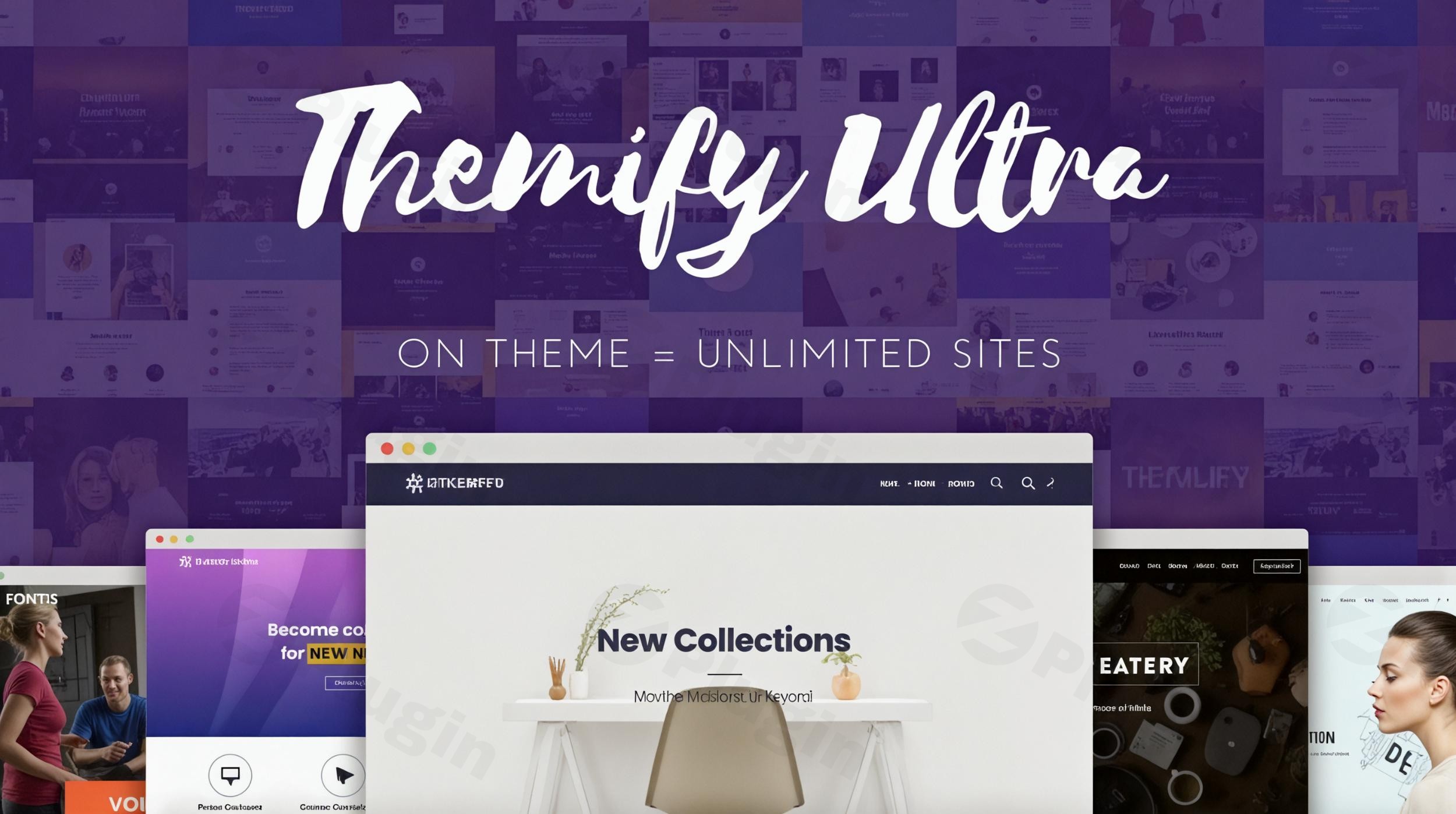
The Themify Ultra WordPress Theme stands out as a supremely powerful and flexible solution, designed to empower both novice users and seasoned developers to create virtually any type of website with speed and elegance. It’s an ideal choice for a diverse audience, including small business owners, bloggers, photographers, creatives, freelancers, agencies, designers, and developers looking for an all-in-one platform to build professional, responsive, and high-performing online presences.
Key Features: Design, Layout & Performance
Themify Ultra offers unparalleled control over your website’s aesthetics and structure, from the very top header to the footer. Its design philosophy centers around intuitive visual building, performance optimization, and extensive customization, ensuring your site looks stunning and loads fast.
Design & Layout Options
Themify Ultra provides a wealth of design and layout options, ensuring your website can achieve a unique look and feel.
- Header & Page Styles: Choose from 17 distinct header/page designs, including a sticky header for enhanced navigation and a “no header” option perfect for creating focused landing pages. This list is continuously expanding to offer more creative freedom.
- Header Backgrounds: Select from 6 header background options, including dynamic choices like images, solid colors, sliders, videos, animating colors, and transparent effects.
- Content Layouts: Customize your content presentation with 5 single post layouts and 6 archive layouts, such as slider, fullwidth, masonry, grids, polaroid, and overlay.
- Section Scrolling: Implement engaging “section scrolling” functionality, similar to a presentation slideshow, allowing visitors to navigate through your content one row at a time, with both horizontal and vertical options.
- Prebuilt Templates & Skins: A major time-saver, Ultra comes with over 60 professional-looking pre-designed layouts and skins. These cater to various niches like construction, restaurants, education, and spas, allowing for a complete site setup within minutes via a single-click demo import.
Customization Capabilities
Themify Ultra excels in offering deep customization, enabling you to brand your site precisely.
- Full Control: Enjoy full control from header to footer, applicable either site-wide or on individual pages, offering immense flexibility for consistent branding or unique page designs.
- Color Schemes: Extensive customization options for site background color, link properties, and a dedicated color palette within the Themify Builder for easy adjustment.
- Typography: Access to over 1,500 Google Fonts, with the unique ability to store fonts on your local server for better privacy and performance. Advanced controls for font size, line height, letter spacing, and a selection of preset typography options.
- Visual Effects: Leverage impressive design capabilities like video backgrounds, parallax scrolling, animating background colors, and the application of image filters (Grayscale, Blur, Sepia) without altering your original image files.
- Themify Builder: At its core, the proprietary Themify Builder is a drag-and-drop visual page builder. It empowers users to craft sophisticated layouts and designs without needing to write a single line of code, offering both front-end and back-end editing.
Performance & SEO Features
Themify Ultra is renowned for its Themify Ultra speed performance and robust SEO readiness, making it a strong choice for websites where speed and visibility are paramount.
- Ultra-Fast Performance: Marketed as an “ultra-fast” theme, Ultra is optimized for page speed and SEO. It consistently achieves high scores (90+) on Google PageSpeed Insights and an “A+” on GTmetrix in demo tests, making it one of the fastest themes available.
- Built-in Optimizations: Features like lazy loading, WebP image support, minification, Gzip compression, and a sophisticated caching system are built-in, directly contributing to faster loading times and improved SEO rankings.
- Mobile Responsiveness: Designed with responsive styling from the ground up, ensuring your website automatically adjusts and displays flawlessly across all devices—desktops, tablets, and mobile phones—delivering an optimal user experience every time.
- SEO Friendly Structure: While primarily relying on its own builder, the theme is structured with clean markup and supports heading hierarchy, contributing to a solid foundation for SEO.
Installation & Demo Import
Setting up Themify Ultra is designed to be straightforward, especially with its one-click demo import feature, which is a massive time-saver for anyone building a new website.
- Install & Activate the Theme: Like any standard WordPress theme, you’ll first upload and activate Themify Ultra from your WordPress dashboard under
Appearance > Themes > Add New. - Install Required Plugins: Themify Ultra may prompt you to install companion plugins, most notably the Themify Builder itself, which is essential for leveraging the theme’s full design capabilities.
- One-Click Demo Import: This is where Ultra shines. Once activated, navigate to the theme’s import options (usually found within Themify settings or the WordPress Customizer). With just a single click, you can import a pre-made demo site or “skin.”
- What to Expect: The demo import process brings in a complete setup: theme settings, sample content (pages, posts), menus, and widgets, replicating the theme’s demo site exactly. This provides an excellent starting point, allowing you to quickly replace placeholder content with your own. Ensure your hosting environment has sufficient memory and execution time to prevent any import issues, especially for larger demos.
Customization Guide: Branding & Layout
Themify Ultra offers extensive avenues to personalize your website, whether through global styles or granular per-page adjustments.
- WordPress Customizer & Themify Panel: Begin your customization journey in the native WordPress Customizer for global settings like site background color and link properties. Themify also provides its own comprehensive theme panel for broader site-wide and individual page controls.
- Colors, Fonts & Logo: Easily update your brand identity by changing site-wide colors, selecting from over 1,500 Google Fonts, and uploading your custom logo. You can also store Google Fonts locally for performance benefits.
- Header, Footer & Mega Menu Builders: Leverage the 17 header design options and 6 distinct footer layouts to match your brand’s aesthetic. The built-in mega menu builder allows for sophisticated multi-column menus, embedding widgets, and displaying recent posts directly within your navigation. For more advanced users, Themify Ultra also supports creating custom sidebars and a sticky sidebar feature.
- Themify Builder: Drag-and-Drop Power: The Themify Builder is your go-to for designing layouts. This visual, drag-and-drop interface works on both the front-end (live editing) and back-end, offering flexibility for content arrangement. It comes with 12 bonus Themify Builder add-ons (e.g., sliders, countdown timers, contact forms, WooCommerce modules) that extend functionality without needing separate plugins.
- Custom Post Types & Widget Areas: Utilize the optional portfolio post type to showcase your work effectively. The theme provides flexible widget areas across your site, including footer layouts that support widget placement.
- Developer-Friendly Options: For power users, Themify Ultra supports child themes (which can be generated directly from Themify settings), allowing for safe, extensive modifications. You can also add custom CSS directly to the site for advanced styling and leverage hooks and filters for deeper development needs.
FAQ & Troubleshooting
Here are answers to some common questions about the Themify Ultra WordPress Theme:
Is Themify Ultra compatible with other page builders like Elementor or Gutenberg?
Themify Ultra primarily relies on its proprietary Themify Builder for page construction, which acts as a powerful alternative to third-party page builders like Elementor or WPBakery. While the theme is compatible with the Block Editor (Gutenberg) for basic content, its advanced layouts are best created with the integrated Themify Builder. Note that its built-in Mega Menu functionality might conflict with external mega menu plugins, requiring a manual adjustment to disable Ultra’s feature if a third-party solution is preferred.
Does Themify Ultra support WooCommerce for online stores?
Yes, Themify Ultra offers seamless integration with WooCommerce. It includes custom shop layouts, product pages, and checkout options, making it an excellent choice for building fully functional and visually appealing online stores.
Can I use a child theme with Themify Ultra?
Absolutely. Themify Ultra fully supports child themes, which are recommended for making extensive customizations. This ensures that your modifications are safe and won’t be overwritten when the main theme receives updates. You can even generate a child theme directly from the Themify settings panel.
Is Themify Ultra SEO friendly?
Yes, Themify Ultra is designed with SEO in mind. It is marketed as an “ultra-fast” theme, optimized for page speed with features like lazy loading, WebP image support, minification, Gzip compression, and a caching system, all of which contribute positively to SEO rankings. It also provides a clean, structured code foundation for search engines.
What is included in the Themify Ultra pricing plans?
Themify Ultra offers flexible pricing:
- Single Theme Purchase ($59/year): Includes the Themify Ultra theme, 12 Themify Builder add-ons, one year of updates, and email support for unlimited websites.
- Master Club Membership ($89/year): Grants access to all 42 Themify themes, 11 plugins, and 25 builder add-ons, plus 5 Post Type Builder add-ons, with one year of updates and support for unlimited sites.
- Lifetime Club Membership ($249 one-time): A one-time payment for lifetime access to all Themify themes, Photoshop files, 11 plugins, and 25 builder add-ons, with ongoing updates and support.
Conclusion
The Themify Ultra WordPress Theme stands as a robust and versatile solution for anyone looking to build a professional, high-performance website without deep coding expertise. Its comprehensive design flexibility, extensive customization options, and impressive speed and SEO readiness make it a formidable contender in the WordPress theme market.With its integrated Themify Builder and over 60 pre-designed skins, Ultra is an exceptional choice for beginners and small business owners who need to launch quickly. Meanwhile, its advanced customization, child theme support, and developer-friendly features cater equally well to freelancers, agencies, designers, and developers building client sites. The theme’s strong performance benchmarks and seamless WooCommerce integration further solidify its position as an all-in-one platform for diverse web projects. If you prioritize an integrated, high-performing solution that offers design freedom from header to footer, Themify Ultra is a confidently recommended choice.
I. Download Limits & Account Benefits
- Free Downloads: Each email address receives 3 downloads per day for free products
- Upgrade Benefits: Purchase any paid product to increase your daily download limit by 3 for each paid product
- No Account Required: You can download immediately by receiving the download link via email
- Account Recommended: Create an account for easier access to your order history and direct update downloads
II. Understanding GPL vs Official Versions
Important: The products available on WPPick are GPL-licensed versions, which differ from official developer versions. Before purchasing, please read our comprehensive guide: Understanding GPL & Official Differences at WPPick
Key Points:
- GPL versions may not include premium support from original developers
- Updates may be delayed compared to official releases
- Some premium features might have limitations
- Always consider your specific needs and support requirements
III. Support & Assistance
We’re here to help through multiple channels:
- Email Support: Direct email assistance for all inquiries
- Live Chat: Real-time support during business hours
- Comprehensive Documentation: Detailed guides and tutorials
IV. Order Tracking
Access your complete purchase history and download links anytime: Order History
V. Account Access
New to WPPick? Login or Create Account to manage your downloads and orders efficiently.
VI. Refund Protection
We stand behind our products with a clear refund policy. Review our terms: Refund Policy
VII. Privacy & Security
Your data security is our priority. Learn how we protect your information: Privacy Policy
VII. Terms of Service
Understanding our service terms ensures a smooth experience: Terms of Use
Quick Tips for Best Experience
- Verify Compatibility: Check plugin/theme compatibility with your WordPress version
- Backup First: Always backup your site before installing new plugins or themes
- Test Environment: Consider testing on a staging site first
- Stay Updated: Regularly check for updates in your account dashboard
- Read Documentation: Review any included documentation for optimal setup
Need Help?
If you have questions about downloads, licensing, or need technical assistance, don’t hesitate to contact our support team. We’re committed to ensuring you have the best possible experience with WPPick products.
Ready to get started? Your download adventure begins with just one click!
- Builder: Gallery: Horizontal scroll gallery layout
- Builder: Add additional attributes in Button module
- Builder: Clear layout button Builder toolbar
- Builder: Add disable full_width page layout suggestion option
- Builder: Images with metadata can not be saved on some servers
- Builder: Menu dropdown not working on hybrid touch devices (eg. Surface)
- Builder: Prevent unauthenticated overwrite of generated CSS files
- On mobile, Woo product image zoom causes page to freeze after closing
- Builder Pro: row_inner responsive issue
- Builder Pro: Dynamic row overlay background image doesn't work
- YouTube video lightbox in post are no longer playing
- WooCommerce: checkout page css
- Smaller rounded corner variable appearance
- Remove margin-bottom on generic post container
- Enhance turn on builder and edit link highlight stroke
- Dental skin & demo
- Mobile menu active link color
- Image: Backdrop blur to full overlay image
- wc-accordion-tabs.php out dated template message